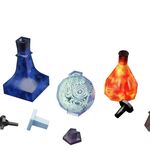
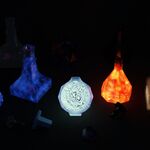
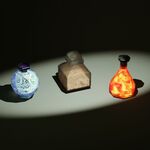
Animated Bottles X5 - Elements of Nature (Blender + UnityPackage)
 Surrealisium


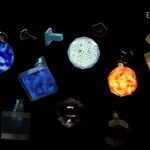
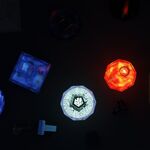
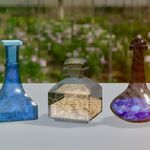
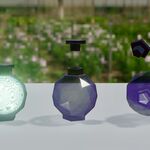
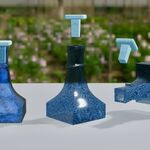
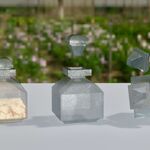
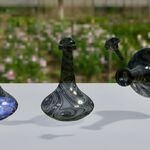
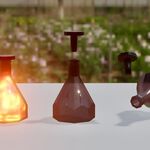
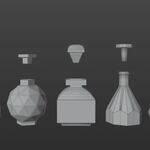
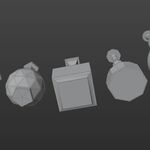
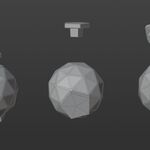
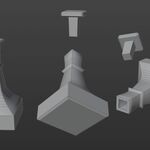
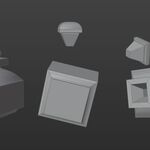
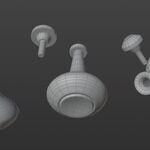
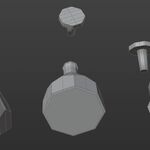
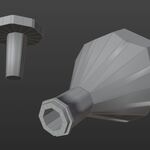
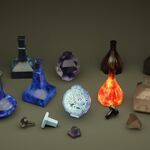
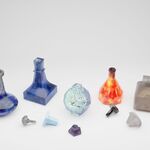
Quick Start Guide
Blender (Native)
-
Eevee Setup: This asset uses procedural glass and refraction and glow. Ensure Screen Space Refractions and Bloom are enabled both in the Render Properties.
Refer to
Eevee_Settings.jpgin the root folder for a visual guide. -
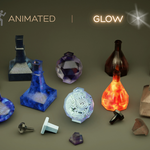
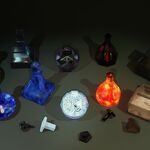
Animation: The perpetual motion of the elements is driven by procedural nodes within Blender. You can customize speed and behavior in Materials tab and the Shader Editor.
-
Appending: Use
File > Appendto bring individual bottles into your scene from their respective.blendfiles.
Unity (Optional Variant)
Importing: Go to
Assets > Import Package > Custom Packageand select the.unitypackage.Scene Setup: Navigate to
Surrealisium > Elements_Of_Nature > Scenesand open the demo scene to see the pre-configured materials.-
Note: Materials in Unity are static (Standard/URP) and do not include the procedural animation found in the Blender version.
Technical Specifications
Formats: .blend (3.6 LTS+), FBX, OBJ, USDC, GLB, and Unitypackage.
Textures: 2K PBR textures (Albedo, Normal, Roughness, AO, Emission) in
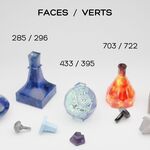
.pngand.tgaformats.Geometry: Low-poly optimized (ranging from 562 to 2306 tris per bottle).
Support & License
-
License: Royalty Free for commercial and personal projects. Resale or redistribution of the source files or procedural nodes is strictly prohibited.
-
Contact: For technical inquiries or support, reach out to
[email protected].
Have questions about this product?
Login to message
| Dev Fund Contributor | |
| Published | 6 months ago |
| Blender Version | 3.6 |
| Render Engine Used | Cycles, Eevee |
| Misc Data | Uvs-Unwrapped, Animated, Normal-Mapped, Textured |
| License | Royalty Free |
Discover more products like this
pbr-textures 3d-animated eevee 3D asset for Unity plug and play fantasy bottles realistic glass liquid animation bottle set