 Ferdinand Kasangati
 VL-STUDIO

polygoniq
9 months ago
Thank you guys! :) Always improving!

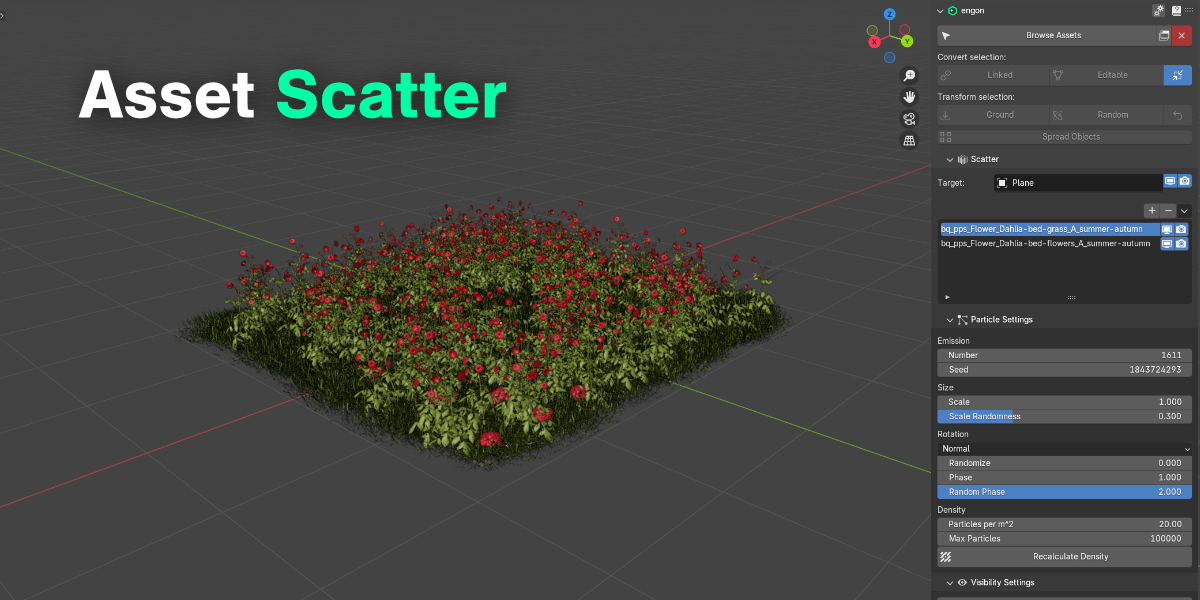
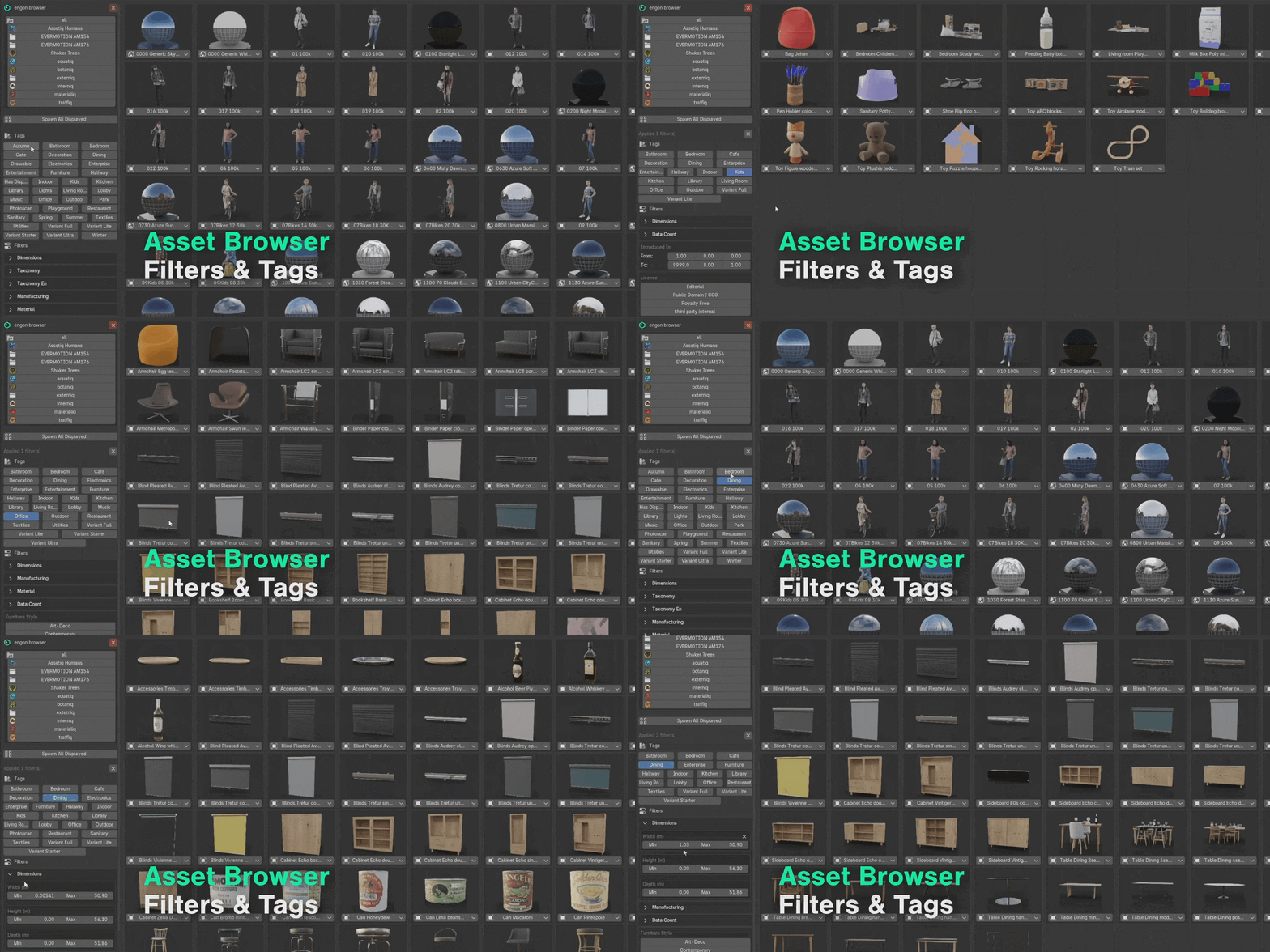
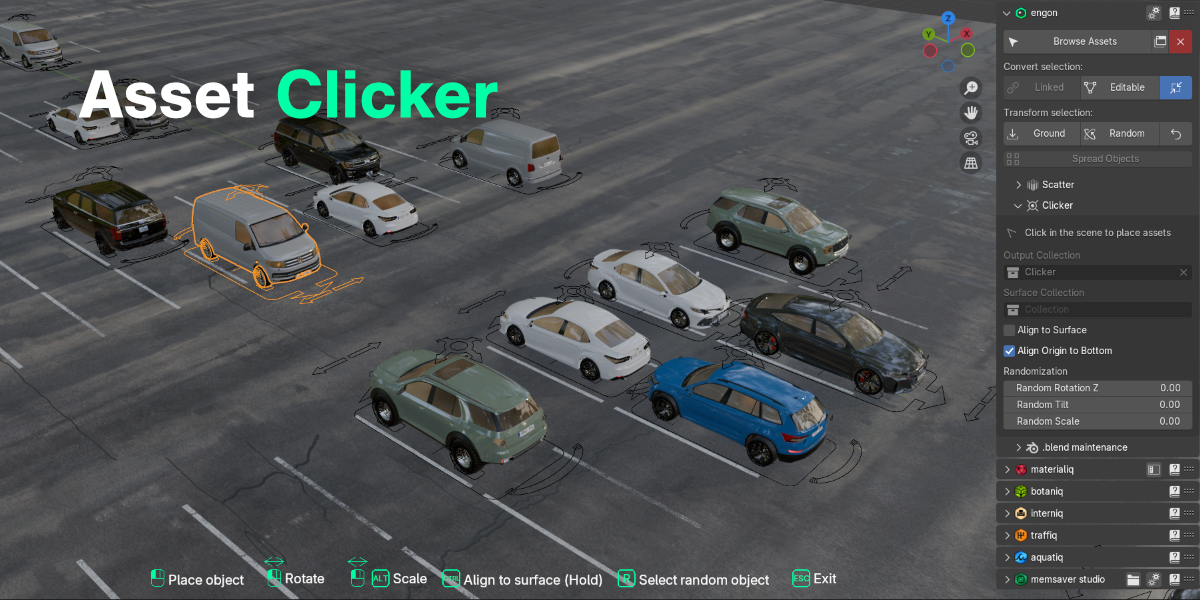
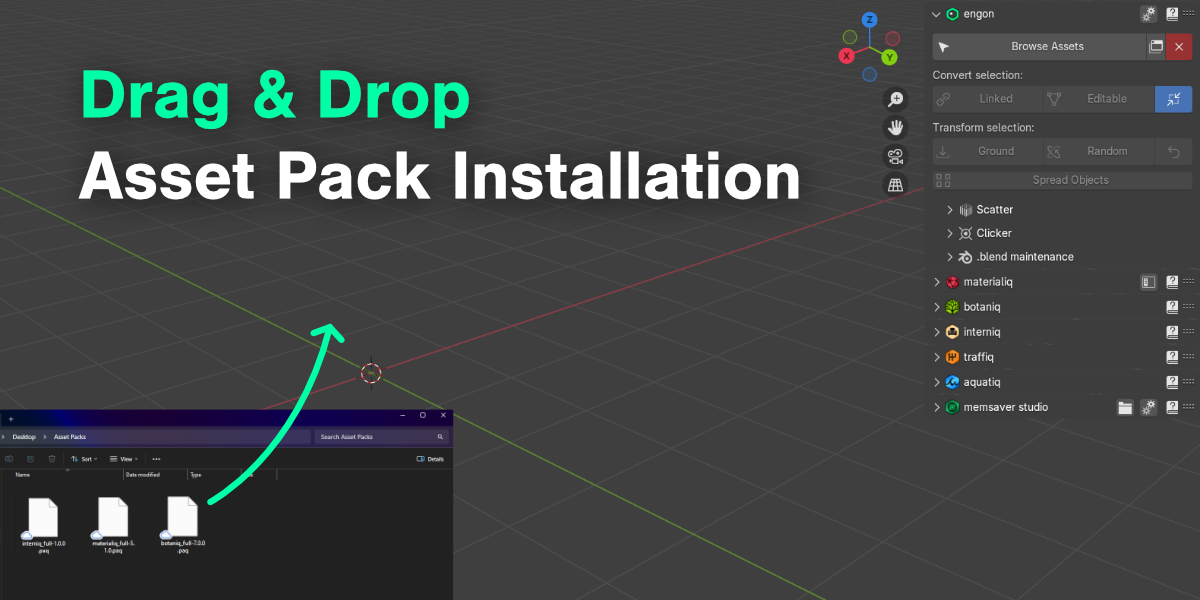


This item has an average rating of 4 from 10 ratings by the community.
Purchase this item to leave a review!
polygoniq
9 months ago
Thank you guys! :) Always improving!
polygoniq
11 months ago
Hey Gerald,
We're glad you find engon useful and we will keep on making it more useful ☺️
All the best,
Adam
polygoniq
11 months ago
Hey JanaS,
Thank you very much for the support and we're glad you're enjoying engon 🤗
All the best,
Adam
polygoniq
11 months ago
Hey Eduardo,
Not just free but also powerful 😅
All the best,
Adam
polygoniq
about 2 years ago
Sorry for the inconvenience. The same as for ttyrtyrty applies:
This likely happens when there is an other instance of engon, megaddon, or some old asset pack addon installed.
Make sure:
- you have no other engons installed (as an addon, or as an extension)
- other polygoniq addons are up to date
- there are no old deprecated polygoniq addons (botaniq_addon, traffiq_addon, megaddon, ...)
You can find all the information in the documentation https://docs.polygoniq.com/engon/1.3.0/getting_started/installation/index.html#addon-installation-conflicts.
To address this we have released a new update recently, that tries to report such issues on startup, however, if an older addon registers before the updated engon, it doesn't have a chance to report. Still, this has to be resolved manually.
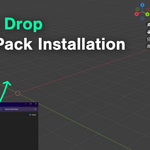
If the addon's setup is corrected this way, then preferences are saved as they should be and are kept when the addon is updated. You can also use the 'Import' and 'Export' search paths to backup your asset pack paths on a local drive and reload them if needed.
polygoniq
about 2 years ago
Sorry for the inconvenience. The same as for ttyrtyrty applies:
This likely happens when there is an other instance of engon, megaddon, or some old asset pack addon installed.
Make sure:
- you have no other engons installed (as an addon, or as an extension)
- other polygoniq addons are up to date
- there are no old deprecated polygoniq addons (botaniq_addon, traffiq_addon, megaddon, ...)
You can find all the information in the documentation https://docs.polygoniq.com/engon/1.3.0/getting_started/installation/index.html#addon-installation-conflicts.
To address this we have released a new update recently, that tries to report such issues on startup, however, if an older addon registers before the updated engon, it doesn't have a chance to report. Still, this has to be resolved manually.
If the addon's setup is corrected this way, then preferences are saved as they should be and are kept when the addon is updated. You can also use the 'Import' and 'Export' search paths to backup your asset pack paths on a local drive and reload them if needed.
polygoniq
about 2 years ago
Thanks for the review and sorry for the inconvenience. This likely happens when there is an other instance of engon, megaddon, or some old asset pack addon installed.
Make sure:
- you have no other engons installed (as an addon, or as an extension)
- other polygoniq addons are up to date
- there are no old deprecated polygoniq addons (botaniq_addon, traffiq_addon, megaddon, ...)
You can find all the information in the documentation https://docs.polygoniq.com/engon/1.3.0/getting_started/installation/index.html#addon-installation-conflicts.
To address this we have released a new update recently, that tries to report such issues on startup, however, if an older addon registers before the updated engon, it doesn't have a chance to report. Still, this has to be resolved manually.
If the addon's setup is corrected this way, then preferences are saved as they should be and are kept when the addon is updated. You can also use the 'Import' and 'Export' search paths to backup your asset pack paths on a local drive and reload them if needed.
polygoniq
3 months ago
Hey Nick. Thanks for the honesty. It would be super beneficial if you could provide us with more concrete feedback on what is tragic compared to the old botaniq version, or what didn't match your expectations, so we can improve going forward.
Feel free to reach out on our Discord server, where we can discuss your feedback further.
polygoniq
over 1 year ago
Hi Shawn, thanks for the review.
We are trying to improve engon incrementally and are pushing new updates frequently.
Could you please join our Discord or write to us through the Superhive inbox what you expected and what did not work for you? Otherwise, we can't derive any value from your feedback.
Thanks
Have questions about this product?
Login to message
| Blender Extension Compatible | Yes |
| Sales | 100+ |
| Downloads | 44900+ |
| Rating | 10 ratings |
| Dev Fund Contributor | |
| Published | almost 3 years ago |
| Blender Version | 4.2 - 5.2 |
| Extension Type | Add-on |
| License | GPL |
Features summer24 3d asset library polygoniq bfcm24 summer2024 3D Workflow Optimization winter24 engon spring24
 GERALD CHAVARRIA RODRIGUEZ
 JanaS
JanaS
 EDUARDO
 Nguyen Bao
 JEANHYUK YUN
 ttyrtyrty
 Nick
Nick
 Shawn
Shawn