Entropy Designer Engine 2.3.0
 Ritual Studio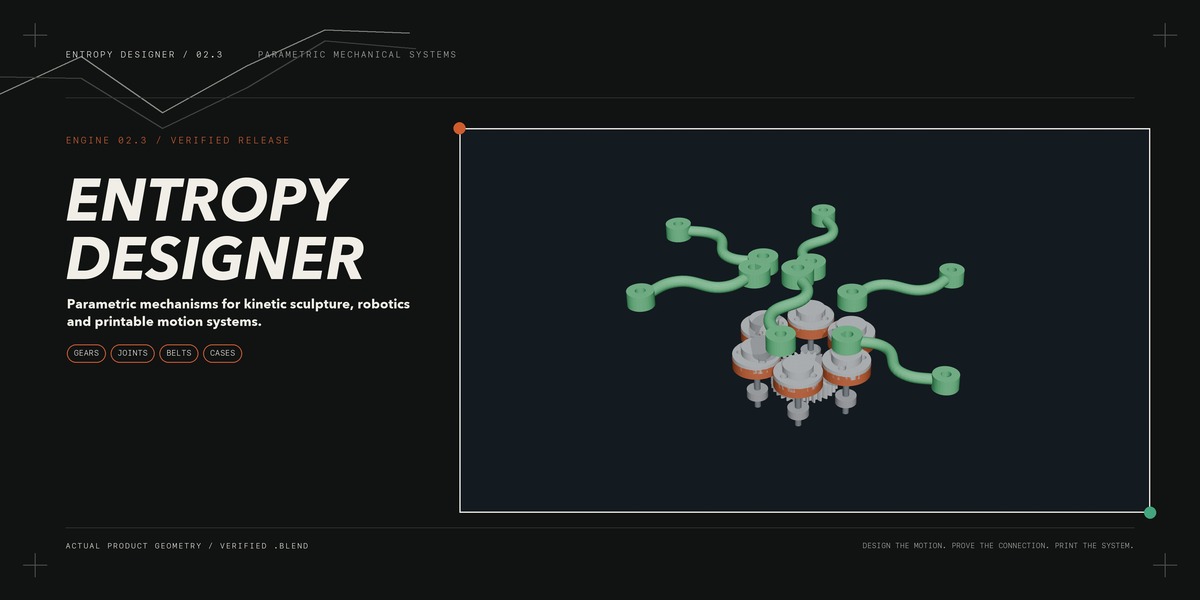

14. What license does Entropy Designer use?
The add-on code is distributed under GPL-3.0-or-later. Refer to the included LICENSE file and product-page terms for the complete licensing details.
13. Does the add-on require external Python packages?
No external Python packages are required for the core Blender extension. Physical motors, bearings, fasteners, belts and supplier-specific CAD models are not included.
12. What files are included?
The package includes the Entropy Designer extension, a prepared product.blend demonstration file, quick-start documentation, workflow examples, compatibility information and high-resolution reference images.
11. What happens when a mechanism fails validation?
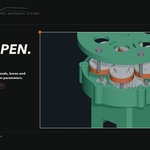
The status panel identifies the first blocking problem, such as missing contact, incorrect spacing, belt-length mismatch or an overloaded stage. Correct the highlighted parameter, regenerate the system and run Preflight again.
10. Is Entropy Designer an FEA or CFD simulator?
No. It provides parametric geometry, kinematic animation and reduced-order engineering checks for early design decisions. Final load-bearing, high-speed or safety-critical parts should still be validated with suitable engineering software and physical testing.
9. Can I create planetary gearboxes for robotic joints?
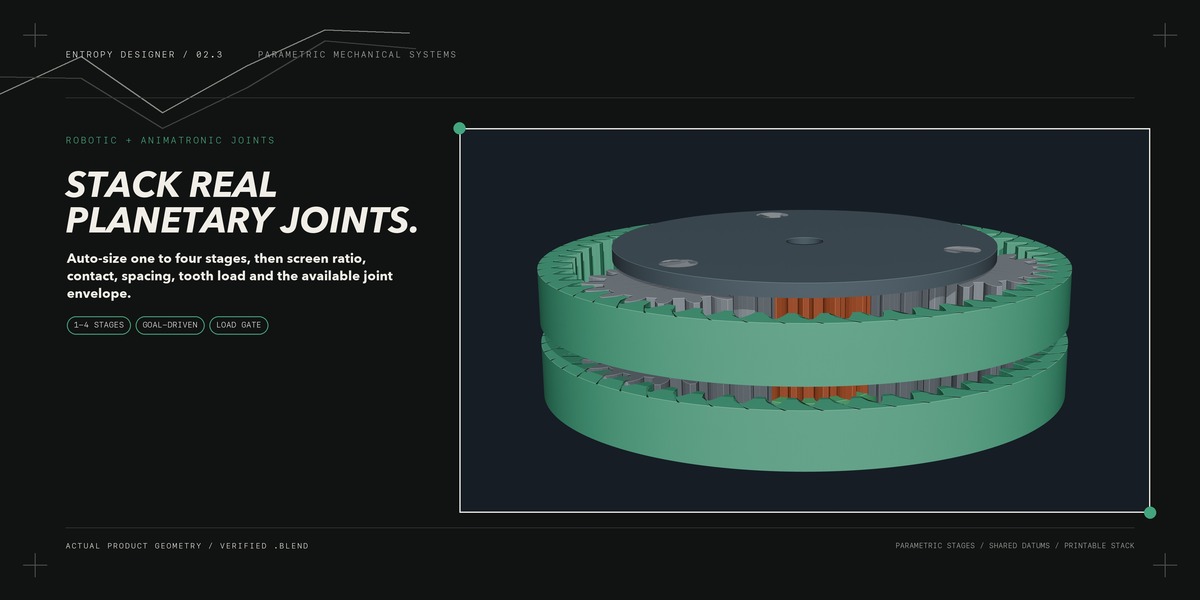
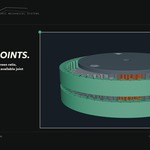
Yes. Entropy Designer supports one-to-four-stage planetary systems, target-ratio sizing, diameter limits and checks for tooth compatibility, planet spacing, contact, load and housing envelope. Full robot dynamics and structural certification are outside its scope.
8. Does it support real timing belts?
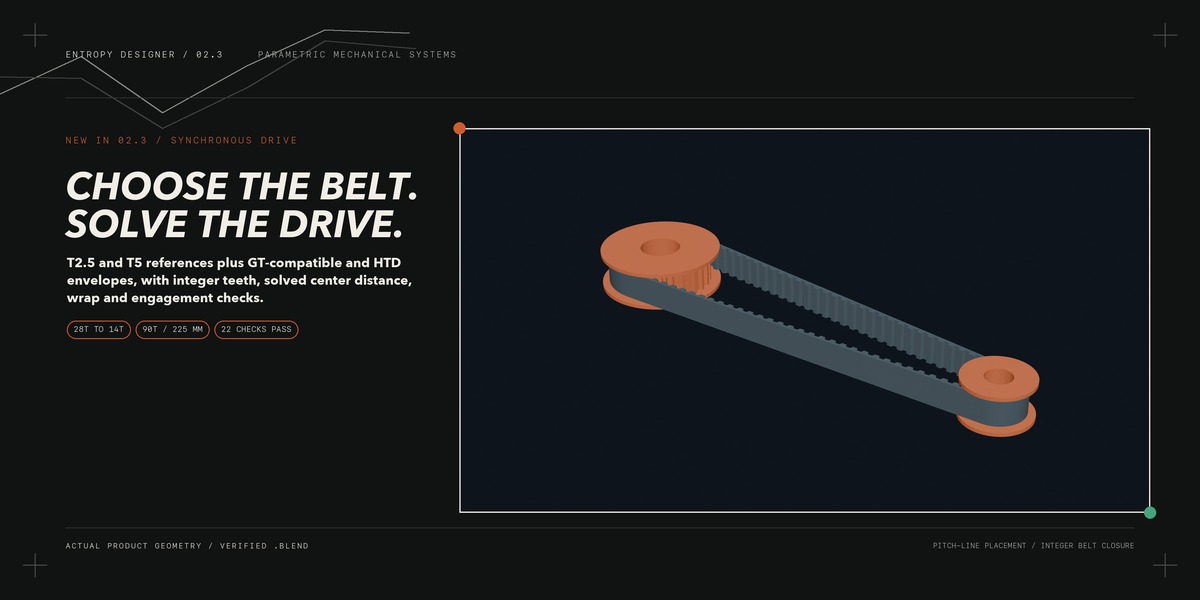
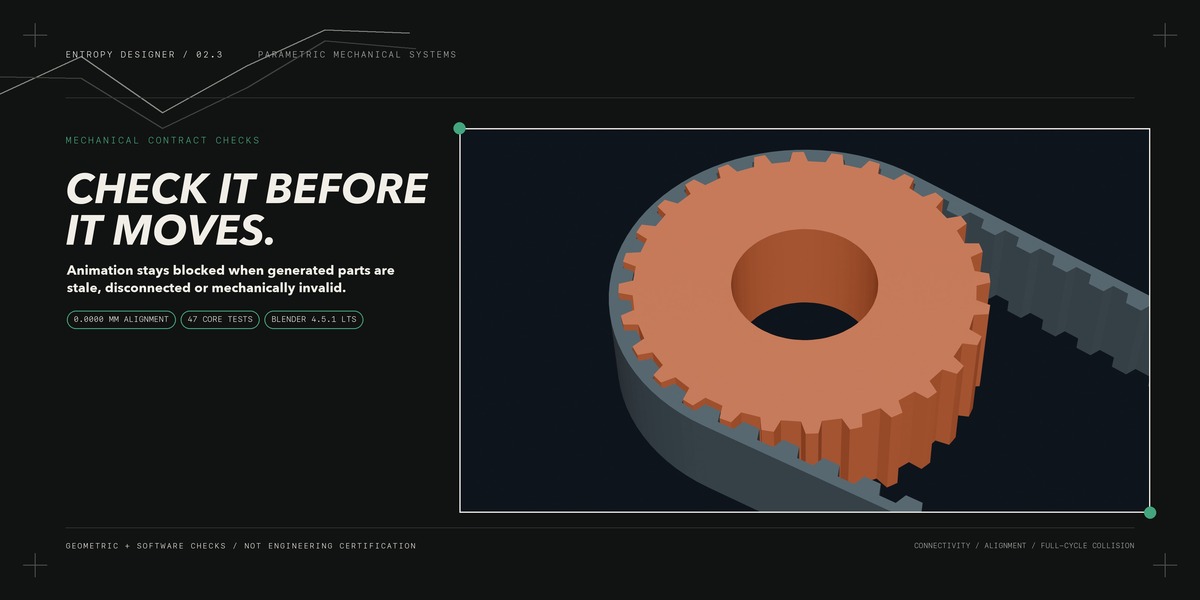
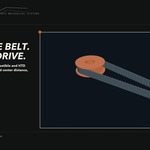
T2.5 and T5 include printable reference profiles. GT-compatible and HTD 3M/5M options are treated as layout envelopes and should be verified against your belt supplier’s specifications. Reinforced timing belts should normally be purchased rather than printed.
7. Does passing Preflight guarantee a successful 3D print?
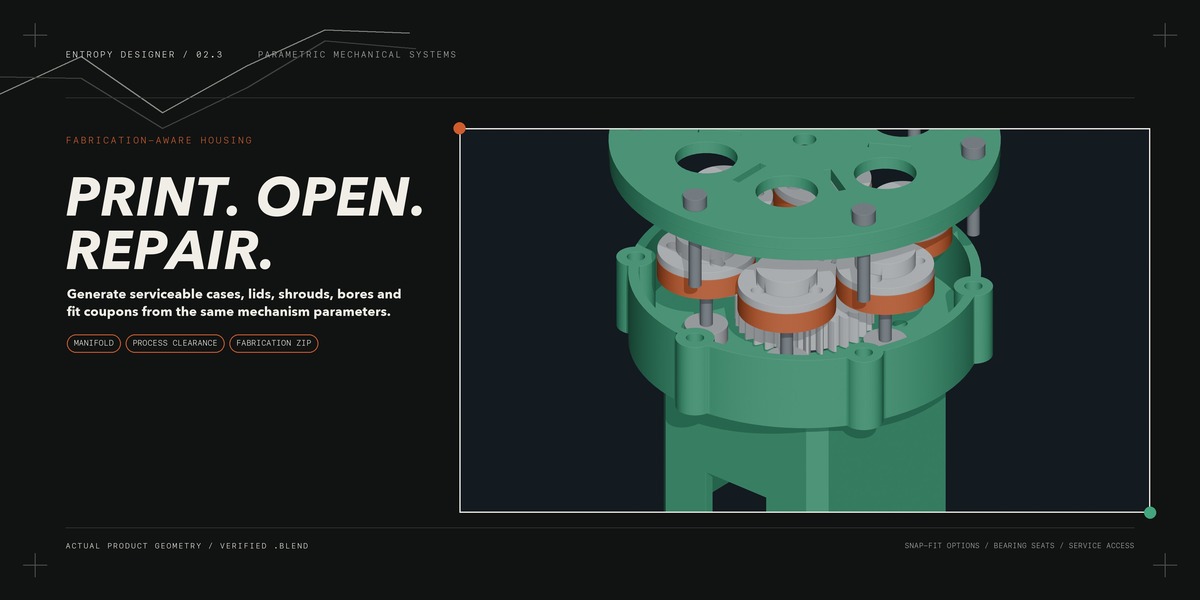
No software can guarantee that. Printer calibration, material shrinkage, hardware tolerances, assembly and loading all affect the result. Entropy Designer provides clearance controls, manufacturing checks and calibration coupons to reduce costly trial and error.
6. Does the animation follow the actual gear ratio?
Yes. Generated drivers calculate rotation from tooth counts, transmission ratios and output direction. Disconnected, misaligned, stale or mechanically invalid systems are blocked from animation until the reported issue is corrected.
5. Which Blender versions are supported?
The minimum supported version is Blender 4.3. Entropy Designer 2.3 has been tested with Blender 4.5.1 LTS and Blender 5.1.2 on Apple Silicon macOS. Windows and Linux users should test the included demo before production use.
4. Can I connect my own sculpture or model?
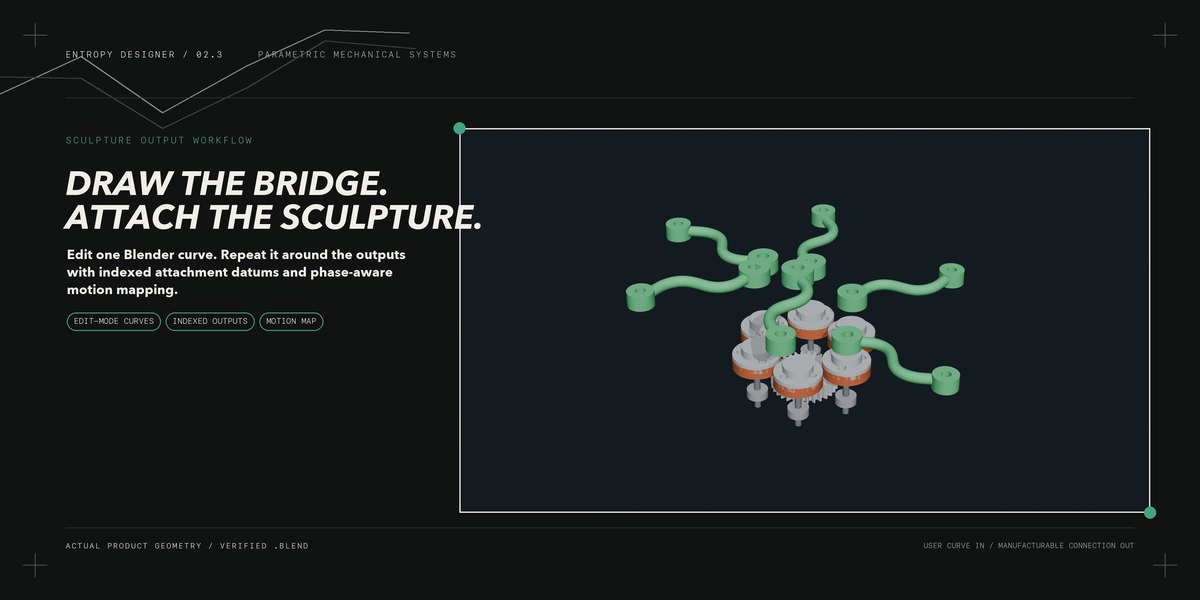
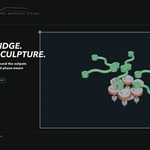
Yes. Your object can be attached to a numbered mechanical output or custom curve bridge. Position its origin at the intended joint, select the output and let Entropy Designer create the motion relationship.
3. What mechanisms can I create?
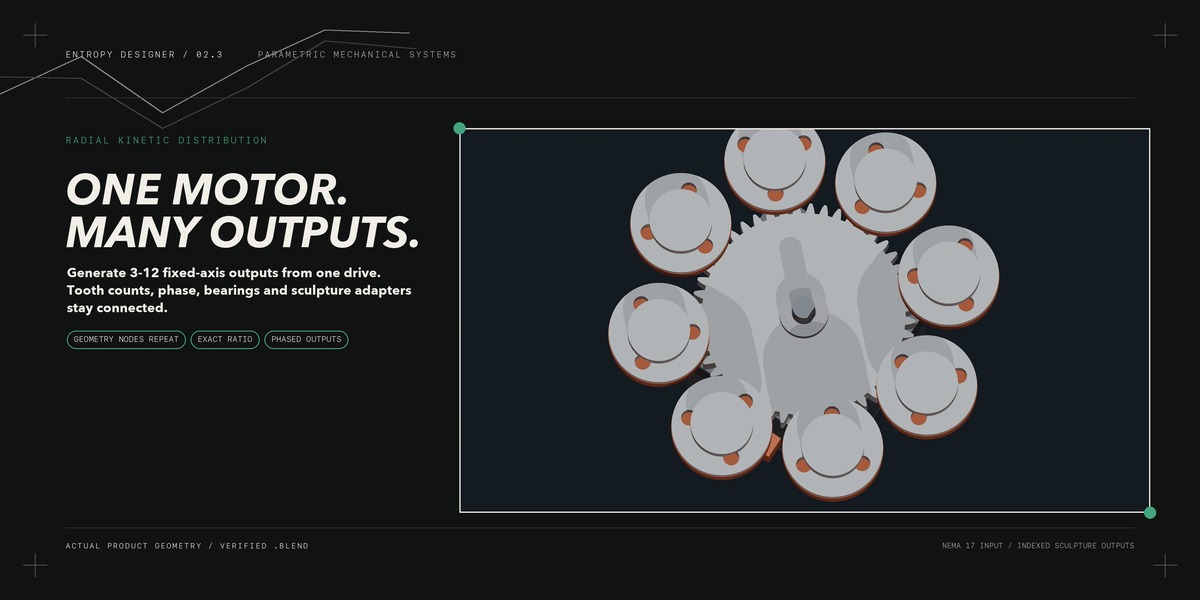
You can generate customizable spur gears, radial multi-output drives, timing-belt systems, crank mechanisms, curve-authored bridges, housings and one-to-four-stage planetary gear assemblies.
2. Who is Entropy Designer made for?
It is designed for kinetic sculptors, makers, animatronics builders, robotics prototypers, product designers and Blender users developing functional, 3D-printable rotary mechanisms.
1.What is Entropy Designer?
Entropy Designer is a Blender extension for creating connected, editable mechanical systems—not just decorative gear meshes. It generates mechanisms, motion relationships, output interfaces, housings and fabrication checks from shared parameters.
 Included
Includes 12 months of
- Support from Ritual Studio
- Product updates
Extend this product’s Support Period +12 months: 50% of product price
Have questions before purchasing?
Login to message
| Published | about 2 months ago |
| Blender Version | 4.3 - 5.1 |
| Render Engine Used | Cycles |
| Misc Data | Manifold-Mesh, Rigged, Animated |
| License | GPL |