Evee Particle Node
 Harsh Pandya
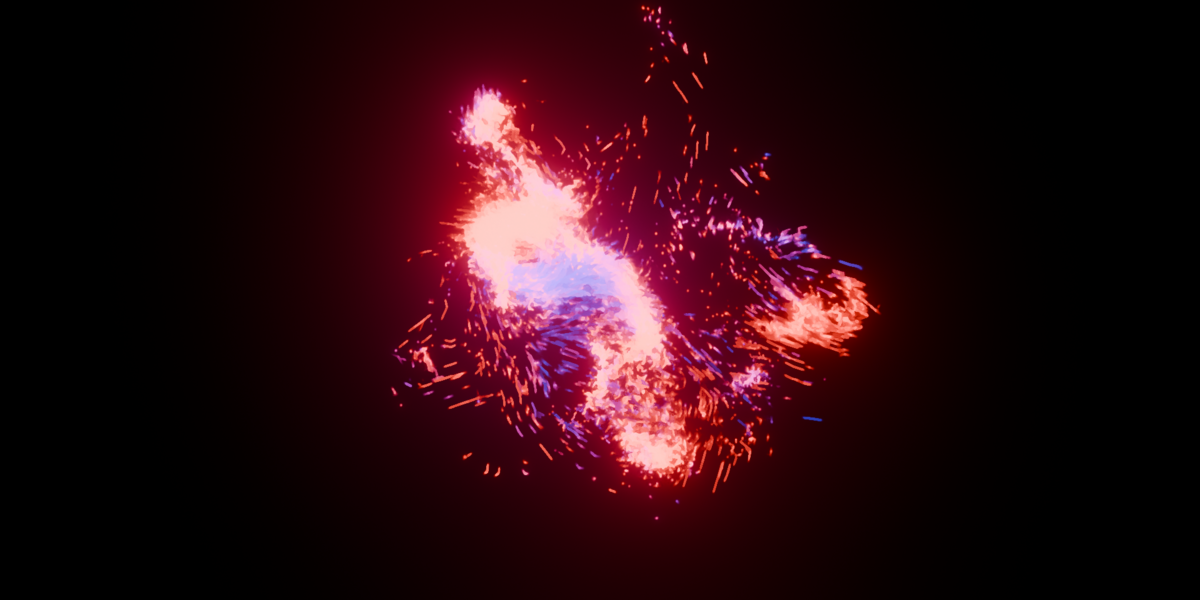
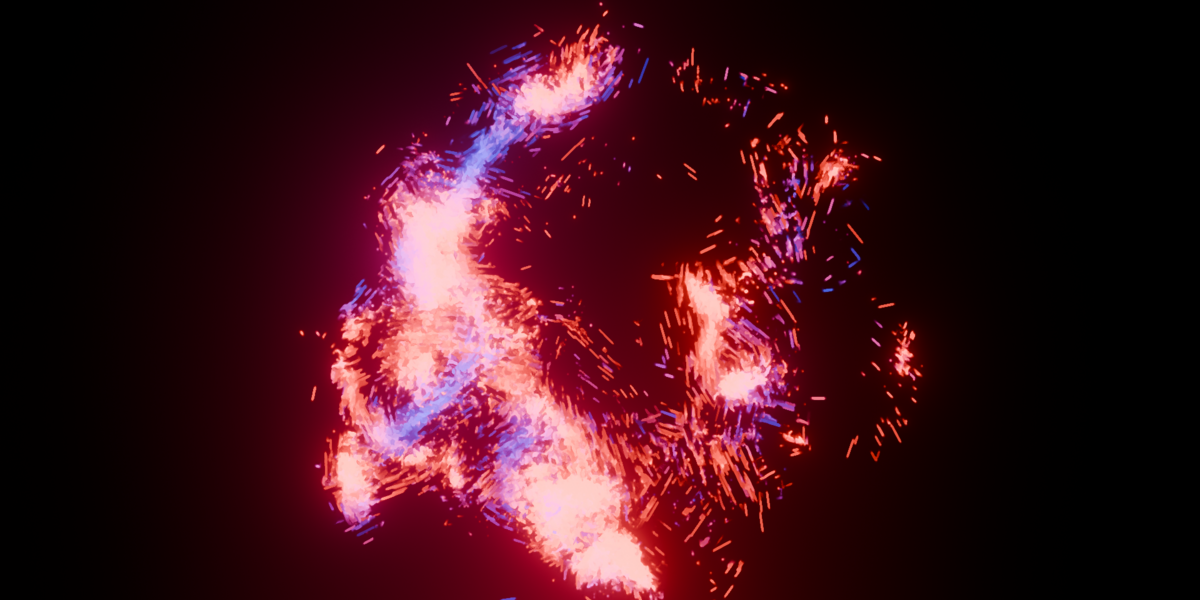


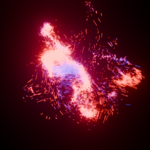
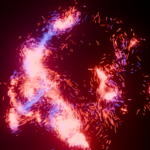
EEVEE Particle Bridge 1.0.1
Use Particle Info in EEVEE materials with Blender 4.5 or newer.
Install
In Blender Preferences, choose Install from Disk, select the extension ZIP, and enable EEVEE Particle Bridge. Disable an existing standalone installation of the same add-on before enabling the extension.
Use
- Select an emitter particle system with Render As: Object and a mesh source.
- Open N → Particles in the 3D View.
- Click Set Up Particle Bridge.
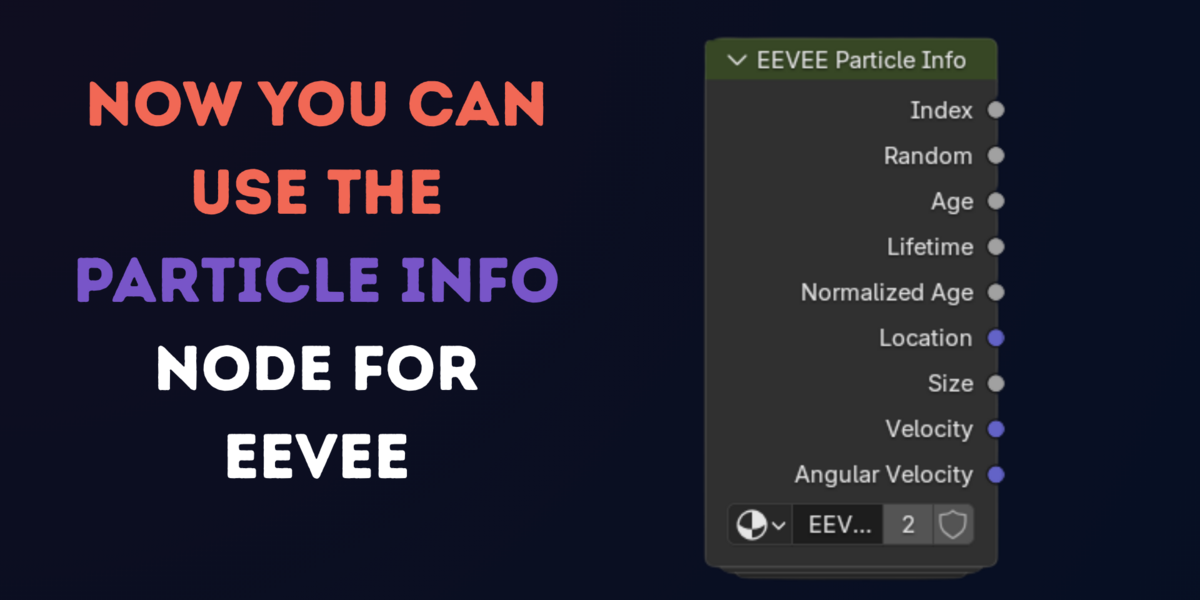
- Use native Particle Info nodes in the source object’s material. The bridge adapts private copies for EEVEE.
Turn Off restores native particle rendering. Remove Bridge restores the original particle settings and removes generated objects and material copies. Edit the source material, then use Refresh if needed.
Particle Age is measured in frames. To drive a Color Ramp over a particle’s lifetime, divide Age by Lifetime before connecting the result to the ramp’s Fac input.
You can also use the EEVEE Particle Info group directly in the source material. After setting up the bridge, add it from the Shader Editor’s Add > Group menu. Its Normalized Age output connects directly to Color Ramp Factor without a Divide node. Both node options require an enabled bridge; click Refresh after edits. The source object alone does not receive the generated particles’ attribute data.
Tested in Blender 4.5.3 LTS, 5.0, 5.1 and 5.2. All four passed the nine-output shader checks. Additional tests include the 4.5.3 integration suite, 40-frame windowed video renders in 5.0 and 5.1, and still/short-animation density tests in 5.2. Test coverage is specific to those scenes and settings.
Performance
The bridge bulk-reads particle states and attributes, reuses NumPy buffers, and keeps particle IDs stable. The particle system’s Viewport Display → Amount controls preview density; rendering uses the render evaluation. Lower the viewport amount when working with large systems. Simulation and instance geometry still contribute to playback cost.
Under Advanced, bake the simulation before scrubbing backward. Clear the bake before changing the simulation. The panel reports the last update error when a source or system is missing.
Rendering safely
The add-on keeps Render > Lock Interface enabled whenever at least one bridge is On, including between renders. If you uncheck it, the add-on turns it back on automatically. This prevents editing the scene while the render job uses particle data. Turning off or removing every active bridge restores the previous checkbox setting.
Unused generated meshes and materials are cleaned up after the render job finishes. Animated source geometry can therefore use additional memory during long animation renders.
Supported systems
Supports parent emitter particles and a mesh source, including evaluated mesh modifiers. Hair, child particles, and collection sources are not supported. One bridge binds to one particle system per emitter; remove and recreate it to change that binding. Removing a bridge discards changes to its private particle settings and restores the saved original settings datablock.
The source object’s visibility and original materials are preserved. Random values are deterministic but may differ from Blender’s native random sequence. Stable IDs are supplied; motion blur remains dependent on renderer and simulation settings.
Version 1.0.1
- Defer generated-data deletion until rendering has ended and enable the interface lock before the render job starts.
- Support the Geometry Nodes modifier input API in Blender 5.2.
- Avoid deprecated material node checks in Blender 5.x.
- Remove obsolete scalar attributes while retaining the packed shader outputs.
Support
Email: [email protected]
Include your Blender version, operating system, a screenshot, and the steps that reproduce the issue.
Copyright 2026 Harsh Pandya. Licensed under GPL-2.0-or-later; see LICENSE.
Have questions about this product?
Login to message
| Blender Extension Compatible | Yes |
| Published | 5 days ago |
| Blender Version | 4.5 - 5.2 |
| Extension Type | Add-on |
| Render Engine Used | Cycles, Eevee |
| License | GPL |

Discover more products like this
eevee particles particle system eevee next particle velocity shader nodes particles particle lifetime materials particle age eevee particle info VFX