Exact Build Cost
 Exact Tools
Install
Blender 4.2 or newer. Edit > Preferences > Get Extensions > Install from Disk (the arrow menu at the top right), then pick the .zip. Do not unzip it. Windows, macOS and Linux; pure Python, no external libraries.
Use
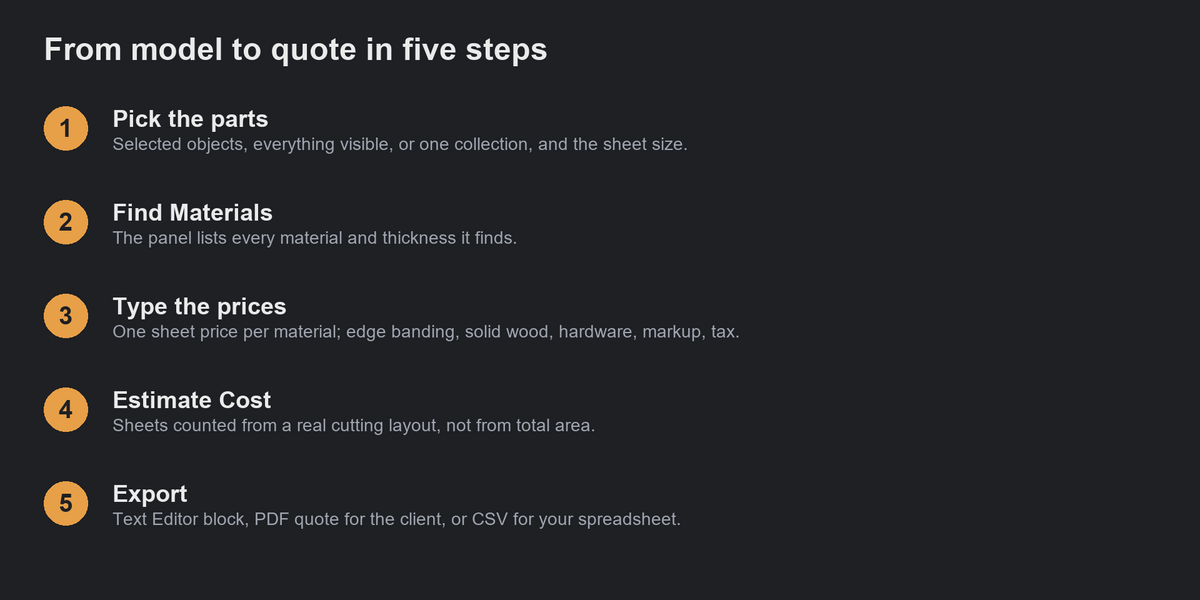
- Open the sidebar in the 3D Viewport (N) and the Cost tab.
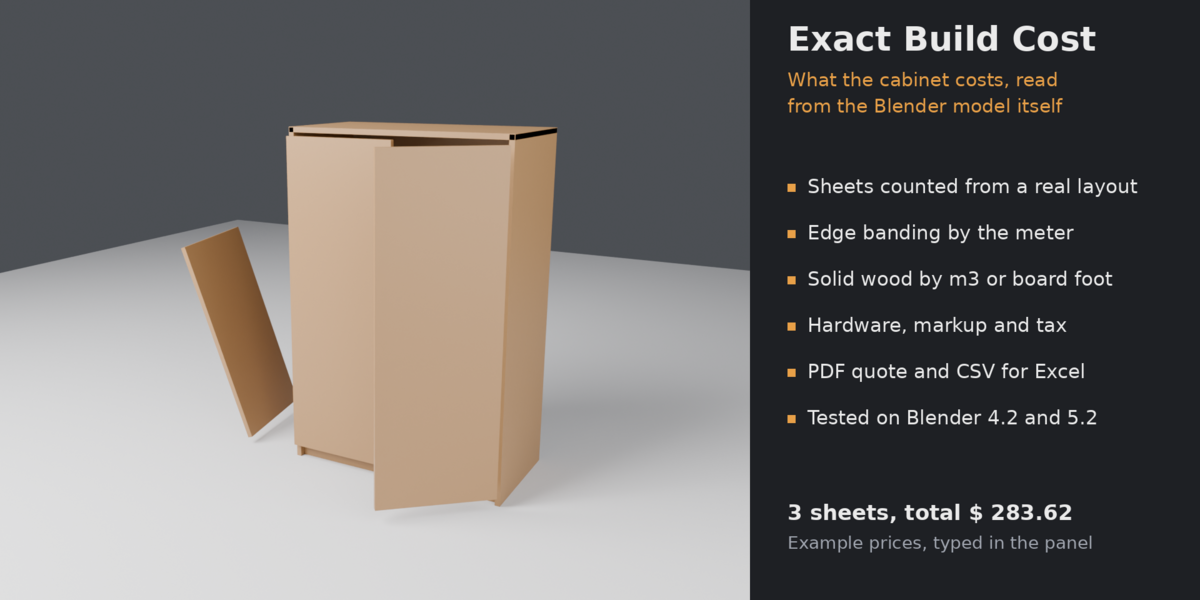
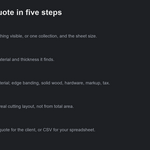
- Pick the parts (selected objects, everything visible, or one collection) and the sheet size.
- Press Find Materials and type the price of one sheet for each material.
- Set edge banding (off, long edges or all edges; price per meter; waste), solid wood (price per cubic meter or board foot; waste), hardware and other lines, markup and tax.
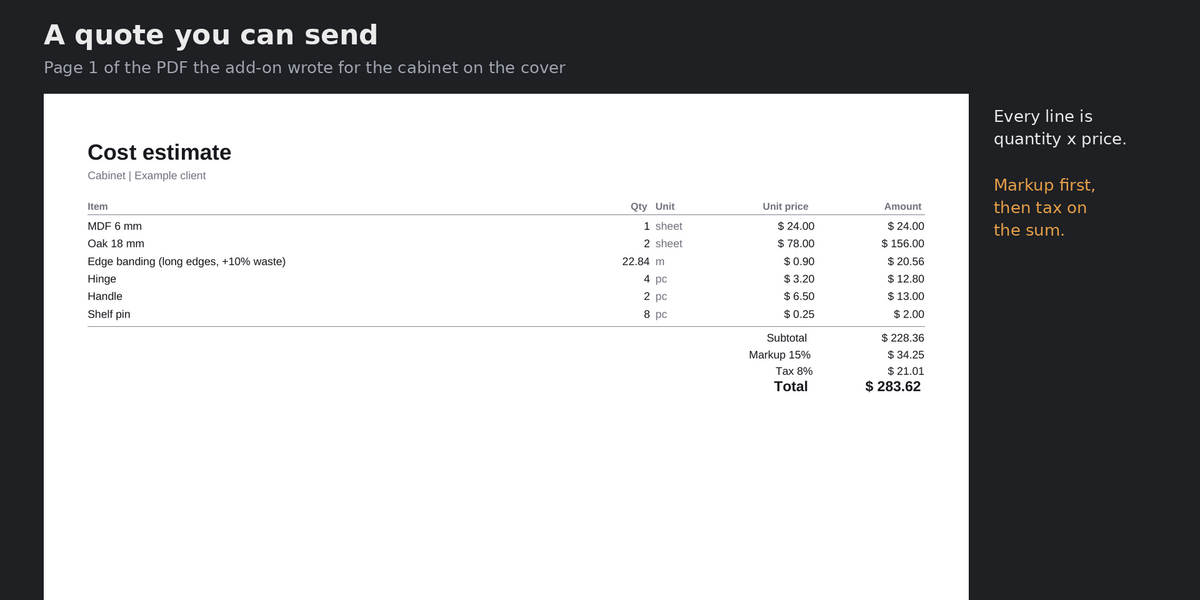
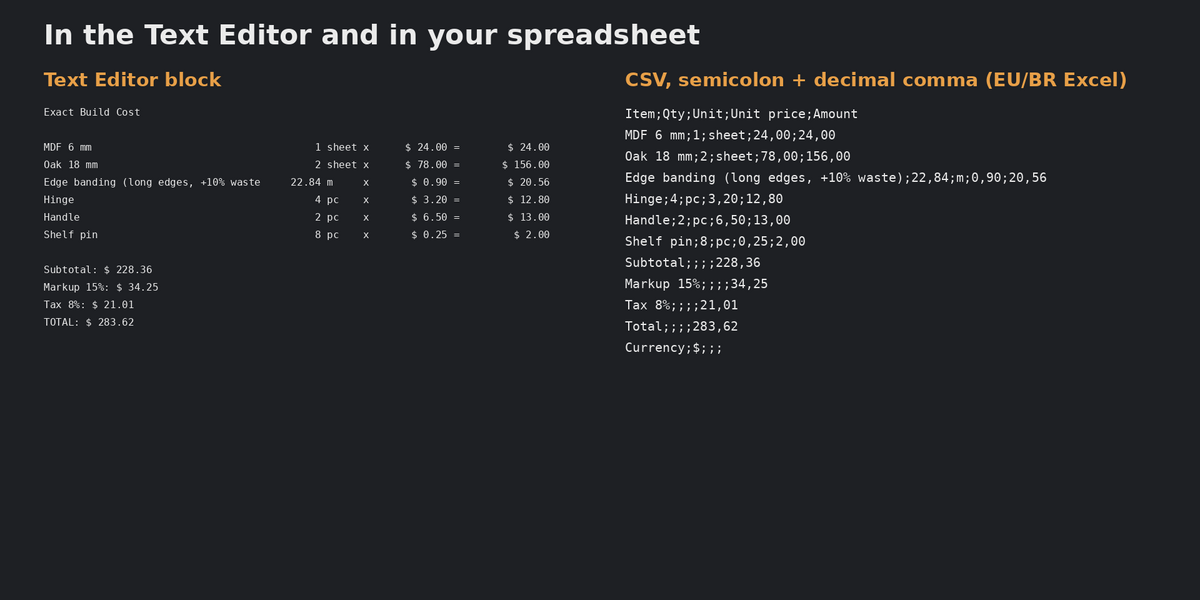
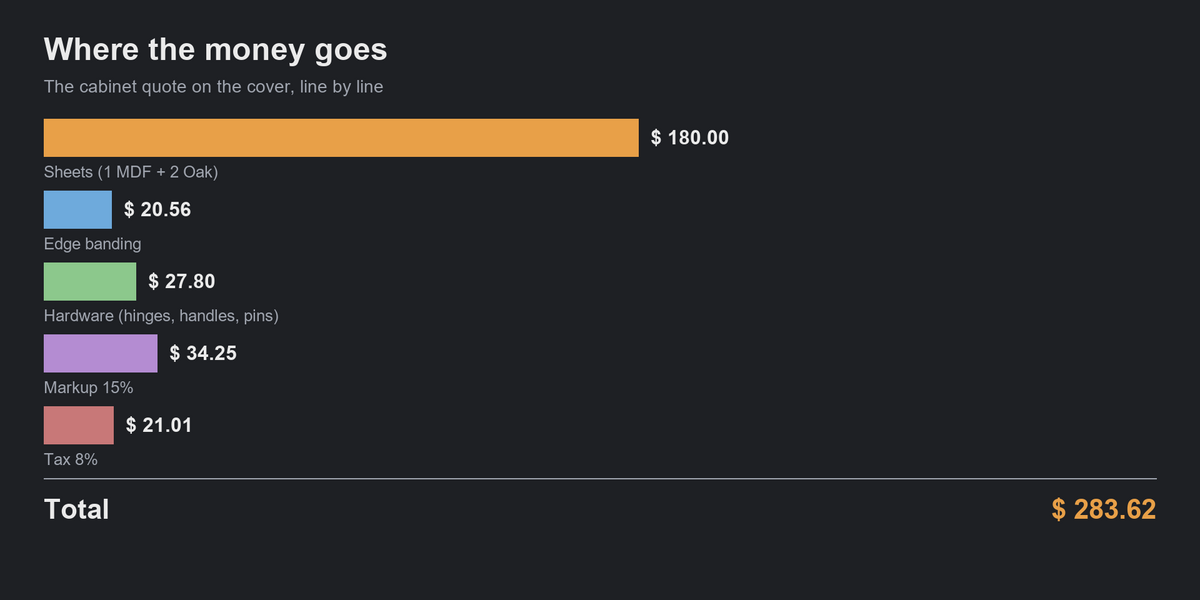
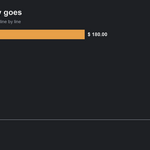
- Press Estimate Cost. The lines appear in the panel and in the Text Editor ("Build Cost").
- Press Export PDF for a quote you can send (A4 or Letter) or Export CSV for your spreadsheet.
Good to know
- You type every price; the add-on does not look prices up and does not convert currencies.
- Sheets are priced per whole sheet bought (3 sheets = 3 prices), not by the area used. The sheet count comes from a cutting layout with saw kerf and edge trim.
- Tax is charged on the subtotal plus markup.
- A material with no price, a part that does not fit on a sheet, or solid parts with no solid-wood price are named in the panel, the Text Editor and the PDF.
- Parts thicker than "Sheet stock up to" (40 mm by default) are priced as solid wood.
- Edge banding is one rule for the whole model. One sheet size per estimate.
- Curves, text and other non-mesh objects are skipped; convert them to mesh first.
- With a decimal comma, the CSV uses semicolons (for Excel in Europe and Brazil).
Have questions about this product?
Login to message
| Blender Extension Compatible | Yes |
| Published | about 3 hours ago |
| Blender Version | 4.2 - 5.2 |
| Extension Type | Add-on |
| Render Engine Used | Cycles |
| License | GPL |

Discover more products like this
bill of materials quote mdf hardware cost estimate cutting plan woodworking plywood edge-banding csv PDF furniture