 Exact Tools
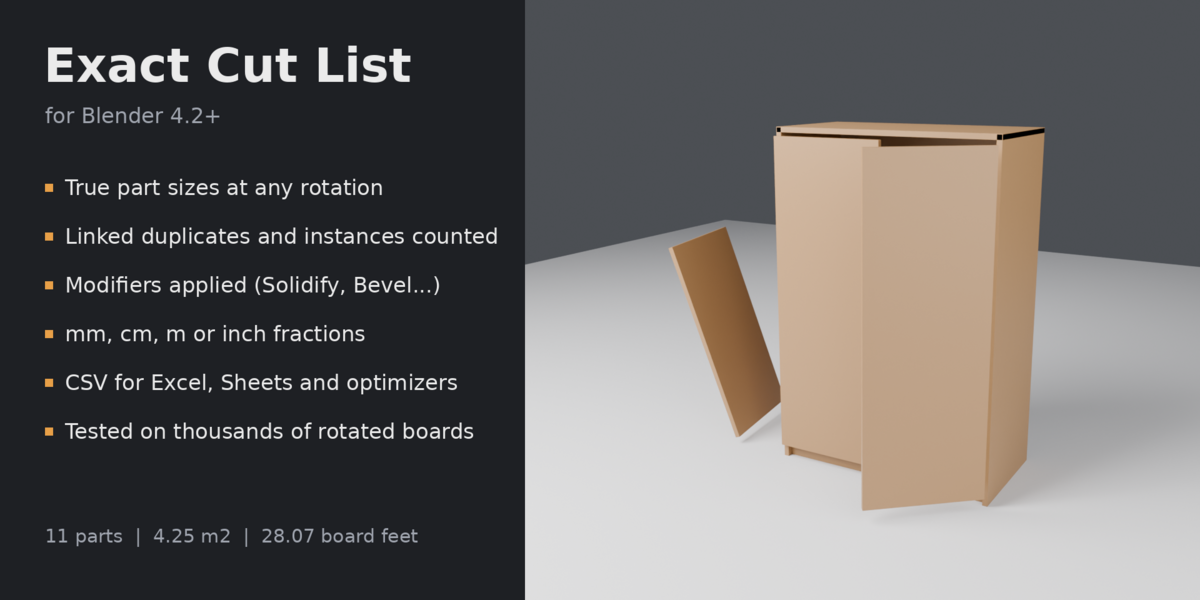
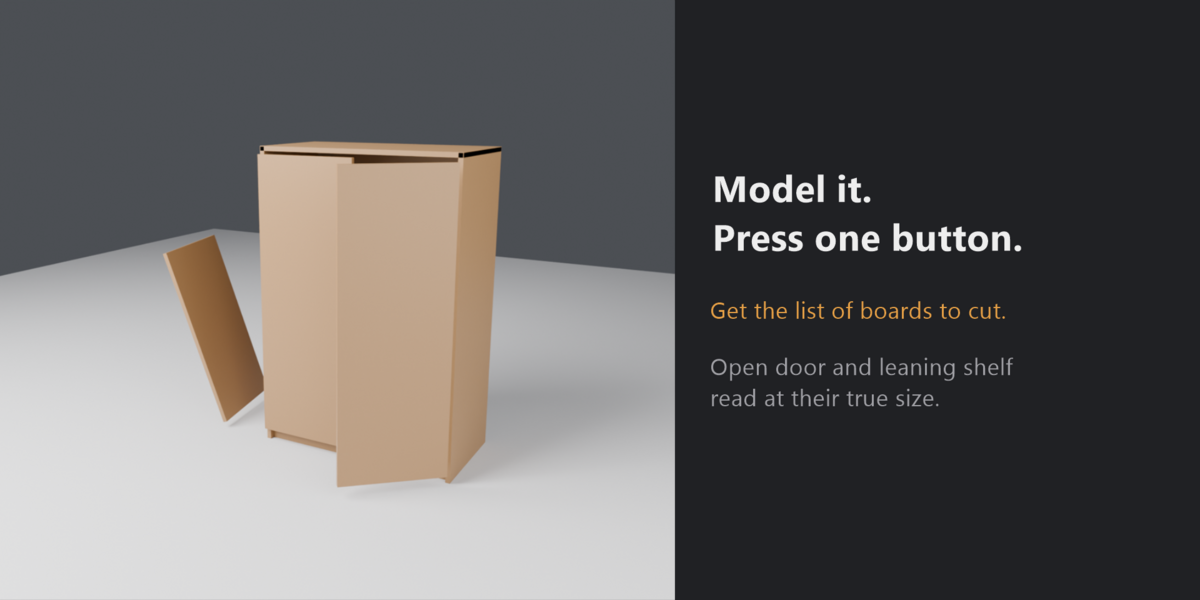
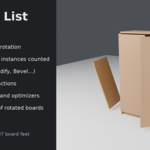
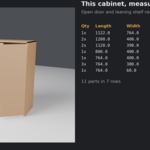
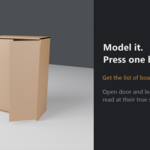
Model the furniture in Blender, press one button, get the list of boards to cut.
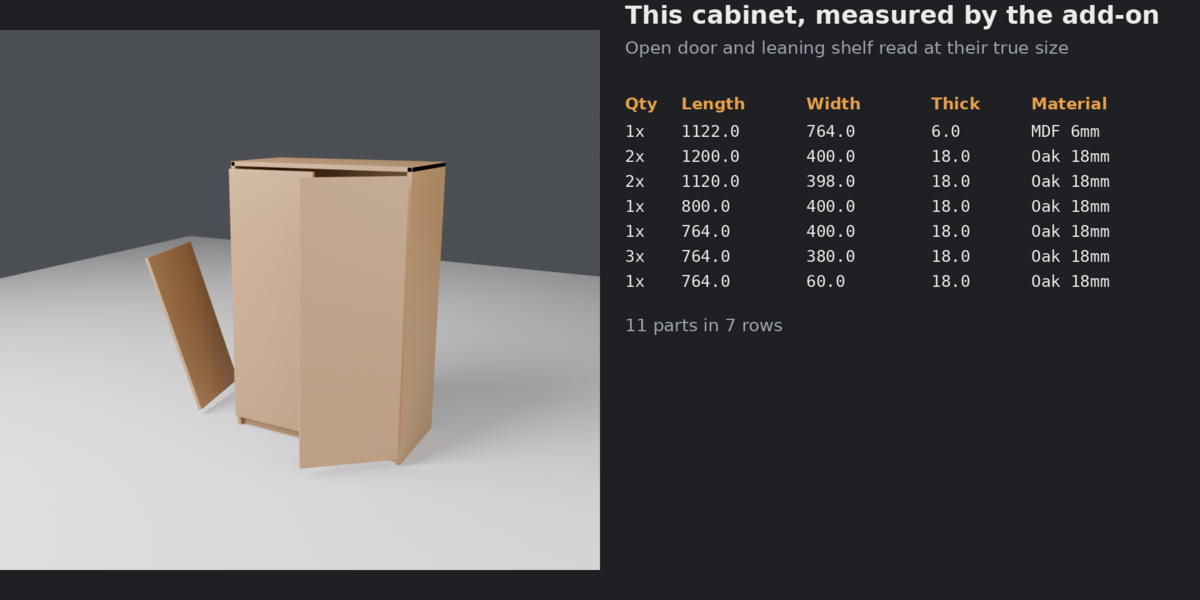
Exact Cut List reads the real geometry of every part, so the sizes are right even when the part is rotated, when the rotation was applied to the mesh, or when the thickness comes from a modifier. Identical parts are grouped with a quantity, and the list goes to the Text Editor and to a CSV file that opens directly in Excel, Google Sheets or a panel-cutting optimizer.
What it does
- True size at any rotation. An open door, a shelf leaning at an angle, a panel whose rotation was applied with Ctrl+A: each part is measured by the smallest box around it, not by its bounding box in world space.
- Object-axes mode too, when you want the size along each object's own axes (like the Dimensions field).
- Counts what you actually built: linked duplicates, collection instances and geometry-node instances each count as a part, and so does every separate piece inside one object (boards joined with Ctrl+J, Array copies).
- Modifiers applied: parts are measured as they look in the viewport, after Solidify, Bevel, Mirror, Array and the rest.
- Groups identical parts (you choose the tolerance, 0.5 mm by default) and splits by material, so "Oak 18 mm" and "MDF 6 mm" come out as separate rows.
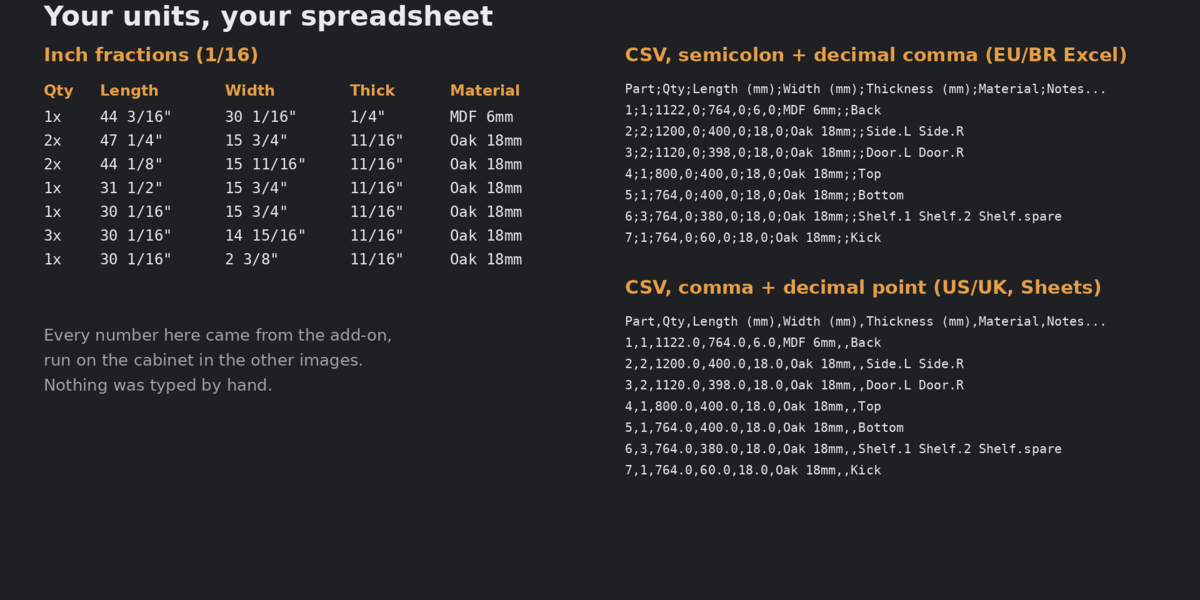
- Units: mm, cm, m, or inches with fractions (1/8, 1/16, 1/32, 1/64) or decimals. Works with any scene unit scale (a model built in millimetres reads correctly).
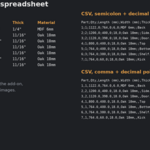
- CSV in two flavours: comma with decimal point (US/UK Excel, Google Sheets) or semicolon with decimal comma (European and Brazilian Excel), so the numbers land in the right columns.
- Shape check: a part that is not a plain box (a notched board, a dowel) is flagged, and the size shown is the blank you cut it from. Open meshes and zero-thickness planes are flagged too.
- Totals: number of parts, area (m² and ft²), volume (m³) and board feet.
- Choose the parts: selected objects, everything visible, or one collection.
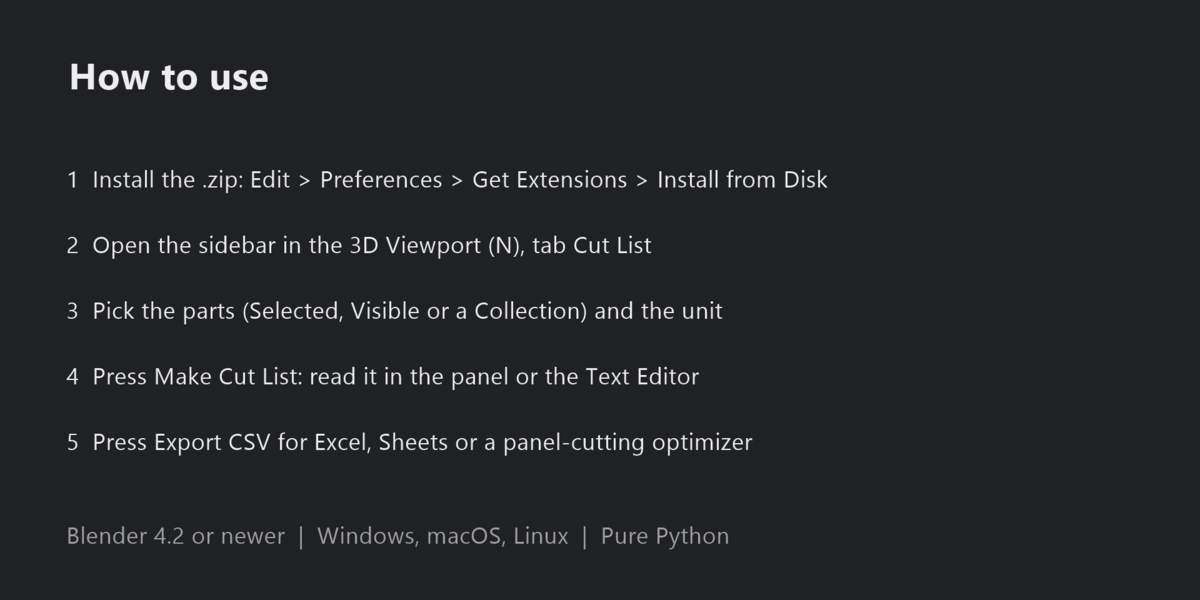
How to use
- Install the .zip: Edit > Preferences > Get Extensions > Install from Disk (the arrow menu at the top right).
- Open the sidebar in the 3D Viewport (N) and the Cut List tab.
- Pick the parts (Selected, Visible or a Collection), the unit, and press Make Cut List.
- Read the list in the panel or in the Text Editor ("Cut List"), or press Export CSV.
Tested, not guessed
The measuring code is checked by an automated test suite that ships with the source: 5,000 boards of random size at random rotations (largest error below a millionth of a millimetre), triangulated meshes, notched parts, dowels, open meshes, every 1/64" fraction from 0 to 100 inches, and full scenes inside Blender with rotations, linked duplicates, collection instances, rotated geometry-node instances, joined boards, Array, Mirror, Solidify and millimetre scene units. The suite passes on Blender 4.2 LTS and 5.2 LTS.
Compatibility
Blender 4.2 or newer (installs as an extension). Windows, macOS and Linux. Pure Python, no external libraries.
Limits
- The size is the blank to cut: it does not draw cutting layouts or optimise sheets (export the CSV to an optimiser for that).
- Curves, text and other non-mesh objects are skipped; convert them to mesh first.
- Boards that touch and share vertices inside one object are one piece; keep each board as its own piece (or its own object).
FAQ
Does it change my model? No. It only reads the geometry and writes a Text block named "Cut List".
My part shows a warning. The part is not a plain box, is open, or has no thickness. The size is still the box you would cut it from.
Can I get inches in the CSV? Yes. With inch fractions the CSV keeps the fractions as text (23 5/8"); with decimals it keeps numbers.
Changelog
1.0.0: first release.
