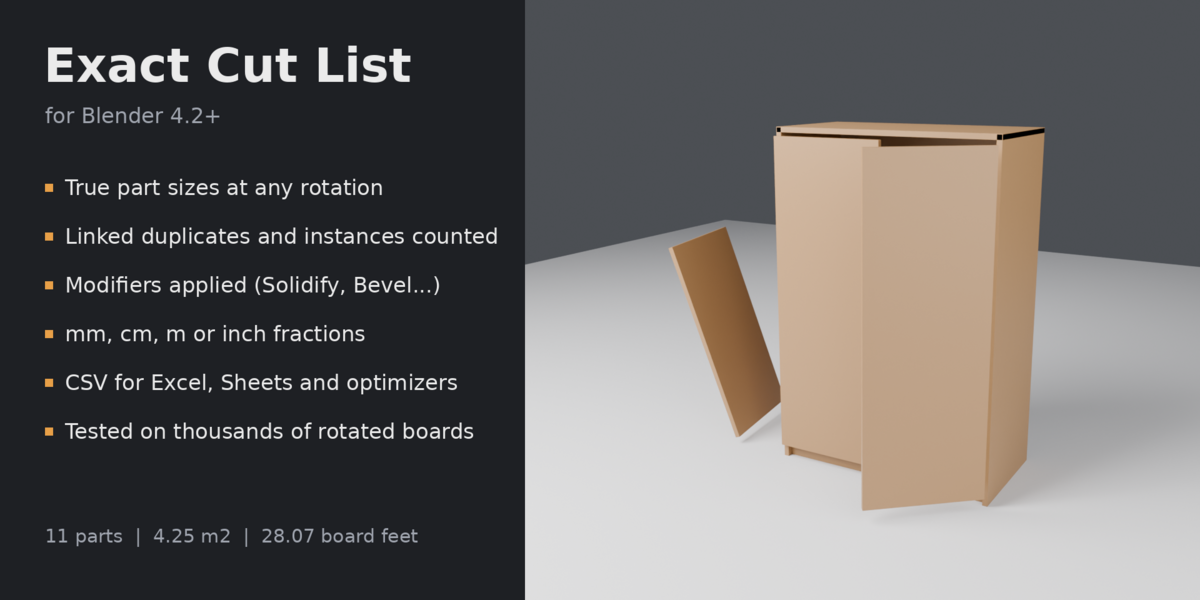
Exact Cut List
 Exact Tools
Install
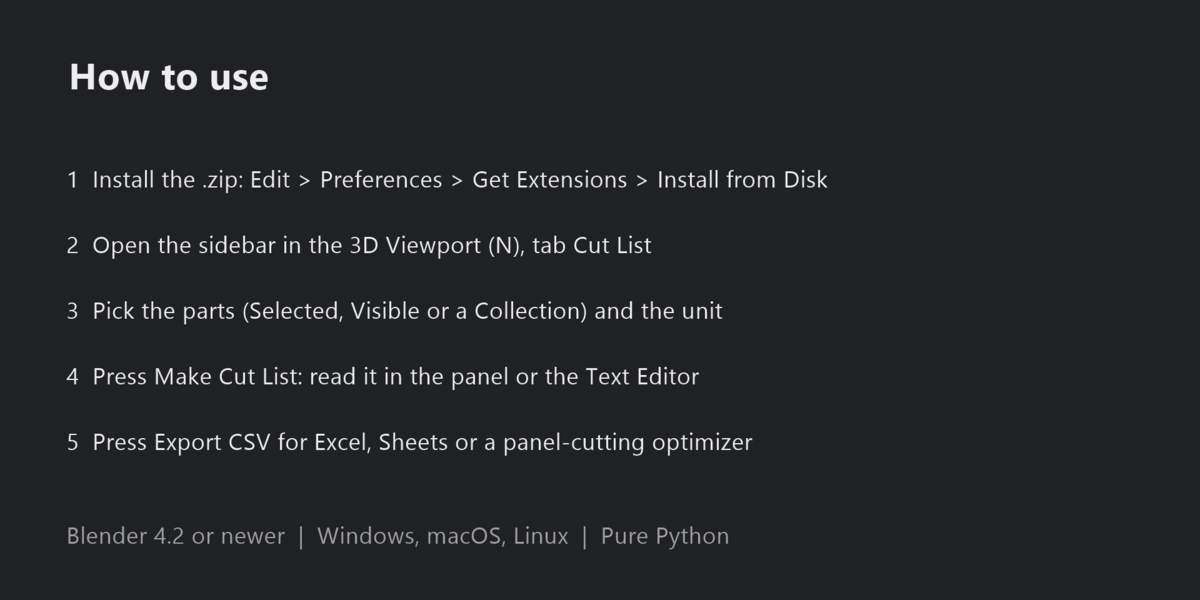
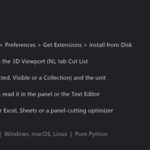
Edit > Preferences > Get Extensions > Install from Disk (the arrow menu at the top right), then pick the .zip. Do not unzip it. Requires Blender 4.2 or newer.
Use
- Open the sidebar in the 3D Viewport (N) and the Cut List tab.
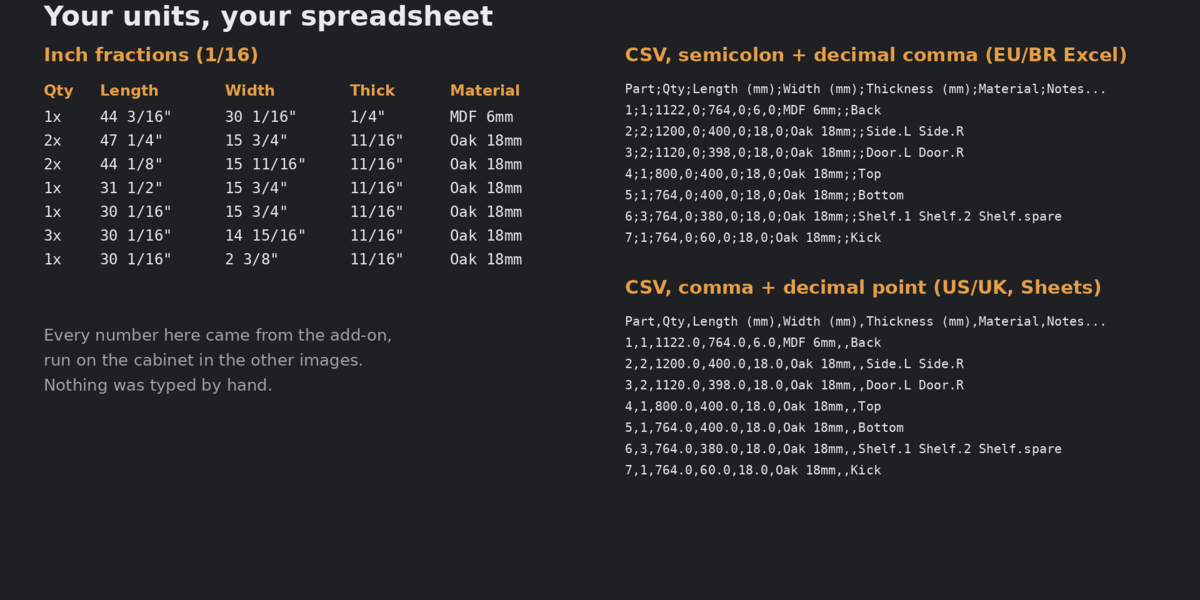
- Pick the parts (Selected, Visible or a Collection) and the unit.
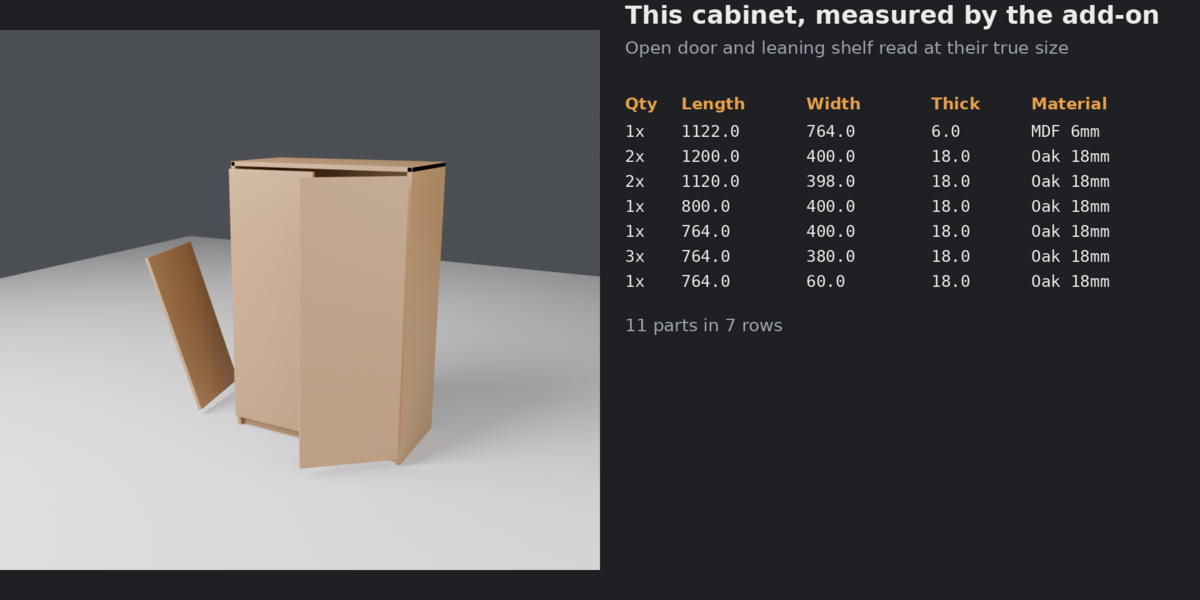
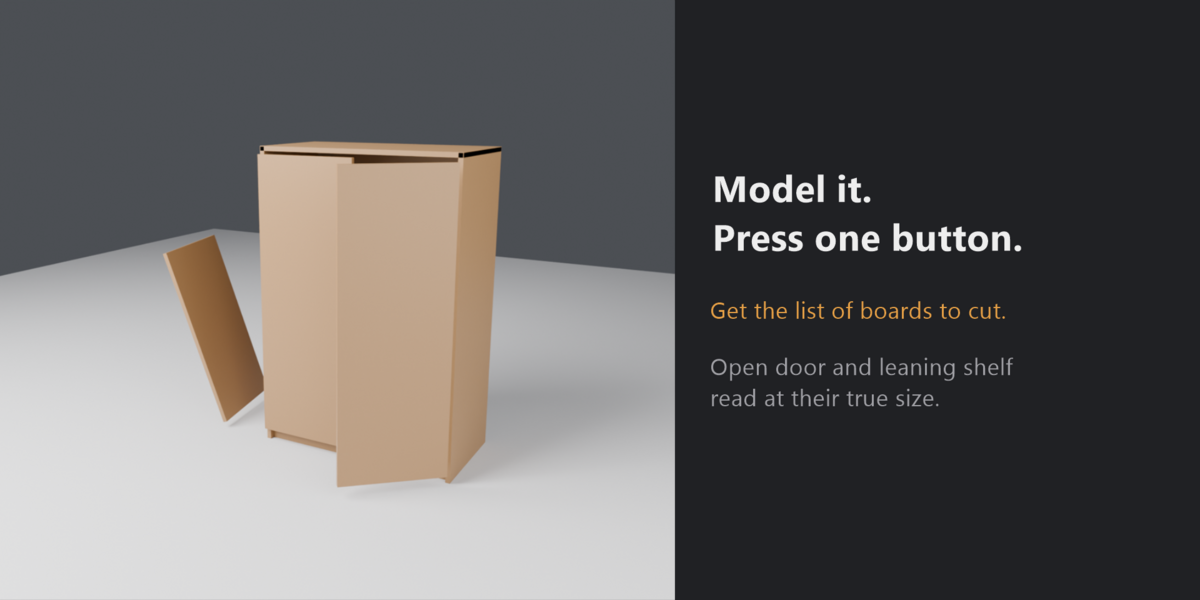
- Press Make Cut List. Read it in the panel or in the Text Editor ("Cut List").
- Press Export CSV for Excel, Google Sheets or a panel-cutting optimizer. Choose comma + decimal point (US/UK) or semicolon + decimal comma (European and Brazilian Excel).
Notes
The size shown is the blank to cut. Curves, text and other non-mesh objects are skipped; convert them to mesh first. Boards that share vertices inside one object count as one piece.
Have questions about this product?
Login to message
| Blender Extension Compatible | Yes |
| Published | 3 days ago |
| Blender Version | 4.2 - 5.2 |
| Extension Type | Add-on |
| Render Engine Used | Cycles |
| License | GPL |

Discover more products like this
csv cut list cabinet cutlist parts-list dimensions woodworking measure furniture bom