 Exit Strategy Productions


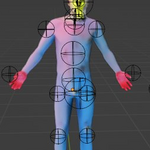
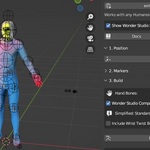
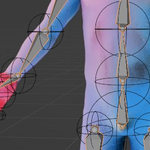
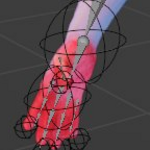
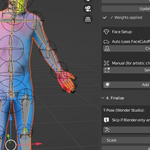
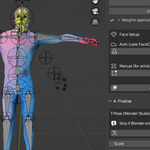
ExitRig — One-Click Character Rigging for Blender
Stop spending hours on manual rigging. ExitRig transforms your humanoid meshes into fully rigged, animation-ready characters with a single click.
The Problem
You've sculpted an amazing character. Now you need to rig it. Traditional rigging means:
- Hours of bone placement
- Tedious weight painting
- Troubleshooting deformation issues
- Researching bone naming conventions for your pipeline
The Solution
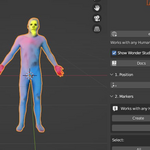
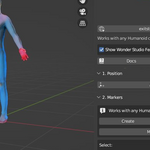
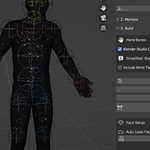
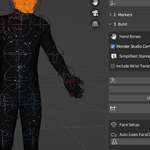
ExitRig handles it all automatically. Select your mesh. Click one button. Done.
Features
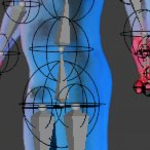
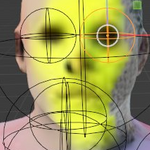
**Instant Rigging** — Full humanoid armature generated and bound in seconds
**Wonder Studio Compatible** — Properly structured for AI-powered animation pipelines
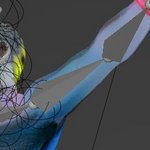
**Automatic Weight Painting** — Clean deformations without manual tweaking
**T-Pose Generation** — Correct rest pose for motion capture workflows
**Industry-Standard Naming** — Compatible with Mixamo, Rokoko, AccuRig, and major mocap systems
**Non-Destructive Workflow** — Original mesh preserved, easy to iterate
Requirements
- Blender 3.6 or newer (4.0+ recommended, but if you're working with Wonder, 3.6 is fine!)
- Humanoid mesh with standard topology (two arms, two legs, head)
What You Get
- ExitRig Blender addon (.zip)
- Quick start documentation
- Video tutorial access
Who It's For
- **Filmmakers** integrating Wonder Studio into production
- **Animators** who need fast character turnaround
- **Game developers** prototyping characters quickly
- **Solo creators** without dedicated rigging artists
Support
Full support: https://exitstrategy.productions/pages/support.
Updates included.
---
*Built by Exit Strategy Productions