 Vovrzull



Vovrzull Products




🎉 Special Offer 🎉
Buy more for less! Buy 4 add-ons in a set and get 20% discount!
Don't miss out on this fantastic deal! Buy now
Expert Curve Modeling
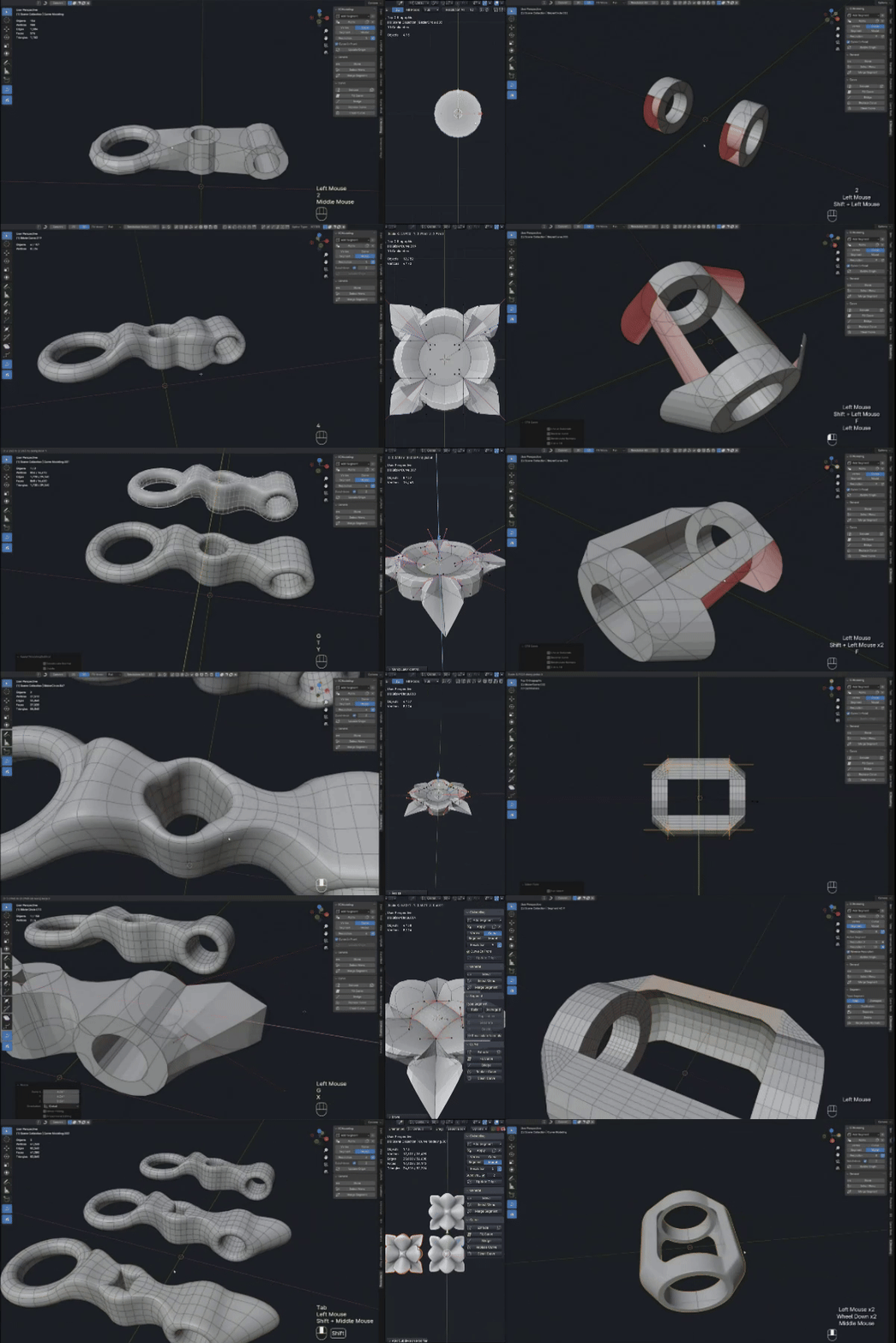
Expert Curve Modeling is an innovative tool that allows you to create complex and flexible models based on Bézier curves. Ideal for professionals looking to improve their 3D modeling skills, beginners will need to spend more time studying my video tutorials. More details are shown below (beta version addon)
Before purchasing, please watch the video carefully. If you have any questions or doubts, please contact the creator. Returns of the add-on are only possible according to the Refund Policy
Languages
-English
-日本語
Select voiceover for your YouTube video
Video Preview
The video preview unfortunately cannot fully reflect all the capabilities of our 'Expert Curve Modeling' add-on, but we hope you enjoy it and find inspiration for new ideas!
Table of Contents
- Add-on Features
- Detailed Video Instructions on Functions
- Practical Lessons
- Demonstration Models
- About Us
- Future plans
- Updates
Add-on Features
With our add-on, you will gain access to a multitude of tools for working with curves and creating models. Let me demonstrate some of these capabilities through short animations.
Mode
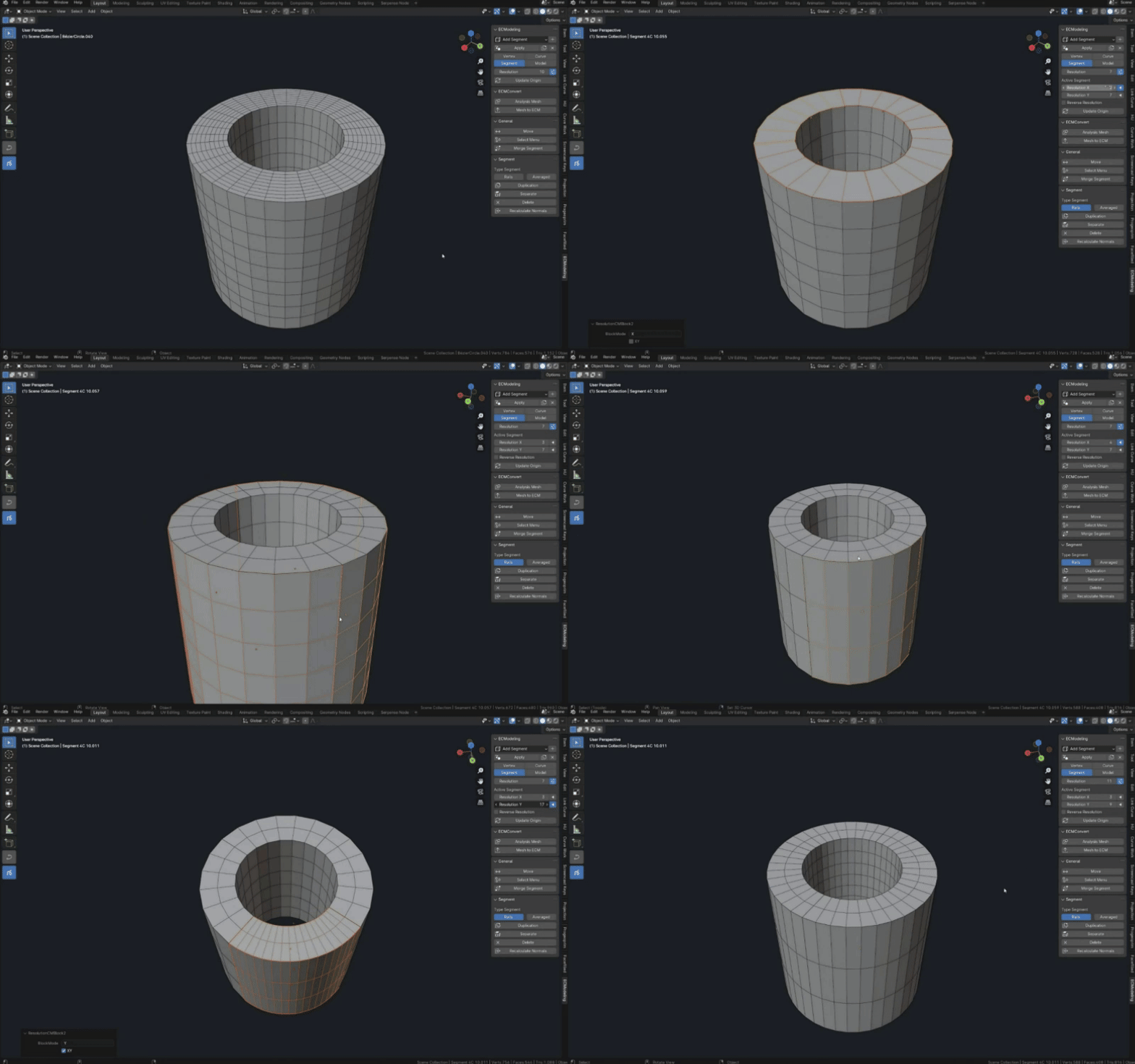
Grid Resolution Control
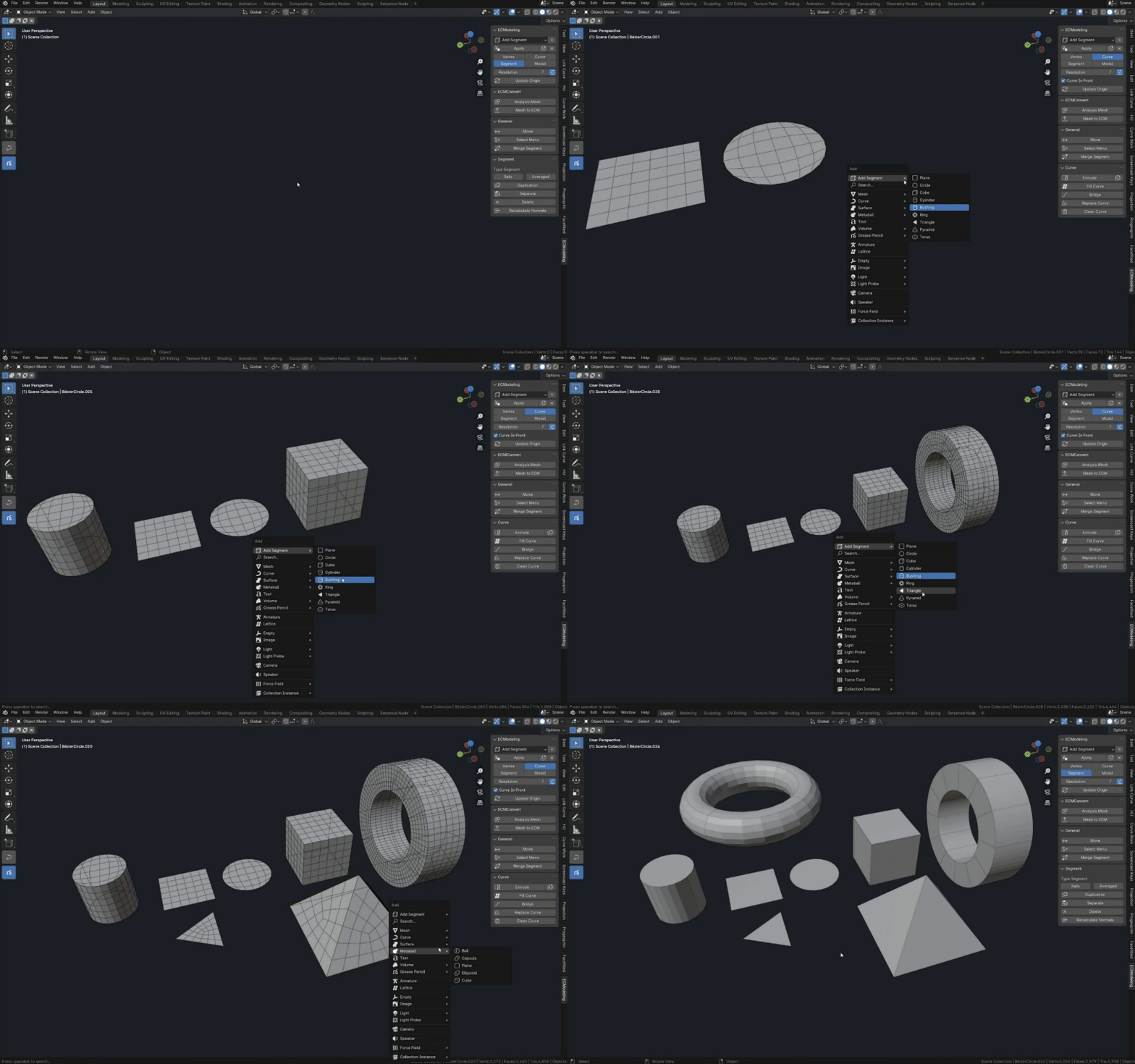
Asset
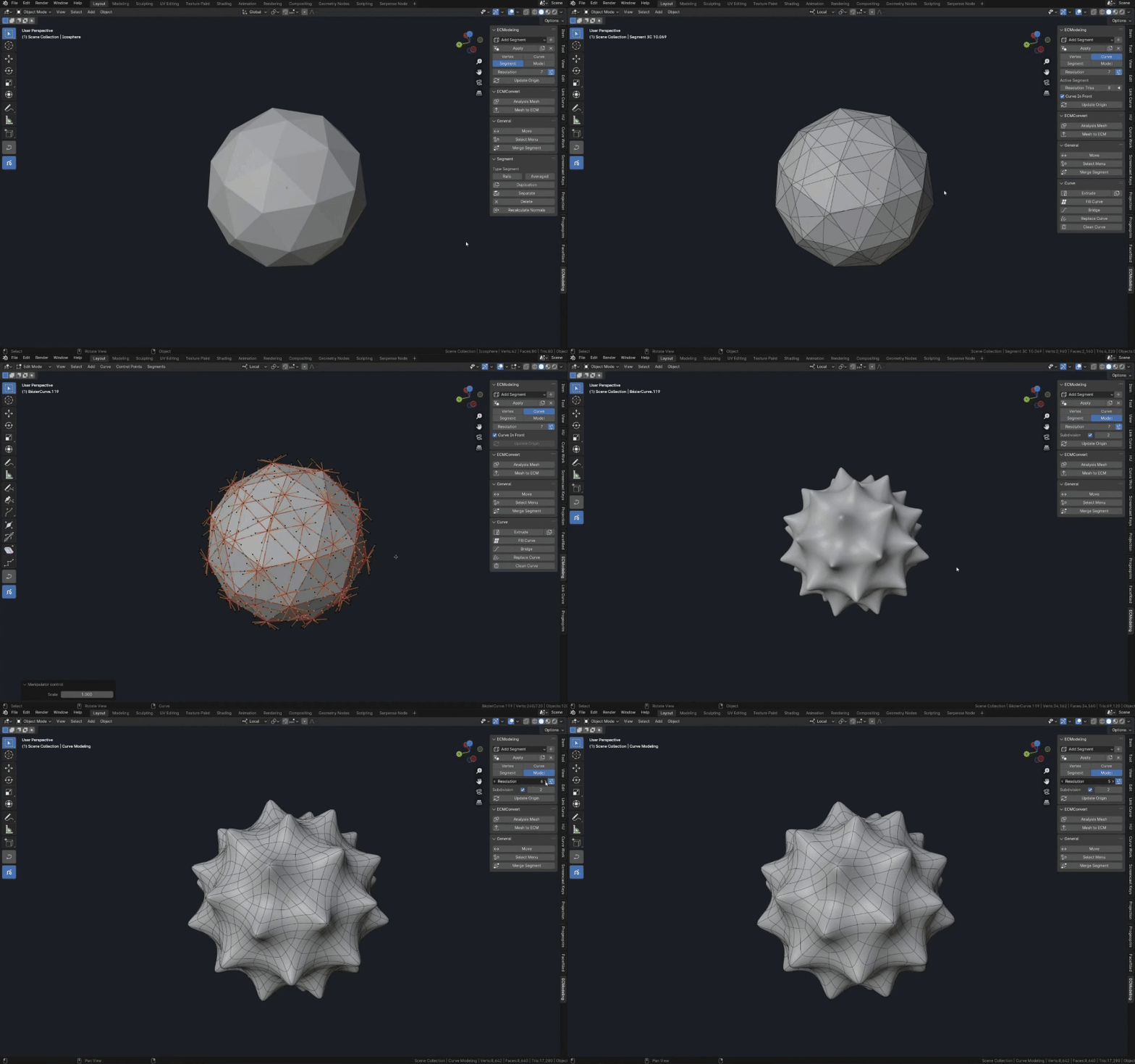
Mesh to ECM Conversion
Curve Control
Fill Curve
Extrude Curve
Bridge
Replace
Select Menu
Merge
Duplicate and Separate Segment
And many other features of our add-on...
Detailed Function Instructions
In this section, I won't focus on beautiful models. Instead, I'll take the time to ensure you gain a deep understanding of how to work with our add-on and its functions. Practical application examples will be presented in the next section.
Instruction
We present the first video tutorial, which thoroughly explains the basic principles of working with functions and modes (Vertex, Curve, Segment, Model). You'll gain valuable insights on how to make the most of these tools.
Instruction 2
In the second tutorial, we will explore how to use the Mesh to ECM conversion function. This allows you to transform Mesh objects into ECM objects, opening new horizons for working with them in the ECM add-on.
Instruction 3
In Lesson 3, we will look at how to work with the Parallel Model System (A very important lesson), and the smoothing Curve and Segment functions
Videos about individual features
Requires the Curve Work add-on to use. Allows you to split ECM segments in half. Split at the selected location in the interactive mode. Splits can be made either as loops or by breaking the connection with the other segment. More details in the video
Point Deformation. Works only with ECM objects, do not try to use it on other objects. Opens up a wide range of possibilities for manual manipulation of the ECM grid, up to the creation of completely different objects
To be continued....
Practical Lessons
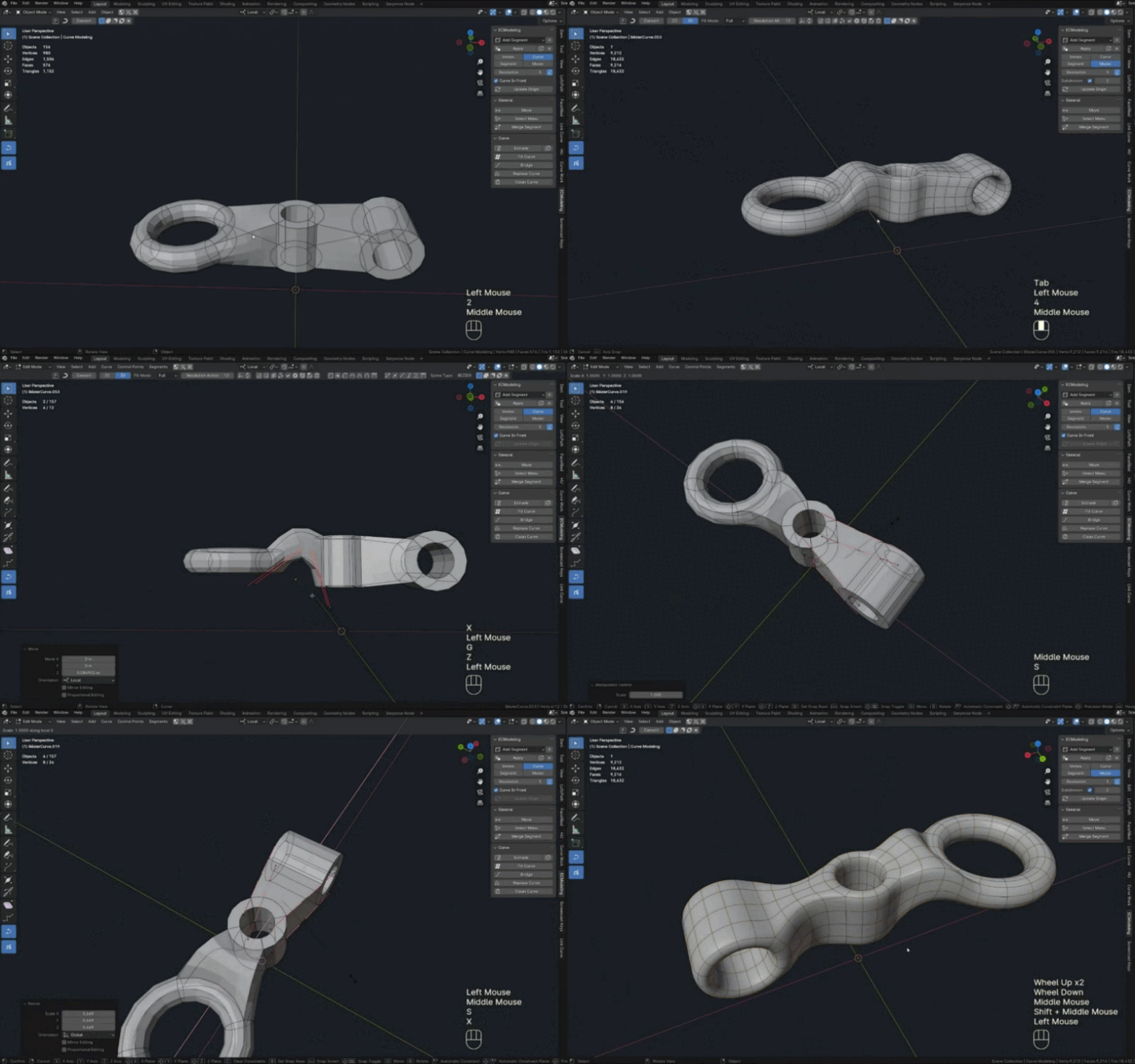
The practical lessons section demonstrates how to apply the knowledge gained about working with functions when modeling with curves. You will learn to quickly and effectively create a variety of models. This section will be updated with new interesting video lessons.
Tutorial
In this first tutorial, we will explore modeling a simple detail for our add-on. You'll see how just a few basic functions can help you create complex and flexible components.
Tutorial 2
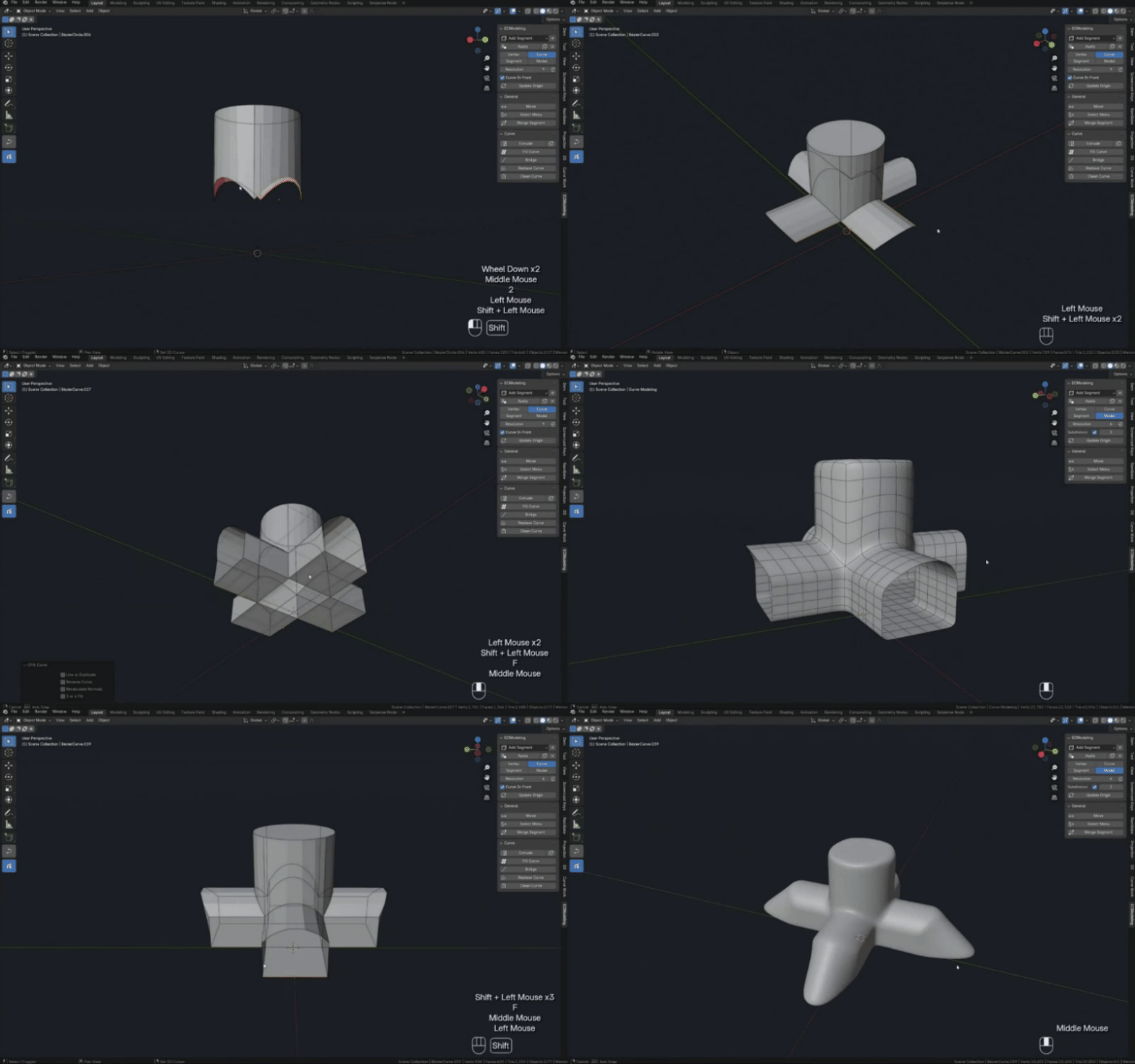
In the second tutorial, we will study how to create complex branches and transitions of geometry that usually require significant effort, but with our add-on become easy and intuitive.
Tutorial 3
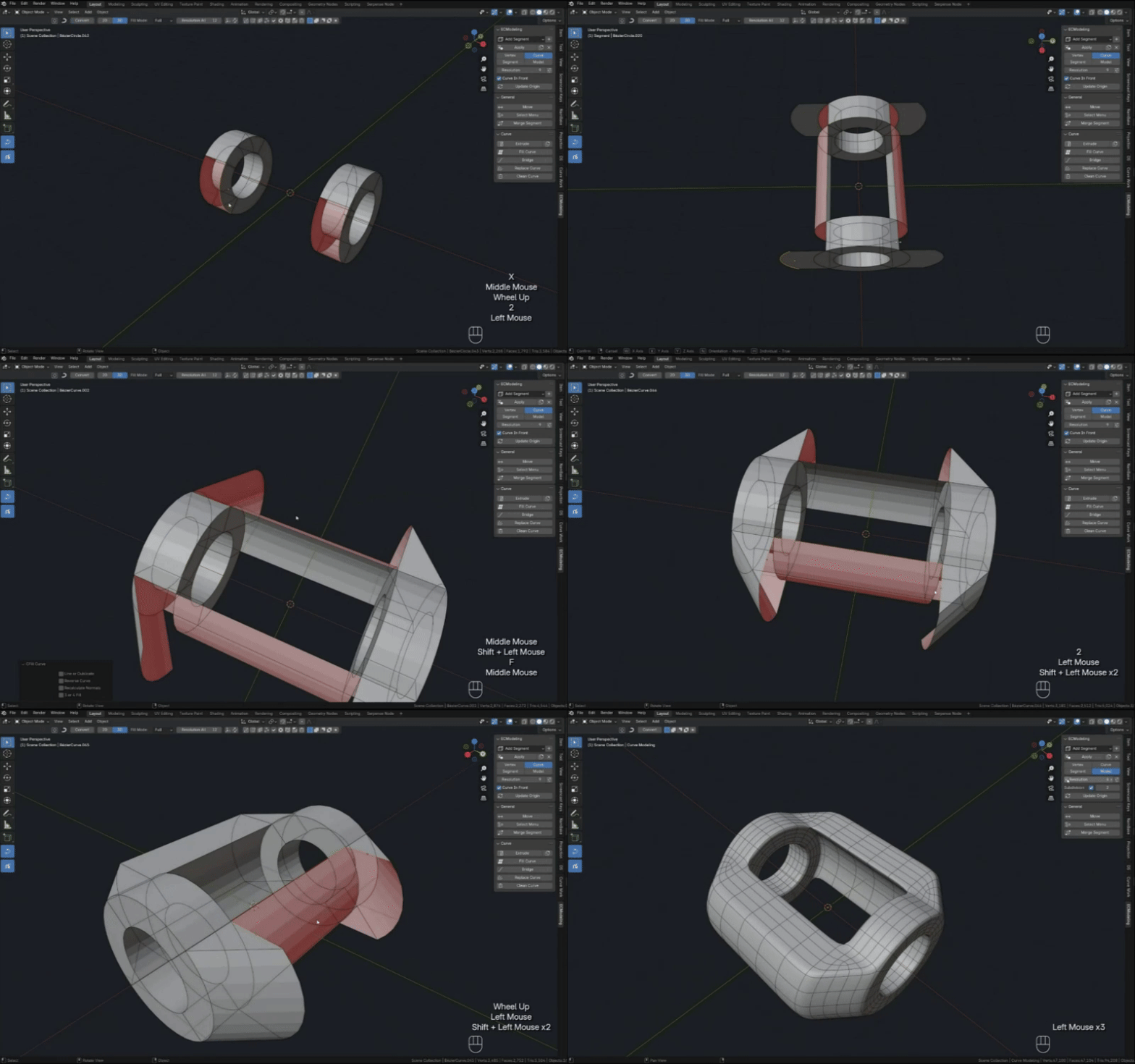
In the third tutorial, we will take a closer look at the Fill Curve tool and show how you can use it to complete your model. We will also demonstrate the use of other tools that will assist you in the process.
Tutorial 4
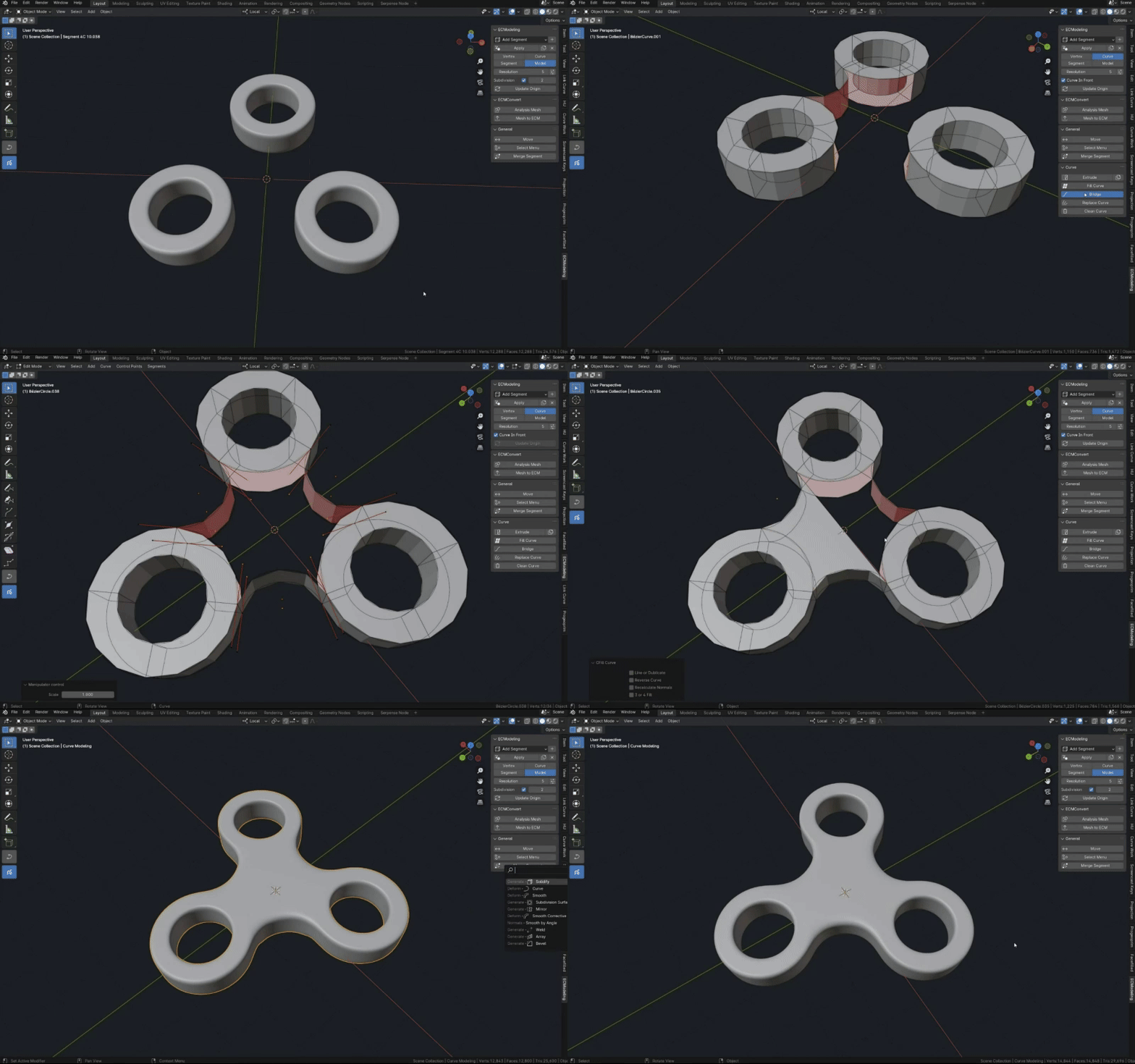
In this tutorial we will look at practical applications of the functions: Mesh to ECM, Replace, Merge and Rotate Curve
To be continued....
Tutorial 5
In this video we'll try to model part of the front of the car using the standard features of the add-on, and work a bit on the mesh near the end.
In the second part we will model with the function to convert Mesh to ECM.
We'll look at how you can layer different modifiers on an ECM object to achieve the desired effects, how you can use Boolean operations with ECM, and much more while still being able to edit the ECM object.
Tutorial 6
Add-on. In this 6th practical Tutorial we will model the basic shape of a spaceship.
More videos in the playlist: Link Playlist
Demo Version
The demo version includes functions for editing the model's shape and managing the mesh. The demo package also includes a 3D model of the ECM spaceship.
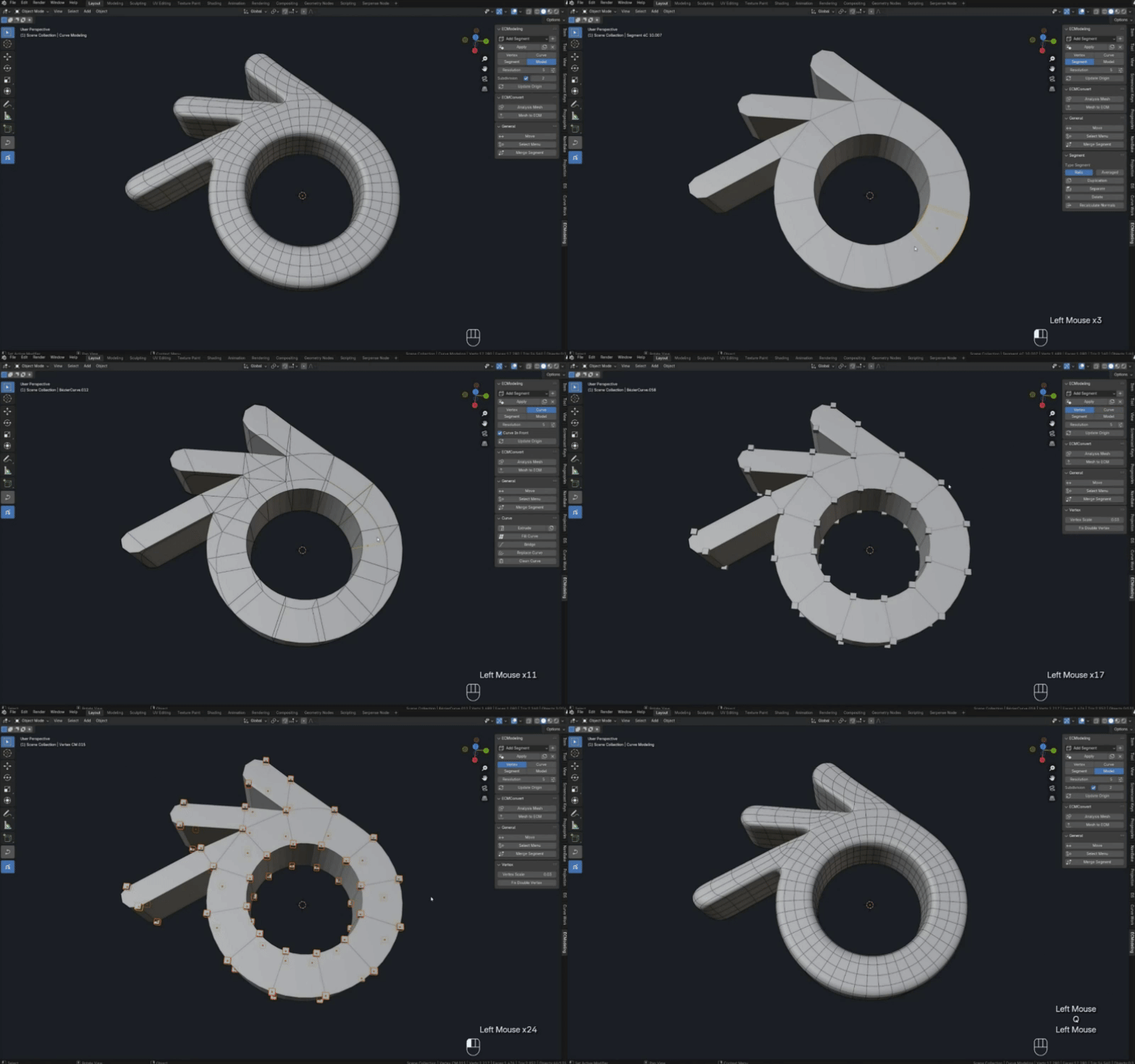
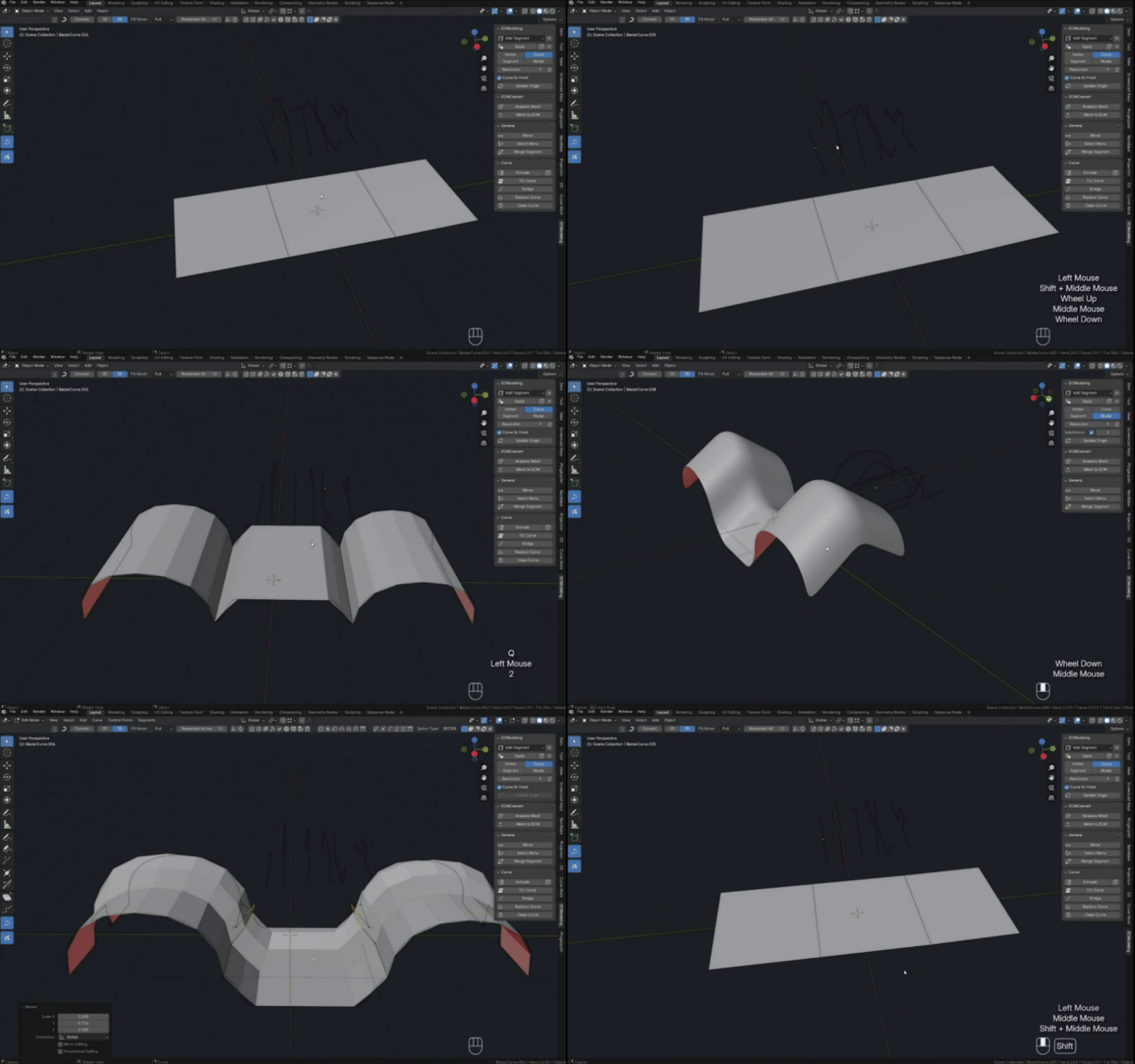
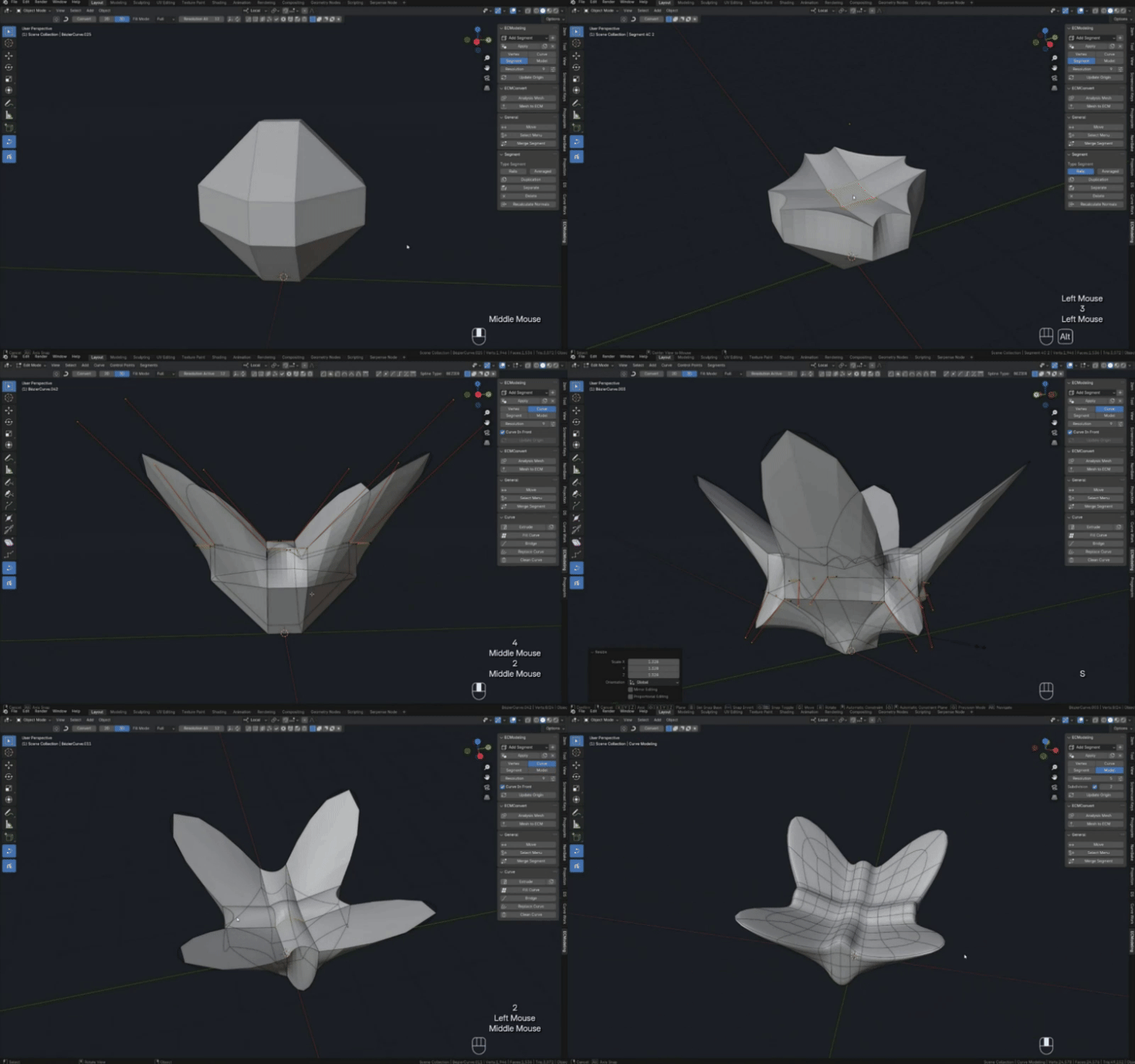
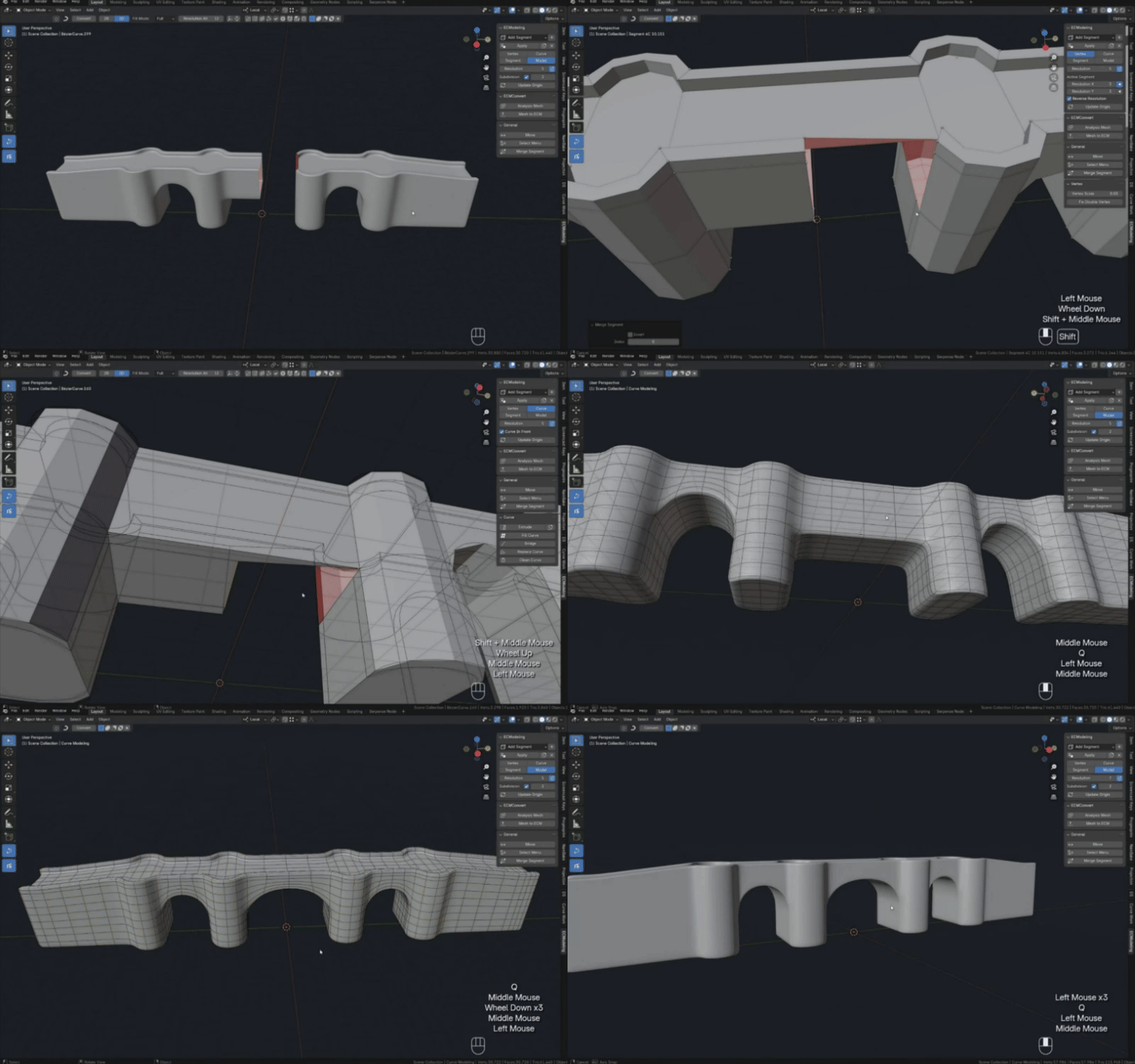
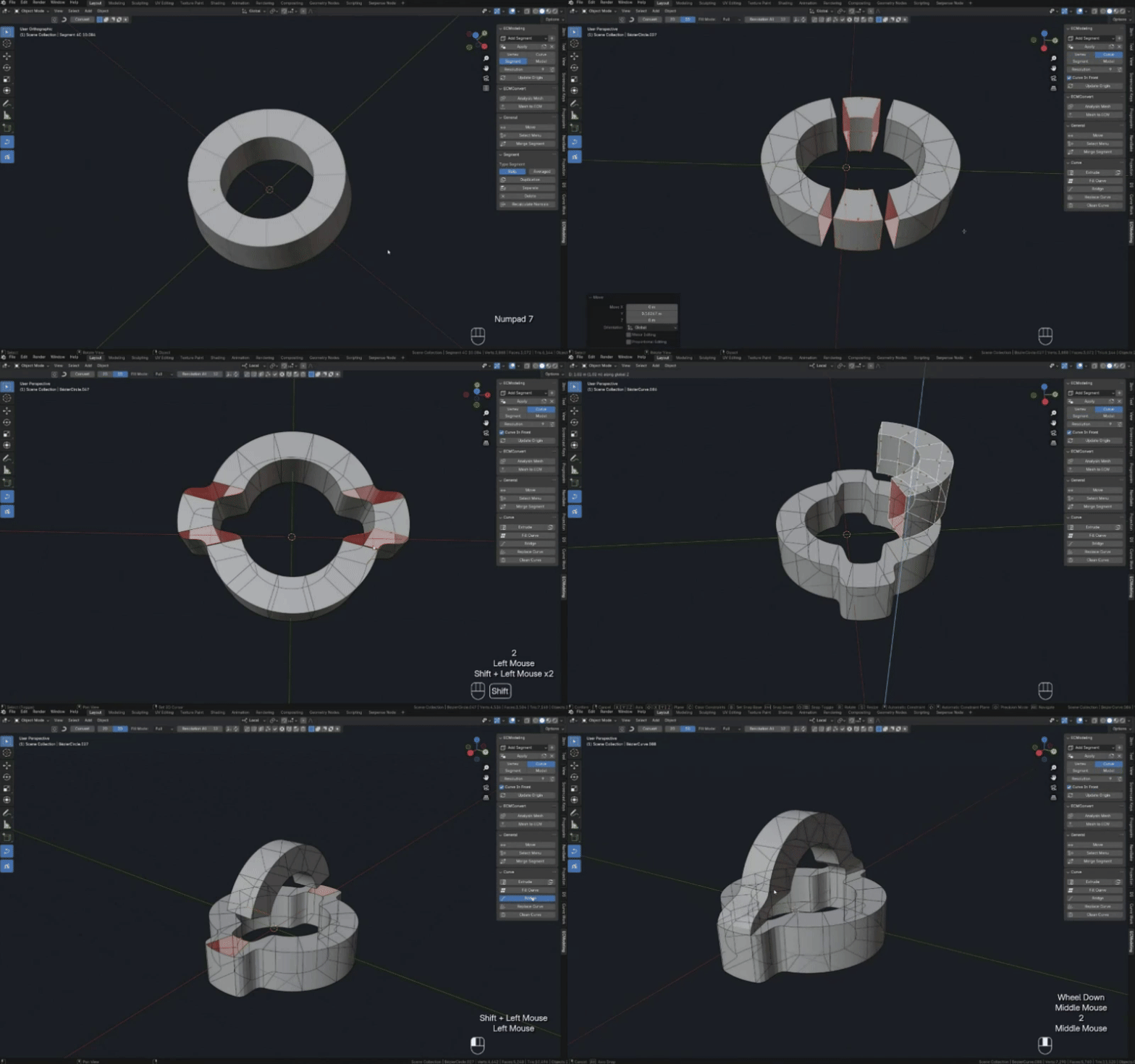
During the testing of the add-on, we experimented with creating various models, and here are some of them. At that time, the add-on was still unstable, and many functions were missing, but even under those conditions, we managed to achieve impressive results. Today, of course, everything is much better.
About Us
Our team consists of two people: I am the developer, and my girlfriend is a 3D artist. For about a year, we studied Blender, and then we spent another six months mastering geometric nodes. During this time, we discovered the Serpens node, which sparked our idea to enhance Blender.
Gradually, we realized that we needed better tools for working with meshes. We were not satisfied with the amount of manual work required for editing mesh topology and other tasks. In our quest for a solution, we turned our attention to "Bezier" curves in Blender, a topic that, while not extensively covered, holds immense potential.
At that time, we didn't have much experience in creating add-ons, so we started small, developing one add-on after another while learning new ways to utilize curves, geometric nodes, the Serpens node, and Python.
Eventually, after a year, we decided to challenge the established system and create an add-on capable of modeling entirely with curves, eliminating the routine of mesh topology and opening up opportunities for further development.
We would very much welcome your support, as well as those who want to be our affiliate partner.
Future plans
The project requires support. Development is currently paused. Updates will resume once sales reach 450.
- Ngon segments, Extension of segment types and Segment topology
- Boolean operation
- Asset import
- Extension of select functions
- Combining several segments into one
- Segment mirror
- Merge variation extension
- Segment drawing
- Bevel Segment
Updates
Stay updated with the latest updates and new features of our product. More news Here
Update 2.8.3
Added an Extrude menu (hotkey: Alt E, Segment mode)
It now contains:
-Extrude Segment
-Extrude Along Normals
-Extrude Scale (new function)
Bugfix
-Vulnerabilities in the Merge Segment function (when selecting adjacent pairs of curves one by one) have been fixed
-Improved the behavior of the Delete Segment function when used on objects with broken data links
Update 2.8.1
Added functions:
Extrude Segment (for Segment mode, default hotkey: E)
Extrude Along Normals (for Segment mode, default hotkey: Alt E)
Both functions work with Blender's standard Move function, so all magnet and other functions are also available. When undoing, it's very important to first complete the Extrude and then use Ctrl Z twice to completely undo the Extrude.
Update 2.8.0
Addon scale independence (functions and geometry nodes have been adapted)
Auto Weld (added to the geometry node, should adjust to scale; the Weld modifier is disabled)
Improvements to the Triss Segment geometry node (Added a new closure type "Beep",so far only in the geometric node, being tested)
Modification of the cylinder primitive (additional segments were added to the lids for a more even edge shape)
Bug fixes:
-Triss Segment bug fix (it will now be less problematic)
-Extrude (Individuals are now extruded better along normals; this bug was introduced recently)
-Curve In Front now also affects primitives added from an asset
-Minor bug fixes
Update 2.7.8
Optimizing the speed of functions:
-Extrude (≈3.7×)
-Mesh to ECM (≈3.7×)
-Loop Cut (≈3.1×)
Bug fixes
Update 2.7.7
Bug fixes:
-The checkbox for switching curves in front is no longer automatically enabled when changing modes.
-The Loop Cut function from the panel can no longer use the Factor and Reundo commands. This is now only possible with the Loop Cut mode used with a hotkey (the ability to invert the cut for single segments has also been added).
-Fixed errors in the internal structure of the add-on in the node system.
-Fixed a bug with the curve flow fill
Update 2.7.6
New selection functions have been added:
-Select boundary Curve (for curves)
-Select Loops Rings (for a curve or segment)
-Select Shortest Curve Path (for curves or segment)
Refinement of old functions:
-Stream filling has been added to Fill Curve
-Update Origin (saves the selection)
-Replace Curve (Switch direction parameter)
Bug fix
Update 2.6.5
The "Loop Cut" feature has been added (alpha version)
-Many bugs have been fixed
-The system for creating multiple loops in parallel has been improved
-A factor for changing the loop creation position has been added
Update 2.5.4
Works in Blender versions 4.5 and 5.0 (I think the addon works faster in this version).
Update 2.4.8
-Added an extension panel for the model mode
-Added point deformation function
Update 2.3.5
-Creating multiple parallel models
-Added new pie menu of ECM tools
Update 2.3.0
-Adaptation to different versions of the blender
-Added curve smoothing functions
1.First option smooths multiple curves that are in series connection
2.Smooths a curve or curves between segments, allows you to smooth the transition between segments at the location of the selected curve
-Also the documentation section has been updated, also added hints to the addon buttons that previously did not have them
Update 2.2.6
Optimized for blender 4.3
Update 2.2.5
Bug fix
Update 2.2.3
Added new Rotate Curve function (allows you to rotate the curve along the axis between the first and last point of the curve by specified angles).
Fixed effect of modifiers on functions when overlaying in model mode