 Vovrzull




Documentation
You have an addon activation button, a panel and various menus to work with the addon
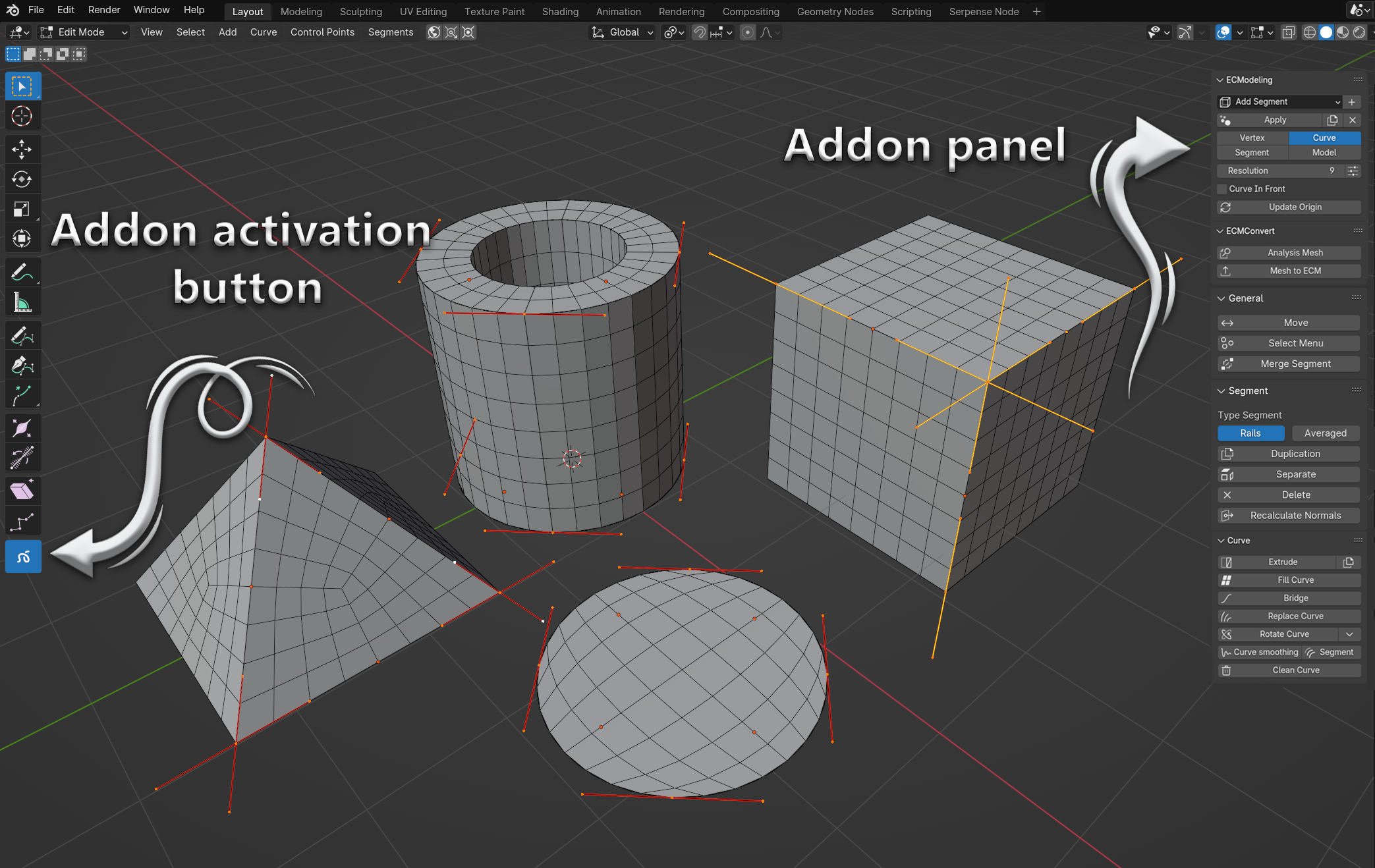
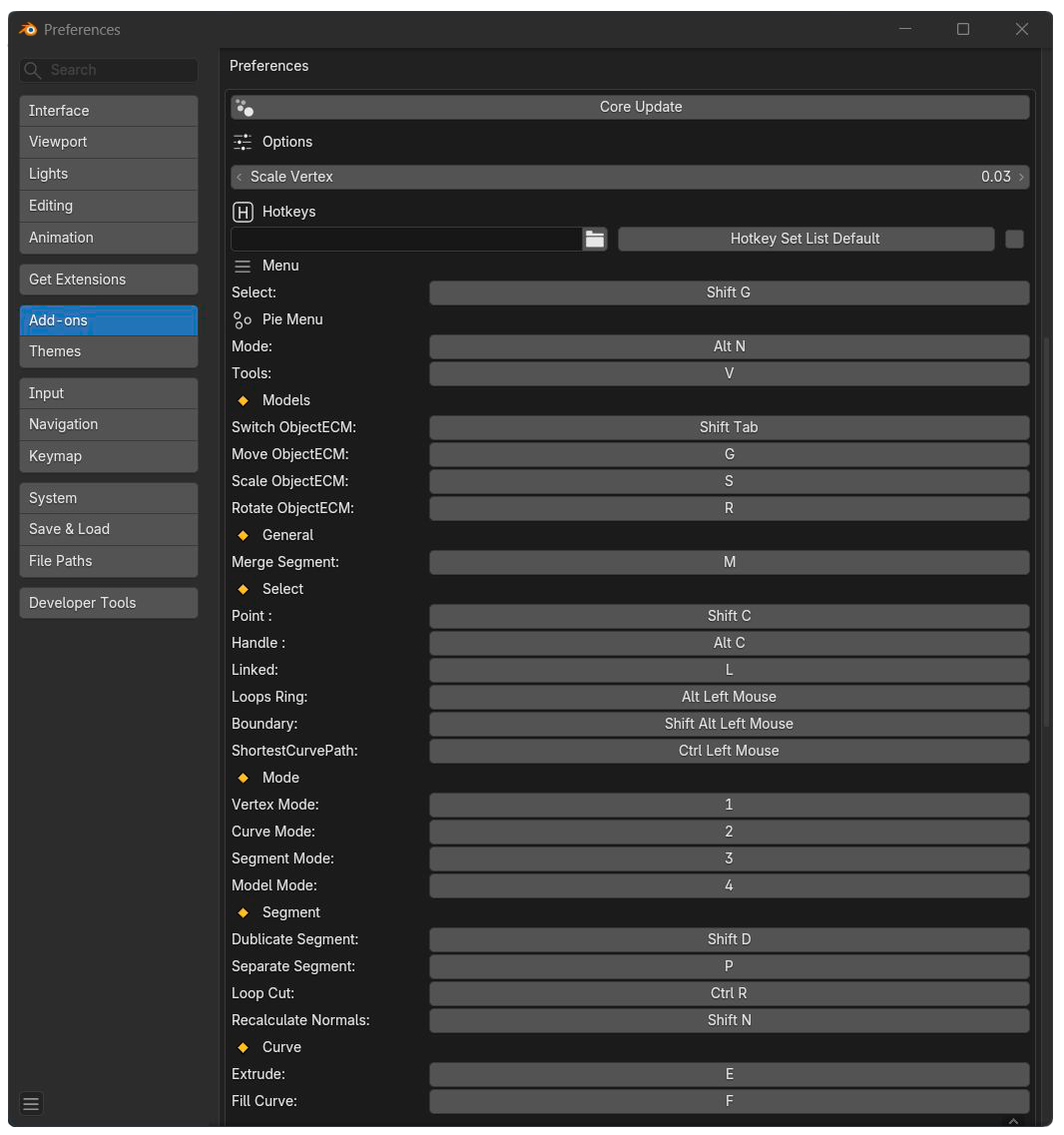
The activation button allows you to switch the default blender keys to the keys used by the addon, you can also change the keys used by the addon to whatever you want, the activation button will make sure you have no conflicts
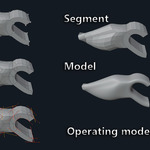
Different parts of the panel appear depending on which mode you are in: "Vertex”, “Curve”, “Segment”, “Model”. Let's take a look at the panel and the functions available in the add-on.
Panel CModeling
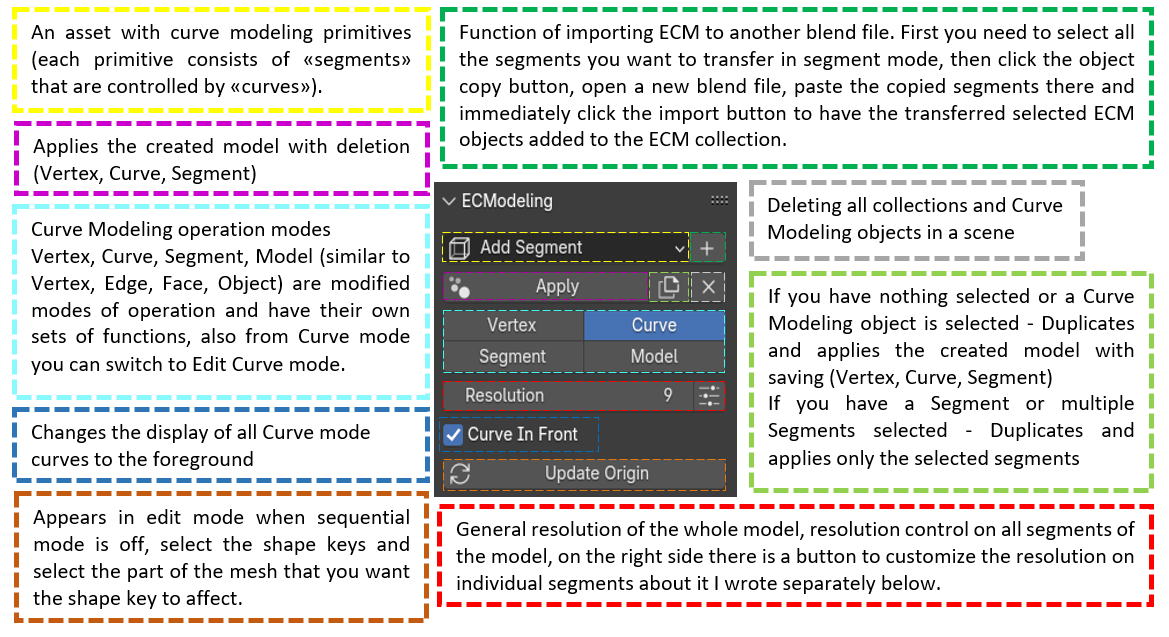
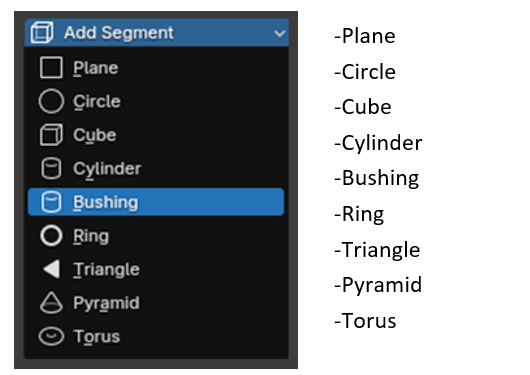
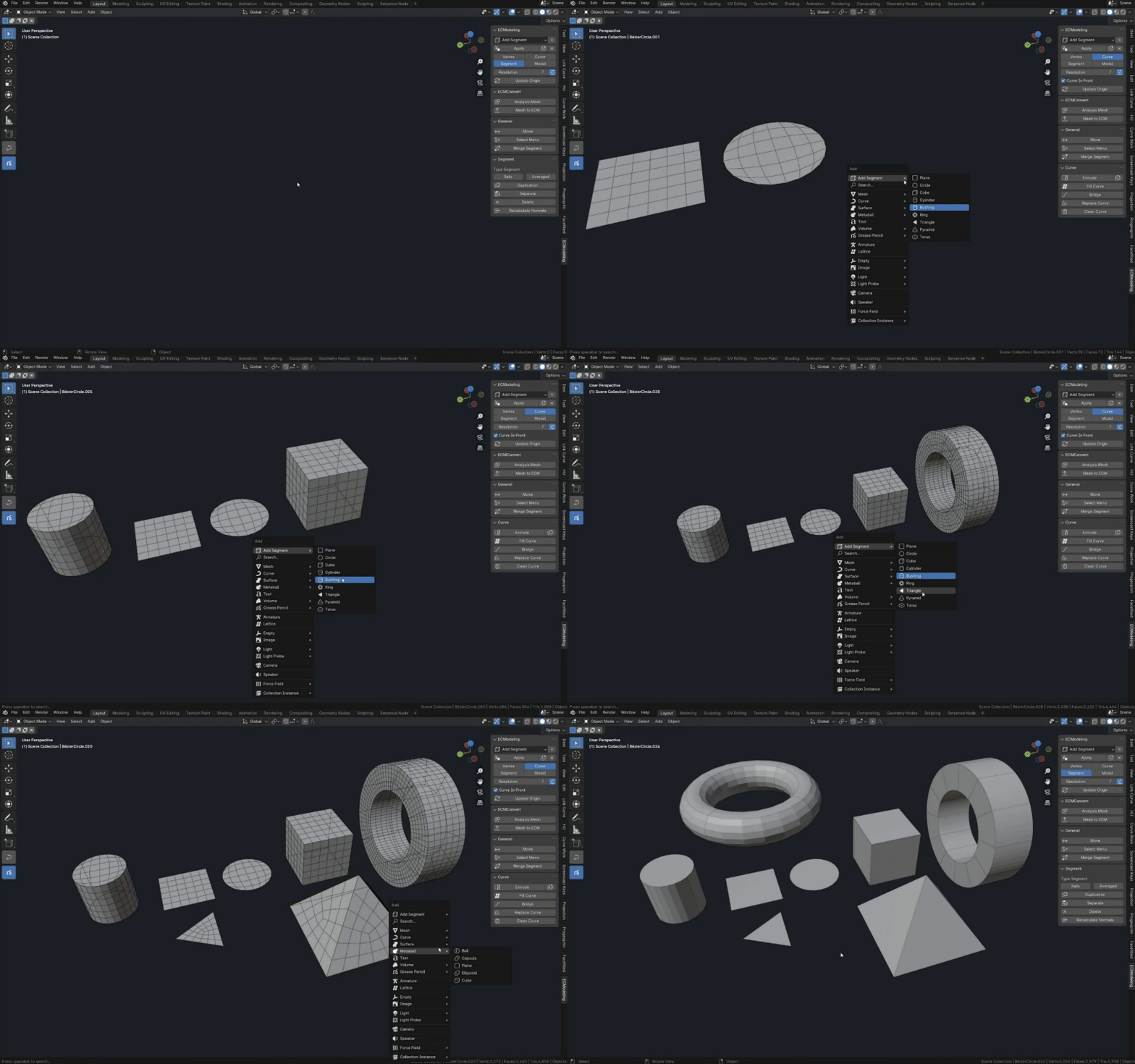
Asset of primitives consisting of curves and addon segments
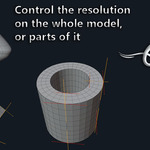
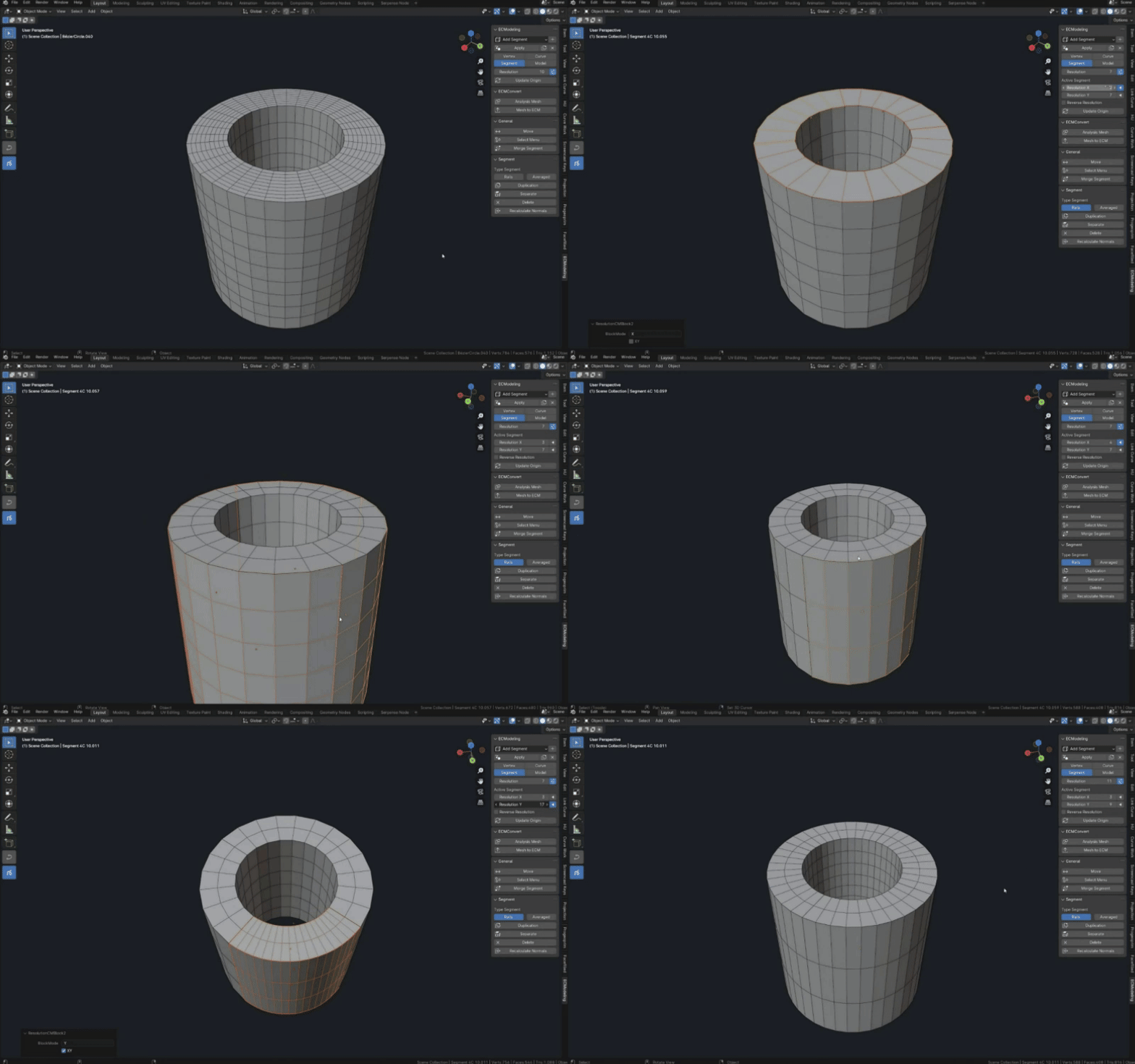
Expansion of resolutions
By default, a shared resolution is used on all segments, but you can switch to manual control on selected segments

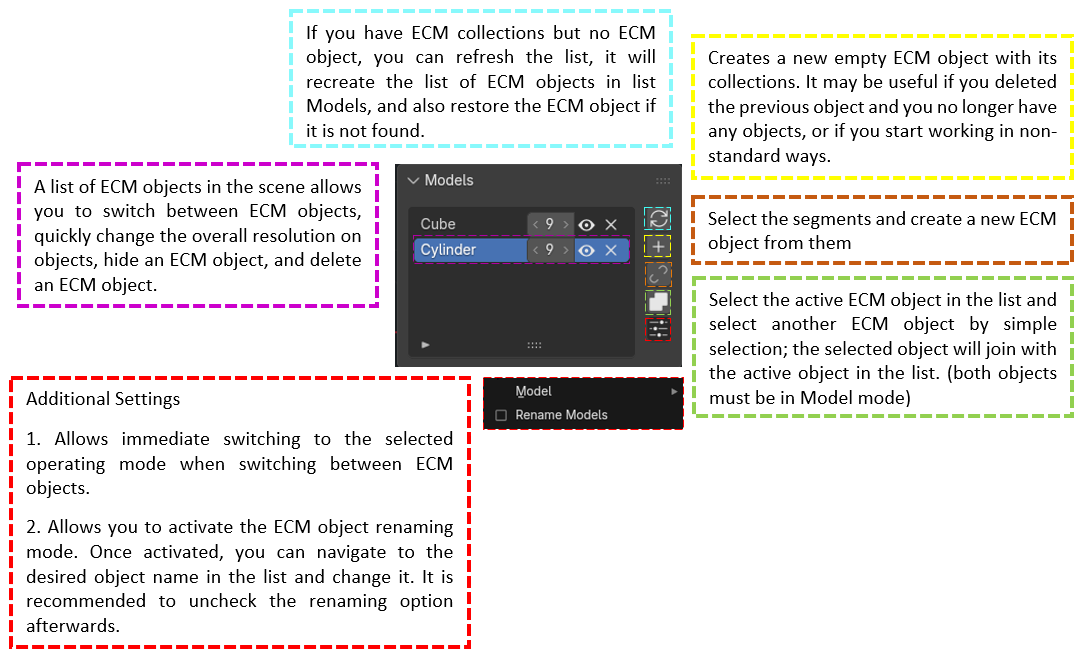
Models panel
A panel designed to work with multiple ECM objects
General panel
Panel designed for functions that can work in different operating modes Vertex, Curve, Segment, Model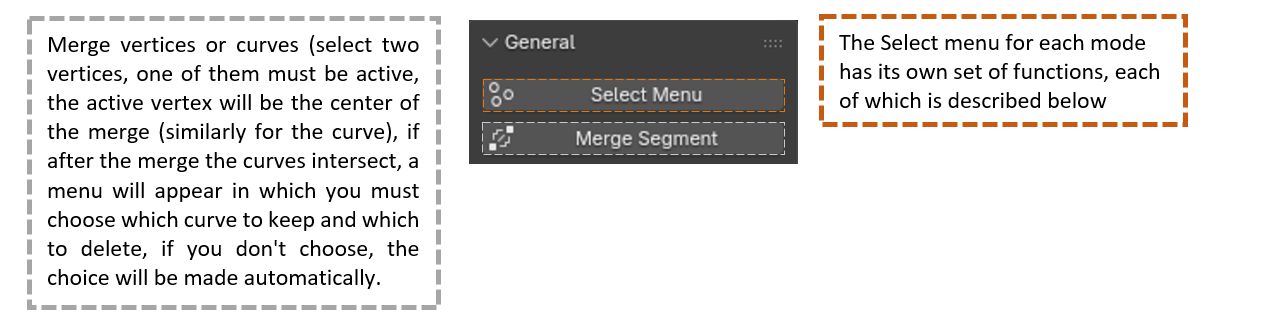
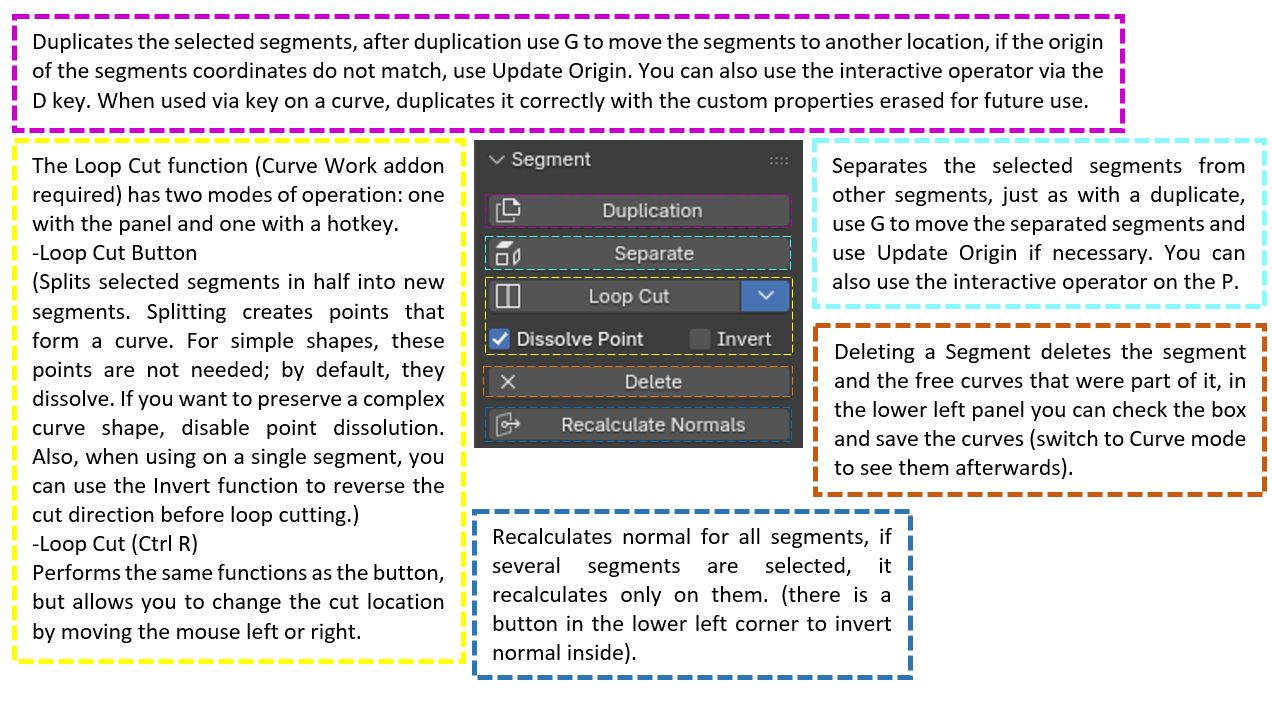
Select Menu
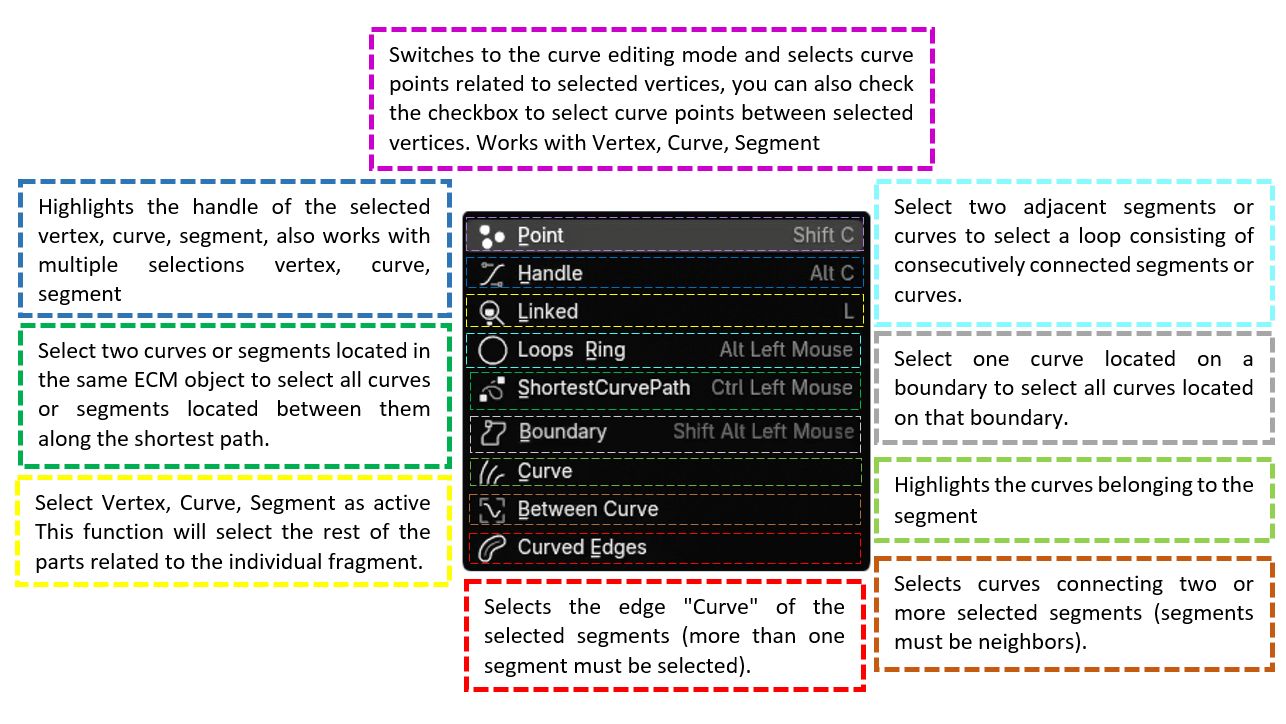
Segment Panel
Curve Panel
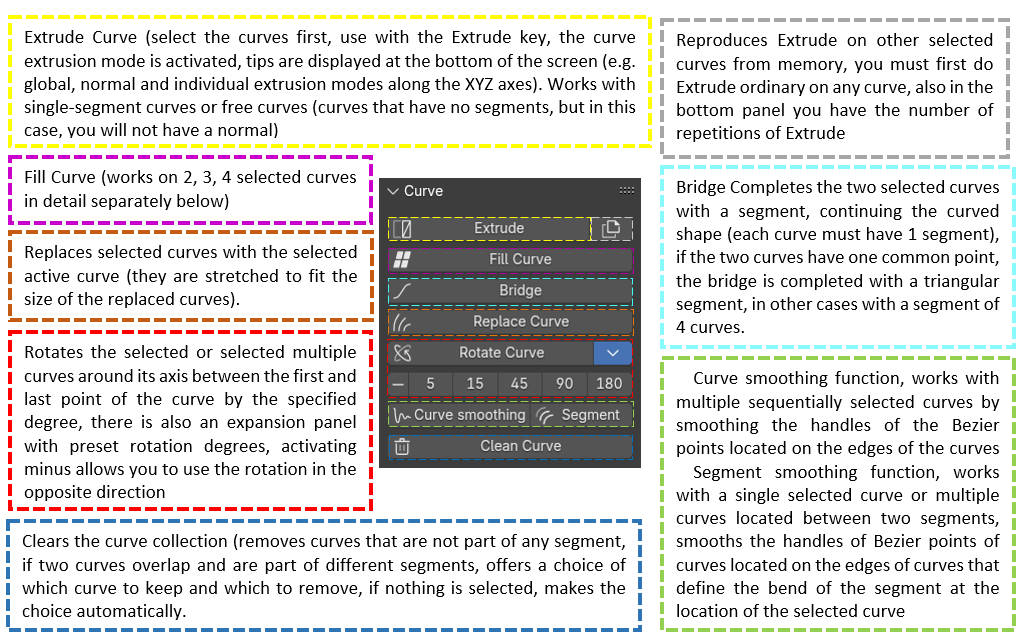
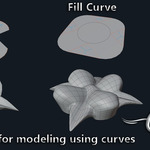
Fill Curve

I will explain the operation of Full curve with examples.
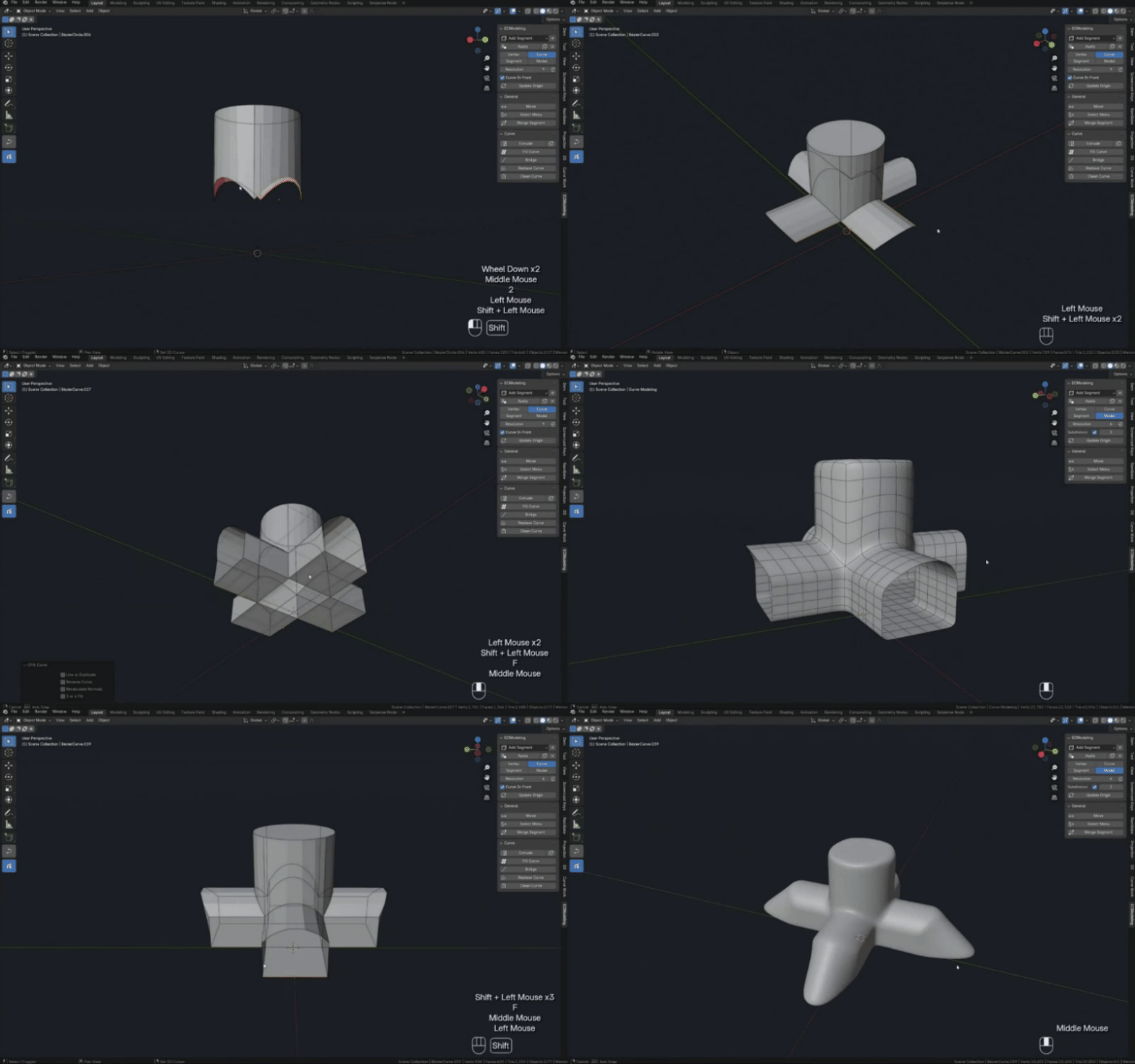
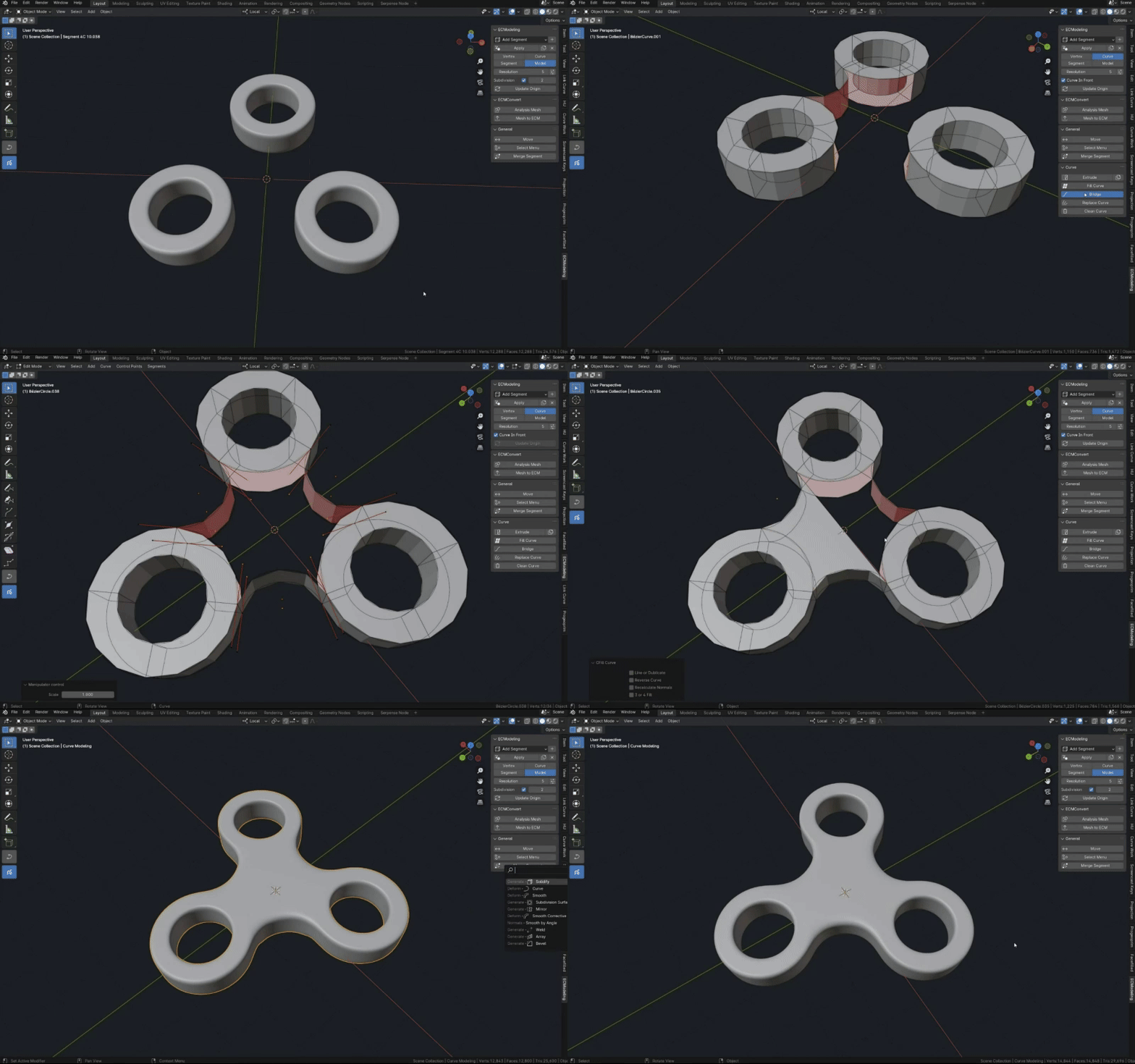
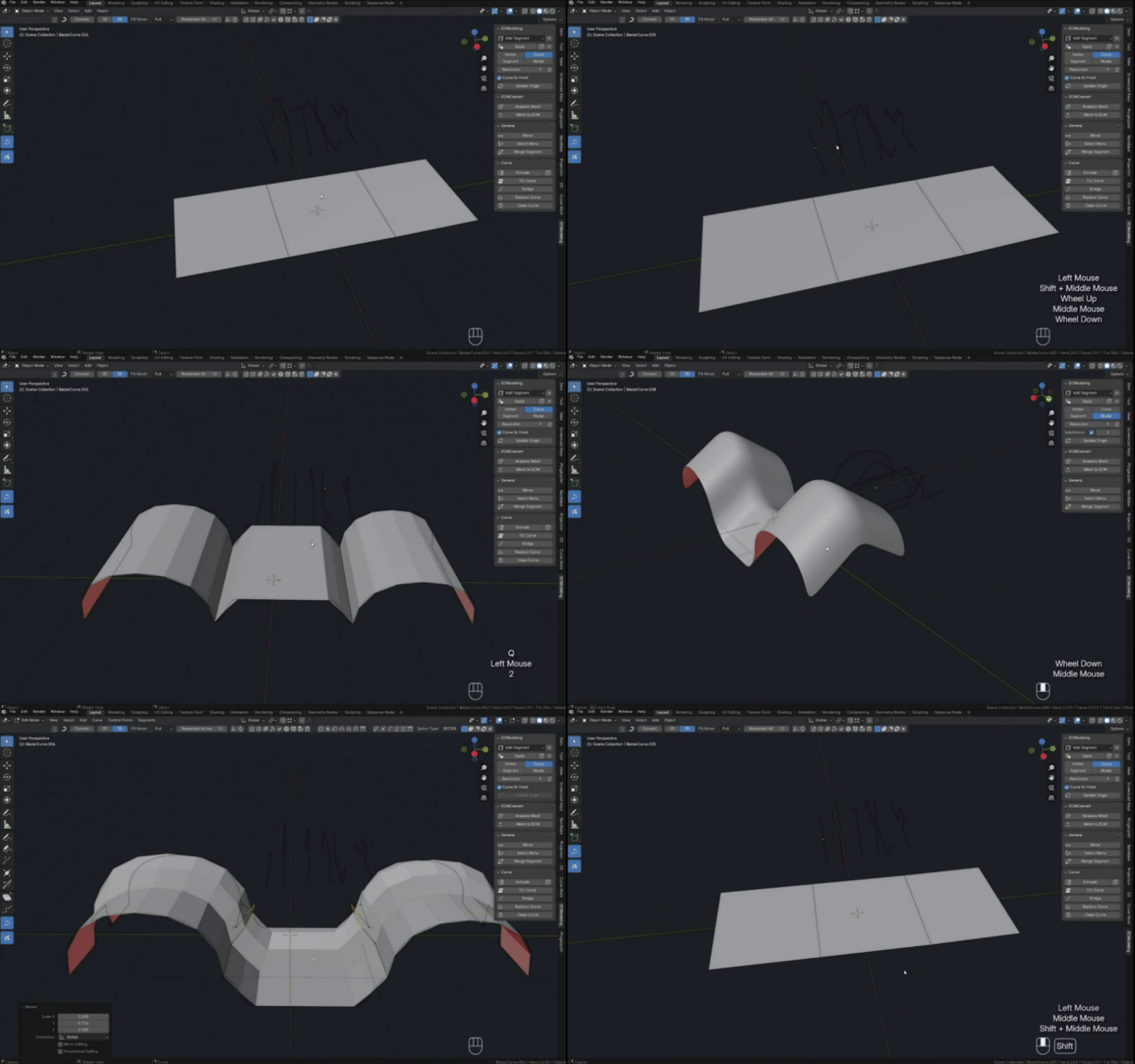
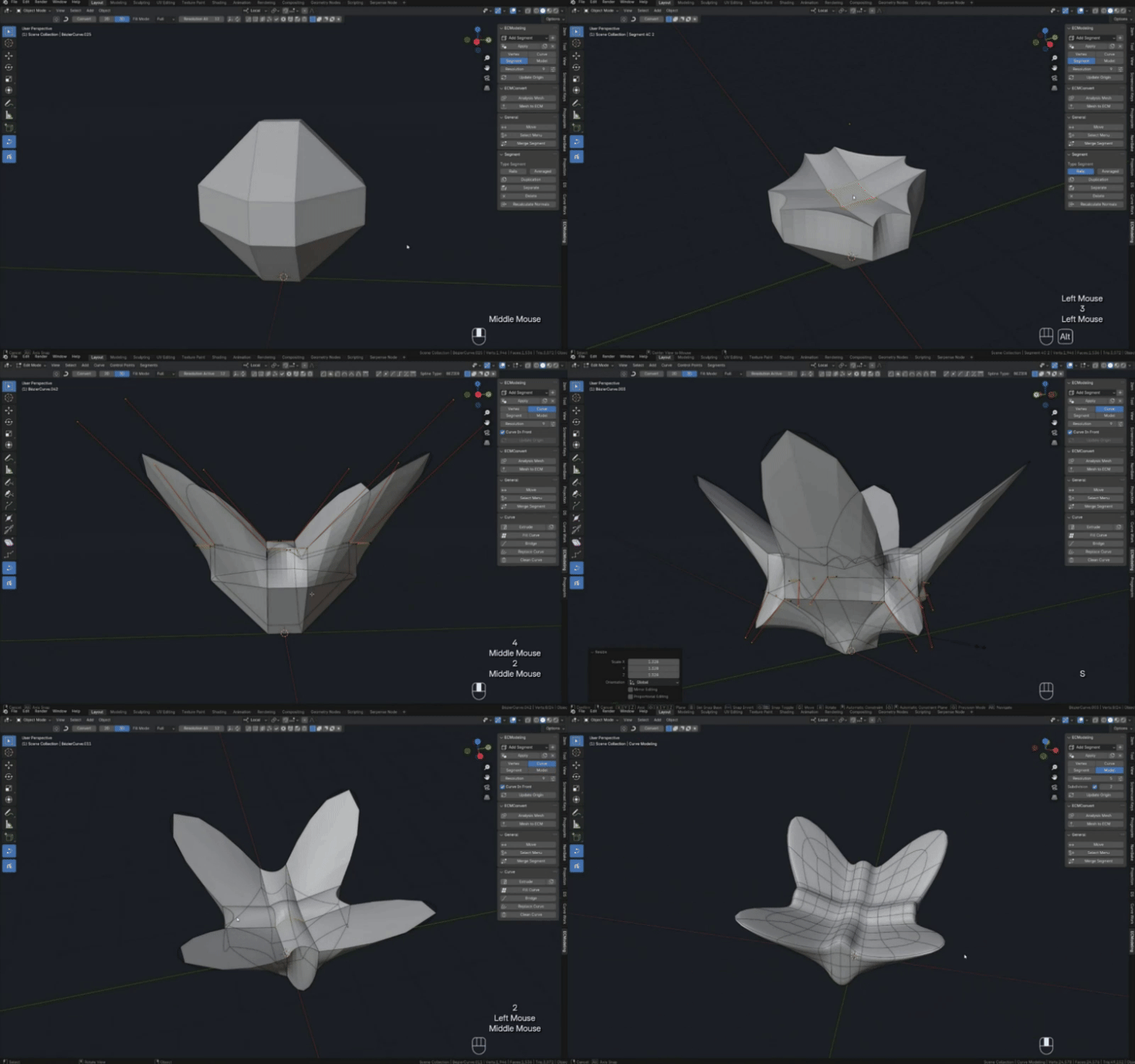
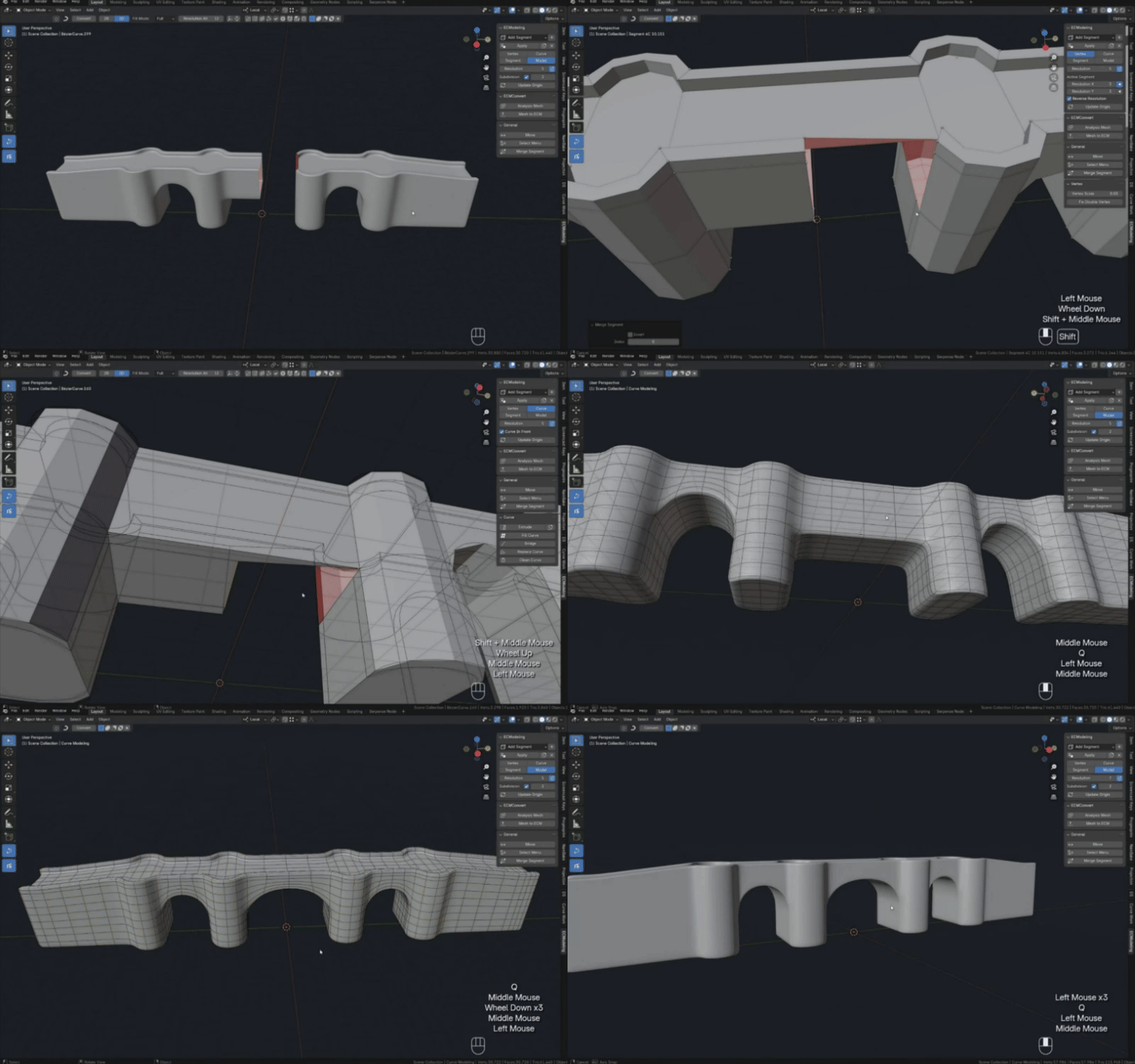
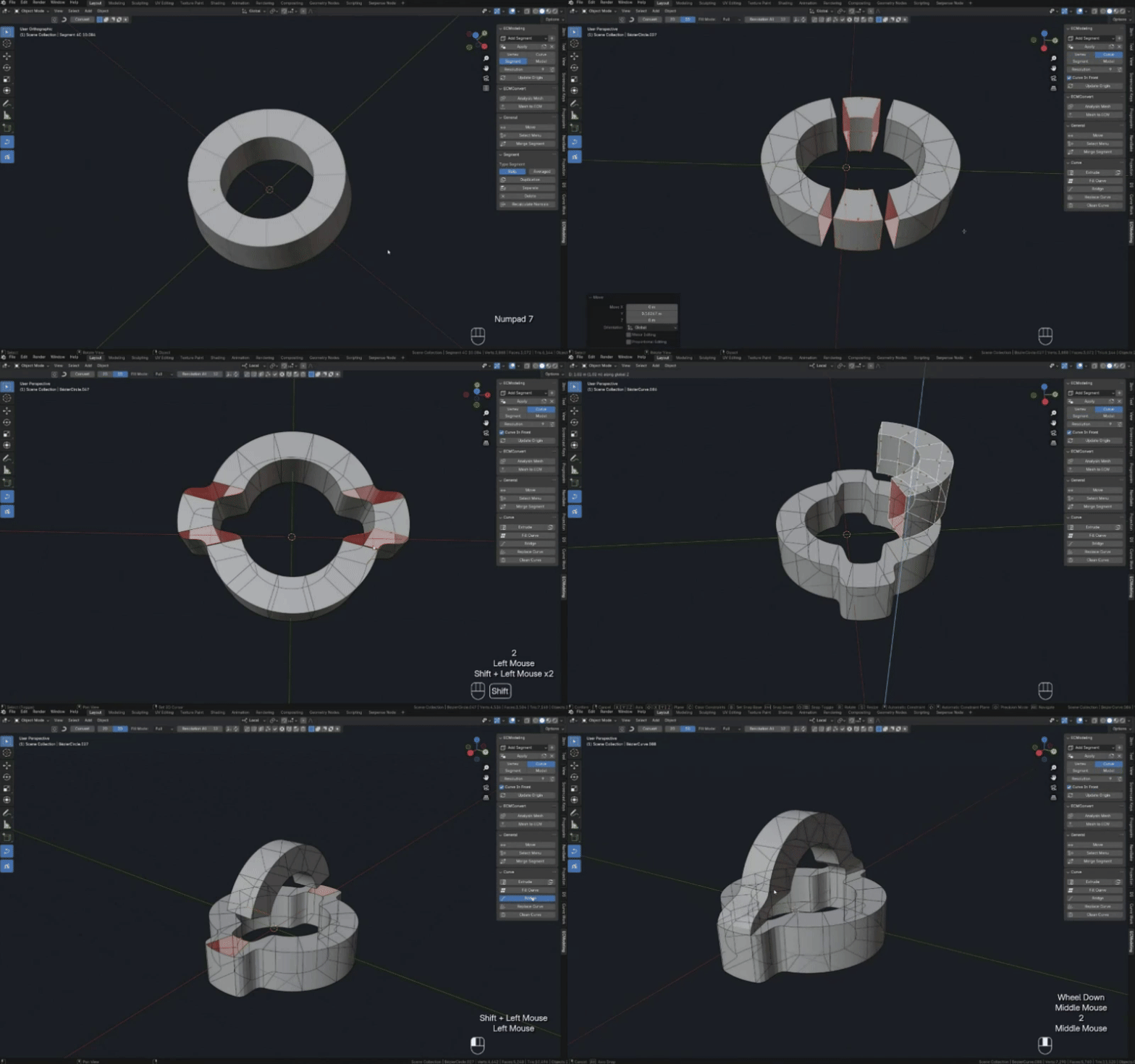
1. You have 4 curves whose boundary points are connected to each other, when you select and click the “Fill Curve” button you will have a segment filled with your 4 curves.
2. You have 3 curves that have common points, when you click on the “Fill Curve” button the missing curve will be created and filled with a segment.
3. You have 2 curves that have no common points, clicking on the “Fill Curve” button will create the two missing curves (if the segment is twisted, check the “Flip” box on the bottom panel that appears).
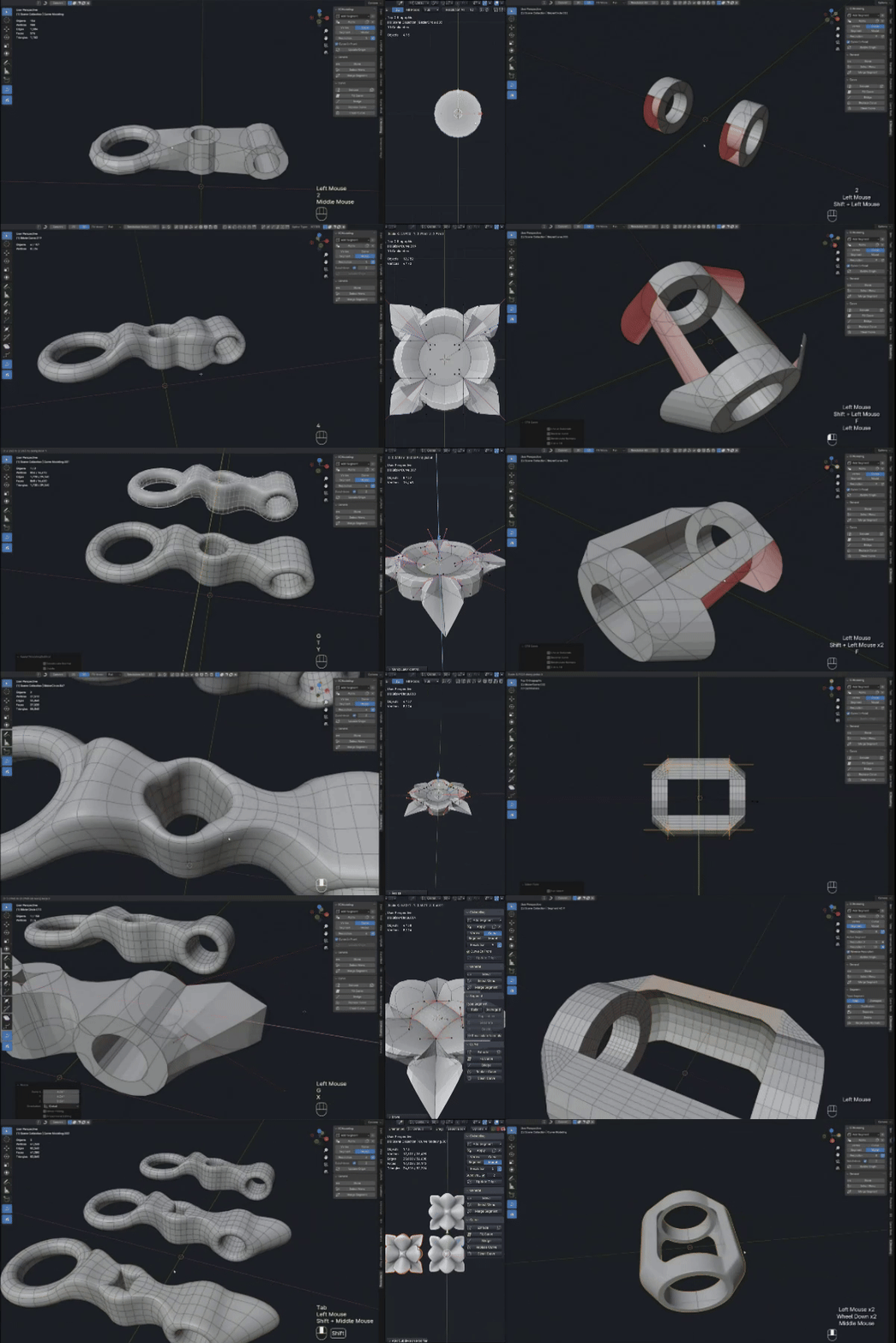
4. You have two curves with a common point, there are two options here, by default another curve will be created and filled with a triangular segment of 3 curves, but you can switch to fill with 4 curves in the bottom panel that appears, then 2 curves will be created and filled with a segment of 4 curves.
5. Also if you have 3 curves that have 3 points in common, then you will have a triangular segment.
6.Filling with a flow, you can select one curve (which has one segment) if on either side of it there are two curves (which also have only one segment), filling with completion will occur as when selecting three curves. You can also select only one curve to fill 4 curves if you need to select 4 curves to fill that spot.
I will go into more detail about this in the videos in my tutorials.
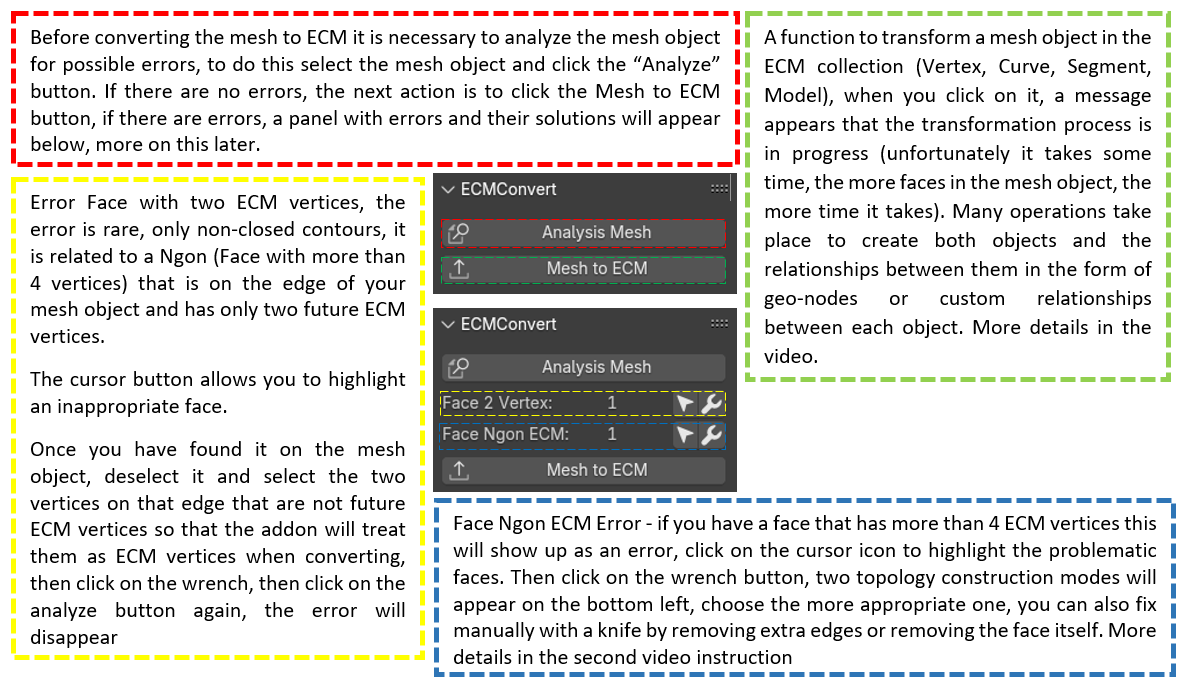
ECMConvert Panel
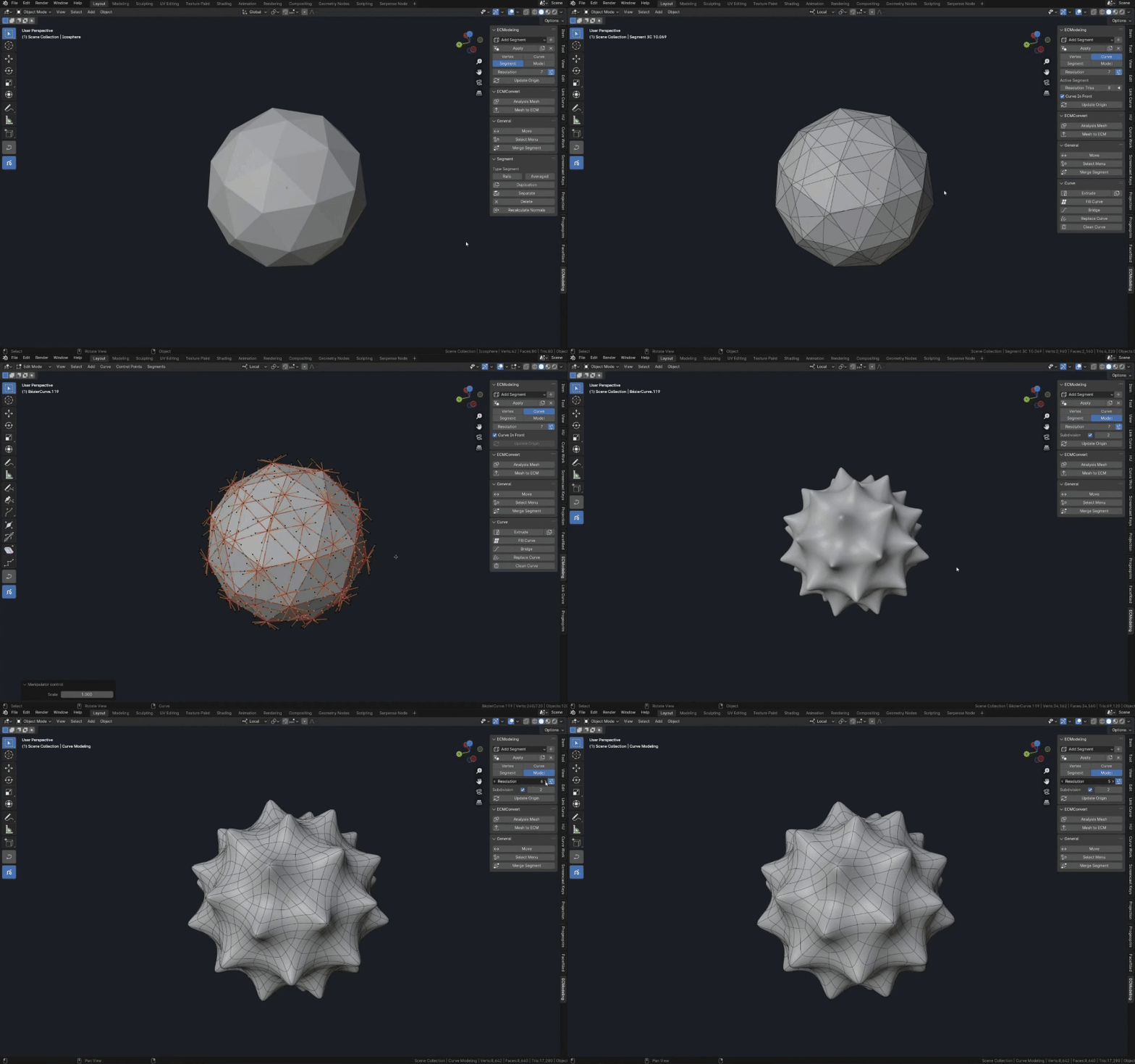
ECM vertex is a vertex located at the intersection of curves. During mesh transformation Mesh vertices (having 3 or more edges) become ECM vertices, if a vertex has only 2 edges, it becomes one of the internal Bézier points of the future curve.
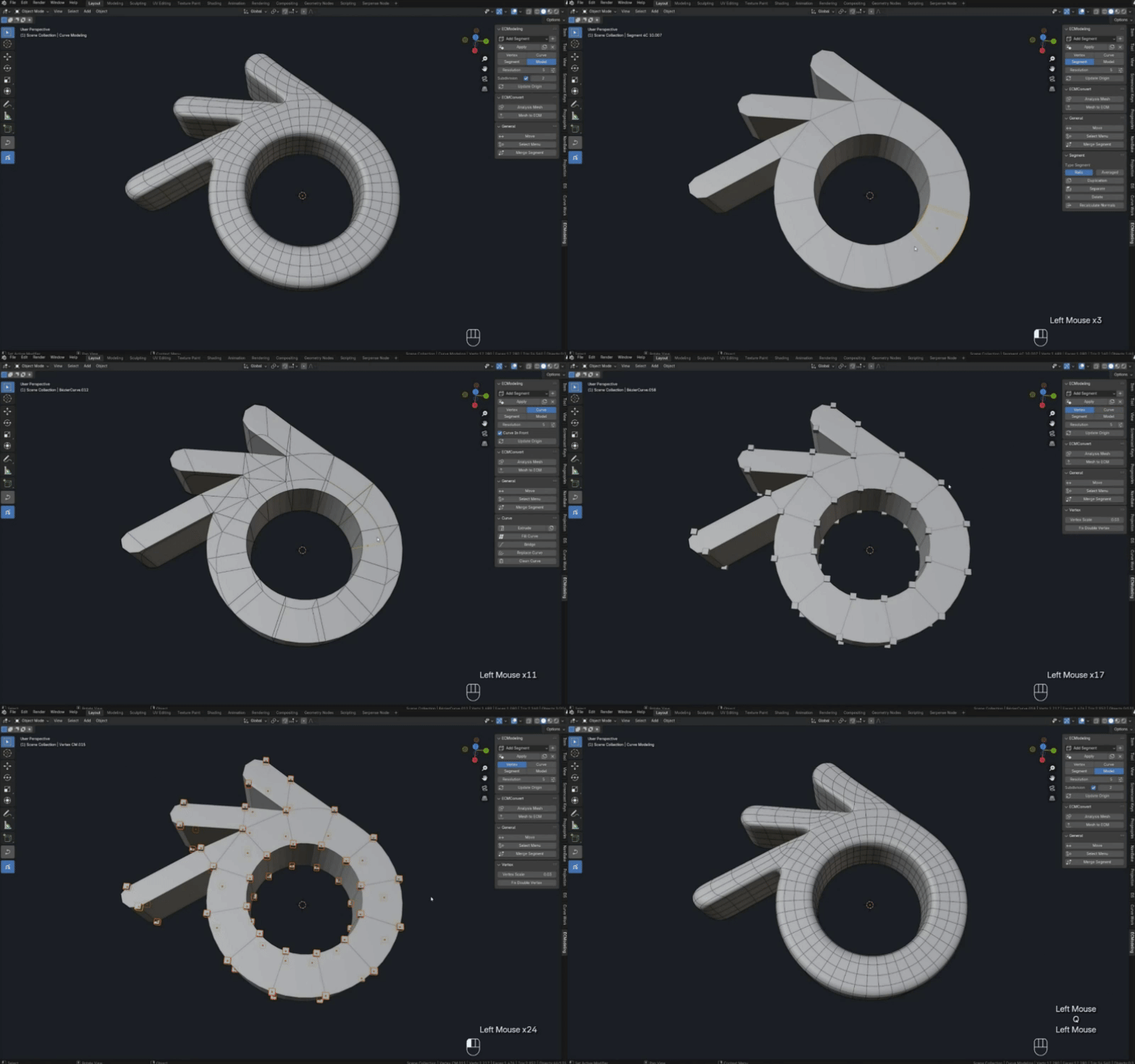
Materials (gif, image)







-
$45
Full version of the addon, there are also previous versions
-
$0
-Demo version of the addon, Spaceship ECM model (Blend file)
Have questions about this product?
Login to message
Discover more products like this
Vovrzull curve modeling Modeling Add-ons Curve to Mesh quad-topology ECModeling Fill Curve Bezier Curve Modeling Mesh to curve