 bhdesign
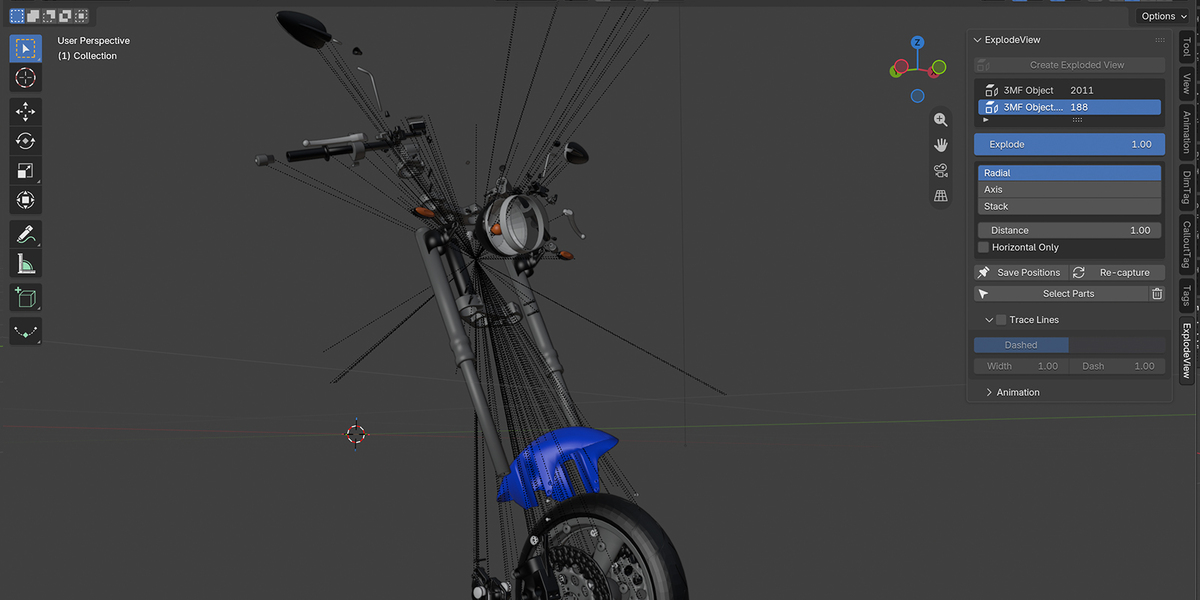
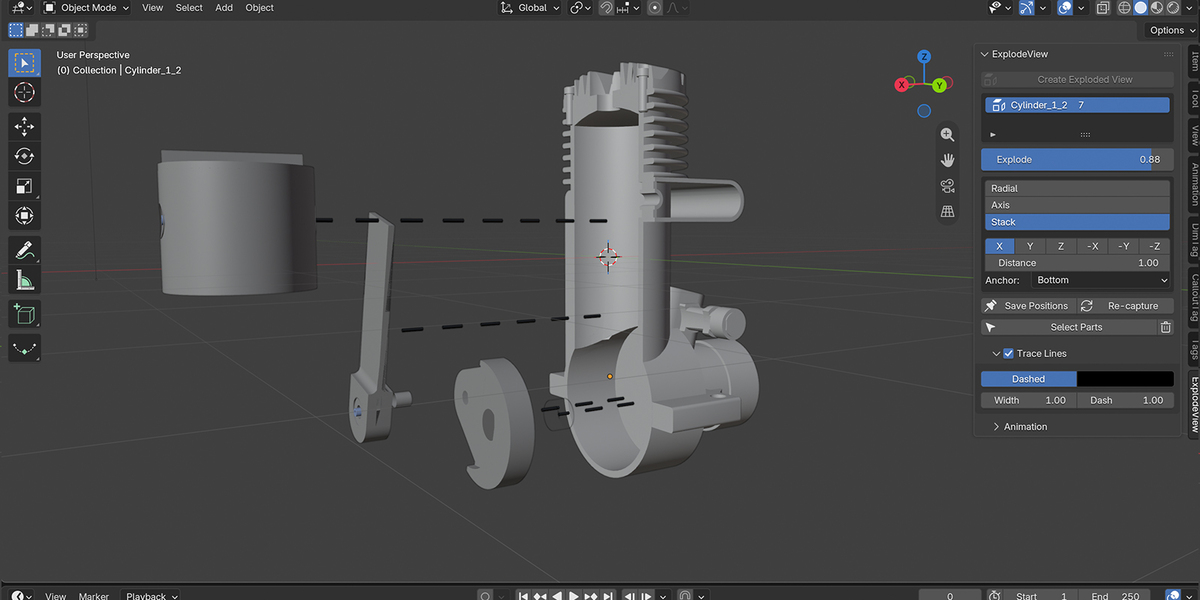
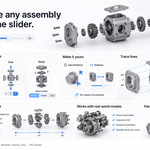
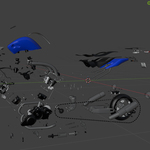
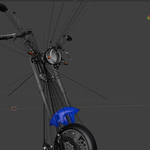
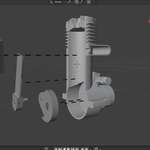
Can I have several exploded views in one scene?
Yes. Each view has its own parts, mode and settings, and you switch between them in the list. A part can belong to only one exploded view at a time.
Does it work with rotated or parented assemblies?
Yes. You can explode the children of any parent, even when the parent is rotated, scaled or animated.
Can I export the animation for the web?
In Stack mode, no: each part is lifted just enough to clear the parts it overlaps. In Radial and Axis modes, parts move along straight lines, so increase Distance or use Stack for tightly packed assemblies.
Can I control where each part goes?
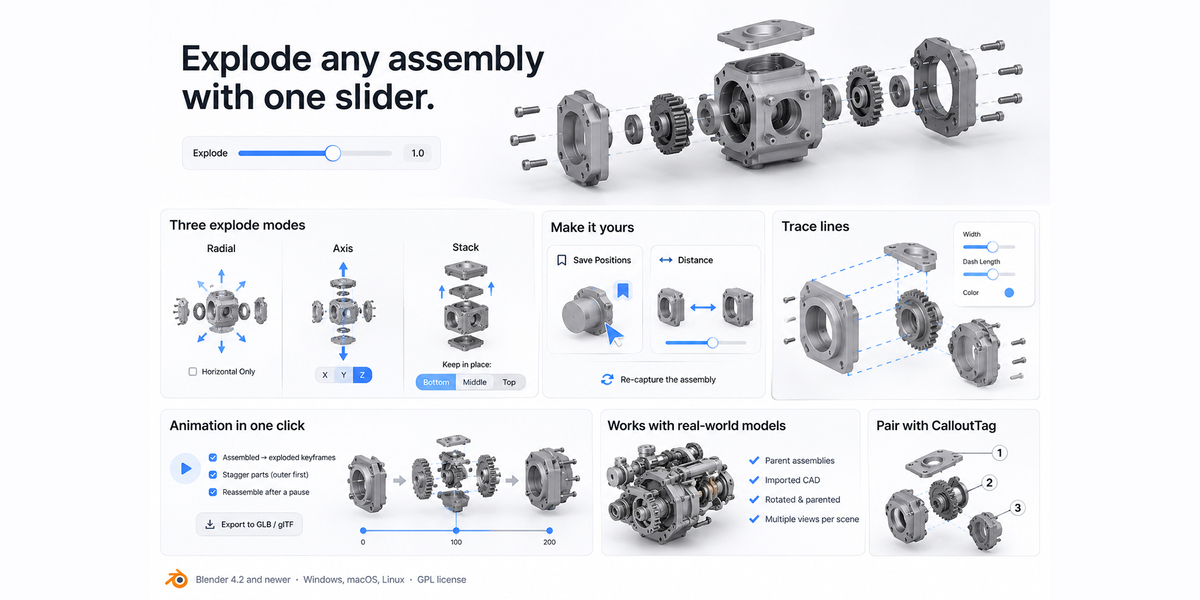
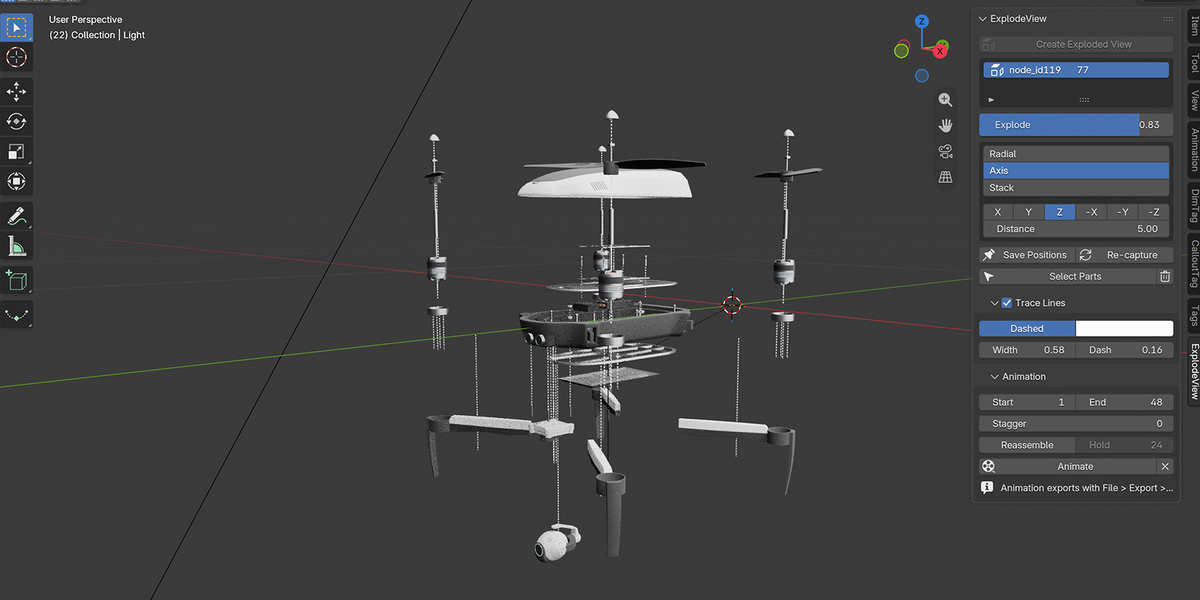
Yes. Choose a mode (Radial, Axis or Stack), then fine-tune: explode, move any part by hand, and click Save Positions.
Does it work with imported CAD or STEP models?
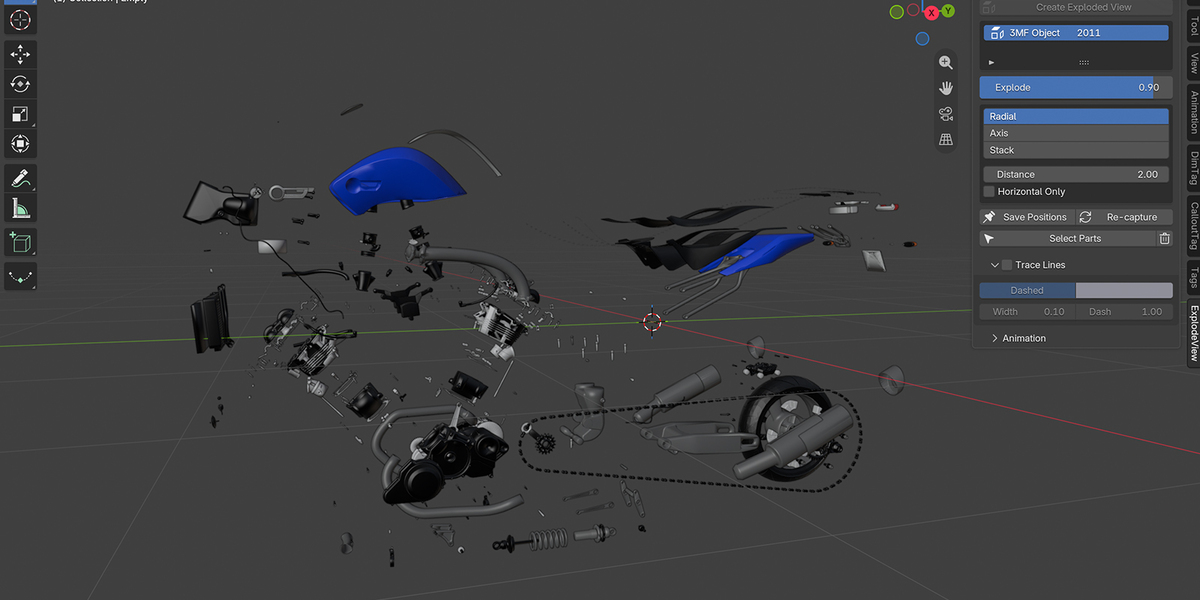
Yes. Imported parts often have all their origins at world zero. ExplodeView computes directions from each part’s actual geometry, so they still explode correctly.
Will my model be changed or damaged?
o. ExplodeView only moves objects, and it remembers their original positions. Set the slider to 0, or delete the exploded view, and every part returns exactly to where it was.
Have questions about this product?
Login to message
| Blender Extension Compatible | Yes |
| Published | 1 day ago |
| Blender Version | 4.2 - 5.2 |
| Extension Type | Add-on |
| Render Engine Used | Cycles, Eevee |
| License | GPL |
Discover more products like this
for technical artists glb threejs cad technical 3D configurator E-commerce explode animation exploded view instructions product-visualization animation