Exploratory
 Spencer Shade (shade.who)


Please join the Discord for bug reports, questions, and feedback!
Exploratory has default actions, sounds, and character to get you started
Exploratory is split in 3 different areas:
1. Preferences - Global control. These settings such as performance, volume, skin, actions, audio etc are settings that are saved and stored globally.
2. N-panel - Scene level controls. Add scene specific characters, audio and actions. Change between view modes such as third person and first person. Set your spawn location, proxy meshes (meshes your character interacts with, see docs below) and more.
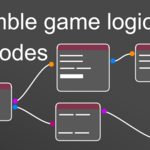
3. Exploratory Nodes - Scene level triggers, trackers and reactions that occur during your game. The what and why.
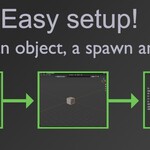
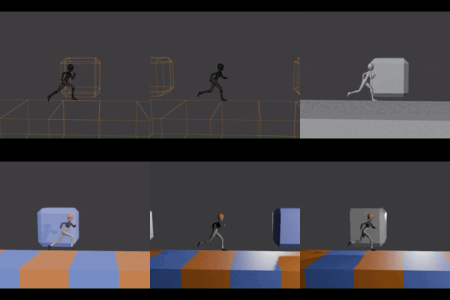
To get started right away, go to the N-panel and find Exploratory. You will see a section called "Proxy mesh and spawn". Mark a spawn object to identify spawn location, and a proxy mesh to identify what surface to traverse, then start the game. To start a game press "P" (Default), or press the "Play" button in the Exploratory N-panel tab. By default Exploratory is third person, and you will spawn into your world.
The following docs go into detail about how Exploratory works, how to create worlds, best practices, Blender limitations, Exploratory nodes etc.
Character, Actions, and Audio. Its critical to understand that the main Character, Actions and Audio are appended on game start, then completely removed when the game ends. This is a simple workaround to ensure data and Blend files don't bloat with orphaned data or scene data. If you want to create your own custom skin or audio or that is very doable but you MUST lock them in the N-panel to ensure we skip the append and remove step.
DOCS ARE A WORK IN PROGRESS. More to come very soon. Join the Discord linked above to ask any questions or voice concerns. Happy Blending!
Have questions about this product?
Login to message
| Published | 8 months ago |
| Blender Version | 5.0 |
| Extension Type | N/A |
| Render Engine Used | Eevee |
| License | GPL |
