 sesillx
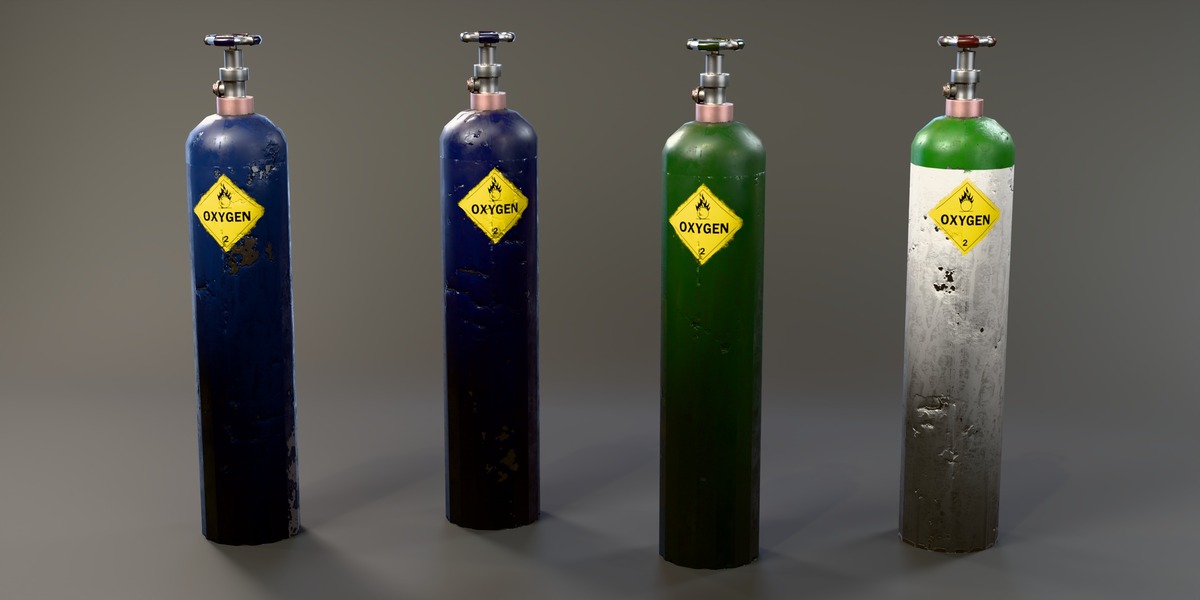
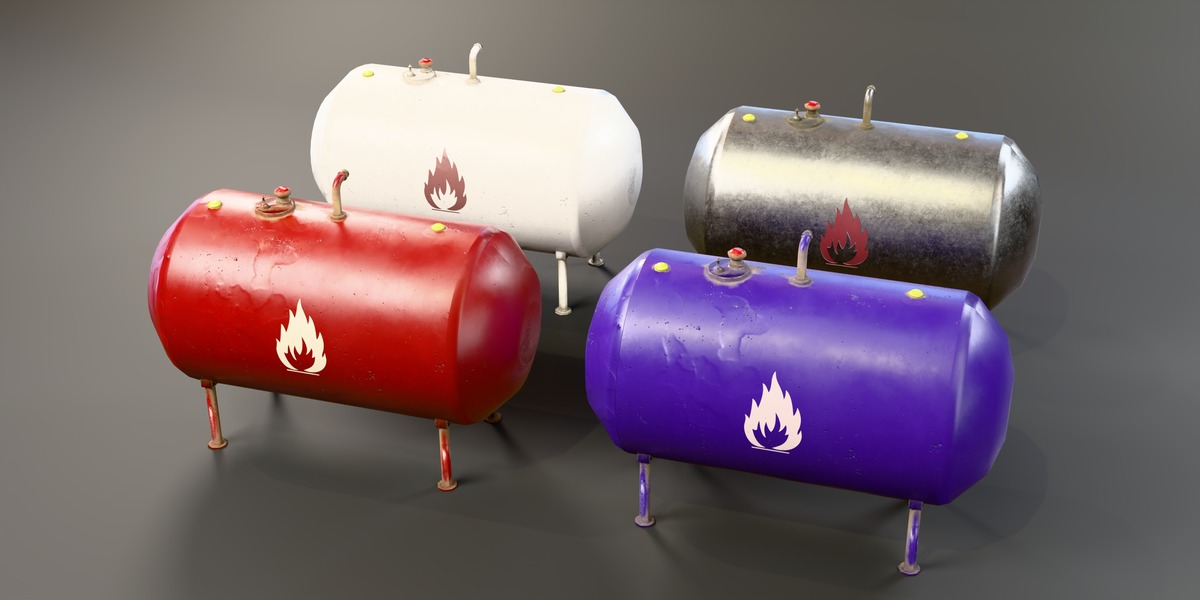
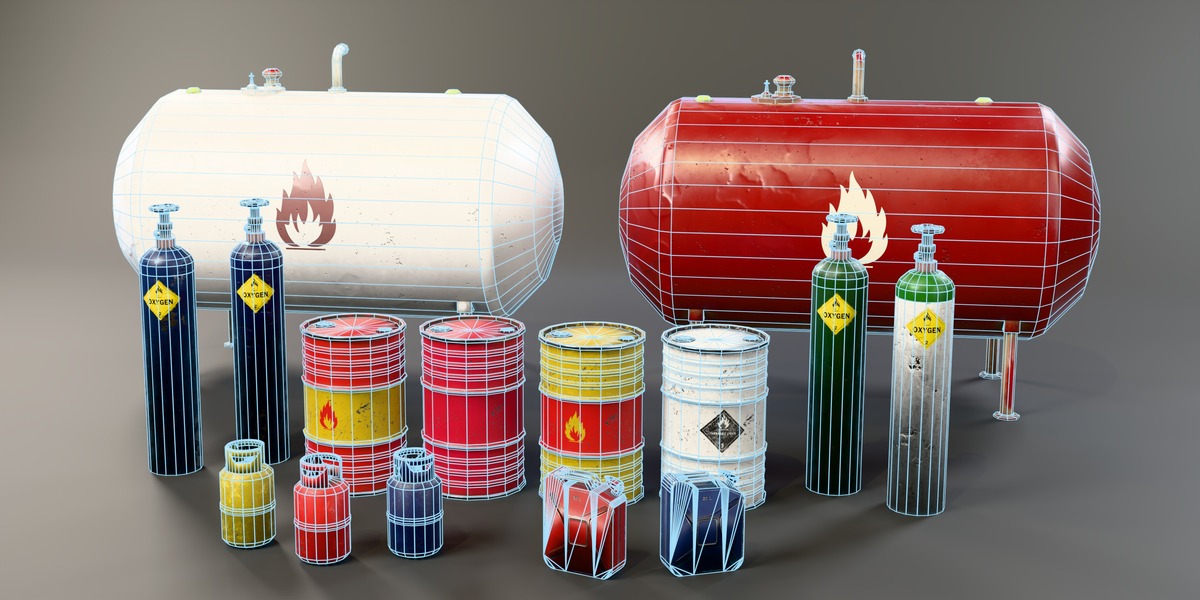
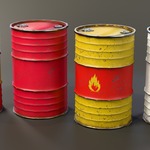
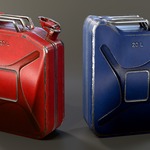
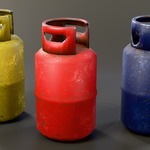
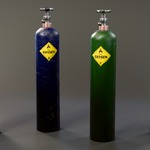
What's inside
One archive, ExplosivePropsPack.zip (347 MB):
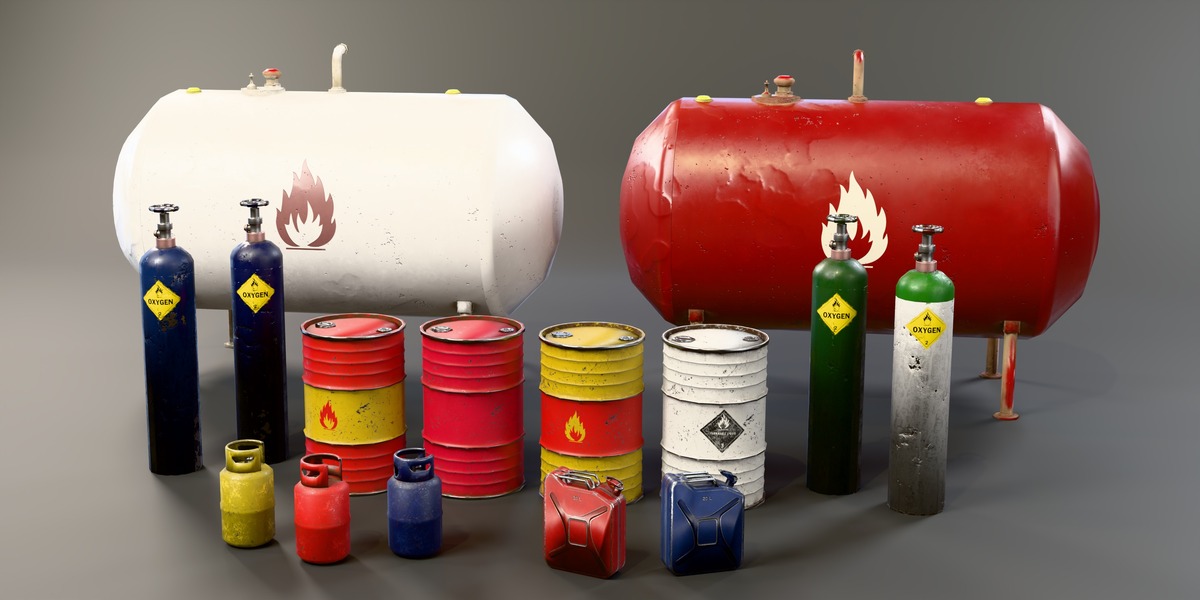
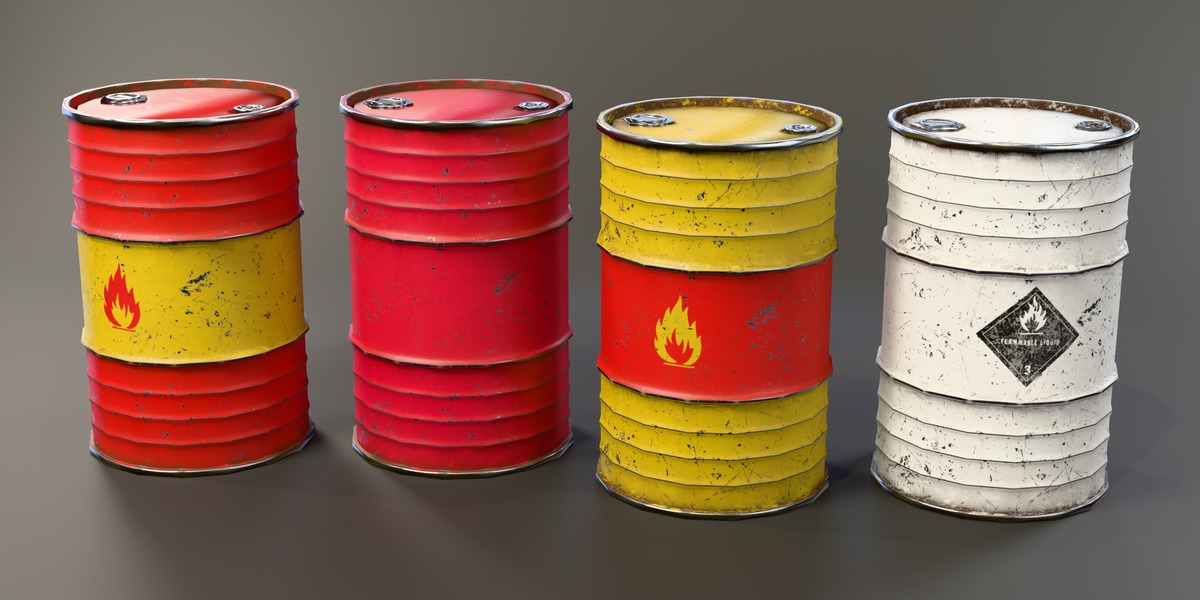
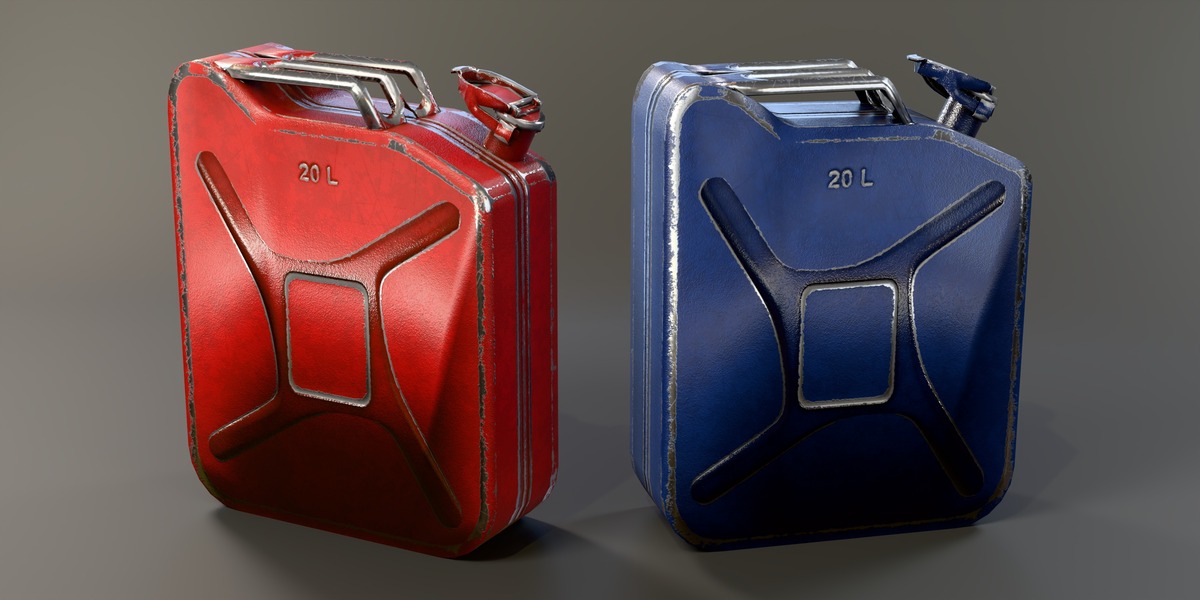
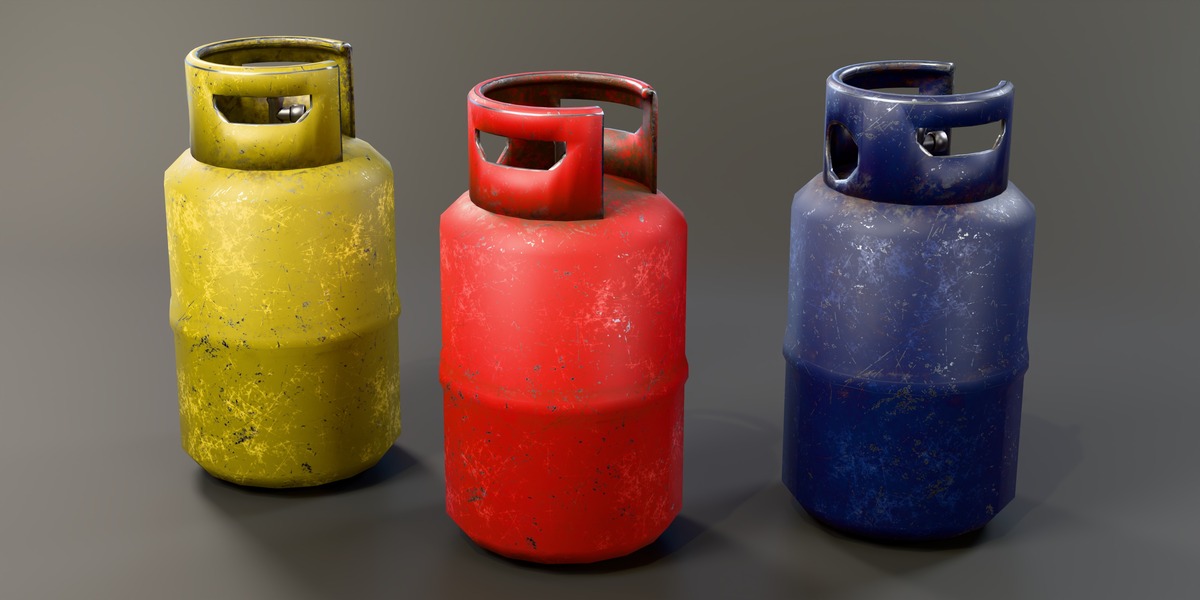
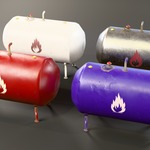
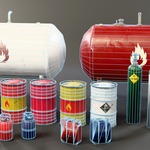
- ExplosivePropsPack.blend: 17 objects, one per colour variant, sorted into a collection per prop. Materials are already connected.
- fbx/: OilBarrel, GasCylinder, OxygenTank, Jerrycan and GasTank, each as _low.fbx and _high.fbx
- textures///: BaseColor, Metallic, Roughness, Normal and Height PNG maps
- textures//_AO.png: ambient occlusion, shared by all colour variants of that prop
- README.txt: poly counts, sizes and variant names
Using the .blend
Unzip the whole folder and keep the textures folder next to the .blend; the image paths are relative. Append or link the objects you need (File > Append > Object), or add the folder as an asset library in Preferences > File Paths, since every object is marked as an asset.
Using the FBX in other engines
The FBX files are in metres, Z up in Blender, with the pivot at the bottom centre. Import _low.fbx and assign the maps from the matching texture folder. The normal maps are OpenGL (Y+); in Unreal, flip the green channel or tick "Flip Green Channel" on the texture. Metallic and Roughness are separate greyscale maps, so pack them into one texture if your engine wants that (for example Metallic in R and Smoothness = 1 - Roughness in A for Unity's Standard shader). The AO map can go into the occlusion slot.
Height map
The Height map is loaded in each material but left unconnected. Plug it into a Bump node for extra surface detail, or use it for parallax in a game engine.
Have questions about this product?
Login to message
| Published | about 7 hours ago |
| Blender Version | 5.2 |
| Render Engine Used | Cycles, Eevee |
| Misc Data | Uvs-Unwrapped, Low-High-Resolution, Normal-Mapped, Textured |
| License | Royalty Free |
Discover more products like this
game ready fuel gas cylinder jerrycan low poly explosive barrel oil barrel PBR oxygen-tank Gas tank props industrial