Export True STEP/STP · Version 0.1.0
Documentation
Install the add-on, choose a reconstruction mode, and export your selected Blender meshes as STEP CAD geometry.
Development and testing release
This add-on is still in development and is currently intended for testing and evaluation. Reconstruction results depend on the source geometry. Inspect the exported shape, dimensions, holes, and recesses in your CAD application before using the result in production.
Requirements: Windows x64 and Blender 5.2.0 minimum. Tested with Blender 5.2.0 and 5.2.3 LTS. The bundled Windows package includes Python and the CAD runtime; no separate Python installation is needed for that package.
01 / SETUP
Installation and updates
- Download the bundled Windows x64 add-on ZIP. Keep the ZIP intact.
- In Blender, open Edit → Preferences → Add-ons.
- Open the Add-ons menu, choose Install from Disk, and select the ZIP.
- Enable Export True STEP/STP.
- Confirm that True STEP (.step) and True STP (.stp) appear under File → Export.
The bundled package is named mesh_cad_step-0.1.0-blender-5.2-windows-x64-bundled.zip. Its CAD runtime is included, so normal use does not require an internet connection.
Updating: finish or cancel any active export, install the replacement ZIP, then restart Blender to load the updated files. All export controls are in the export window; there is no N-panel.
02 / QUICK START
Your first export
- Switch to Object Mode and select one or more original mesh objects.
- Choose File → Export → True STEP (.step) or True STP (.stp).
- Start with Reconstruction: Automatic and leave Automatic tolerance enabled.
- Check Input units and the displayed 1 Blender unit = … mm conversion.
- Choose the destination and filename, then export.
- Watch the Info editor for progress and the final result. Open the exported file in your CAD application to inspect it.
STEP and STP are two extensions for the same CAD format. Both export entries use the same reconstruction and validation process. The add-on does not modify your source mesh or apply modifiers to the original object.
03 / CHOOSE YOUR RESULT
Reconstruction modes
Automatic
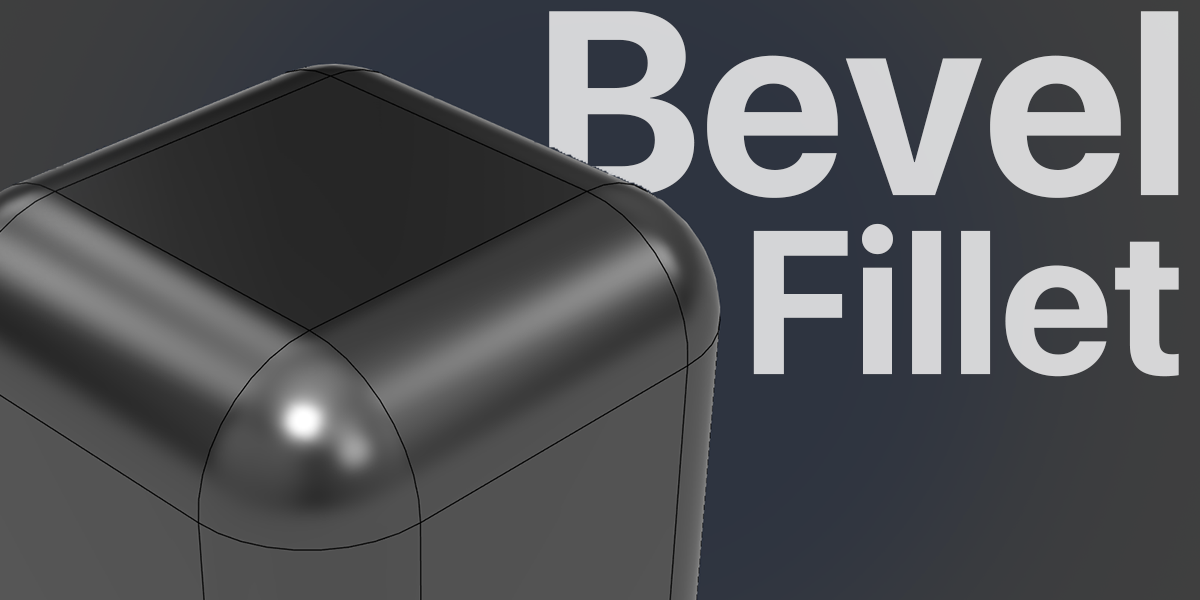
Use this mode to attempt CAD bevel and fillet recovery. It tries supported native CAD features first, then supported surface reconstruction, and finally the original-face fallback.
Recognized circular rounds can become analytic CAD surfaces. Supported non-circular bevels and freeform regions can become fitted CAD surfaces. Face layout may change as multiple mesh faces become a larger CAD surface. A fallback result keeps source faces and does not mean the bevels were recovered.
Preserve original faces
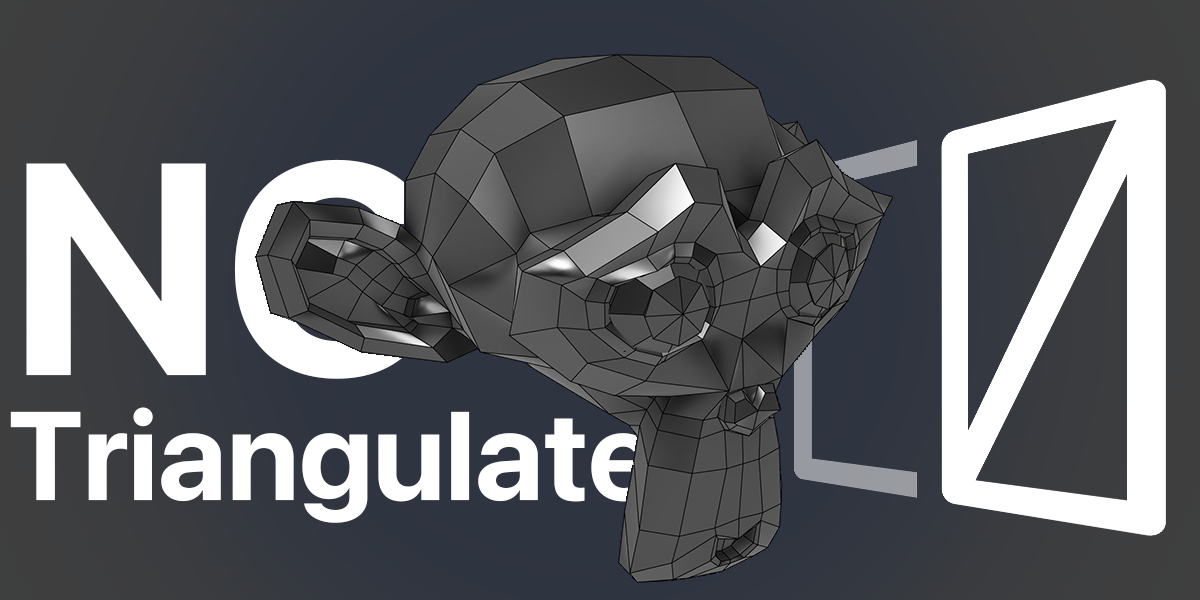
Use this mode when retaining the source polygon boundaries matters most. After degenerate geometry cleanup, each valid source polygon becomes one CAD face. Existing quads, n-gons, and triangles retain their boundaries.
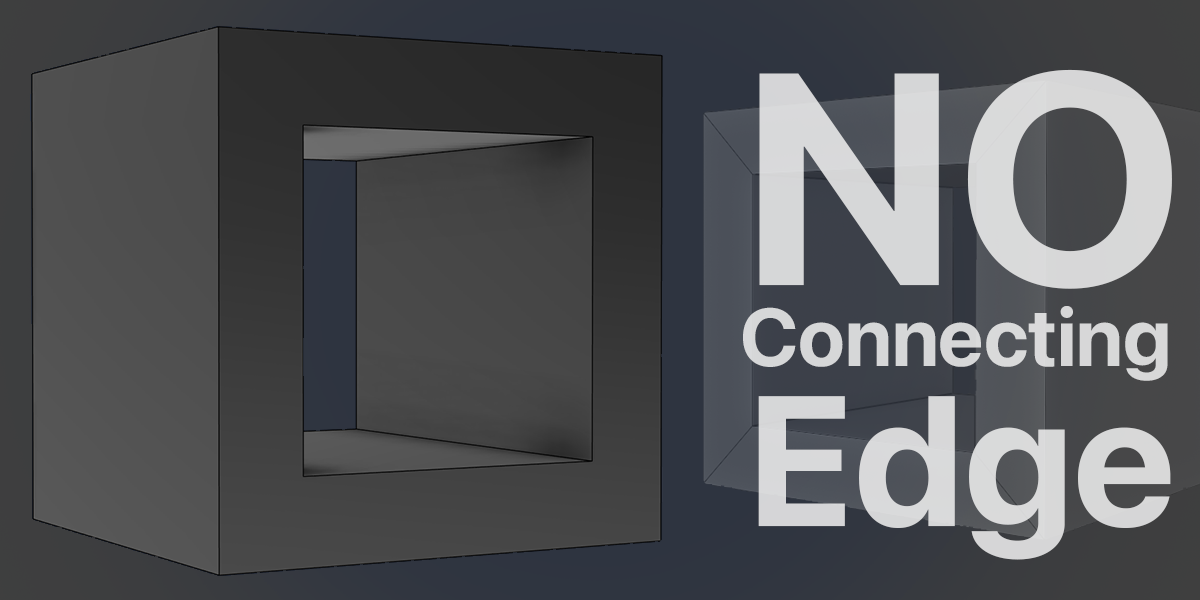
This mode adds no triangular CAD faces or diagonal connections. It does not reconstruct CAD fillets or merge adjacent source faces. Non-planar polygons can have small interior shape differences when converted to CAD surfaces; their boundaries are checked.
04 / SCALE
Input units and dimensions
Output coordinates are written in millimetres. Choose how one Blender unit should be interpreted:
| Input units |
Interpretation |
| Scene units |
Uses the scene unit scale. With Unit System set to None, 1 Blender unit = 1 mm. |
| Millimetres |
1 Blender unit = 1 mm. |
| Centimetres |
1 Blender unit = 10 mm. |
| Metres |
1 Blender unit = 1000 mm. |
| Custom |
Enter the required millimetres per Blender unit. |
Example: an object measuring 2 Blender units exports as 2 mm with Millimetres, or 2000 mm with Metres. Always check the conversion shown in the export window.
05 / OPTIONS
Export settings
Automatic tolerance Enabled by default. Calculates an allowance from the source geometry and checks the reconstructed result. Coarse bevel segments can require a larger allowance. It does not keep increasing tolerance until an incorrect reconstruction passes. Disable it to enter Shape tolerance (mm) manually. Evaluate modifiers Enabled by default. Exports the evaluated mesh, including modifier results. Disable it to use the base mesh. The original modifier stack is left unchanged. Open / non-manifold surfaces Enabled by default. Separates open, branched, duplicate, or disconnected source faces into suitable CAD parts. Closed parts can become solids; open parts remain surfaces. It does not add caps to close intentional openings. Add hidden CAD preview Adds a hidden display mesh for comparison. The actual CAD surfaces are in the exported STEP/STP file. Select the original mesh for subsequent exports, rather than the generated preview. Recognition & checking Leave these settings at their defaults to start. Plane angle and Minimum plane area affect support-plane recognition. Samples per direction controls distance-check sampling. Sharp edge angle controls edge protection during general surface reconstruction. Both modes automatically merge vertices with exactly identical coordinates in the export copy, remove zero-length edges, and skip faces collapsed to a line or point. Nearby but distinct vertices are not merged automatically.
Current limitations
- Automatic recovery of arbitrary meshes, freeform surfaces, and every bevel profile is not guaranteed.
- Distance validation uses sampled checks. Automatic tolerance is not a certified manufacturing accuracy specification.
- CAD face boundaries, sharp edges, and necessary surface seams may remain. Smooth continuity across every fitted patch is not guaranteed.
- There is no fixed input-triangle limit, but available memory, geometry complexity, and the 30-minute job timeout limit practical model size.
- The current bundled runtime supports Windows x64. Other platforms are not covered by this package.
- STEP/STP contains CAD surfaces or solids, without Blender modifiers or an editable CAD construction history.
 BlendR6