 BlendR6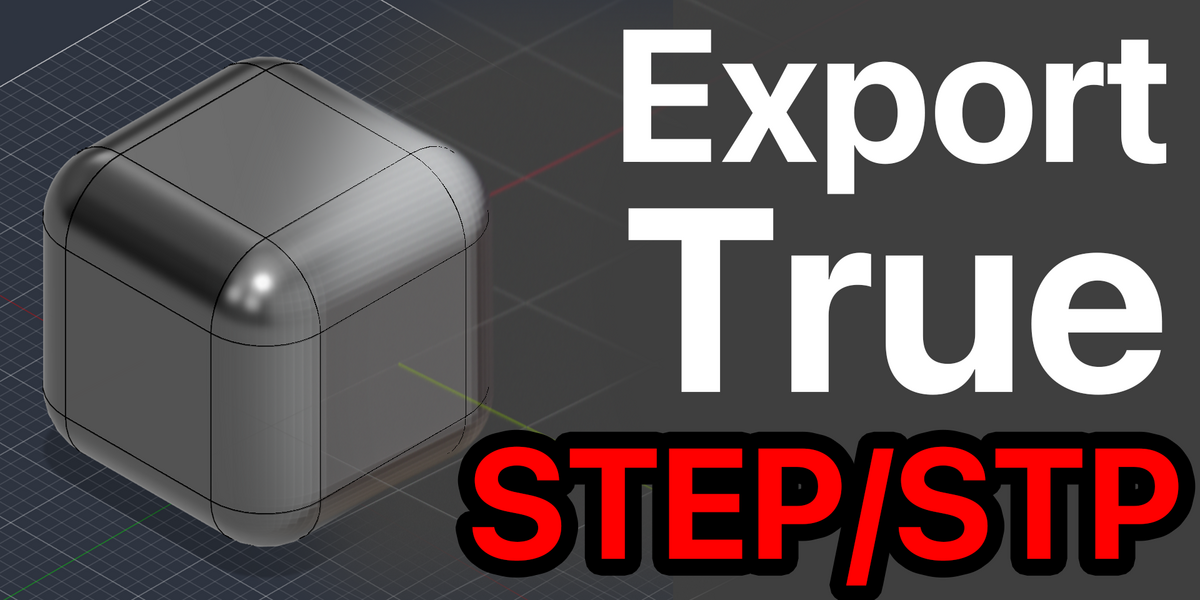
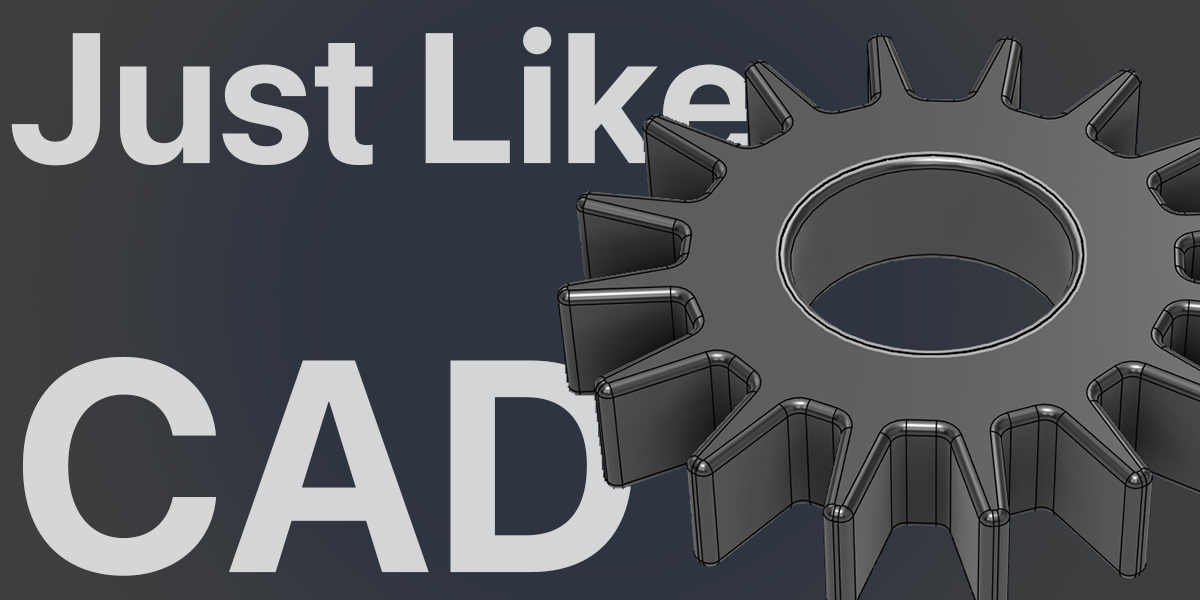


Blender mesh → CAD surfaces
Export True STEP/STP
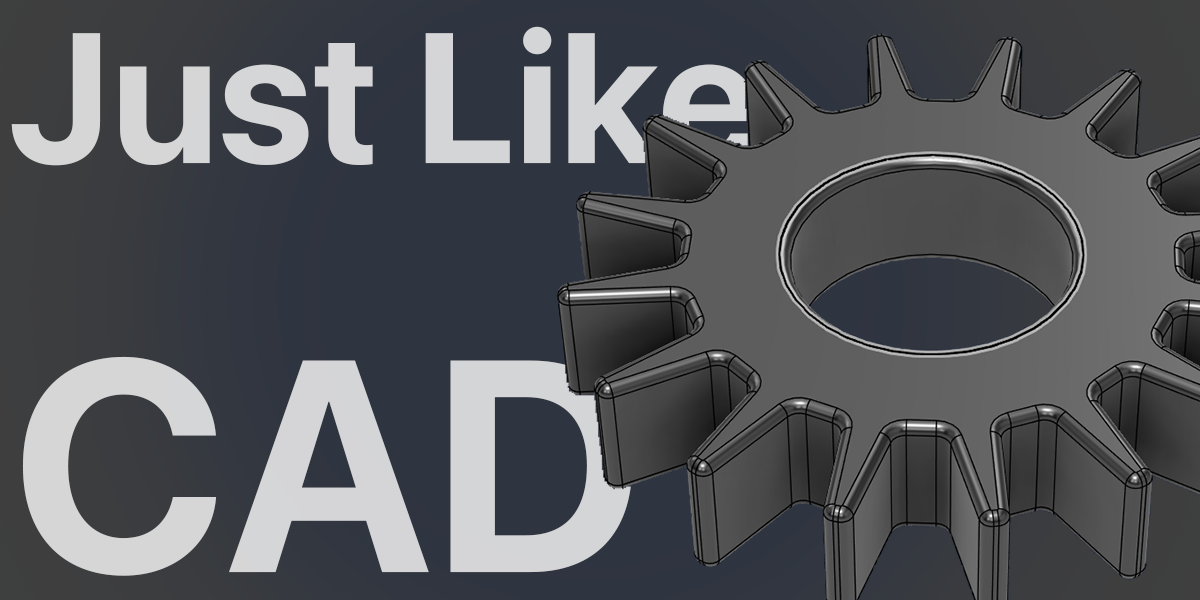
Bring your Blender models into a CAD workflow. Rebuild supported mesh features as real CAD surfaces and export directly to .step or .stp.
IN DEVELOPMENT · TESTING STAGE
This add-on is actively being developed and is currently available for testing and evaluation. Reconstruction is experimental: some models may fail or use the original-face fallback. Please check the exported geometry in your CAD application before using it in a production workflow.
From mesh edges to CAD geometry.
Keep valid source faces, recover supported bevels, and export CAD geometry from Blender’s familiar File → Export menu.
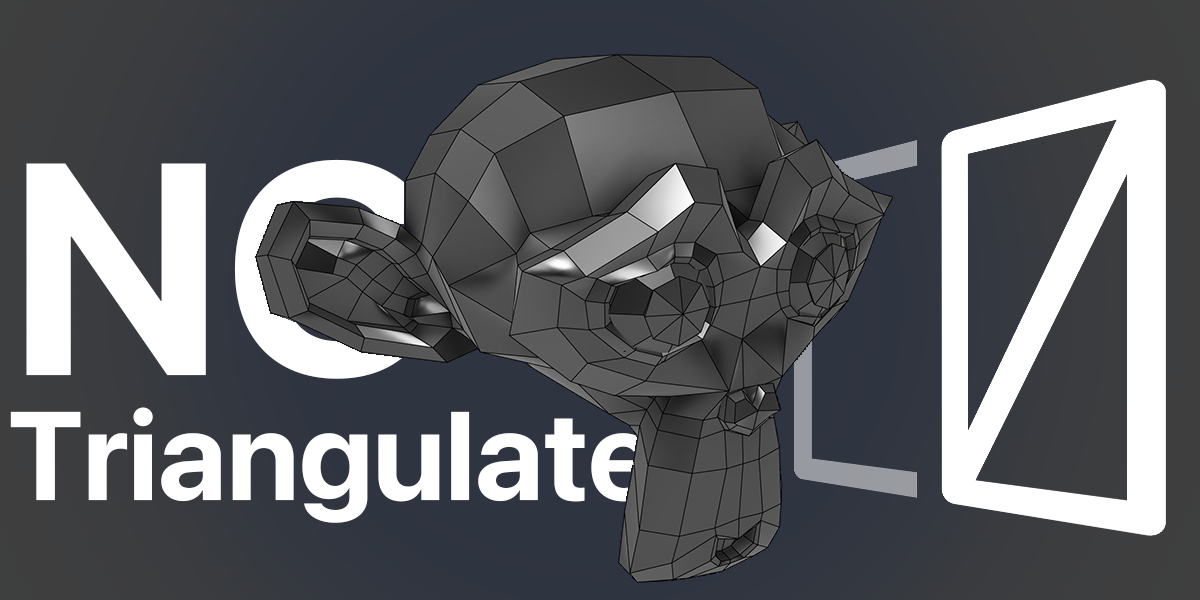
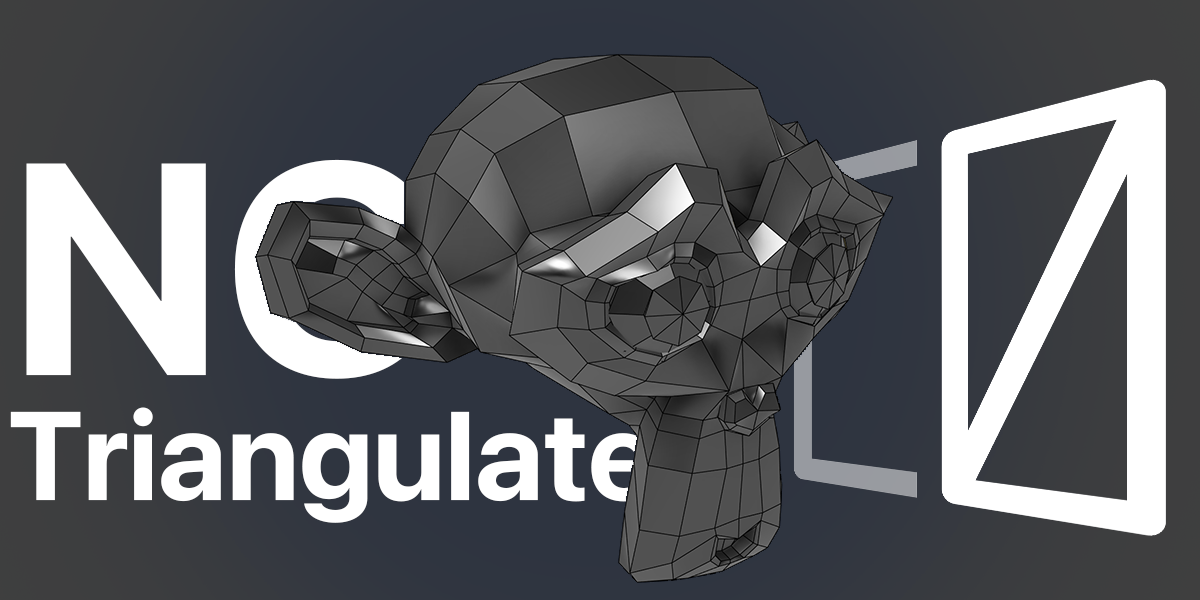
No added triangulation
Export valid quads and n-gons without splitting them into extra triangular CAD faces. Preserve original faces keeps their existing boundaries, including any triangles already present in the source.
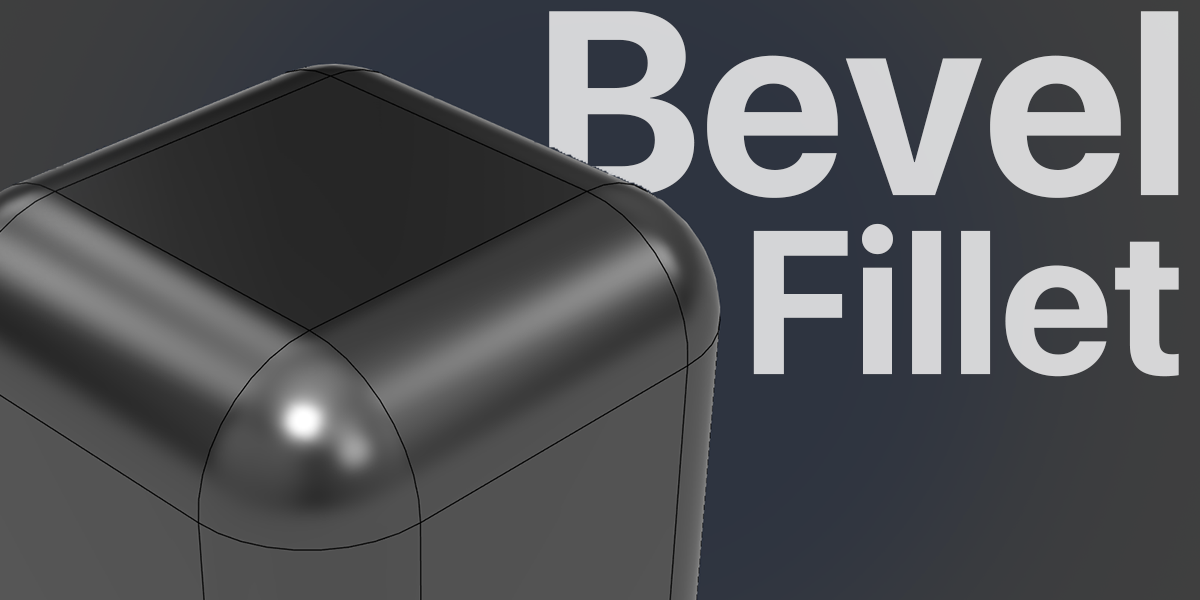
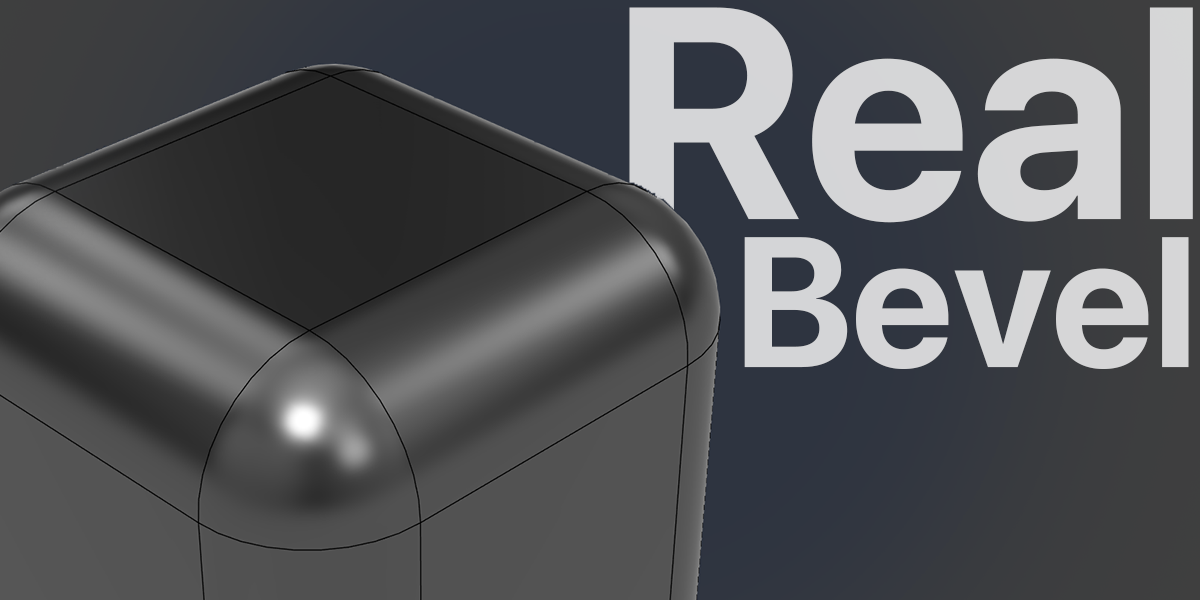
Convert supported bevels
Automatic mode recognizes supported mesh bevels and rebuilds them as real CAD fillets or fitted CAD surfaces. Recognized circular rounds become analytic surfaces instead of strips of flat mesh faces.
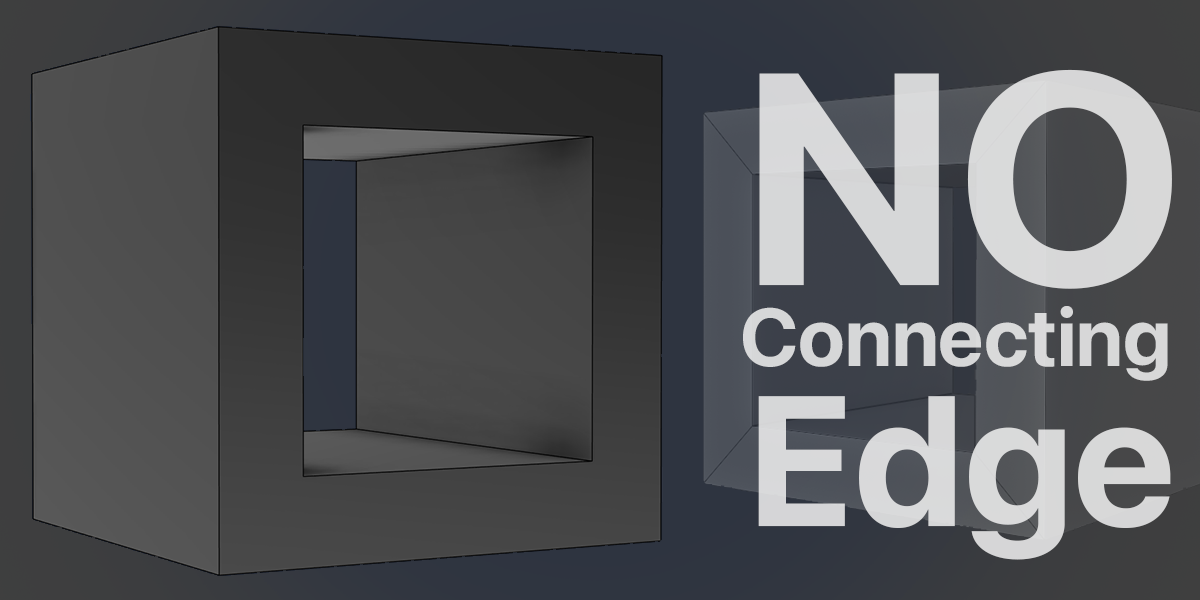
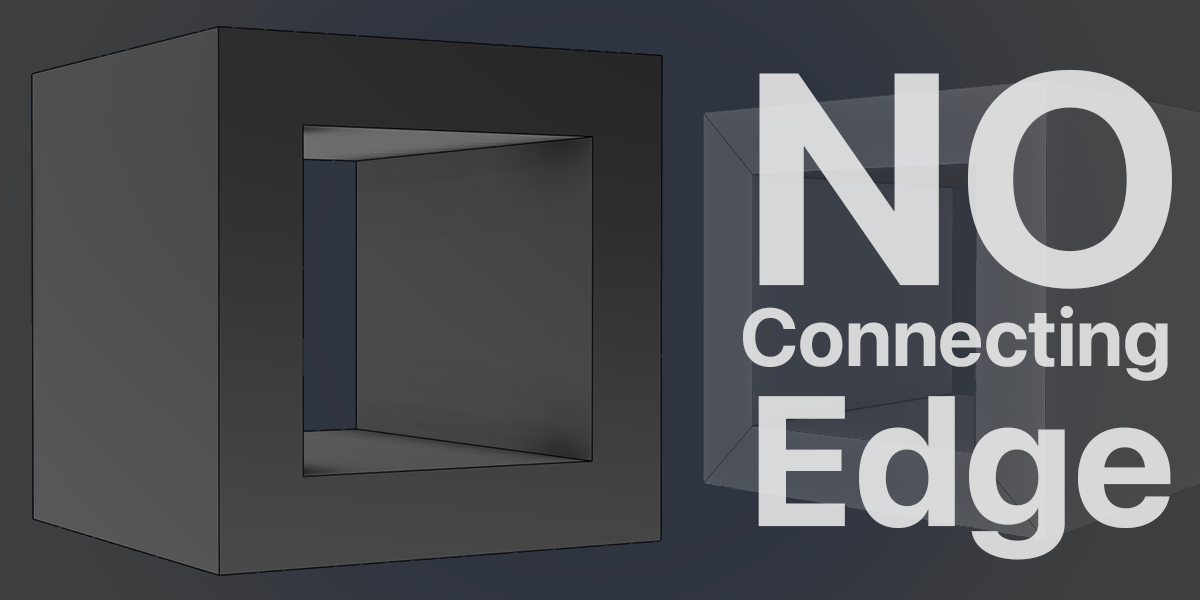
No added connecting edges
Keep a supported planar face and its hole as a trimmed CAD face, without adding a diagonal bridge across it. Original face boundaries, sharp edges, and necessary CAD seams can still remain.
Export STEP & STP
Choose .step or .stp directly from the export menu. Both extensions use the same STEP CAD format and the same reconstruction and validation process.
Two reconstruction modes
Rebuild features. Or keep your faces.
Automatic
Attempts native CAD feature reconstruction first, then supported surface fitting. If those methods cannot produce a valid result, it tries Preserve original faces. Bevel recovery depends on the model’s geometry.
Preserve original faces
Creates one CAD face per valid source polygon after degenerate geometry cleanup. Keeps the original face layout without adding diagonal edges. This mode does not reconstruct bevels as CAD fillets.
A simple export workflow
- Select your mesh objects in Object Mode.
- Choose File → Export → True STEP (.step) or True STP (.stp).
- Choose Automatic or Preserve original faces, then check your input units.
- Export and follow the progress percentage in Blender’s Info editor.
Automatic tolerance adapts to the model’s geometry. Supported holes and recesses are checked during reconstruction, while open or non-manifold parts can be exported as separate CAD surfaces. Your original Blender mesh stays unchanged.
Current test build
- Minimum Blender version: 5.2.0. Tested with Blender 5.2.0 and 5.2.3 LTS.
- The bundled package currently supports Windows x64, with its CAD runtime included.
- Exported files contain CAD surfaces or solids. Original Blender modifiers and CAD feature history are not included.
Complex freeform geometry and unusual corner blends may require the original-face fallback or may not export successfully. That fallback preserves valid source faces; it does not guarantee a smooth fillet reconstruction. Surface boundaries and viewport isocurves may still be visible in your CAD application.