 Andrew_D



Elevate Your Creativity with Extreme PBR Addon
I'm thrilled to introduce you to Extreme PBR Nexus, an addon that I've developed with passion to simplify the world of 3D materials, which I've continuously improved over 7 years of development. Extreme PBR aims to free you from the worry of tackling Blender's nodes. I've designed an intuitive interface that significantly simplifies the management of over 1800 materials.
1800+ materials • Compatible with Cycles & Eevee
The choice of over 11,000 3D Artists worldwide!
We are happy to have achieved this small goal. We have more than 15 years of experience in 3D work, and are constantly trying to make it easier for professionals who work on a tight deadline. As such, every day we work on suggestions from our customers to bring improvements.
Texture Paint between materials 🖌️Unlock unlimited blending possibilities with just 3 clicks. Paint seamlessly across any of our 1800+ materials to create unique, weathered, or layered surfaces directly on your 3D models. |  |
Car Paint
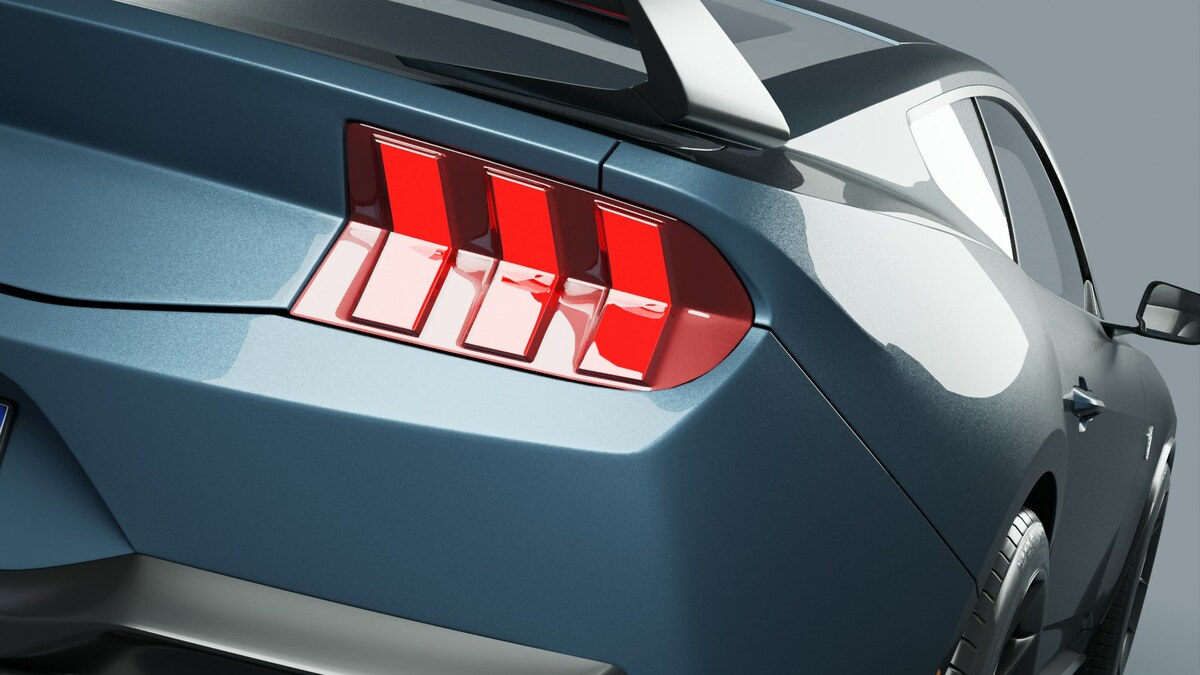
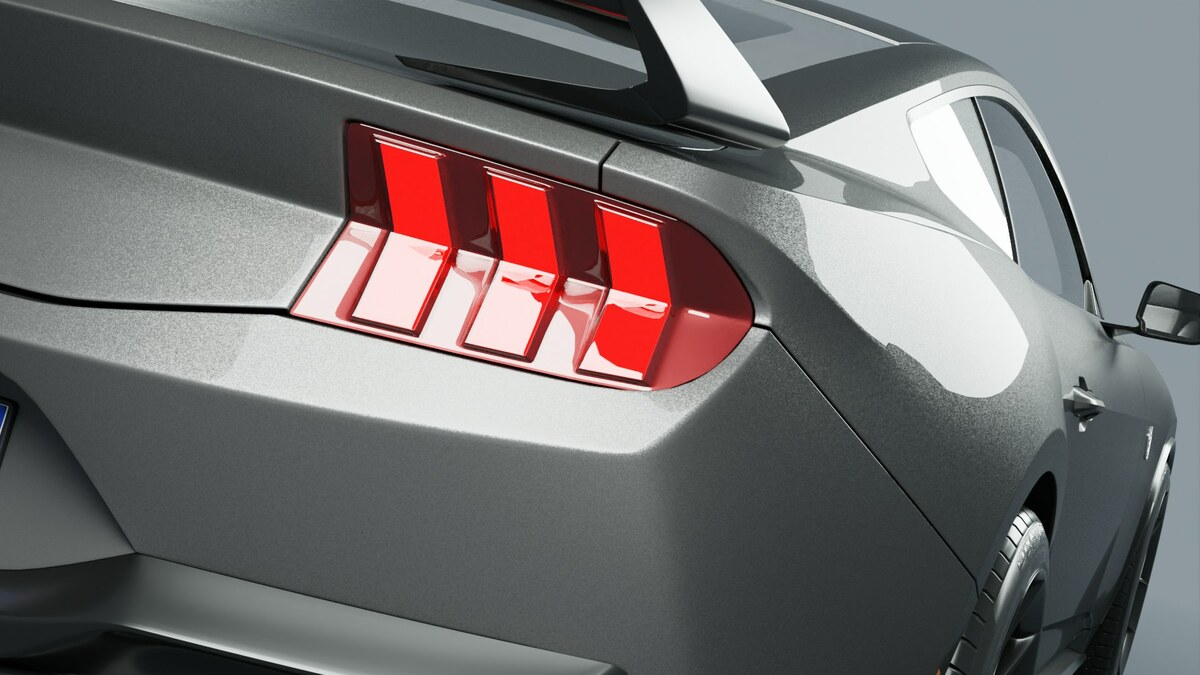
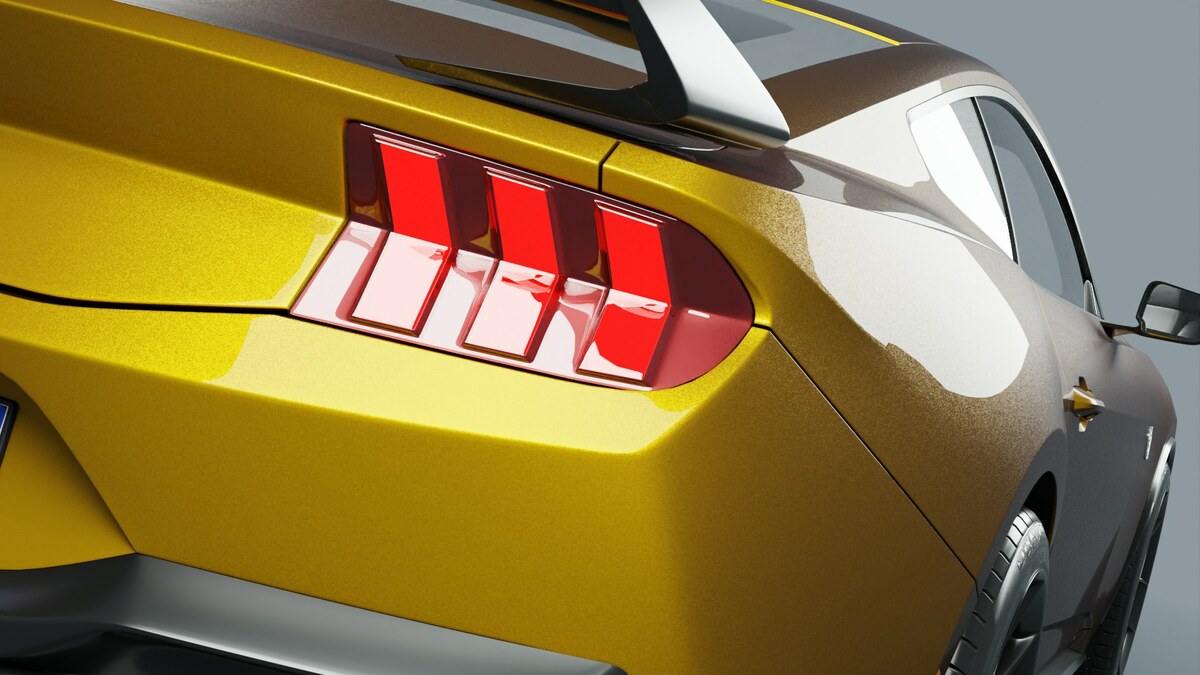
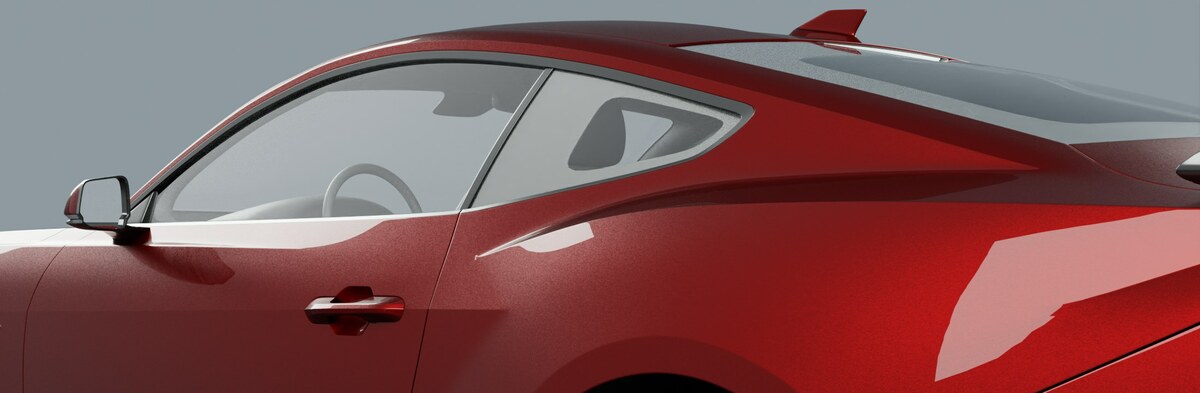
The Car Paint Material in Extreme PBR Nexus has been improved a lot, and is now extremely realistic. You can go from simple paint to metallic paint, complete with metallic flakes, just like in reality.
 |  |  |
Realtime Animated Water 💦
Finally, a quick and easy water material! The water is animated automatically, and can be easily edited. Check out this short animation using the water material:
Blend Materials Along the Z Axis
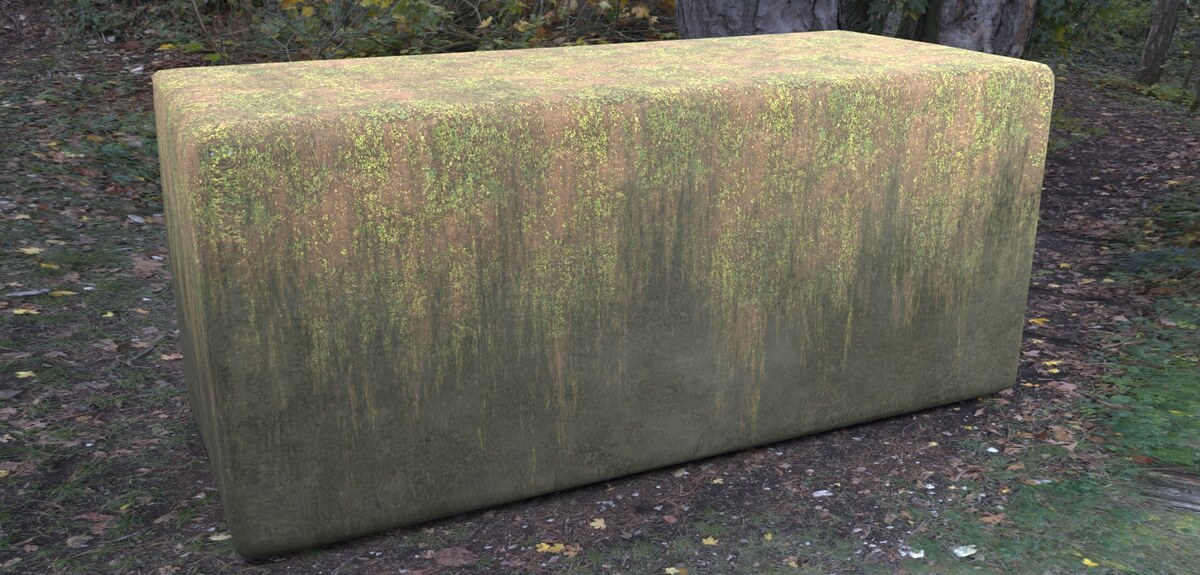
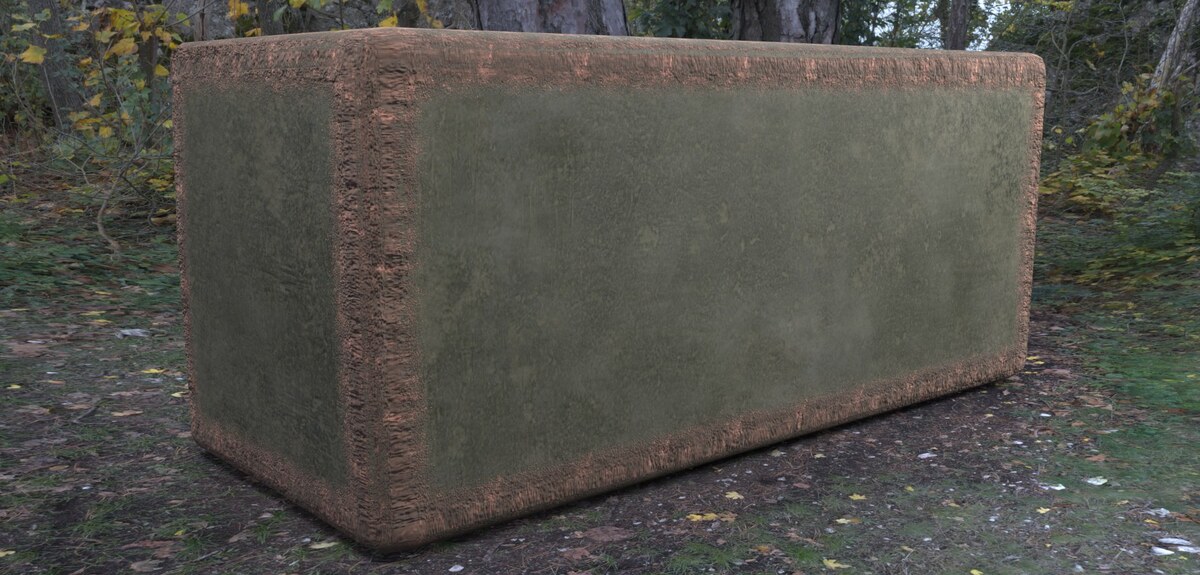
Pro WorkflowInstantly add procedural snow, moss, dirt or dust to your assets. This powerful feature enables seamless vertical blending between any materials in the library. Control the mix from top to bottom to achieve perfect environmental integration and photorealistic results in just a few clicks.
 |  |  |
Worn Edges
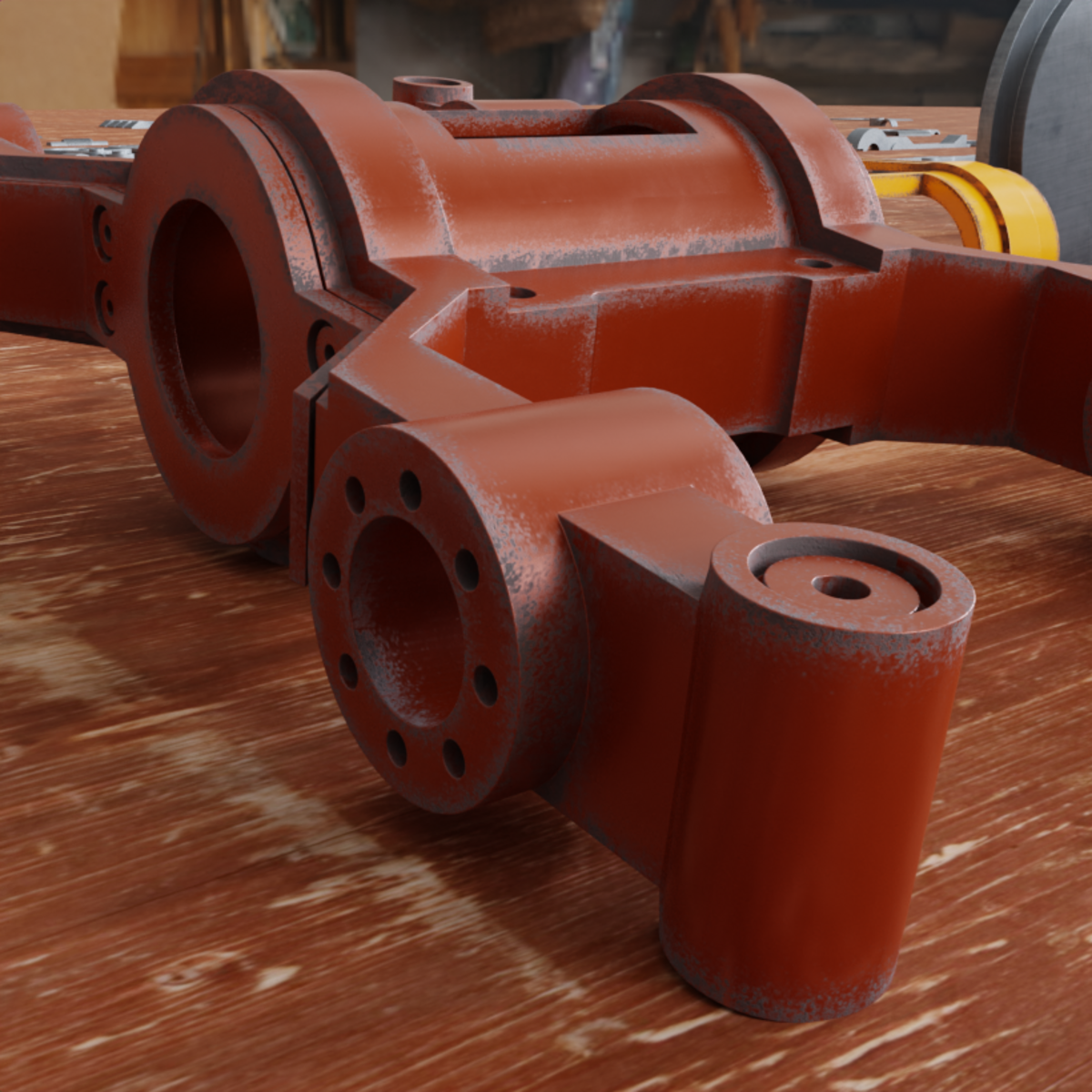
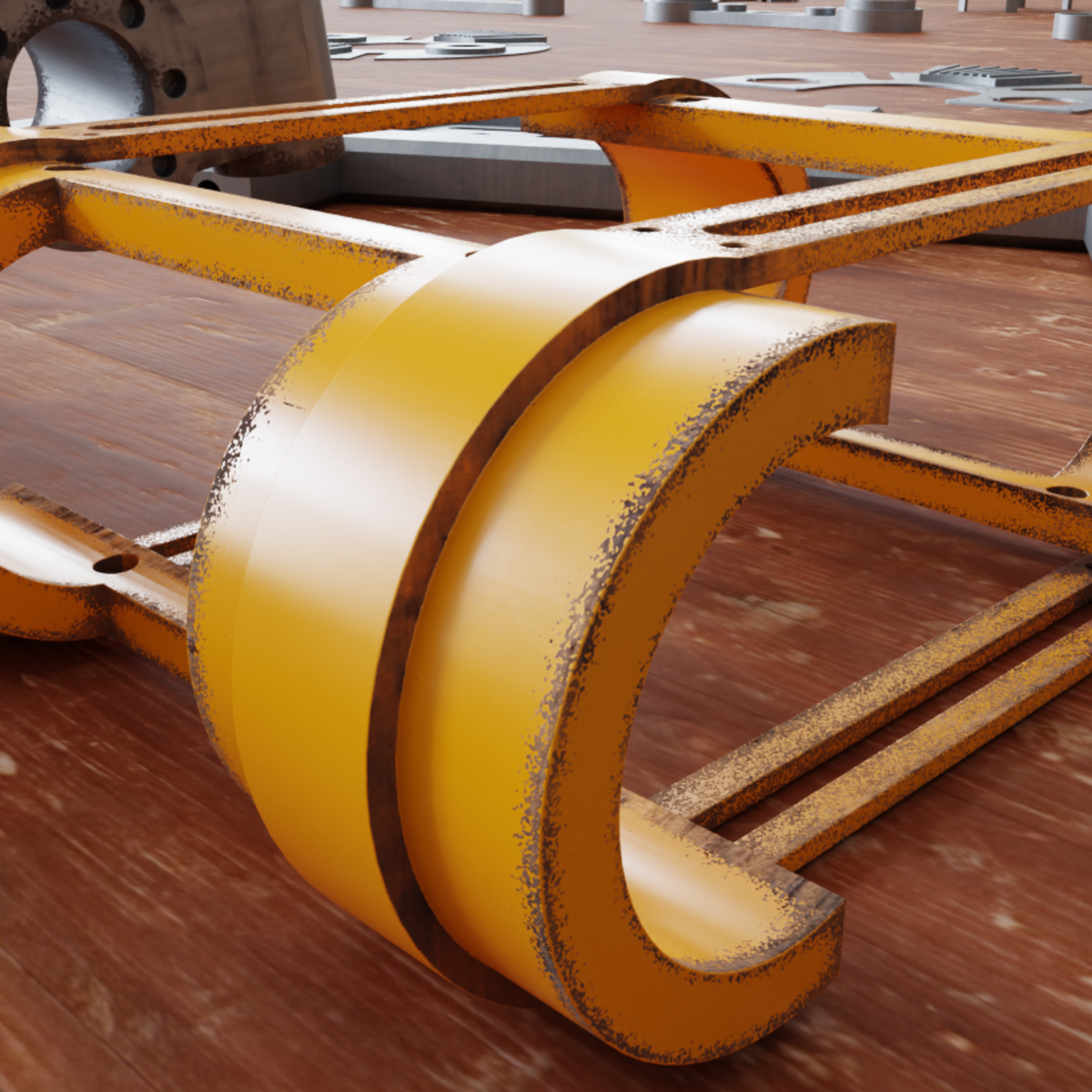
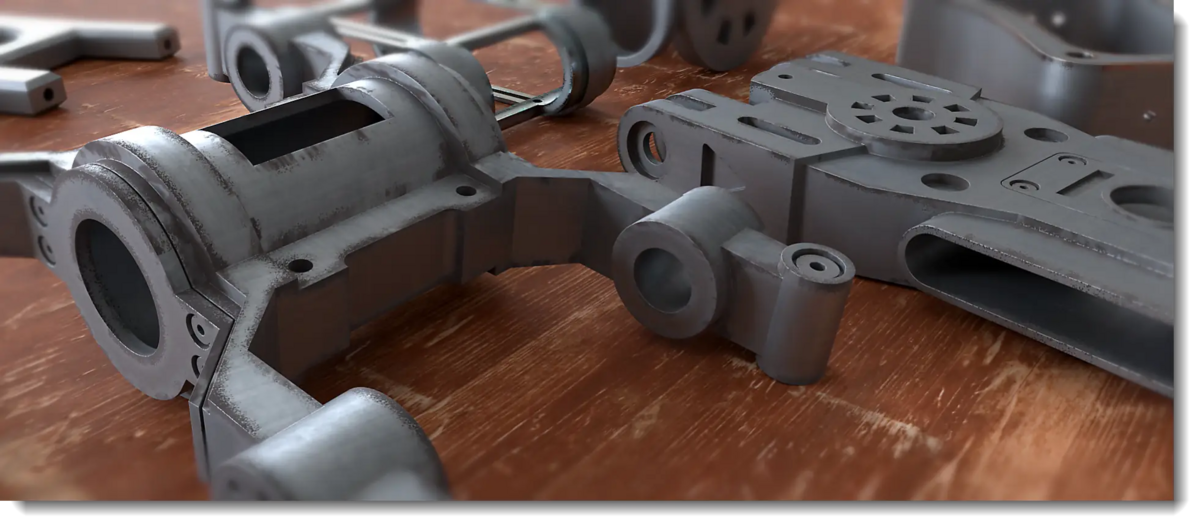
Hot FeatureWith the new FX Layer system, it is now possible to easily create procedural worn edges in Cycles and Eevee. Achieve realistic peeling paint, scratches, and metal wear in seconds. The entire workflow is completely non destructive and fully real time.
 |  |  |
Displace / Microdisplace ready
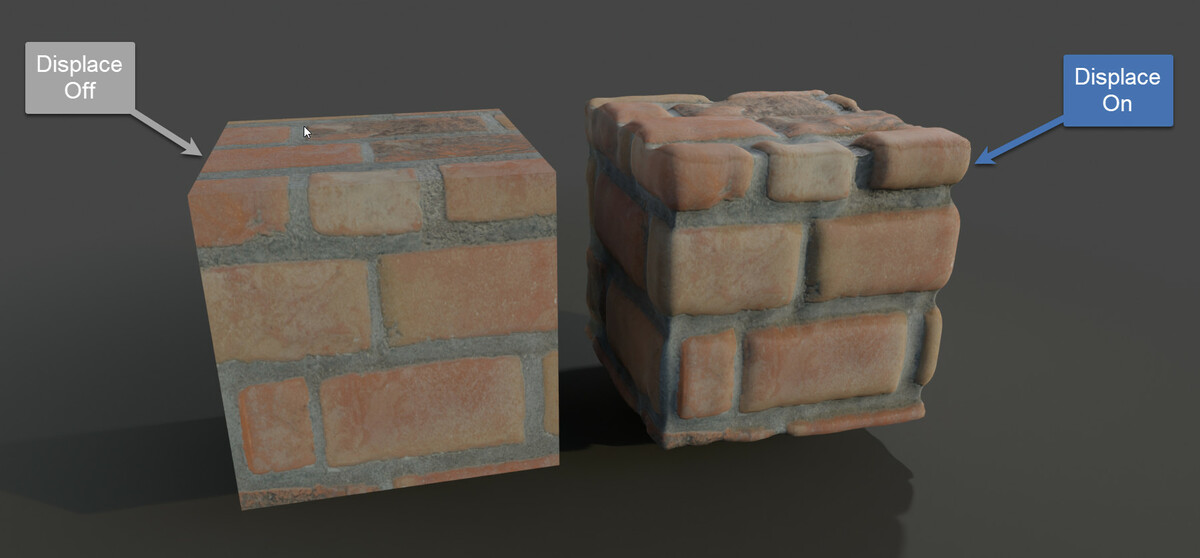
Displacement is always ready for all texture–based materials, so you can turn it on or off whenever you want. Everything is based on the native, non-destructive Blender technology (modifiers).
 |  |
Create your scene
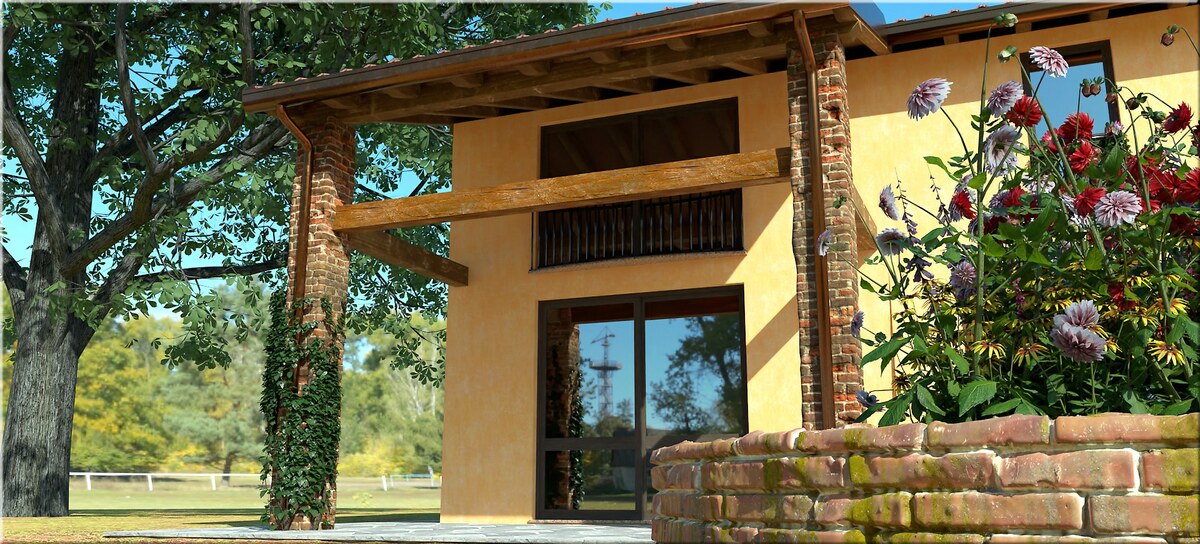
A comprehensive collection of over 1800 materials is waiting for you in this ready-to-use library. The huge variety of materials can be blended together to significantly enhance your creations. As an example, check out the intricate brick displacement in the rendered image below that showcases the library's potential.

Anti-Tile System
From Extreme PBR version 4.1.111 a new anti-tile system has been introduced that allows you to eliminate texture repetitions! If you have your own textures, this system will eliminate repetitions on your textures 👍
Surface Imperfections
With the FX Layers system, realistic imperfections are just a few clicks away, like these scratches and fingerprints.
Unreal Engine & Unity 3D – From Painted Materials to Game-Ready Textures
Once you’ve painted your object, you can easily bake it and export it to Unreal Engine or other 3D engines.
Visual Mapping Control: Precision in Seconds
Tired of wrestling with the UV Editor? Manipulate scale, rotation, and position on the fly directly from the 3D Viewport. Perfect for Architecture and Interior Design, where aligning wood grains or tile patterns needs to be instant, visual, and pixel-perfect.
Shader Overlay: Scene-Wide FX
Mix all materials in your scene simultaneously with the innovative Shader Overlay system. Create stunning animatable gradients or use the "Invisible" material to generate professional "Cut Plane" animations in seconds.
Model: “Mars One” Mission - Base by admone from Sketchfab: View Model
Material Override
The Material Override works in both Cycles and Eevee, allowing you to selectively override materials. This means you can easily choose which materials to replace and which to keep for specific objects. You can use any material in the scene as an Override, as well as any material from the Extreme PBR library – simply select the objects that you want to override.


More than 1800 Materials included
All the materials are organized into Libraries / Categories, complete with tags and an easy to use search system.

Asset Browser Ready
Since Extreme PBR version 4.1.100 it is possible to create the asset browser directly from the Extreme PBR library. This allows you to easily access all the materials in Blender's asset browser.

Texture Manager
Using the Texture Manager you can access the approximately 9,000 textures (diffuse, normal, roughness etc.) for each resolution in the Extreme PBR library, allowing you to change them, modify their colour/saturation/exposure and more, or import your own textures. As you’ll see below, there is also a Texture Browser that allows you to search for all the textures for each material in the library.

Professional documentation
I’ve put direct links to the documentation in each section of Extreme PBR Nexus, making it much easier to learn the features – just click on the icons (?) to open the online documentation. For many of the buttons, when you right-click on them, a button will appear that links to the documentation. The documentation has also been rewritten from scratch – it’s now much more complete and better structured than before, and is constantly evolving.
Documentation link: Extreme PBR Nexus Manual
 |  |
You decide which version you want
The addon is the same in all versions
Only the texture resolution changes. Note on 8K: Recommended only if you have at least 4GB of VRAM and 185GB of free disk space.
Any questions? Feel free to ask!
Feel free to write to me, I’m happy to answer your questions. [If possible, let me know your issues in a single message.] Here in the right sidebar, you’ll find the "Ask a question" button – get in touch, and I’ll answer you personally 👍
Don’t worry – I will also provide support if you have any issues with the addon.
Check out my top products
 |  |
 |  |
Credits
- Animated Water image: Inflatable Pool Float, by braulio.dominguez, CC Attribution on SketchFab: Link
- Harbor Navigation Buoy, by Mister H, CC Attribution on SketchFab: Link
- Croatia Beach Rock Stairs-01, by Kai Christmann — CC Attribution: Link