 Hoa Vu


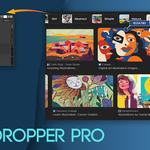
Eyedropper Pro – Pick Colors Anywhere. Paste Images Instantly.
Eyedropper Pro is a productivity-focused Blender add-on designed to streamline your color workflow and reference management inside the 3D Viewport.
Instead of switching back and forth between Blender and external apps, you can sample colors directly from anywhere on your screen and paste images from your clipboard straight into your scene — in seconds.
Why Eyedropper Pro?
When working with references, concept art, web palettes, UI mockups, or client images, color accuracy and speed matter. Eyedropper Pro removes unnecessary friction so you can:
-
Sample exact colors from websites, design tools, or reference boards
-
Quickly bring screenshots or copied images into your 3D scene
-
Keep a reusable color history while iterating materials
-
Copy clean HEX codes instantly for cross-software consistency
It’s built for artists who care about workflow efficiency.
Core Features
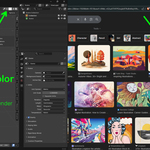
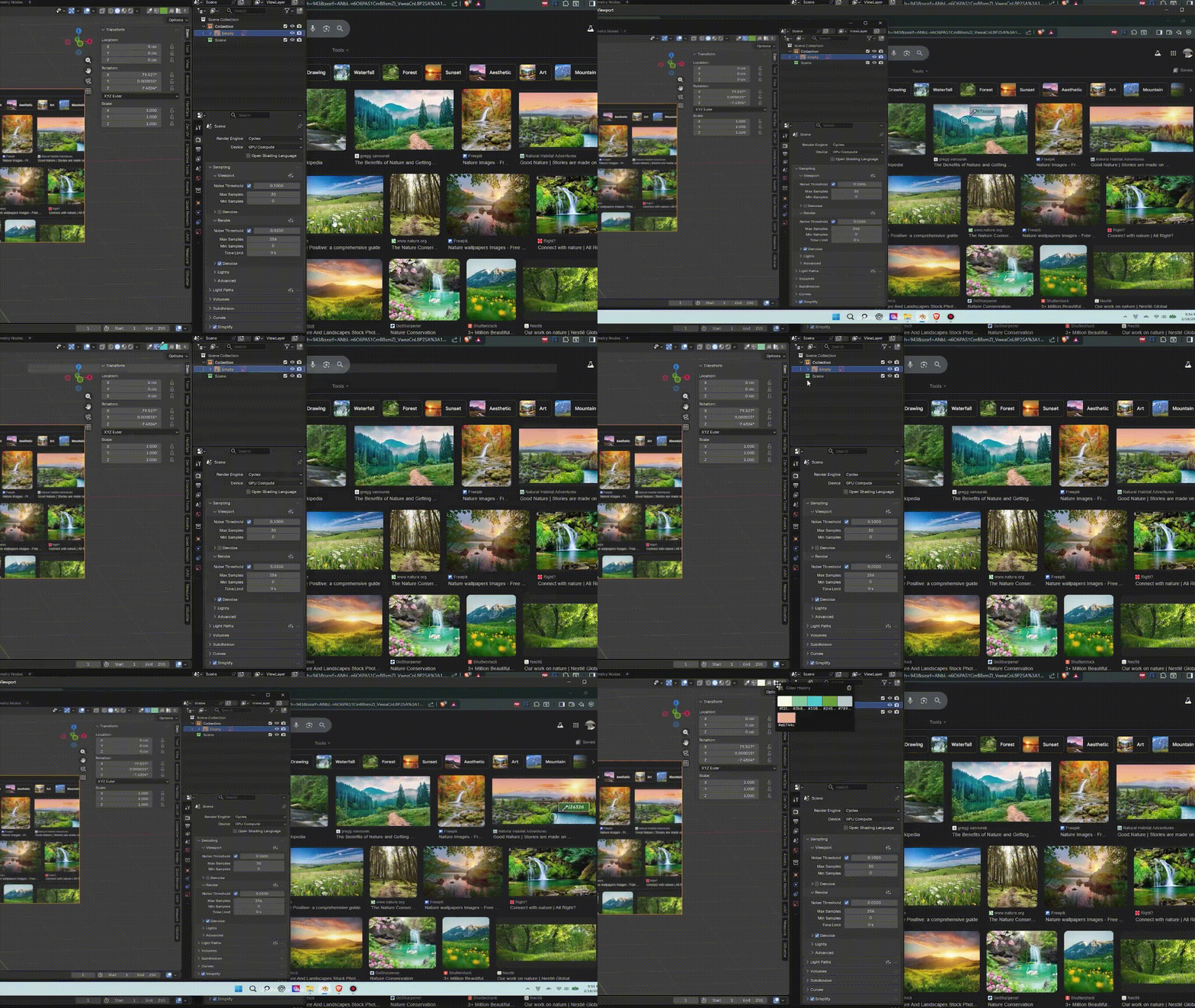
🎯 Screen Color Picker (Outside Blender)
Pick colors from anywhere on your screen — including:
-
Web browsers
-
Reference images
-
Other software
-
Second monitors
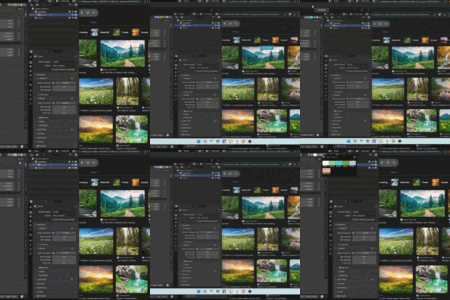
A full-screen preview with a live color swatch helps you confirm the selection before applying it.
-
Shortcut:
Ctrl + Shift + P -
Left Click: Confirm
-
Right Click / ESC: Cancel
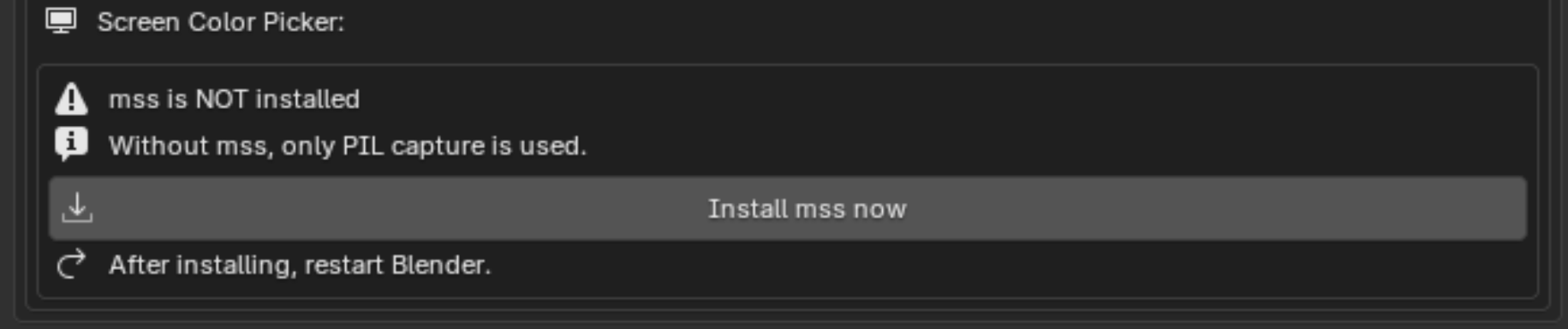
Optimized for Windows. Full-screen capture works best with the optional
msslibrary (one-click install inside preferences).
🧪 Viewport Color Picker (Inside Blender)
Use Blender’s built-in eyedropper seamlessly integrated into the header for quick access.
Perfect for:
-
Sampling from shaders
-
Matching object colors
-
Optimize handpaint speed in blender
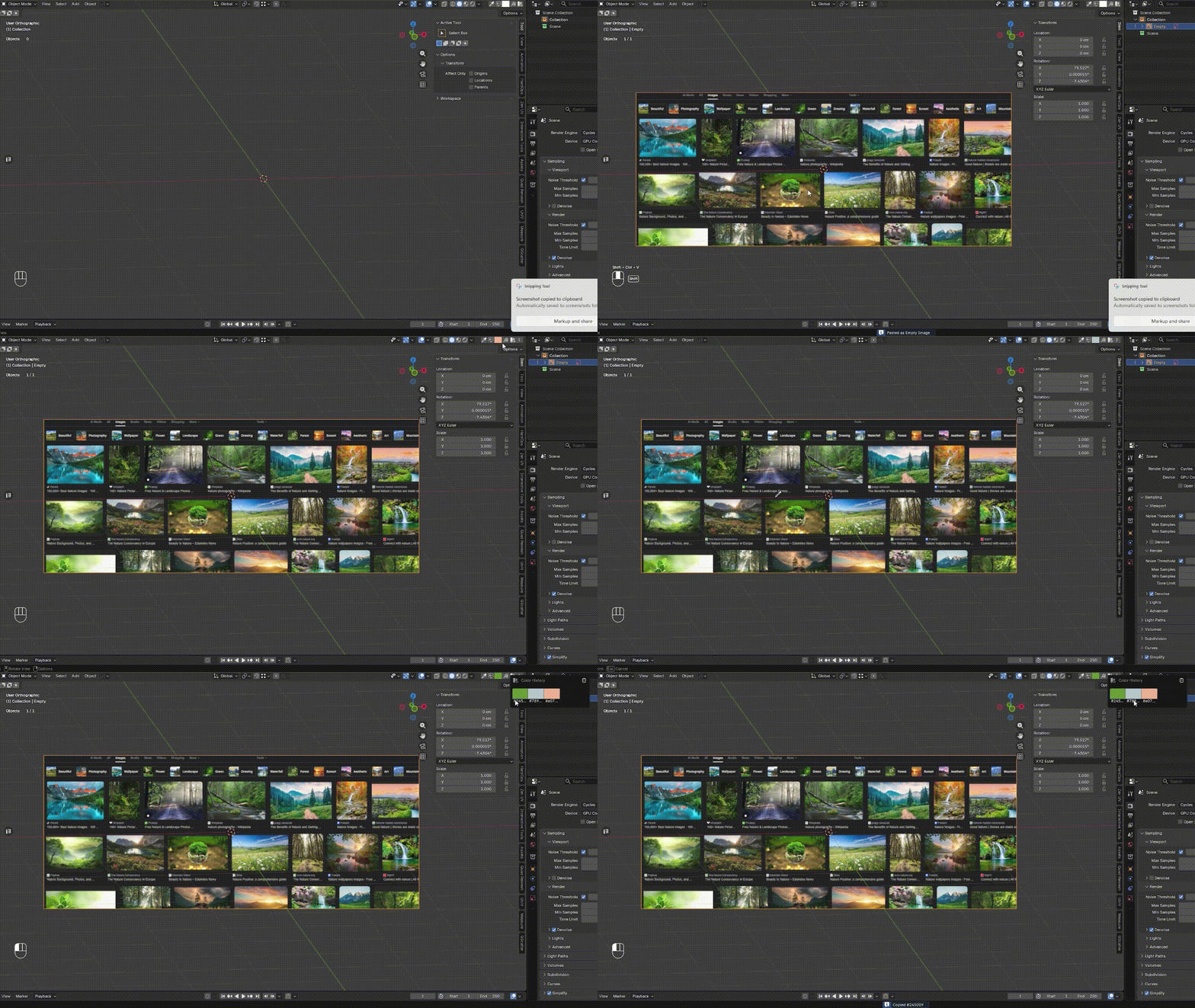
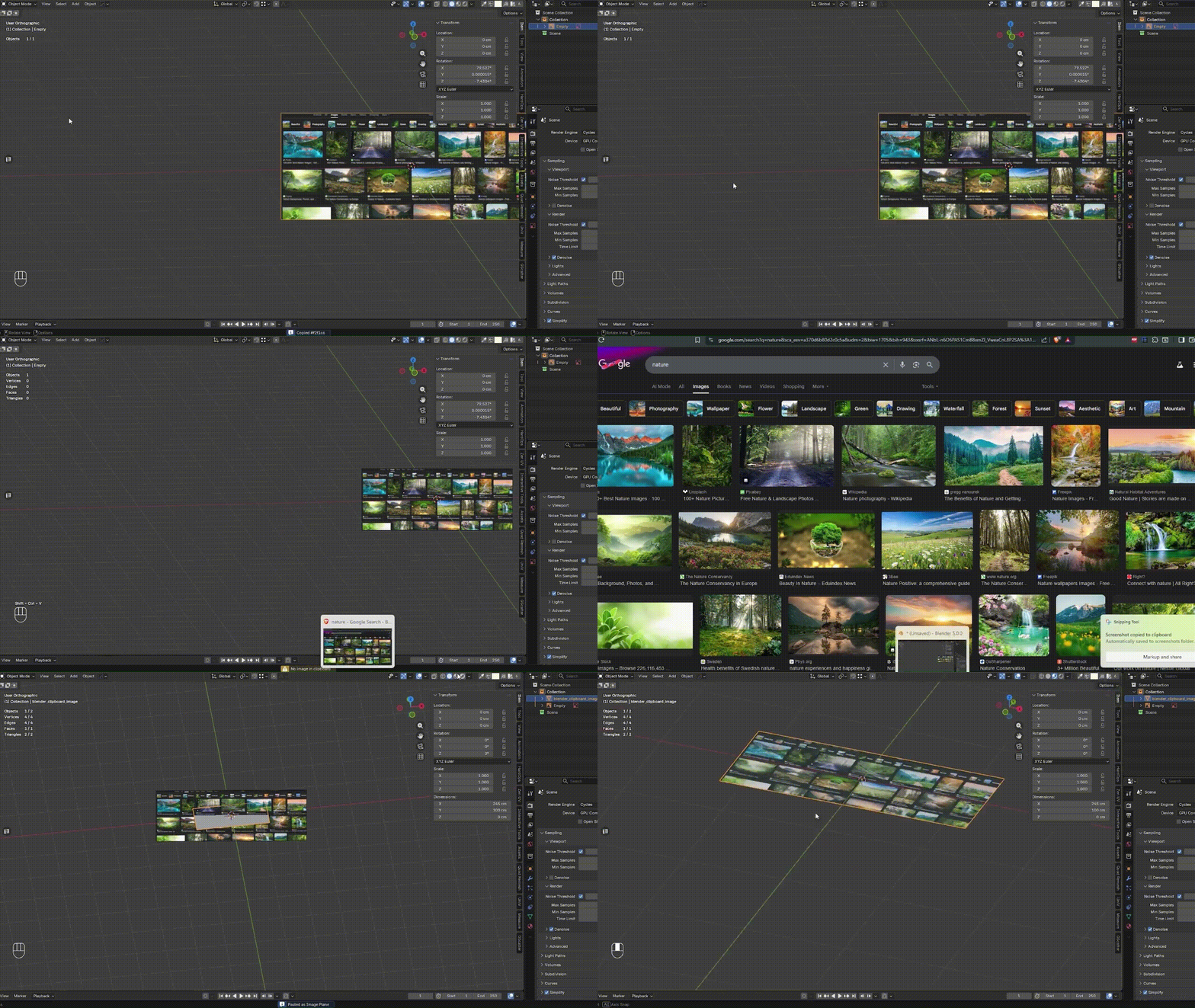
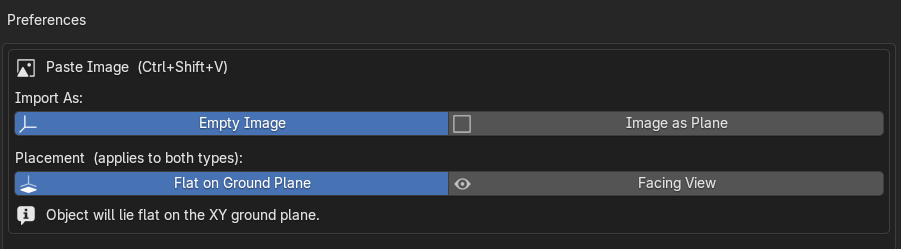
🖼 Paste Image from Clipboard (Ctrl + Shift + V)
Copy any image — from a browser, screenshot tool, or design software — and paste it directly into the 3D Viewport.
Choose between two modes:
-
Empty Image Object – lightweight reference setup
-
Image as Plane – automatically create a textured mesh plane (Blender 5.0+)
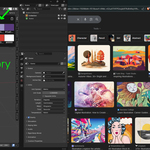
🎨 Smart Color History (Last 10 Colors)
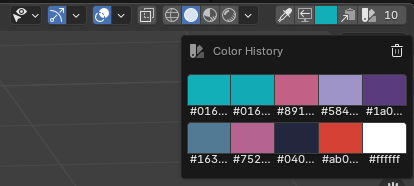
Eyedropper Pro automatically stores your last 10 picked colors.
-
Click any stored color to reuse it
-
Clean grid popup layout
-
Clear history anytime
This is extremely helpful when:
-
Testing multiple palette variations
-
Working with brand colors
-
Iterating materials across objects
Workflow Benefits
-
No more switching between apps just to grab a color
-
No more saving and importing reference images manually
-
Faster material iteration
-
Cleaner color management
-
Better cross-software consistency
This add-on focuses on small improvements that compound over long projects.
Installation
-
Download the add-on ZIP file
-
In Blender: Edit → Preferences → Add-ons → Install
-
Enable Eyedropper Pro
For best screen capture performance on window (Update 1.2.0 has updated the full-screen picker for macOS and Linux):
-
Open Add-on Preferences
-
Click Install mss
-
Restart Blender

Bug Report:
Fix Bug & Update:
- Ver 1.2.0 (06/04/2026)
- v 1.2.1 (17/05/2026):
- Add the new required format for add-ons and it is the structure that will enable a lot of future capability in Blender and on Superhive (formerly Blender Market).
- v 1.2.2 (06/08/2026):
- Fix PIL error