 SkdSam
EZLight Pro — Quick Start & Overview
Everything you need to light professional 3D scenes in seconds
📖 Offline User Manual Built-In: EZLight Pro includes a complete, interactive HTML documentation manual directly inside the add-on. Just click "Open User Guide & Manual" at the bottom of the N-Panel to view comprehensive button-by-button breakdowns, hotkeys, and lighting tips in your browser—no internet connection required.
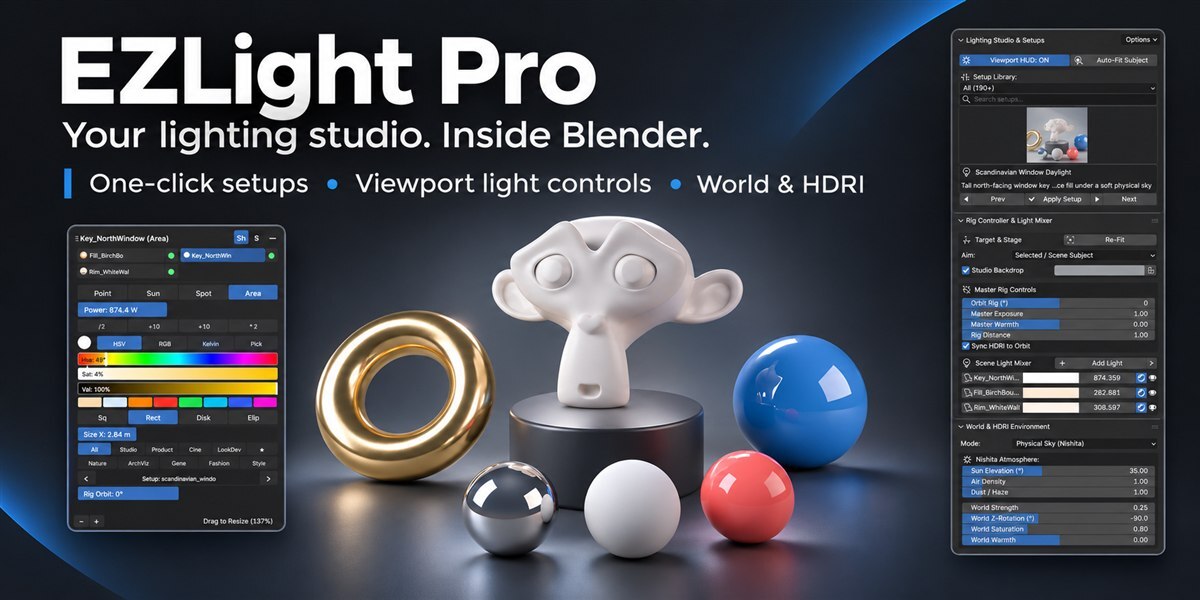
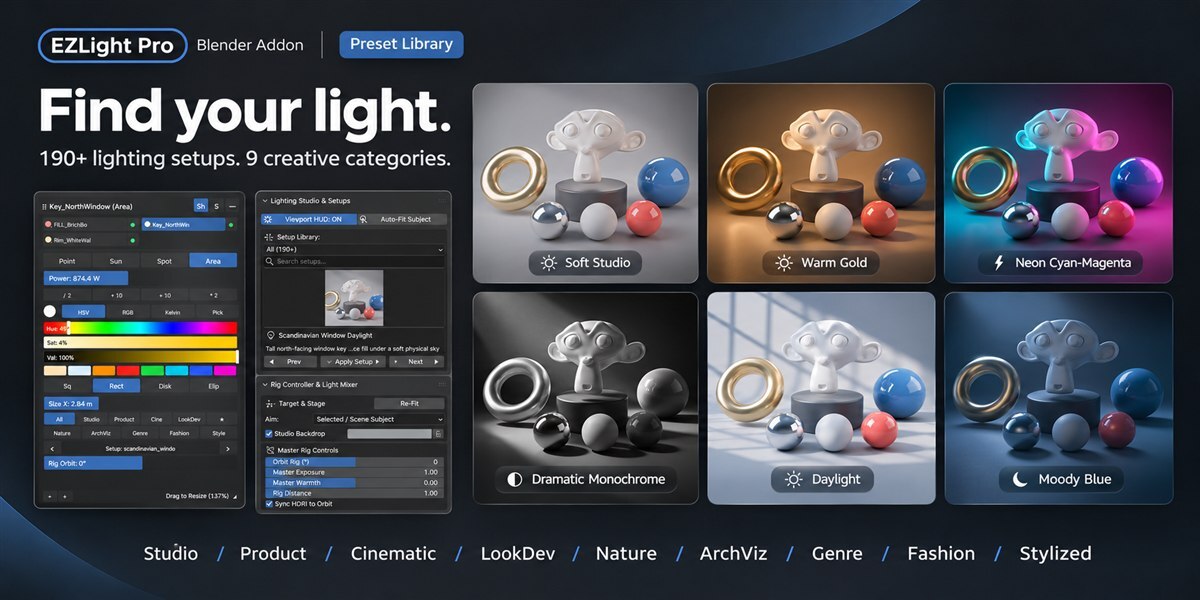
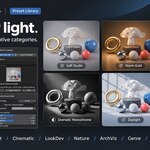
Open the Lighting tab in the N-panel or header. Filter across 9 categories (Studio, Product, LookDev, etc.) or search by name to apply in 1 click.
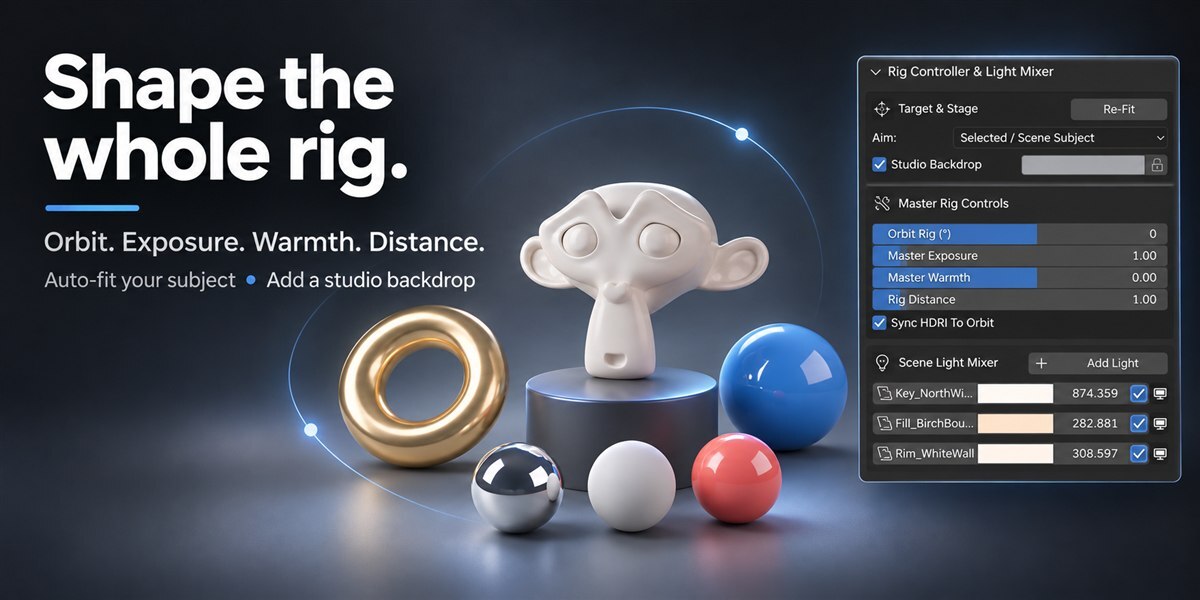
Click Auto-Fit Subject. The lights automatically snap, scale, and orient around your selected model or scene assets with zero manual alignment.
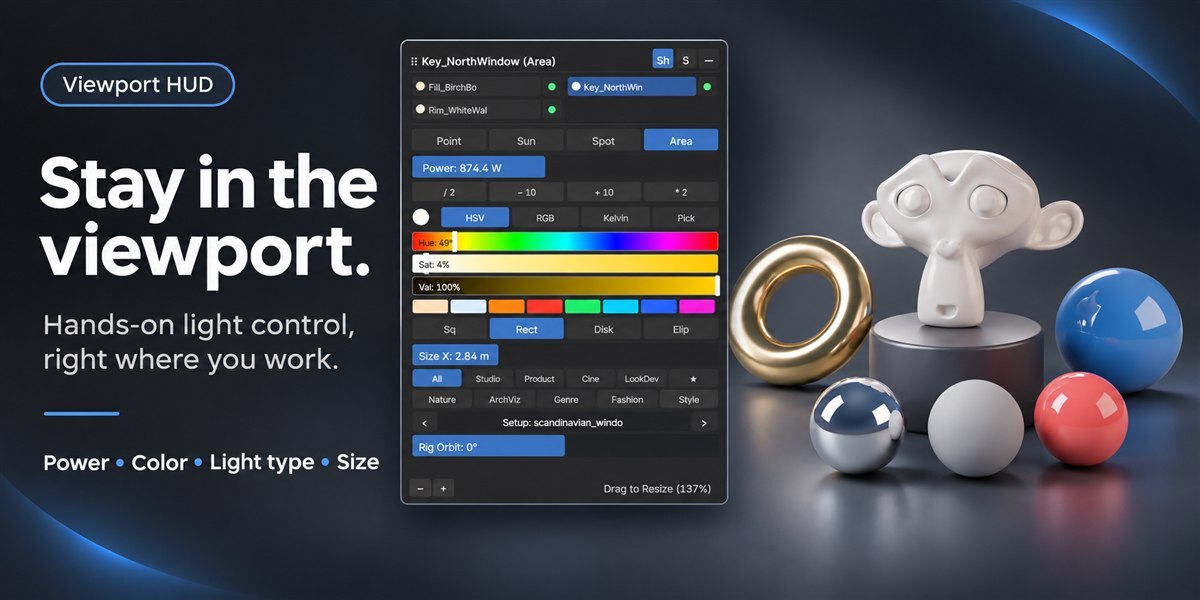
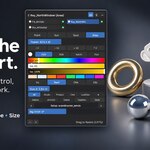
Turn on the Viewport HUD (or press Shift+Alt+L) to fine-tune power, Kelvin temp, and colors directly in the 3D viewport.
💡 Essential Controls & Shortcuts
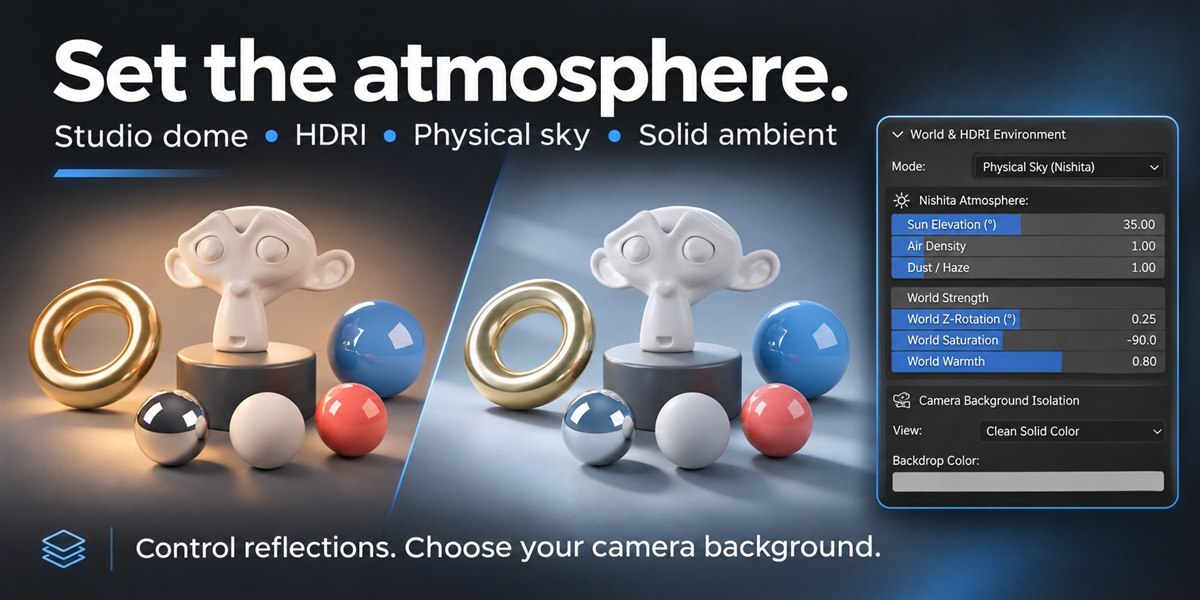
- Lock Backdrop Color: Click the padlock icon next to the Studio Backdrop color picker to keep your custom backdrop color fixed while cycling presets.
- Reposition & Resize HUD: Click and drag the top title bar to move the HUD anywhere; drag the bottom corner grip (◢) to scale it between 60% and 220%.
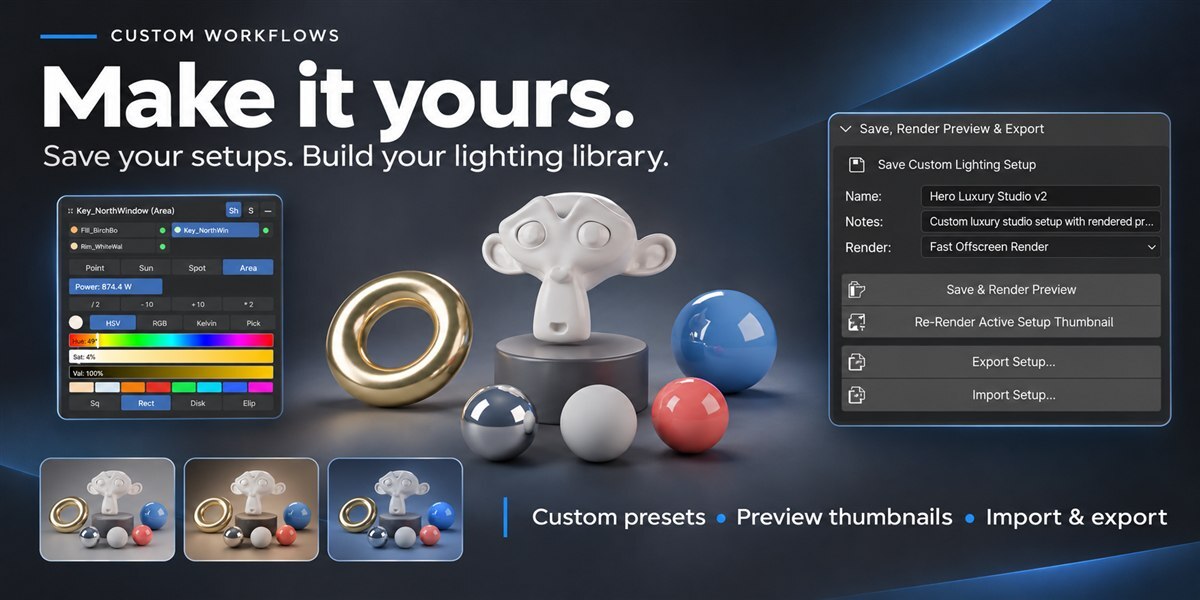
- Custom Presets & WebP: Save your custom setups with auto-rendered thumbnails in lightweight WebP format to build your personal lighting asset library.
Have questions about this product?
Login to message
| Blender Extension Compatible | Yes |
| Dev Fund Contributor | |
| Published | 1 day ago |
| Blender Version | 3.6 - 5.2 |
| Extension Type | Add-on |
| Render Engine Used | Cycles, Eevee |
| License | GPL |