 VK Gamedev


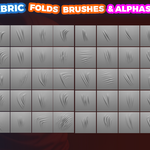
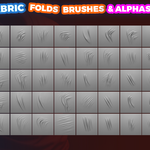
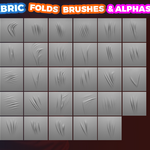
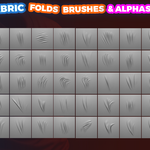
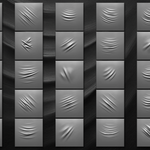
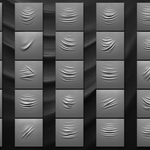
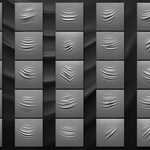
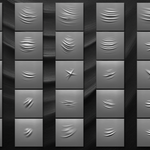
🧵 Ultimate Fabric Sculpting Brushes Mega Pack 🧵
(1000+ Brushes for Blender & ZBrush)
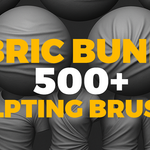
Elevate your fabric and cloth sculpting to a professional level with the most comprehensive collection of sculpting brushes and alphas available. This Mega Pack merges 5 complete brush sets into one bundle, giving you over 500 unique brushes and alphas. Since every set supports both Blender and ZBrush, that’s more than 1000+ sculpting brushes in total for your workflow. Perfect for character artists, apparel design, props, set dressing, costume creation, game assets and more.

📦 Included Product Sets:
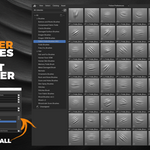
- Blender Fabric Brushes — 90+ brushes: folds, memory folds, compression, stitches, fabric. High-res 2K alphas (16-bit), custom icons, optimized for Blender’s Asset Browser.

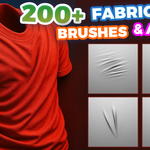
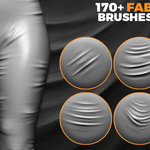
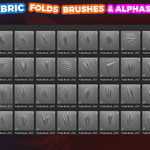
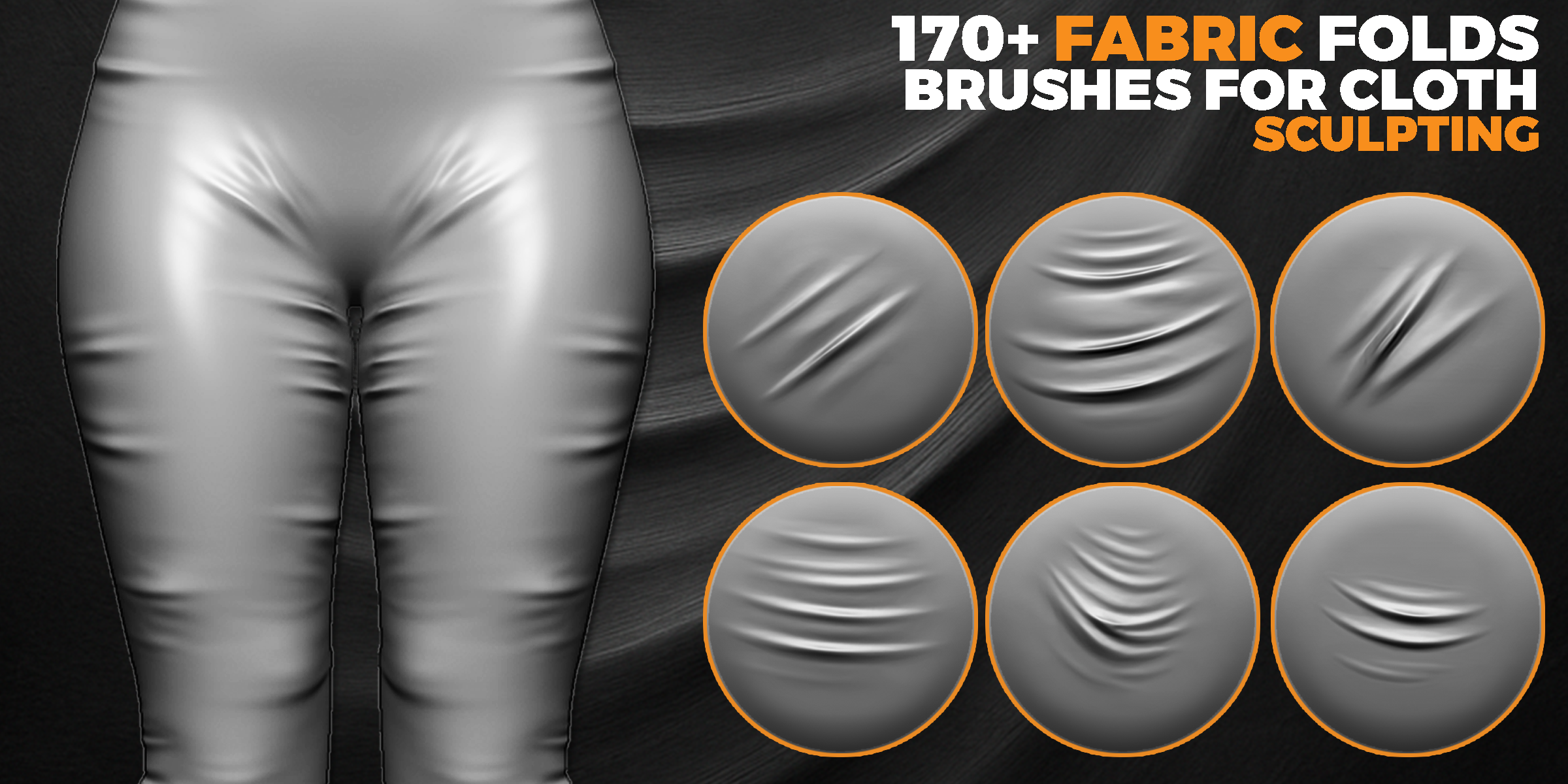
- Cloth Fabric Fold Brushes (Free Pack) — 170+ fold brushes, PNG & PSD 2K 16-bit. Includes custom icons & big previews, works perfectly for clothing, curtains, furniture.
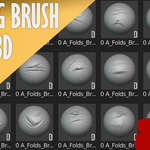
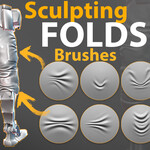
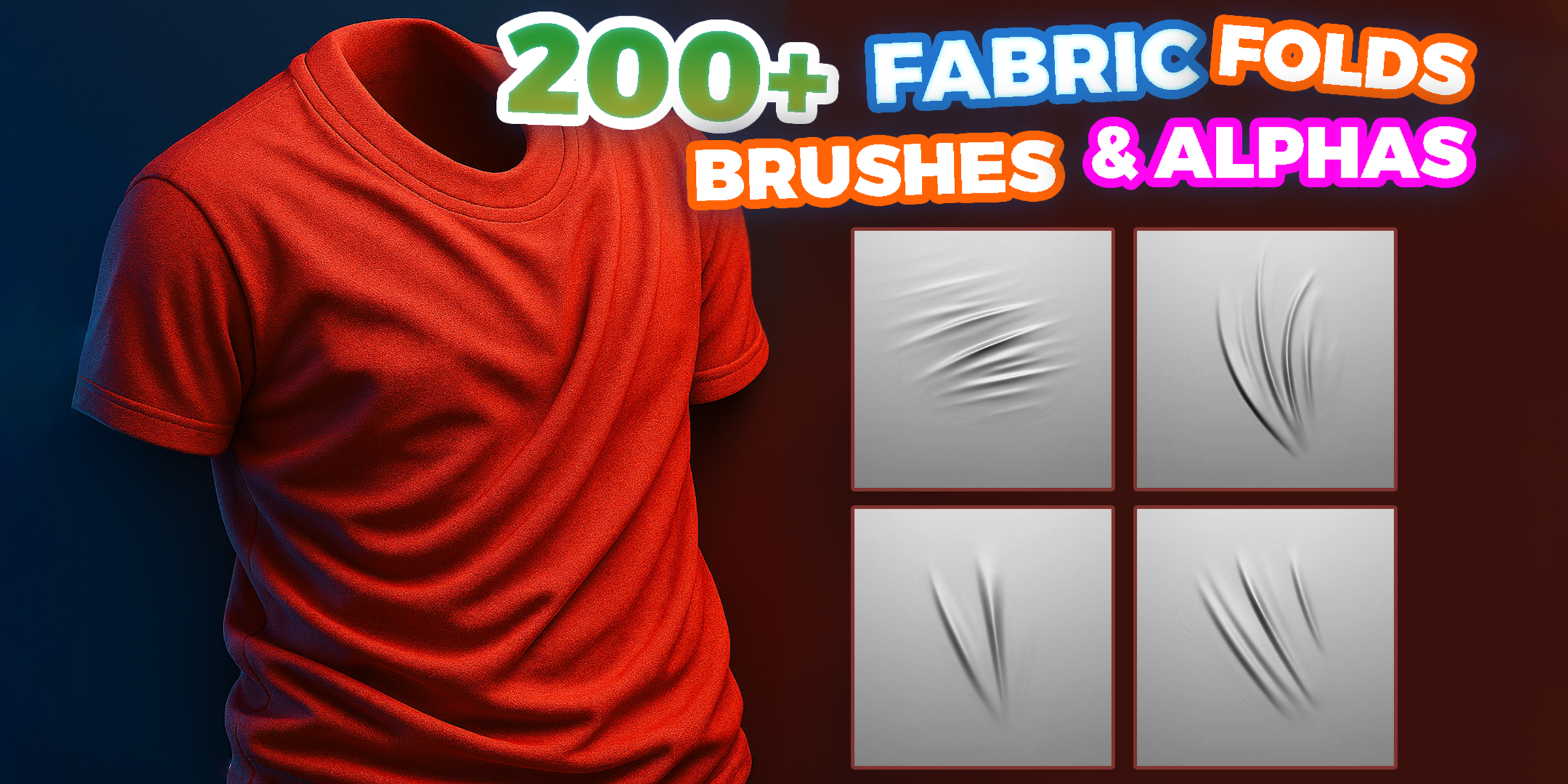
- Folds Fabric Sculpting Brushes — 209 brushes designed for realistic drapery and wrinkles. Formats: .blend, .zbp, PSD (16-bit). Easy install for Blender 4.3+ and ZBrush.
- Compression Folds Brushes — 33 brushes for Blender + 33 for ZBrush + 33 alphas (PSD, 2K). Specially crafted for tension wrinkles & tight compression folds in clothing and characters.

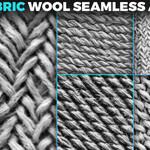
- Fabric Alphas (Displacement) Pack — 206 seamless, tileable alphas (PNG 2K). Realistic wool, knit & fabric surface details, ideal for characters, props & environment assets.

✨ Key Features & Benefits:
- 1000+ total brushes: 500+ unique brushes & alphas, each available for Blender and ZBrush.
- High-resolution (2K, 16-bit) alphas for maximum detail and crisp results.
- Wide variety: folds, wrinkles, seams, cloth drapery, compression folds, memory folds, knit & wool textures.
- Optimized workflows: Blender Asset Browser support & ready-to-use ZBrush .ZBP brush presets.
- Versatile for styles: realistic, stylized, concept art, fashion 3D, costume sculpting, AAA game assets.
- Save hours: instantly add natural fabric details instead of sculpting by hand.


🛠 Installation Guide:
🔹 Blender (Asset Browser):
- Download and unzip the files.
- Open Edit → Preferences → File Paths.
- Under Asset Libraries, click + and select the folder with the brushes (.blend).
- Click Save Preferences and restart Blender.
- Open the Asset Browser → all brushes will appear with icons. Drag & drop them into your project.
🔹 ZBrush:
- Unzip the files.
- Copy all .ZBP brushes into: Program Files/Pixologic/ZBrush [version]/ZStartup/BrushPresets
- Copy all PSD/PNG alphas into: Program Files/Pixologic/ZBrush [version]/ZStartup/Alphas
- Restart ZBrush. Brushes will appear in the Brush palette, alphas in the Alpha palette.

💡 Tips:
- Organize libraries in Blender for faster access.
- In ZBrush, use Lightbox → Brushes to load packs temporarily if you don’t want permanent install.
- Assign hotkeys to your favorite brushes in both Blender and ZBrush for max efficiency.
🔍 SEO Keywords:
fabric sculpting brushes, cloth folds, wrinkles brushes, compression folds, drapery sculpting, Blender asset brushes, ZBrush brush pack, fabric folds alphas, seamless fabric textures, clothing detail brushes, costume sculpting, 3D character fabric detailing
🔥 Bundle Offer 🔥
Get the entire Fabric Sculpting Mega Pack today and save over 40–50% compared to buying each pack separately!
