 Team Blender
Face Spotlight: Aim a spotlight at any face with one click
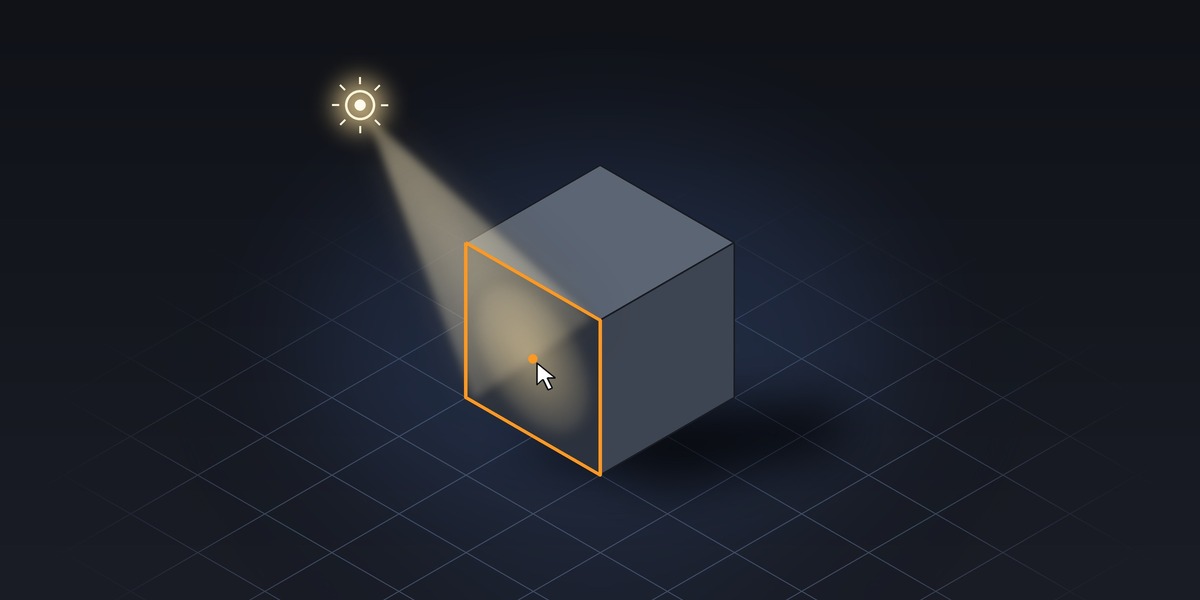
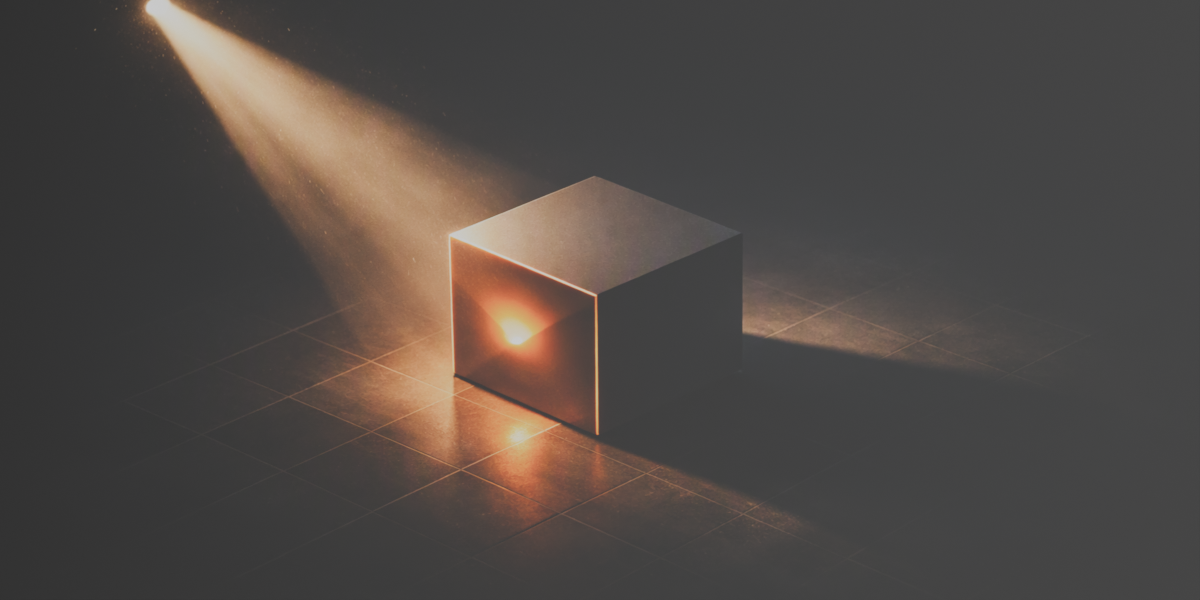
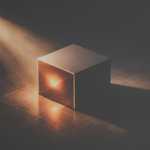
Face Spotlight takes the guesswork out of lighting. Click any face on your mesh and a spotlight is placed and aimed at it instantly. No manual positioning, no rotating lights by hand.
Features
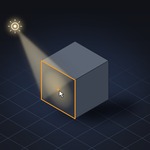
- One-click aiming: click a face in the 3D Viewport and the spotlight is placed along the face normal and pointed straight at it.
- Live light settings: adjust distance, power, angle, edge blend, shadow softness and color, and your existing spotlight updates instantly.
- Aim at selected faces: select one or more faces in Edit Mode and aim the light at their average center and direction.
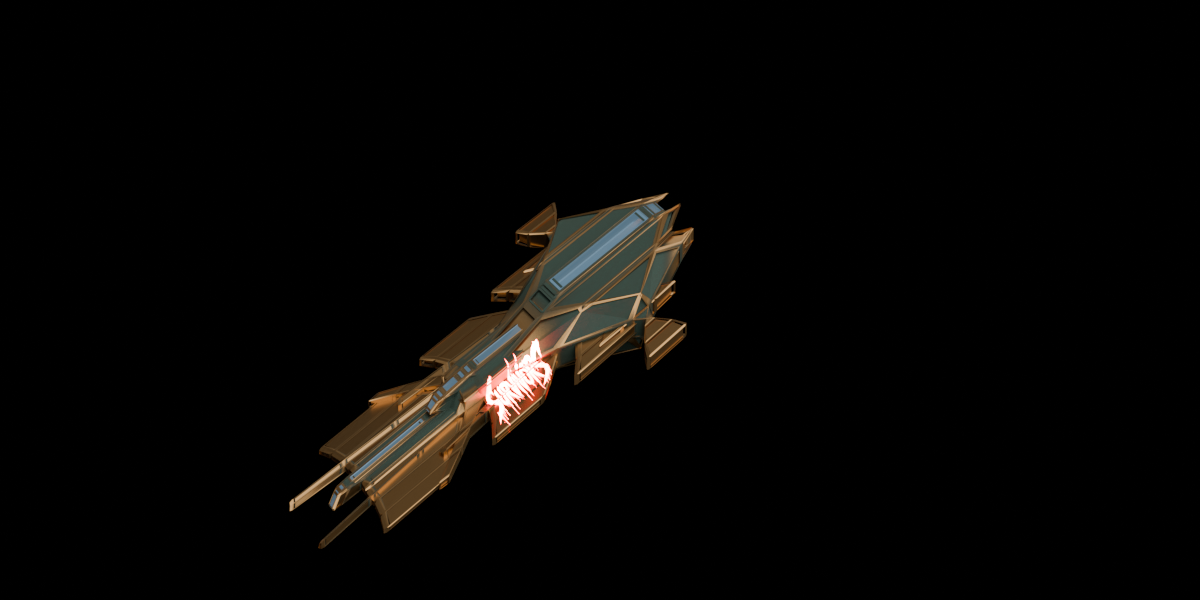
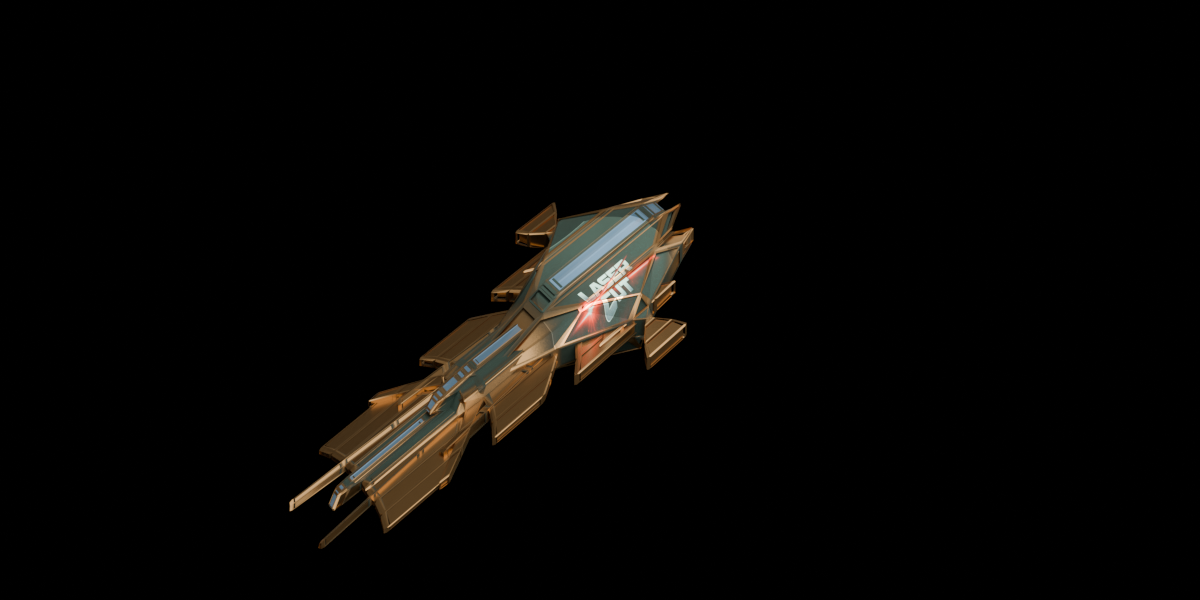
- Gobo / light texture (Cycles): apply an image as a light mask to shape the beam, with adjustable texture intensity. Clear it any time.
- Parent to object: attach the light to an object so it moves with it.
- Quick cleanup: reset all settings to defaults or remove all Face Spotlights in one click.
How it works
- Open the sidebar in the 3D Viewport (N) and go to the Face Spotlight tab.
- Set your light settings.
- Click Click Face, then click a face on your model.
Requirements
- Blender 3.0 or newer
- Mesh objects to aim at (the gobo texture feature requires the Cycles render engine)