Face Spotlight
 Team Blender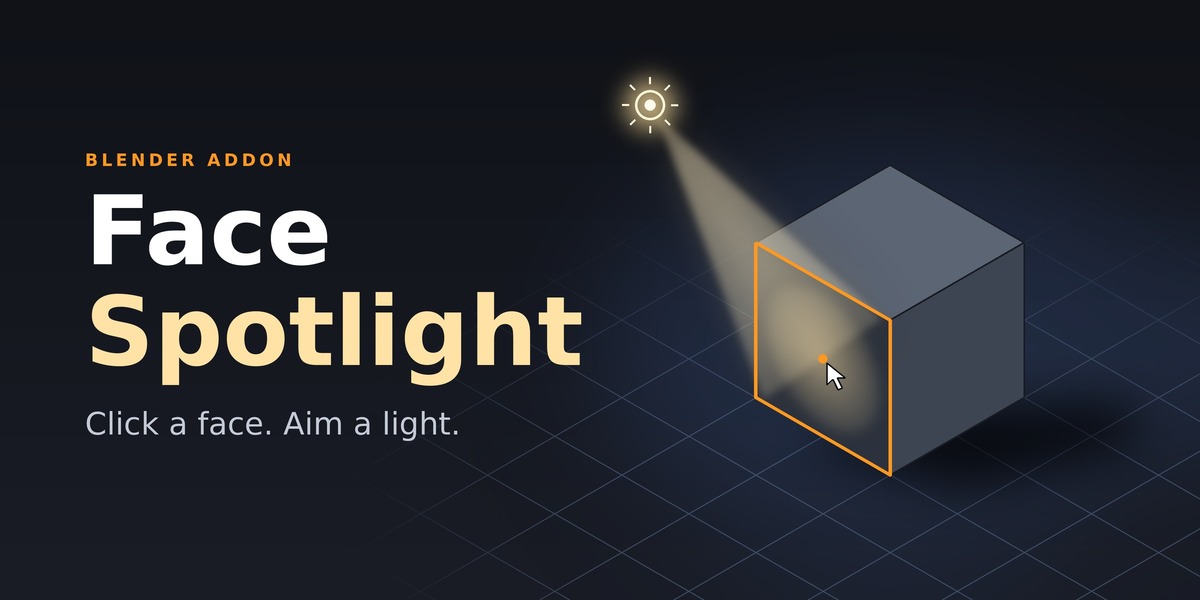
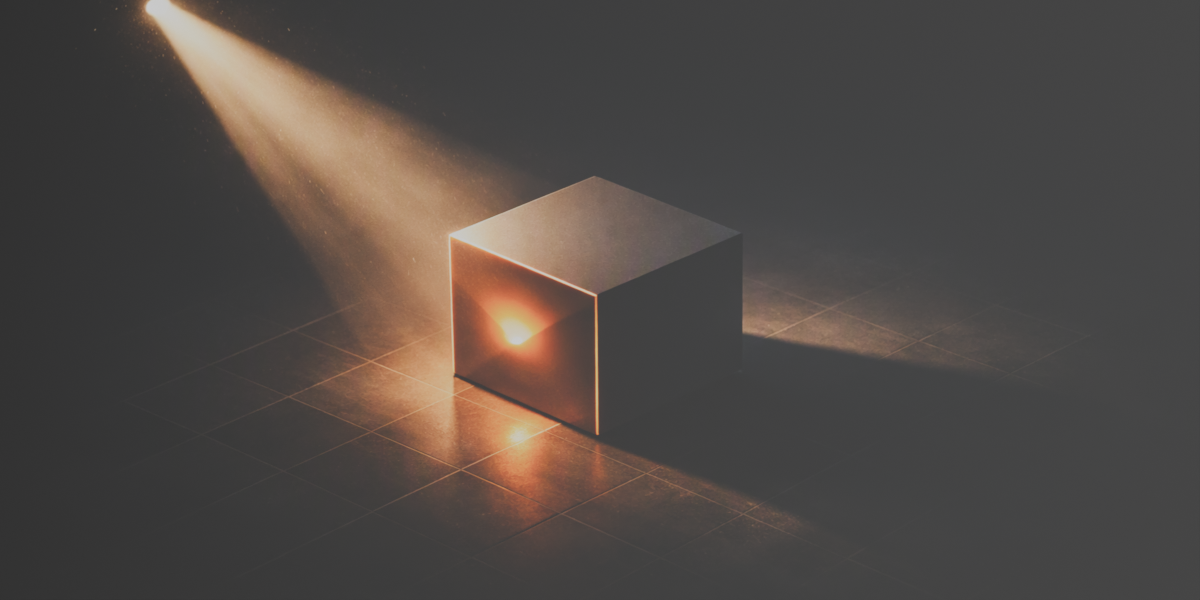
🎬 Face Spotlight — Precision Lighting for Blender
💡 Overview
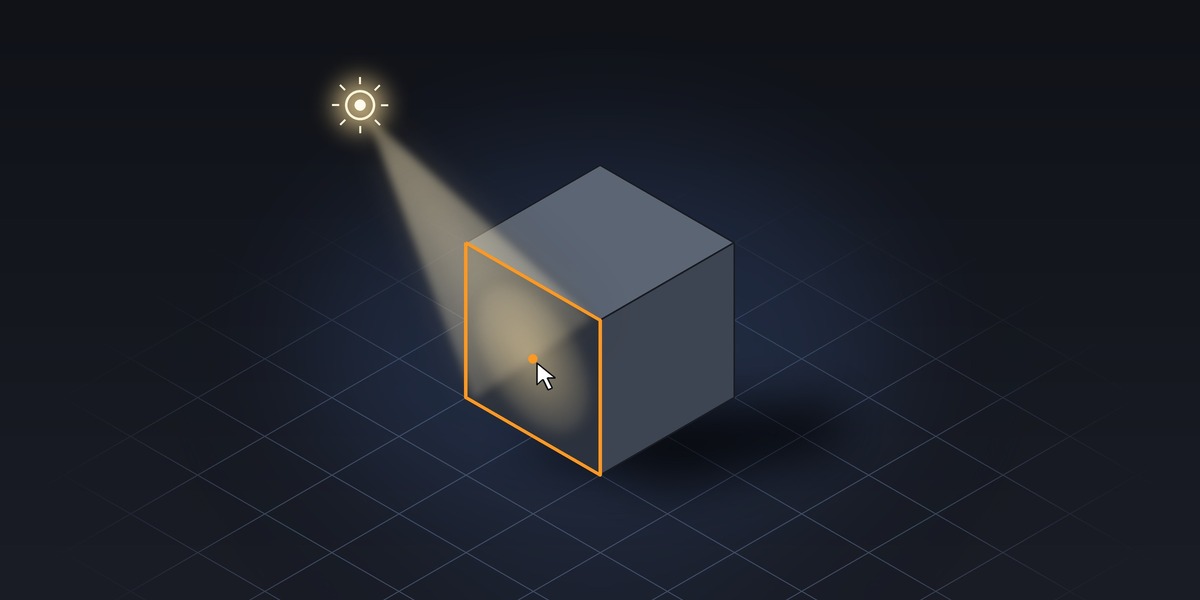
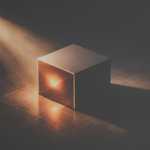
Face Spotlight lets you aim a spotlight directly at any face in your 3D scene with a single click. Perfect for cinematic lighting setups, product visualization, or character rendering.
⚙️ Key Features
Click any face to automatically position and aim a spotlight at it.
Real‑time control over distance, power, angle, blend, shadow softness, and color.
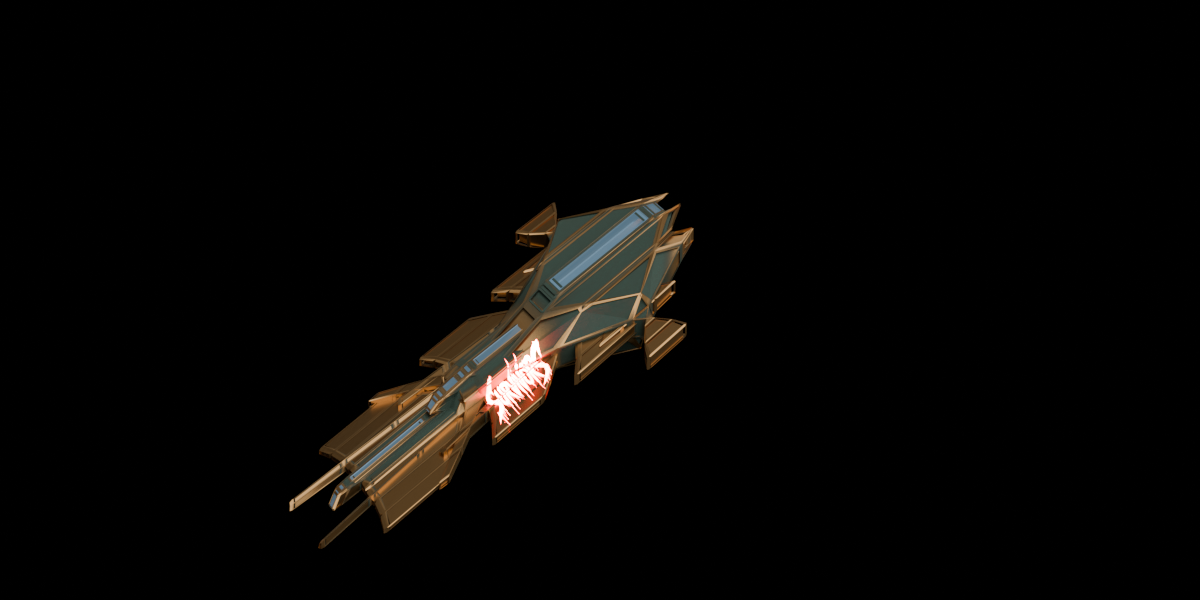
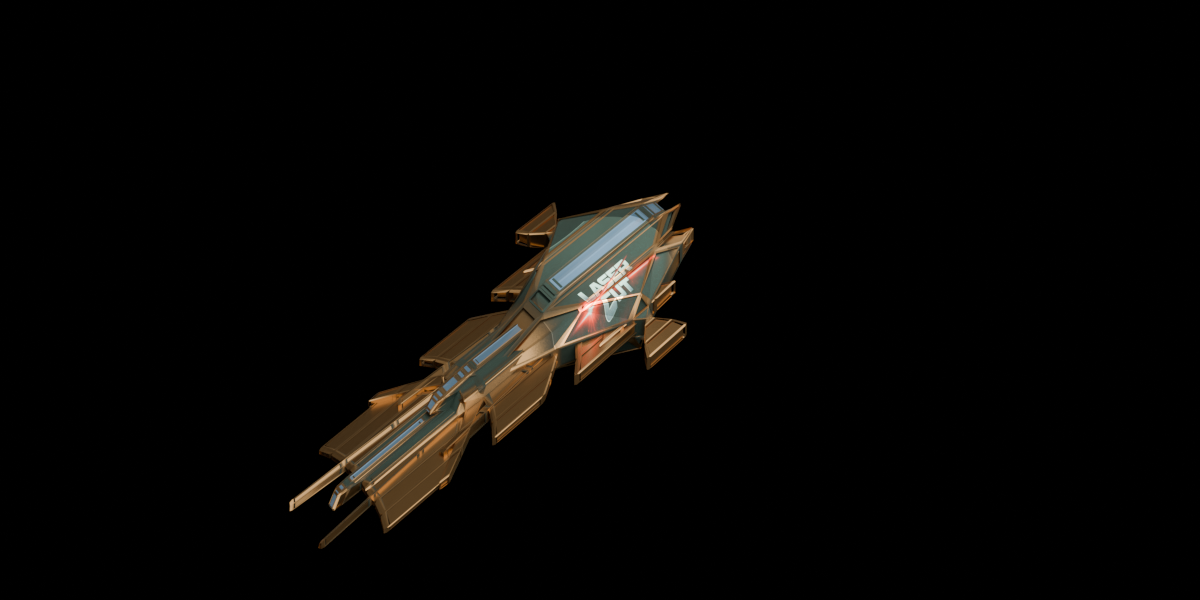
Supports gobo textures (light masks) in Cycles for creative light patterns.
Works seamlessly with modifiers using Blender’s evaluated mesh system.
Live updates through Scene Properties — no manual refresh needed.
-
Extra tools:
Aim at selected faces
Parent light to object
Reset all settings
Remove all FaceSpotlights instantly
🎨 Why It’s Unique
Unlike standard spotlights, Face Spotlight calculates the exact world‑space center and normal of the selected face. That means perfectly aligned lighting every time — no guesswork or manual rotation.
🧩 Compatibility
Blender 3.0 and newer
Render engines: Cycles (for textures), Eevee (for standard lighting)
Platforms: Windows, macOS, Linux
📦 Installation
Download the
.zipfile.In Blender: go to
Edit > Preferences > Add-ons > Install.Activate Face Spotlight in the list.
Open the Sidebar → Tab Face Spotlight → Click Click Face.
Have questions about this product?
Login to message
| Published | 3 days ago |
| Blender Version | 2.93 - 5.2 |
| Extension Type | N/A |
| Render Engine Used | Cycles, Eevee |
| License | GPL |