FaceKeys Check: Free Shape Key Checker for VRChat Face Tracking, ARKit and Visemes
 Meshwright
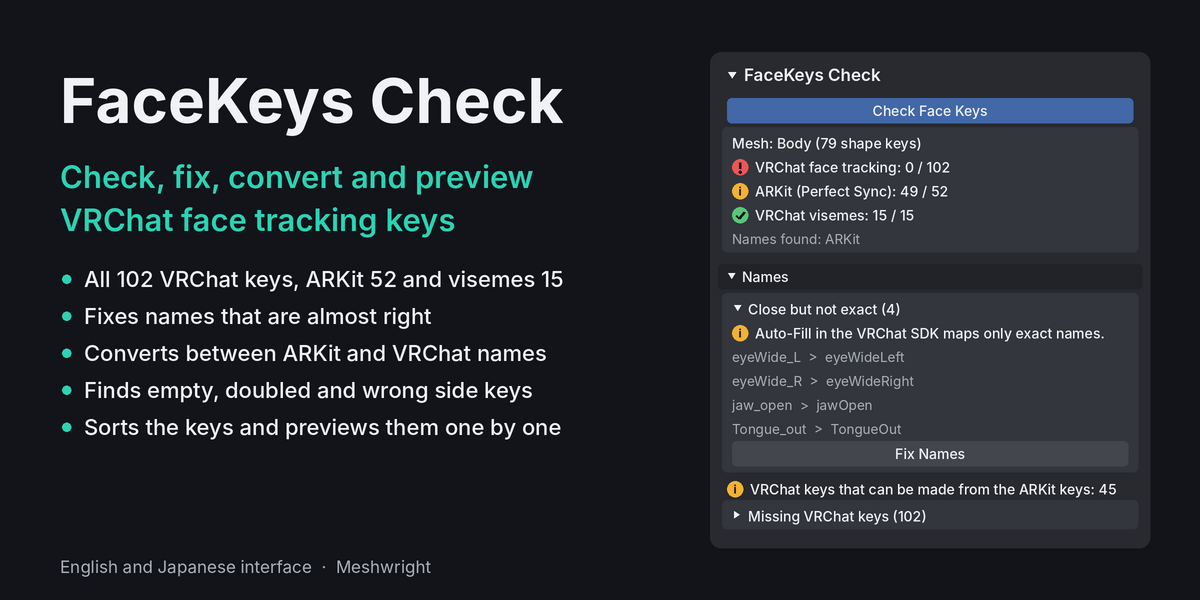
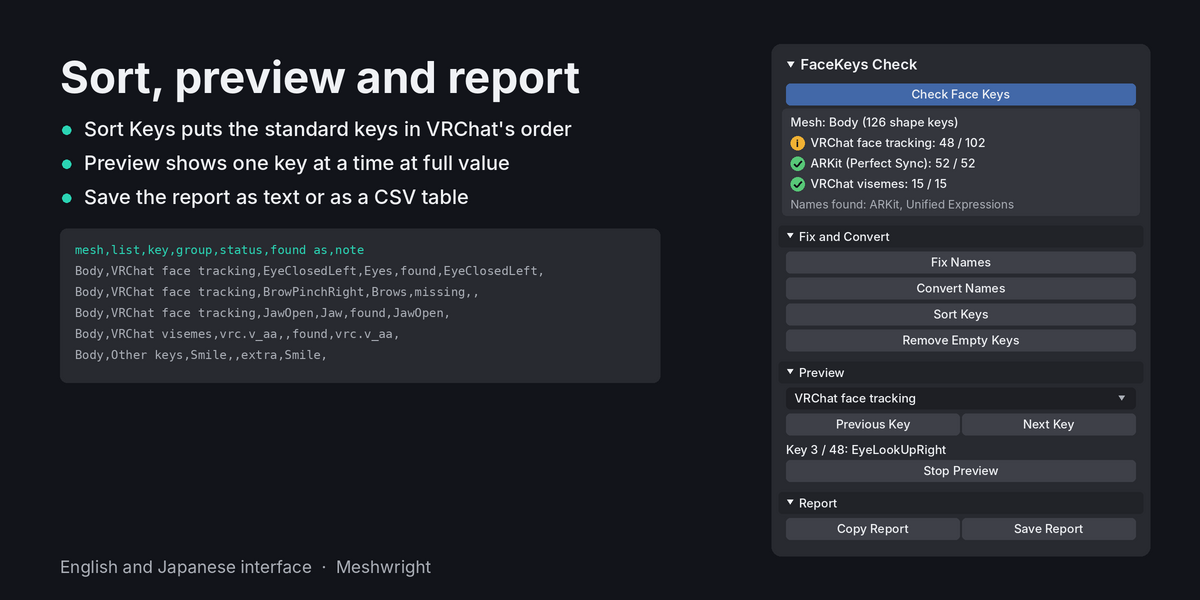
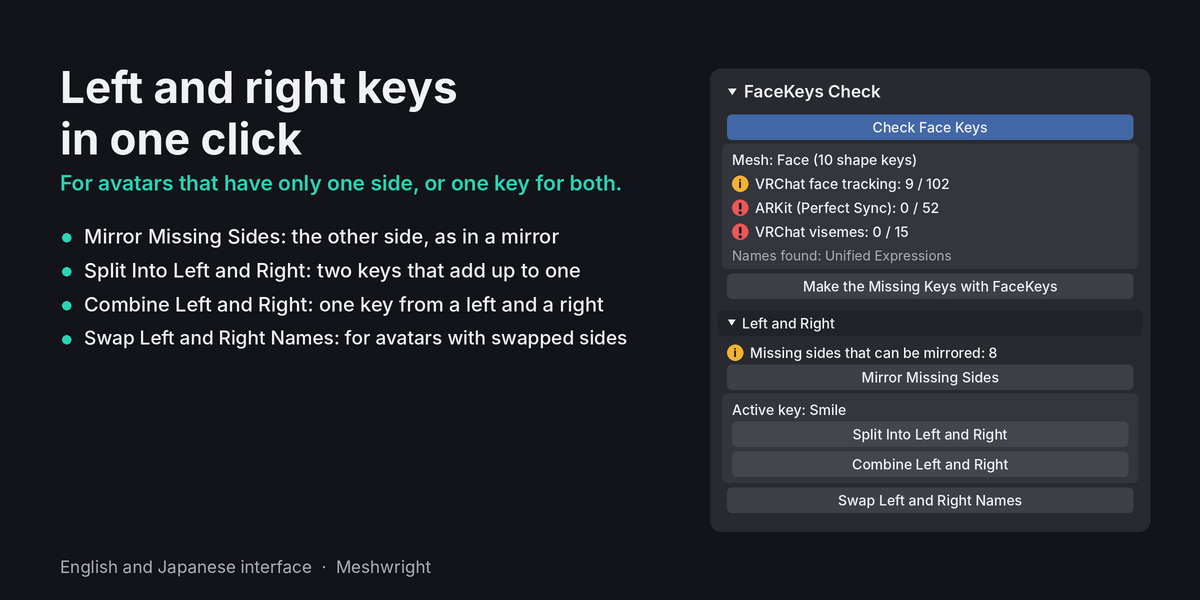
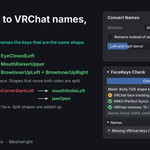
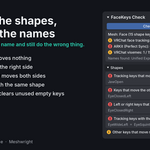
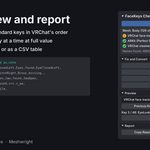
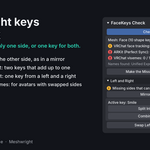
FaceKeys Check checks, fixes, converts, mirrors and previews the shape keys an avatar's face needs for VRChat face tracking (the 102 Unified Expressions keys), ARKit apps (the 52 Perfect Sync keys) and the 15 VRChat visemes.
What you need
- Blender 4.2 or newer. Tested on 4.2 and 5.2.
- An avatar whose face mesh has shape keys.
Install
- In Blender, open Edit > Preferences > Get Extensions.
- Open the menu in the top right corner and choose Install from Disk.
- Pick the file facekeys_check-2.1.1-superhive.zip.
- Open the sidebar in the 3D Viewport (press N). You will see the Meshwright tab with the FaceKeys Check panel.
Check
- Select the face mesh (the mesh with the blink and mouth keys). You can also select the avatar's armature. The add-on then takes the child mesh with the most shape keys.
- Press Check Face Keys. The check reads only.
The panel then shows:
- The mesh name and its number of shape keys.
- VRChat face tracking: how many of the 102 keys.
- ARKit (Perfect Sync): how many of the 52 keys.
- VRChat visemes: how many of the 15 keys.
- Names found: the naming styles the mesh uses.
- "Ready for VRChat face tracking" when no VRChat key is missing.
- "Your avatar has N of 102 keys." when keys are missing. N counts the keys the avatar has and the keys this add-on can make itself with Fix Names, Convert Names and Mirror Missing Sides.
- Make the Missing Keys with FaceKeys opens the FaceKeys page. It shows only when keys are missing that this add-on cannot make.
Six sections open under the result: Names, Shapes, Fix and Convert, Left and Right, Preview and Report.
Names
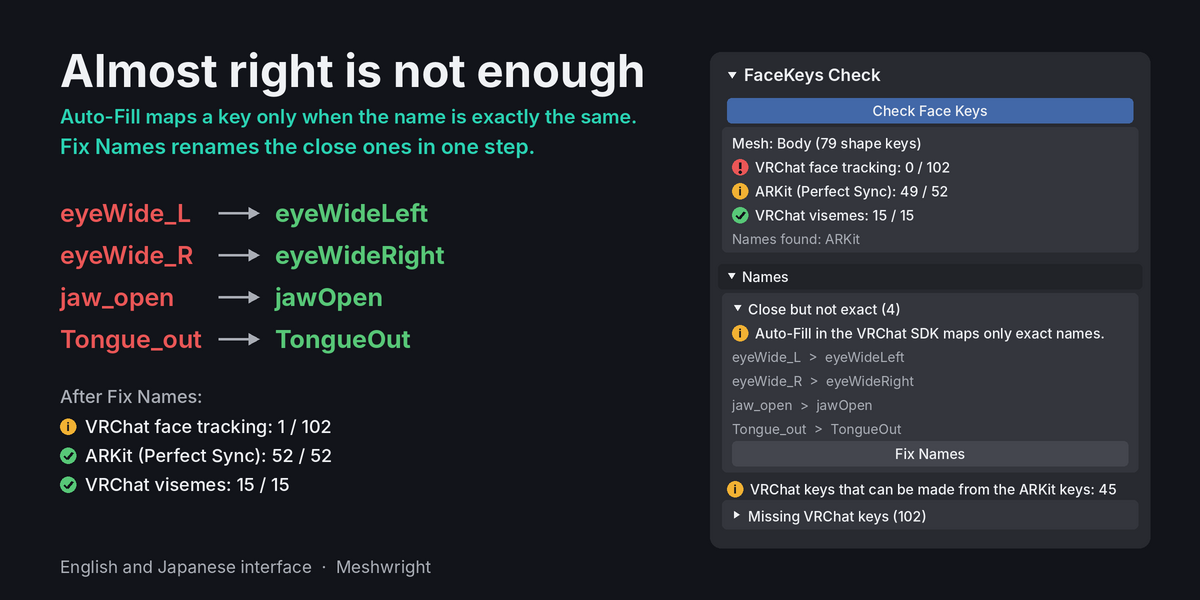
- Close but not exact: each close name with the exact name next to it. Auto-Fill in the VRChat SDK maps only exact names. Fix Names renames them.
- How many VRChat keys can be made from the ARKit keys, and how many ARKit keys from the VRChat keys.
- Missing VRChat keys: open the row to see them by group.
- Missing visemes.
- "All names are exact" when there is nothing to fix.
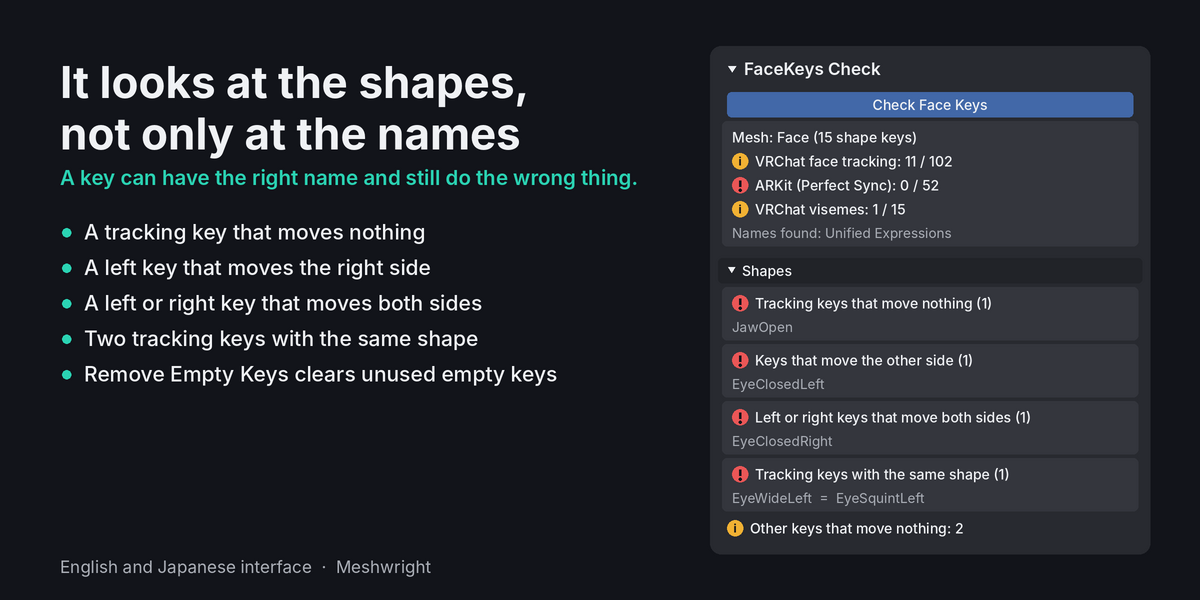
Shapes
- Tracking keys that move nothing.
- Keys that move the other side.
- Left or right keys that move both sides.
- Tracking keys with the same shape.
- Other keys that move nothing.
- "Left and right look swapped on most keys." The avatar should face -Y. Swap Left and Right Names fixes the names.
- "No shape problems found" when all is well. On a very large mesh the shape checks are skipped.
Fix and Convert
- Fix Names: renames the keys with almost the right name to the exact names. Option "When a name fits both lists": Automatic (the style the mesh already has more of), VRChat names (JawOpen, EyeClosedLeft) or ARKit names (jawOpen, eyeBlinkLeft). Unity animations that use the old names need the new names.
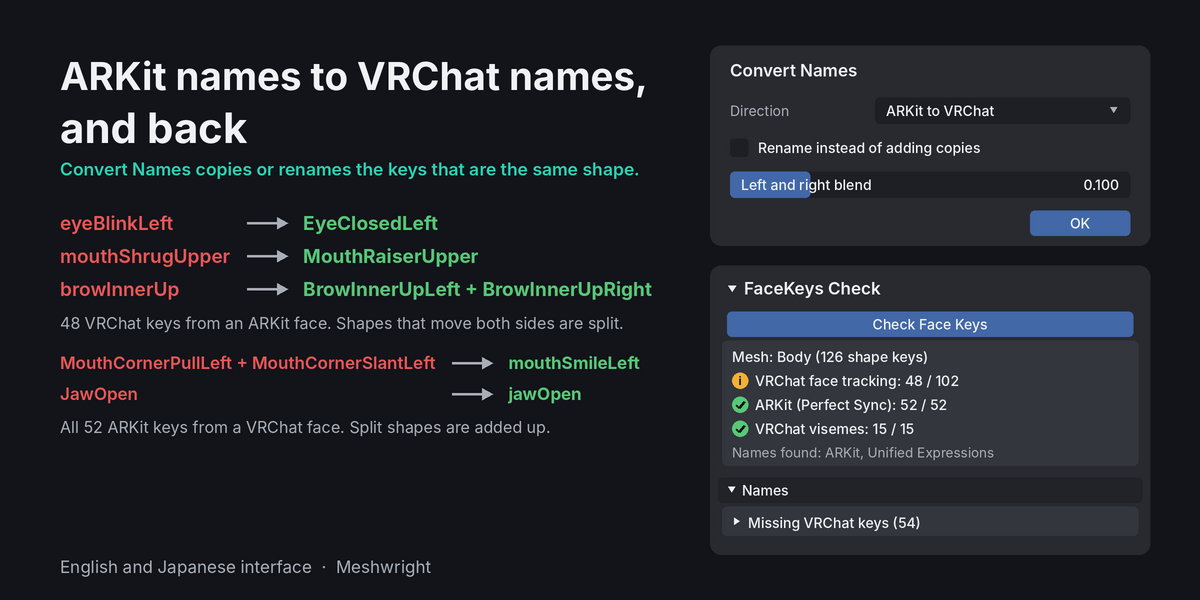
- Convert Names: makes VRChat keys from ARKit keys, or ARKit keys from VRChat keys, where the shapes are the same. Direction: ARKit to VRChat or VRChat to ARKit. "Rename instead of adding copies": renames the keys that have one exact counterpart. Off: the keys stay and copies get the new names. "Left and right blend": the width of the soft zone in the middle when an ARKit shape that moves both sides is split into a left and a right key.
- Sort Keys: puts the face tracking keys, the ARKit keys and the visemes in their standard order. Standard keys: after the other keys (the avatar's own keys stay on top) or before the other keys (right after the Basis).
- Remove Empty Keys: removes the keys that move nothing. Keys with a standard name are kept. "Keep separator keys" keeps empty keys used as headings in the list, such as '--- Eyes ---'.
Left and Right
- Mirror Missing Sides: makes each missing left or right tracking key from the key of the other side, seen in a mirror. The row above the button says how many missing sides can be mirrored. A key is left out when the mesh is not symmetric where it moves.
- Split Into Left and Right: makes a left key and a right key from the active shape key. The two halves add up to the key. You can change the two names and the middle blend.
- Combine Left and Right: makes one key that moves both sides from the active left or right key and its other side.
- Swap Left and Right Names: gives every left tracking key the right name and every right key the left name. For avatars whose sides are swapped. It asks before it runs.
Split and Combine work on the active key. Select a shape key in the list first.
Preview
- Choose the keys to show: All keys, VRChat face tracking, ARKit, Visemes or Flagged by the check.
- Previous Key and Next Key show one key of the chosen set alone at full value. The key values stay as they are.
- Stop Preview shows the face as it was before the preview.
Report
- Copy Report: copies the report as text.
- Save Report: saves the report as a CSV file with one row per key, for a spreadsheet, or as text.
Good to know
- Fix Names, Convert Names, Sort Keys, Remove Empty Keys and the left and right tools change the shape keys of the selected face mesh. Each is one undo step.
- These tools need Object Mode. Linked data cannot be changed.
- FaceKeys Check does not make new expressions. To make the missing keys, use FaceKeys.
- Nothing is sent anywhere.
- License: GPL-3.0-or-later.
Have questions about this product?
Login to message
| Blender Extension Compatible | Yes |
| Downloads | 2 |
| Published | about 11 hours ago |
| Blender Version | 4.2 - 5.2 |
| Extension Type | Add-on |
| License | GPL |
Discover more products like this
face-tracking perfect sync visemes shape keys blendshapes ARKit vrchat free rename unified expressions VTuber vrm