 Meshwright
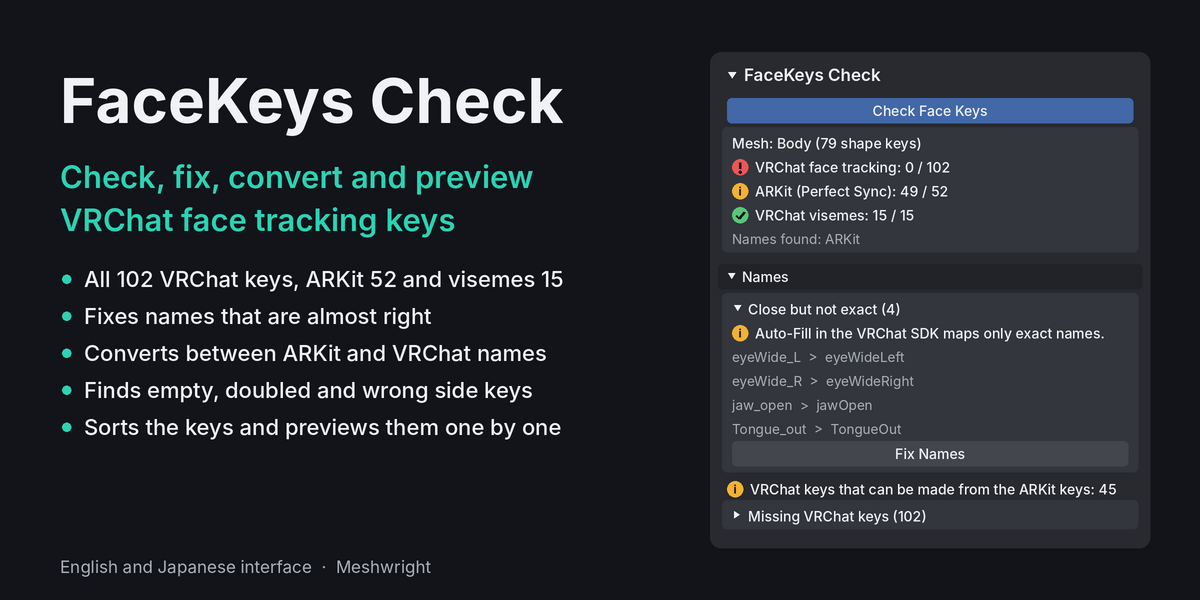
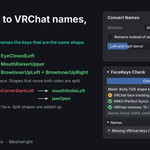
Is your avatar ready for VRChat face tracking? Check it in one click, for free. FaceKeys Check is a free Blender add-on. It reads the shape keys of the avatar's face and shows how many of the 102 VRChat face tracking keys (Unified Expressions), the 52 ARKit keys (Perfect Sync) and the 15 VRChat visemes are there, and which are missing. It also fixes names that are almost right, converts names between ARKit and VRChat, mirrors missing left or right keys and checks what the shapes do.
The check reads only. Each tool that changes keys is one undo step. Nothing is sent anywhere.
Video tutorial (1:43): from Blender to VRChat in four steps, with FaceKeys Check, FaceKeys and the Unity settings. English voice, Japanese subtitles. https://youtu.be/siq4ltbWkko
How to use it
- Install the zip in Blender 4.2 or later: Edit > Preferences > Get Extensions, open the menu in the top right corner and choose Install from Disk.
- Select the face mesh (the mesh with the blink and mouth keys) or the avatar's armature.
- Press N in the 3D Viewport, open the Meshwright tab and press Check Face Keys.
- Read the result. Then use Fix Names, Convert Names and Mirror Missing Sides where the panel offers them.
Check and report
- VRChat face tracking (Unified Expressions): how many of the 102 keys the mesh has, and which are missing, by group.
- ARKit (Perfect Sync): how many of the 52 keys.
- VRChat visemes: the 15 keys from vrc.v_sil to vrc.v_ou.
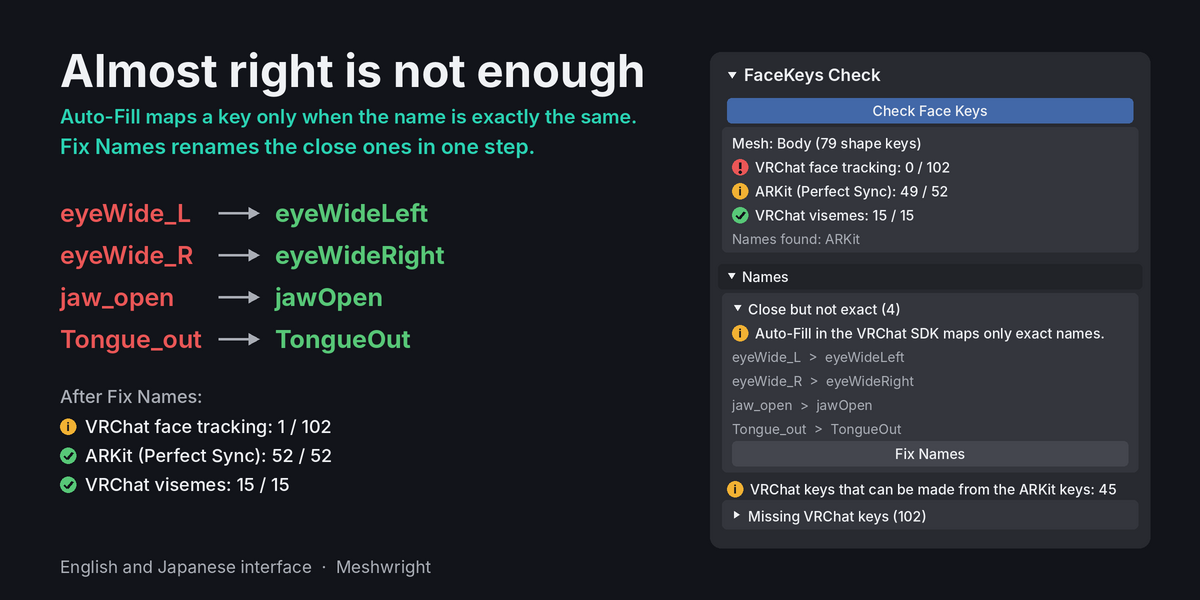
- Close names: names that are close but not exact, with the exact name next to them. Auto-Fill in the VRChat SDK maps a key only when the name is exactly the same.
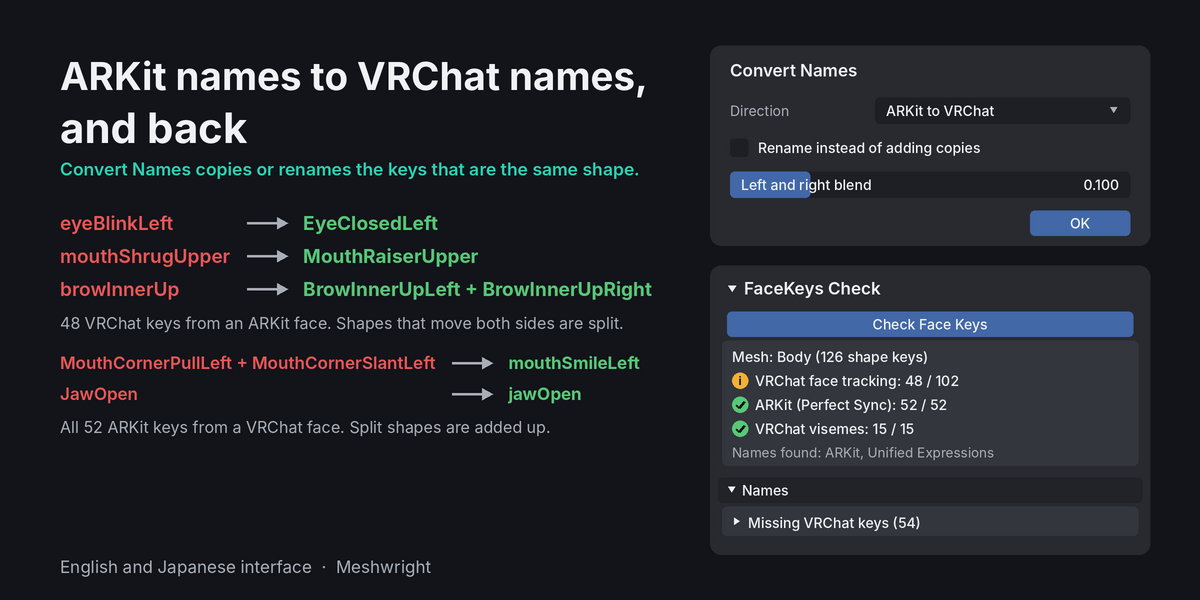
- Your count: after a check the panel says how many of the 102 keys your avatar has. It counts the keys this add-on can make itself with Fix Names, Convert Names and Mirror Missing Sides. Example: an avatar with only the 52 ARKit keys shows 48 of 102.
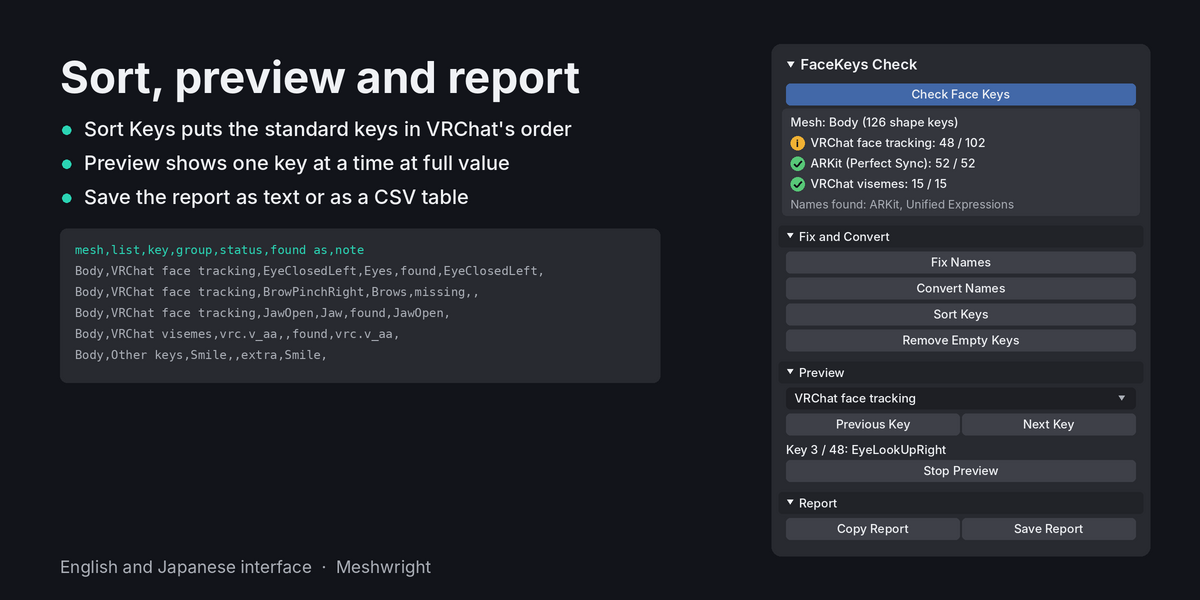
- Report: copy it as text, or save it as text or as a CSV file with one row per key.
Fix Names
Fix Names renames keys with almost the right name to the exact names. Examples of close names it knows: EyeClosed_L, L_EyeClosed, blendShape1.eyeBlink_L and v_aa. When a name fits both lists, you choose VRChat names or ARKit names, or leave it on Automatic. Unity animations that use the old names need the new names.
Convert Names
- ARKit to VRChat: 48 VRChat keys from an ARKit face. 40 keys have the same shape. The 4 ARKit shapes that move both sides are split into a left and a right key.
- VRChat to ARKit: all 52 ARKit keys from a VRChat face. 40 have the same shape. 12 are the sum of the VRChat keys they consist of.
- As copies, or by renaming. Nothing is overwritten.
- ARKit shapes that VRChat splits into several keys with other meanings (mouthSmile, browDown, mouthFunnel, mouthPucker, mouthLeft, mouthRight) are not copied to VRChat names. That would be the wrong shape.
Shape checks
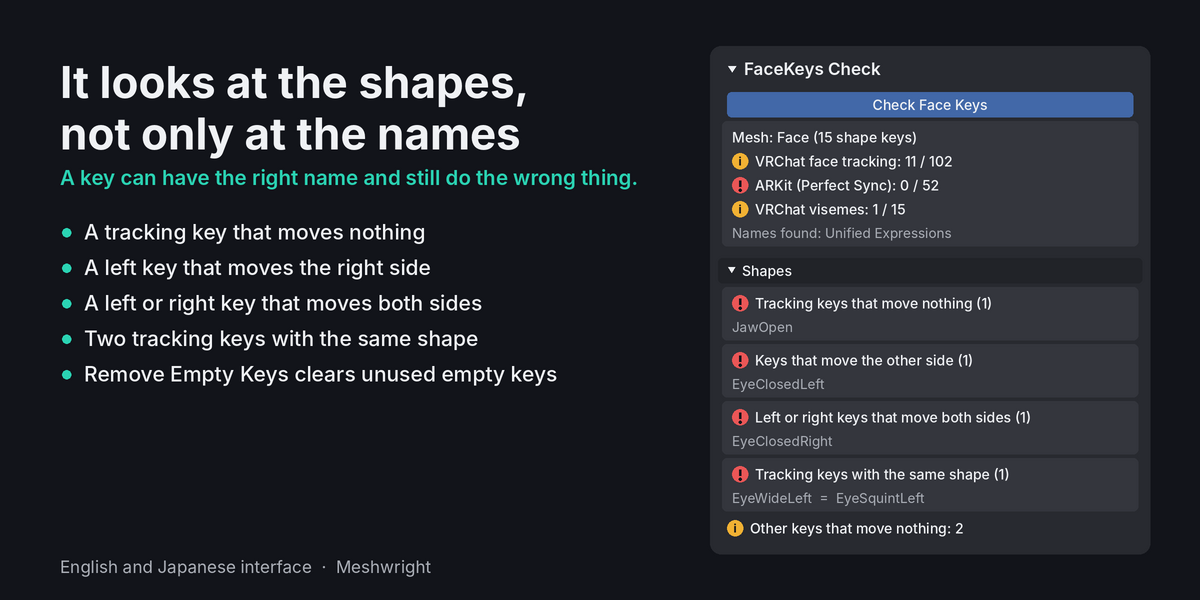
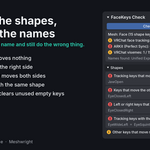
A key can have the right name and still do the wrong thing. So the check looks at the shapes too:
- Tracking keys that move nothing.
- Two tracking keys with the same shape.
- Left keys that move the right side.
- Left or right keys that move both sides.
- One remark when left and right are swapped on most keys.
Sort and preview
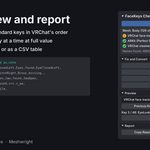
- Sort Keys puts the tracking keys in VRChat's order, the ARKit keys in Apple's order and the visemes from sil to ou, after or before the avatar's own keys.
- Remove Empty Keys removes keys that move nothing. Keys with a standard name and separator keys stay.
- Preview steps through all keys, the VRChat keys, the ARKit keys, the visemes or the keys the check has a remark about. One key at a time at full value. The key values are not changed.
Left and Right tools
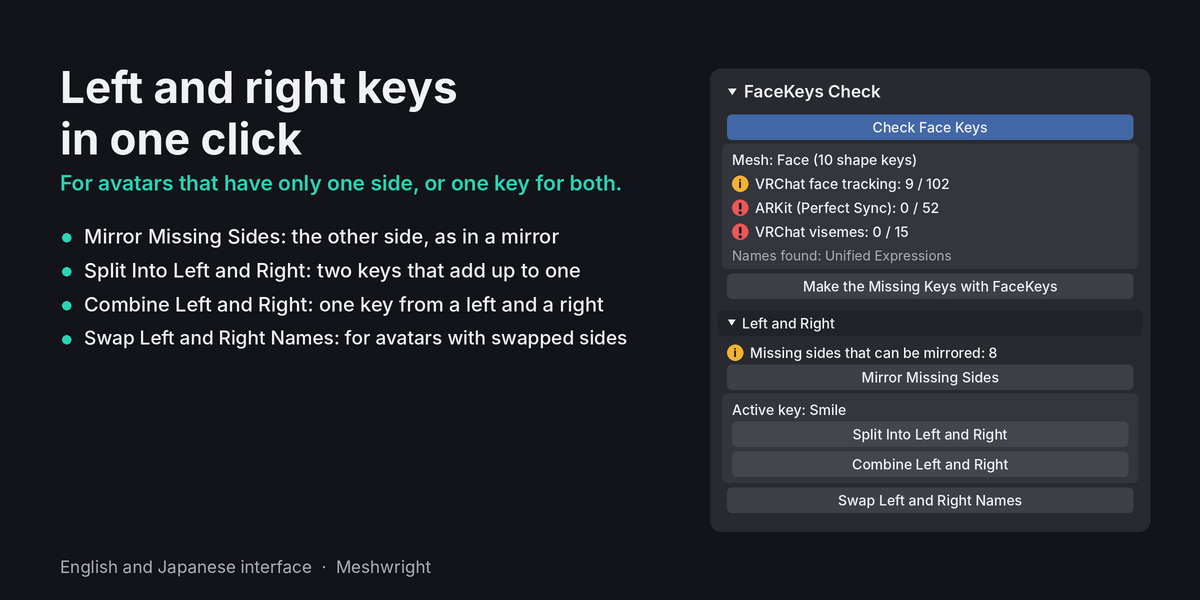
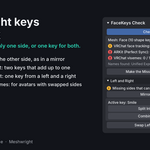
- Mirror Missing Sides makes each missing left or right tracking key from the key of the other side, as in a mirror. A key is left out when the mesh is not symmetric where it moves.
- Split Into Left and Right makes a left and a right key from one key that moves both sides, with a soft blend in the middle. The two keys add up to the original key.
- Combine Left and Right makes one key that moves both sides from a left and a right key. Example: a Blink key for avatars without face tracking.
- Swap Left and Right Names renames every left tracking key to right and back, for avatars whose sides are swapped.
Requirements
- Blender 4.2 or later. Tested on Blender 4.2 and 5.2.
- One zip that installs as an extension.
- Interface in English and Japanese.
- The key names follow VRChat's face tracking documentation. All 102 names in VRChat's order, with the ARKit shape for each: guide.meshwright.net/vrchat-face-tracking-keys
License: GPL-3.0-or-later.
When keys are missing
FaceKeys Check works with the keys the avatar already has. It does not make new expressions. FaceKeys builds the missing keys on your avatar's own face in about a minute. When keys are missing that this add-on cannot make, the panel says how many and shows a button that opens the FaceKeys page.
Until 2 December FaceKeys is 35% off: Full 22.75 USD (regular 35), Lite 9.75 USD (regular 15).