 Stellart


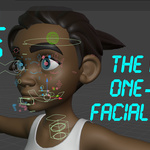
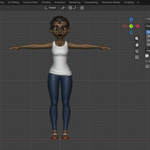
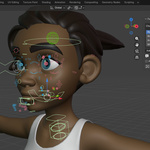
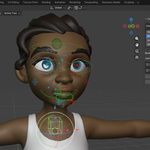
Rig
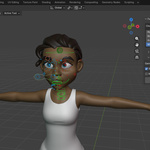
Go to the side panel (N) > Facial Tools > Rigging
Select your character's head and eye(s), then hit "Auto-Facial".
There might be some bone tweaks to be done depending on the character model.
NOTE: you must be in edit mode to edit bones.
Export
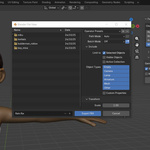
To export your character facial to a game engine or whatever, go to the side panel (N) > Facial Tools > Misc > Export.
Select the character meshes and the rig, hit export and save on the path where you want it to be saved.
Bind
To bind, just go to Facial Tools > Binding.
Choose the binding mode you want, tune settings if needed, select your character meshes and then the rig, and finally hit "Bind!".
 Included
Includes 12 months of
- Support from Stellart
- Product updates
Extend this product’s Support Period +12 months: 50% of product price
Have questions before purchasing?
Login to message
| Blender Extension Compatible | Yes |
| Sales | 10+ |
| Dev Fund Contributor | |
| Published | 5 months ago |
| Blender Version | 5.1 - 5.2 |
| Extension Type | Add-on |
| Render Engine Used | Cycles, Eevee |
| License | GPL |