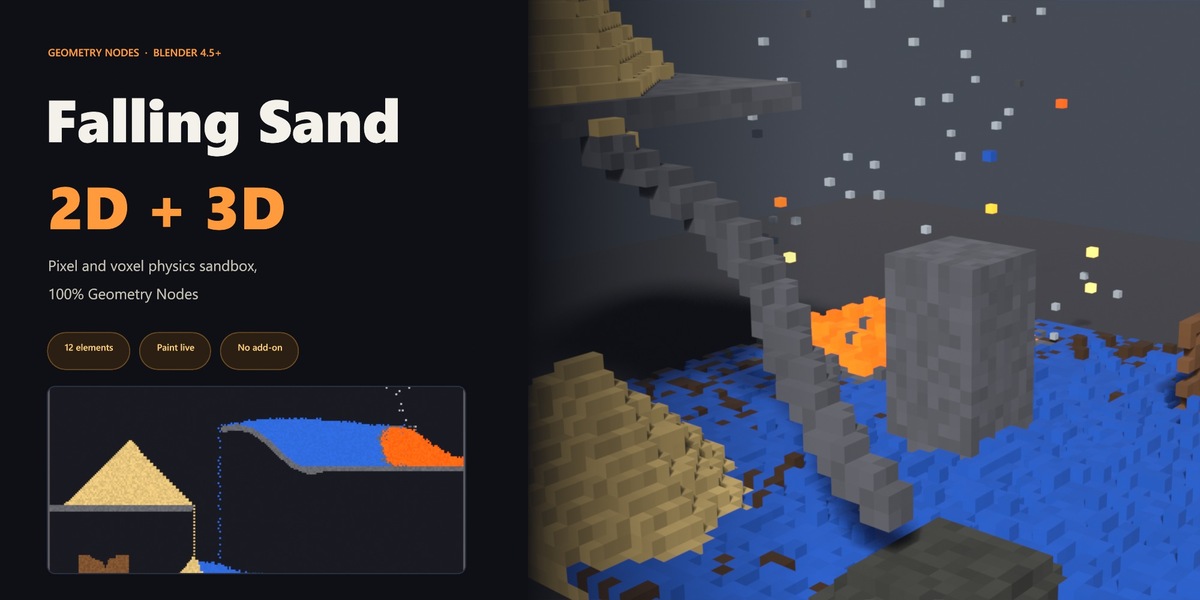
Falling Sand 2D + 3D
 Blender Procedural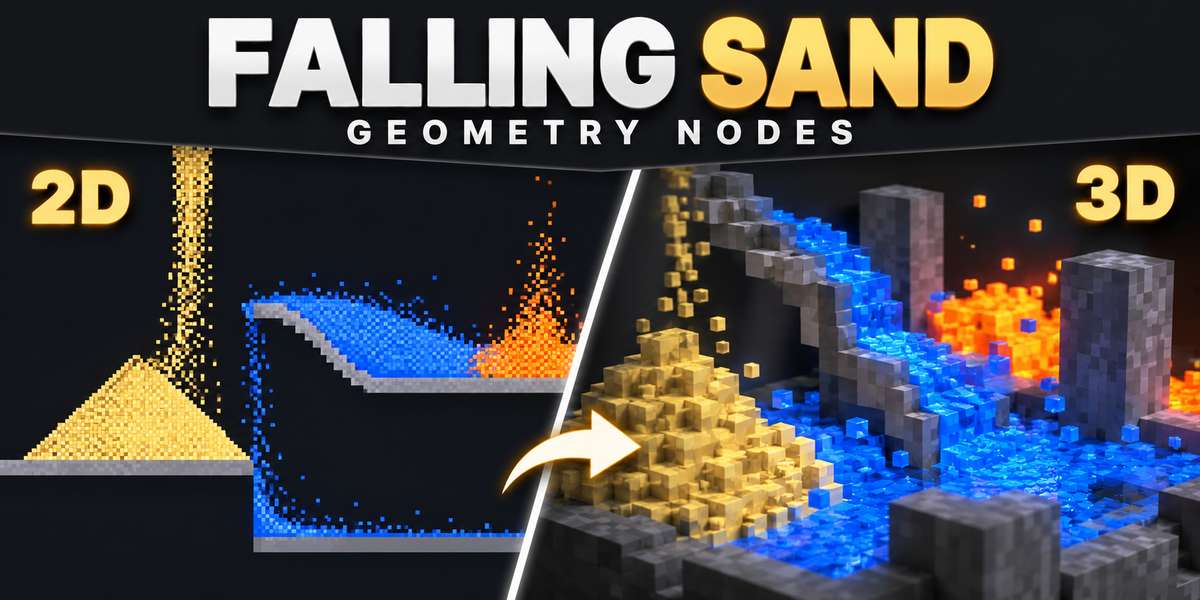
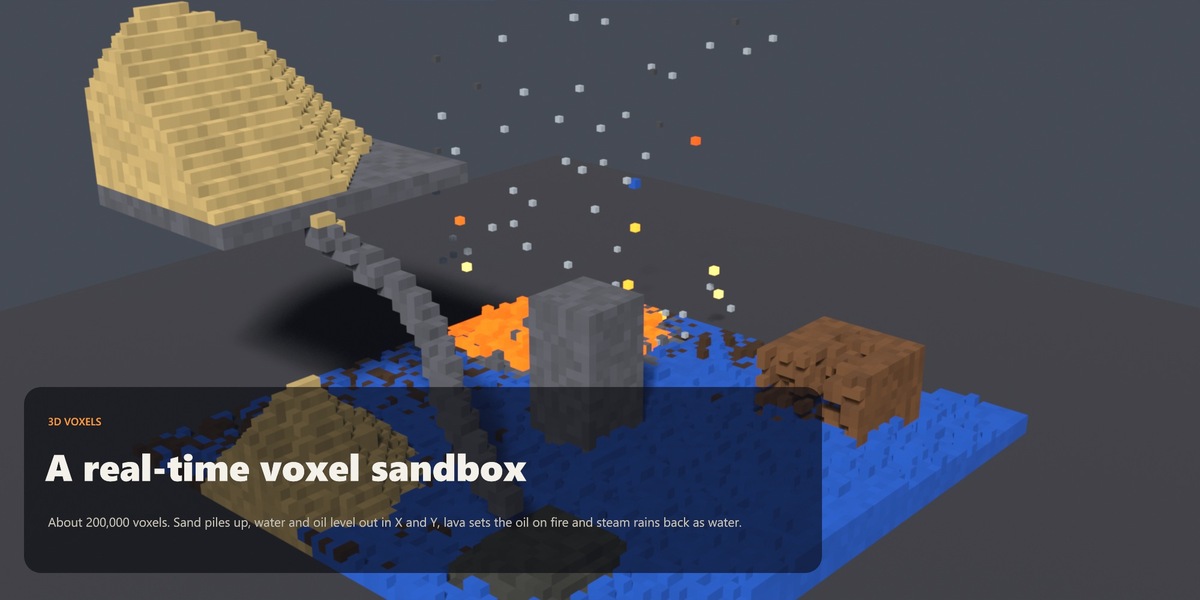
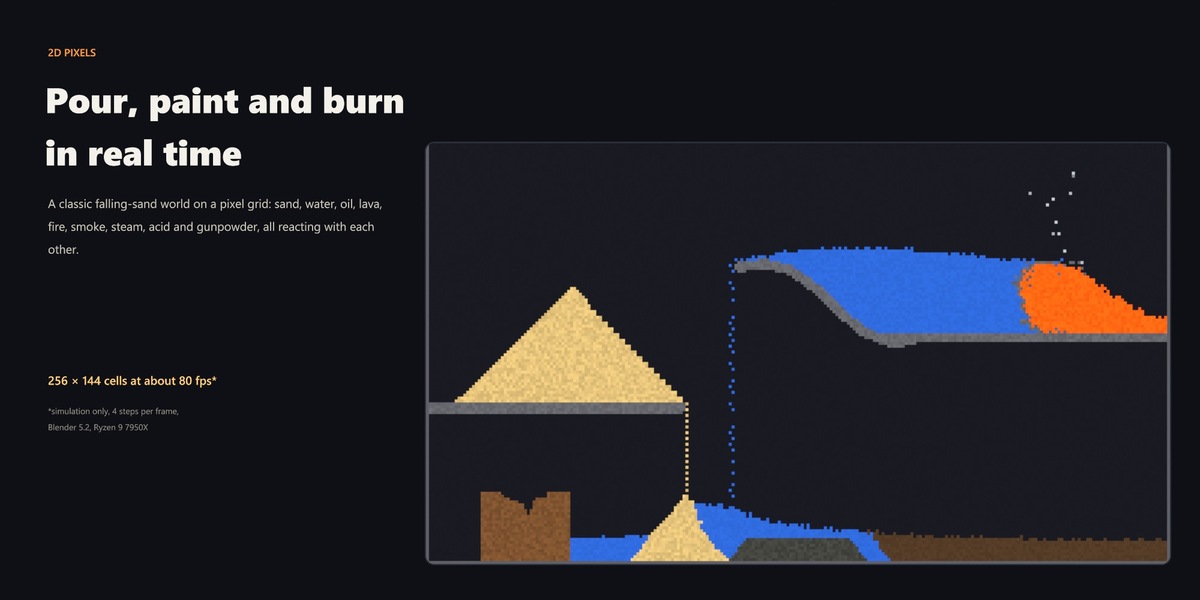
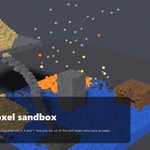
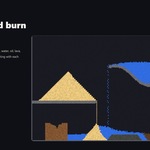
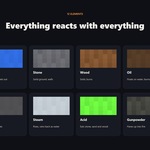
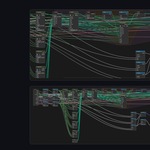
Quick start
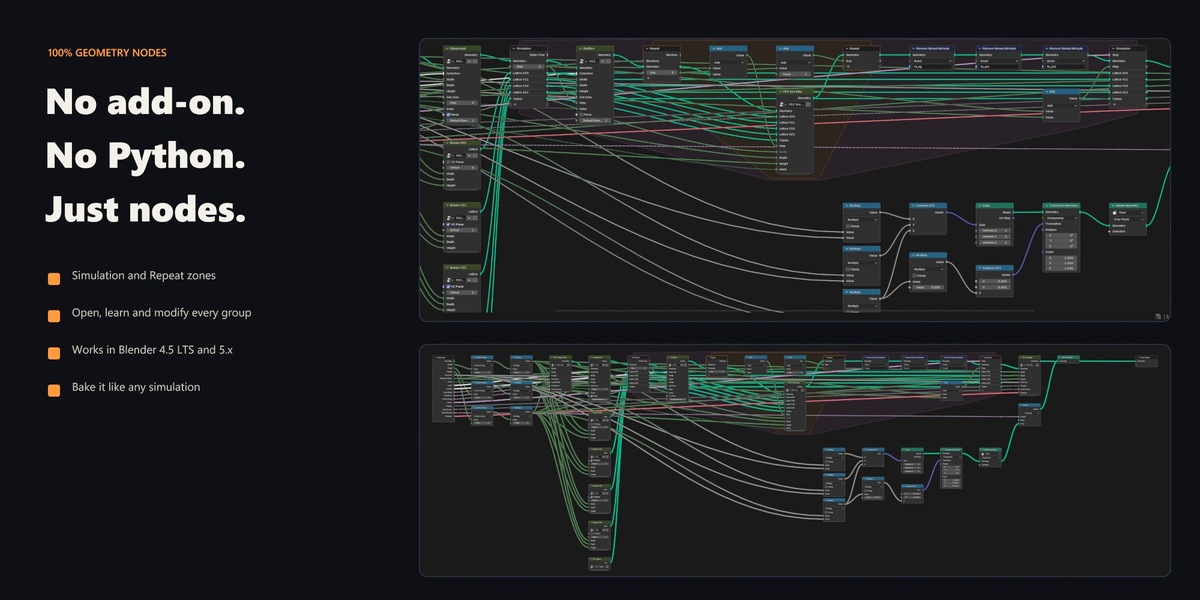
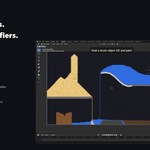
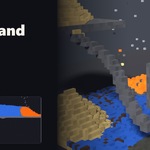
- Open FallingSand_GN.blend (2D) or FallingSand3D_GN.blend (3D) in Blender 4.5 LTS or newer. No add-on is needed.
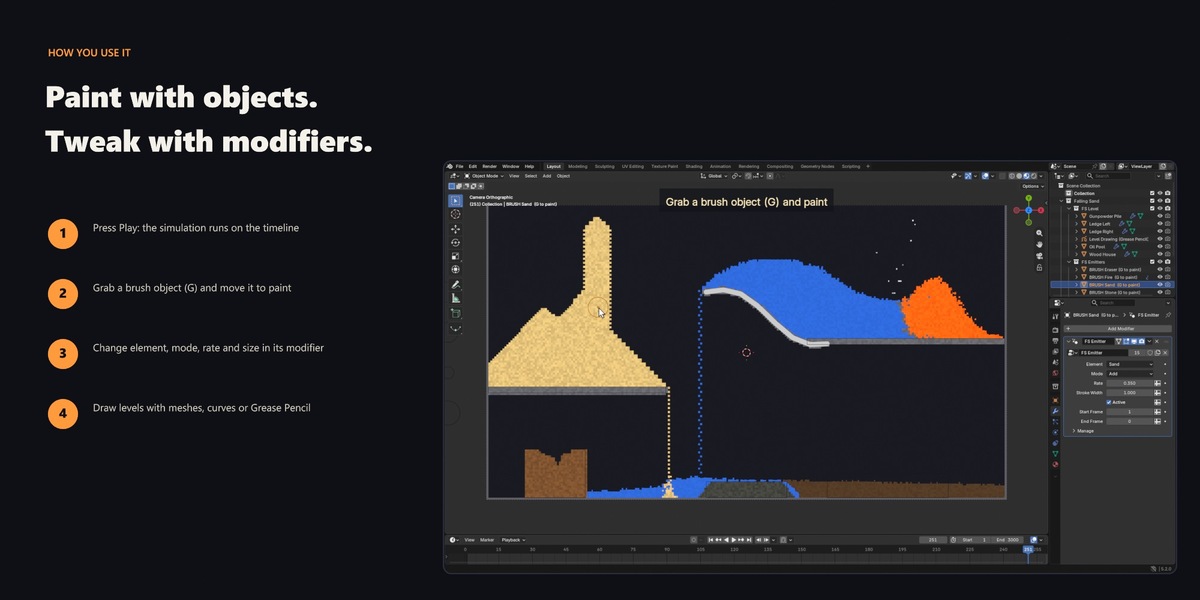
- Press Space in the 3D Viewport to play. Go back to frame 1 to reset the simulation.
- While it plays, select one of the "BRUSH ..." objects next to the canvas or box and move it with G to paint.
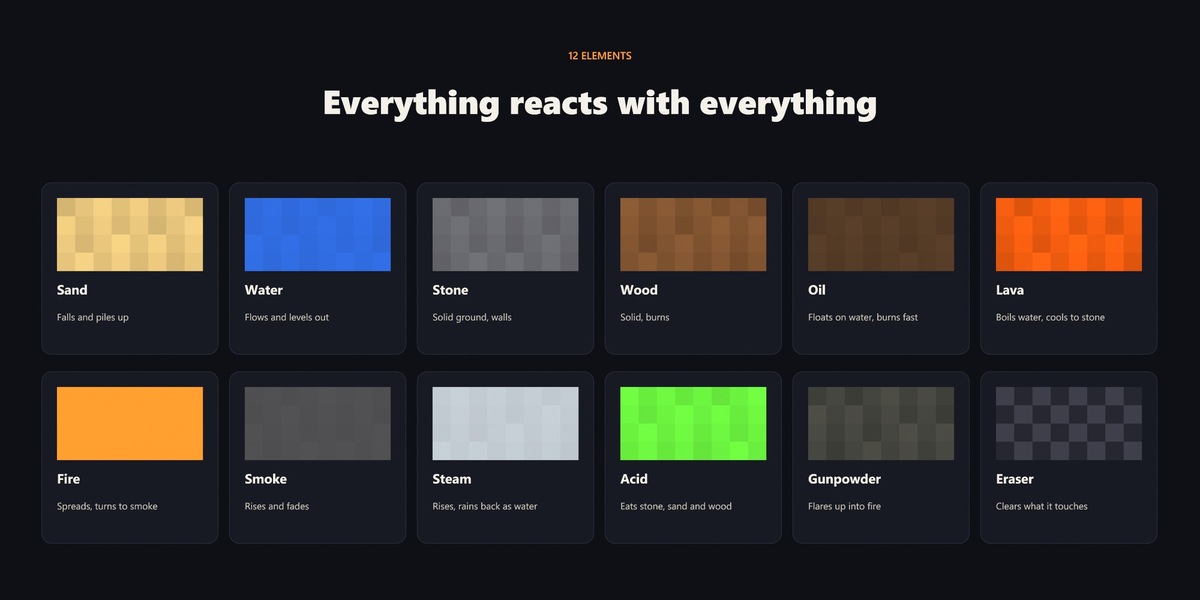
- Change what a brush or emitter makes in its FS Emitter modifier: Element, Mode, Rate, Start and End Frame.
Level shapes, emitters, every modifier input, the twelve elements, rendering, baking and performance tips are covered in the full documentation: blenderprocedural.github.io/falling-sand/docs.html
Have questions about this product?
Login to message
| Published | about 6 hours ago |
| Blender Version | 4.5 - 5.2 |
| Render Engine Used | Cycles, Eevee |
| License | Royalty Free |
Discover more products like this
sand simulation-nodes simulation cellular automata sandbox lava geometry nodes falling sand Water voxel pixel fire