Falling Star
 Cloud Spark Studios


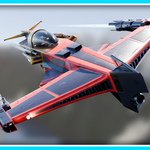
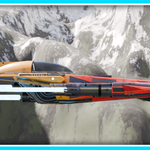
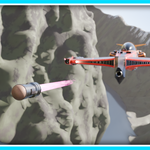
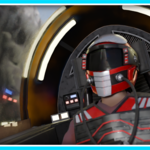
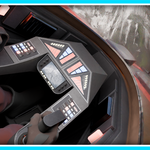
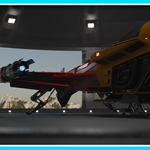
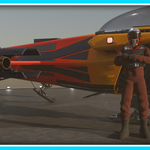
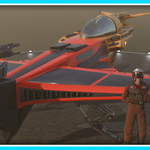
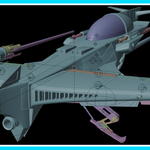
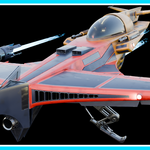
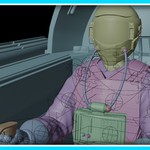
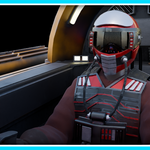
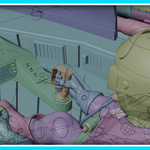
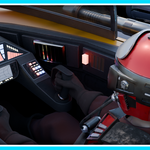
How do I add the Falling Star model to my animation file?
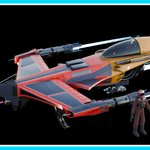
You can add the Falling Star model to your own animation file by using the append feature.
Go to File > Append > (locate where you saved the FallingStar_Save.blend file) > Collection > _Falling_Star_Collection
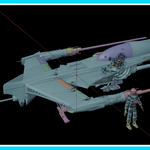
The model may look a bit cluttered, so here are a few things that can make it look cleaner:
- Disable relationship lines if it is enabled
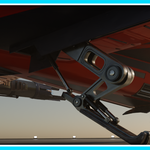
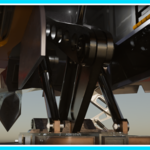
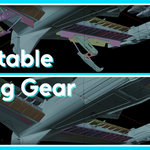
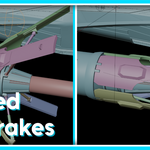
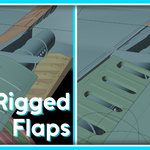
- Go through the collections and disable any labelled *HIDE*, these contain the empties and armatures used for the actions and animated features such as the landing gear. Disabling these doesn't affect the functionality of the model.
- Collapse the other collections to reduce further clutter in the view layer.
$12.99
Have questions about this product?
Login to message
| Published | 8 months ago |
| Blender Version | 3.5 - 5.0 |
| Render Engine Used | Cycles, Eevee, Freestyle |
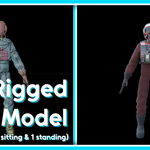
| Misc Data | Uvs-Unwrapped, Rigged, Textured |
| License | Royalty Free |
Discover more products like this
animation Rigged 3DVehicle 3d-spaceship 3dscience 3D military vehicle 3d aircraft 3d-space pilot 3d sci fi