Falling Star
 Cloud Spark Studios


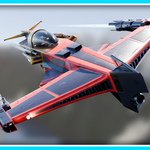
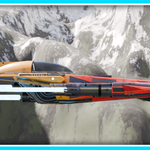
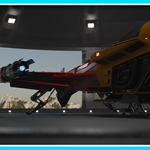
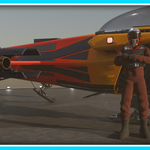
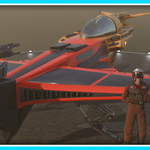
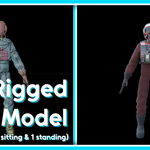
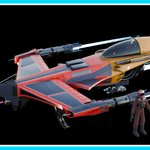
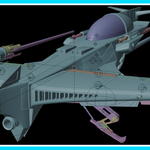
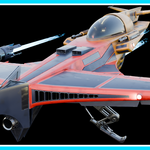
This product is intended to be used with Blender, for the purposes of animation or digital artwork.
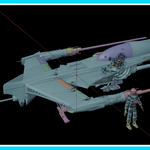
The posable/ animated features of the Falling Star model can all be controlled using the respective empties. The empties are either used along side actions saved in the Action Editor page, or parented directly to their respective objects. The empties have "Limit Distance" constraints and locked axis to control the range of motion, for simple usage. Various objects in the model have "Limit Distance" and "Limit Rotation" constraints to restrict the range of motion, this is to stop the objects intersecting each other.
Further empties are used amongst the armatures (Such as in the landing gear) as "anchor" points for the actions. These are stored in collections labelled "*HIDE*". These collections can be disabled or hidden without affecting the functionality of the controllable features, in order to make the model appear less cluttered.
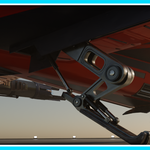
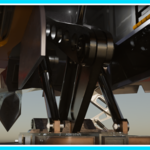
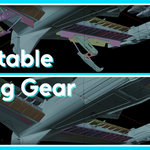
The controllers for the landing gear are the three large sphere empties. Two are beneath each wing, and one is beneath the rear section of the aircraft, by the engines.
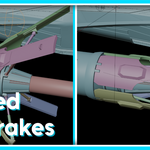
The controllers for the air brakes are the two sphere empties above the engines at the end of either wing.
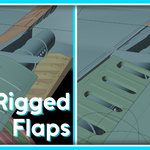
The controllers for the flaps are separated into smaller sphere empties and arrow empties. The sphere empties are used to move the flaps up and down, whilst the arrow empties are used to slide the flaps in and out. To help keep the flaps locked at the default position, an action is used to "hold" the flaps at the default position before moving up or down.
The controllers for the cannons are arrow empties located at the end of the barrels, they can be used to move the cannons back and forth to imitate recoil.
The controller for the canopy is an arrow empty which can be used to move the canopy back and forth.
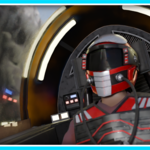
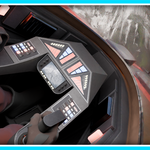
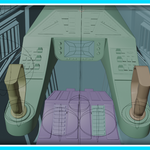
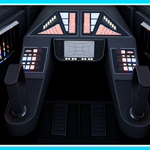
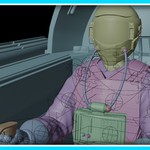
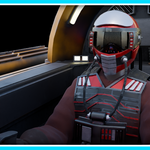
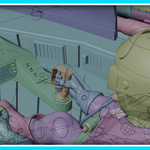
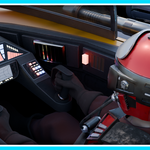
The interior includes a movable control panel with movable joysticks. There is also a movable pedal block with moveable pedals. Each can be moved using their respective sphere empties.
The jet flames are objects that have their origin point at the face where they connect with the rest of the model, the x and z scale has also been locked, meaning to change the length of the flames they can be scaled accordingly. The flame material included a "flame animation" parameter which can be keyframed to create a realistic flame flicker effect.
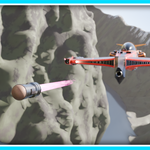
The torpedo is a separate object, with a similar flame object. The torpedo is positioned in line with the launcher of the Falling Star model by default. The torpedo has a "child of" constraint parenting it to the Falling Star by default but the influence can be changed to zero to be animated independently.
Included are OBJ and FBX files, UVs are unwrapped, includes 1K, 2K, and 4K textures.
Have questions about this product?
Login to message
| Published | 8 months ago |
| Blender Version | 3.5 - 5.0 |
| Render Engine Used | Cycles, Eevee, Freestyle |
| Misc Data | Uvs-Unwrapped, Rigged, Textured |
| License | Royalty Free |
Discover more products like this
3d sci fi 3d-spaceship Rigged 3dscience animation 3d-space pilot 3D military vehicle 3d aircraft 3DVehicle