 Studio Speets


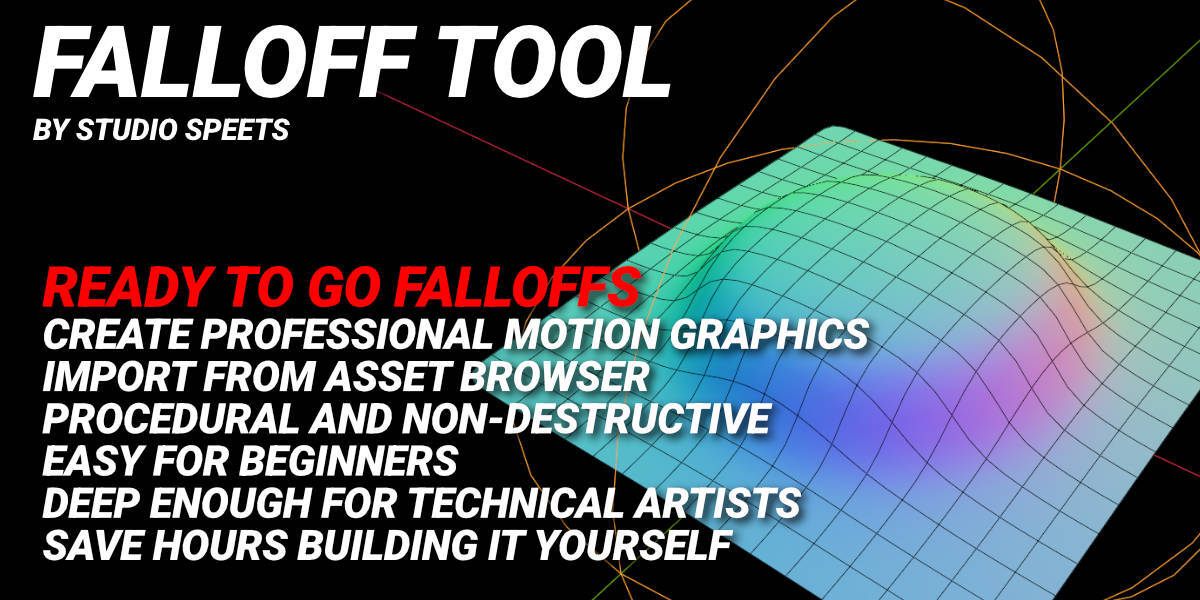
Falloff Tool for Blender
Build Stunning Motion Graphics Without Complex Node Setups
Creating procedural animations in Geometry Nodes often means building complicated interpolation systems with dozens of Math nodes, Map Ranges, and custom logic. Falloff Tool eliminates that work, letting you create professional motion graphics in minutes instead of hours.
Simply drop the node into your Geometry Nodes setup, connect the output you want to drive, and animate the viewport controls. Everything else happens automatically.
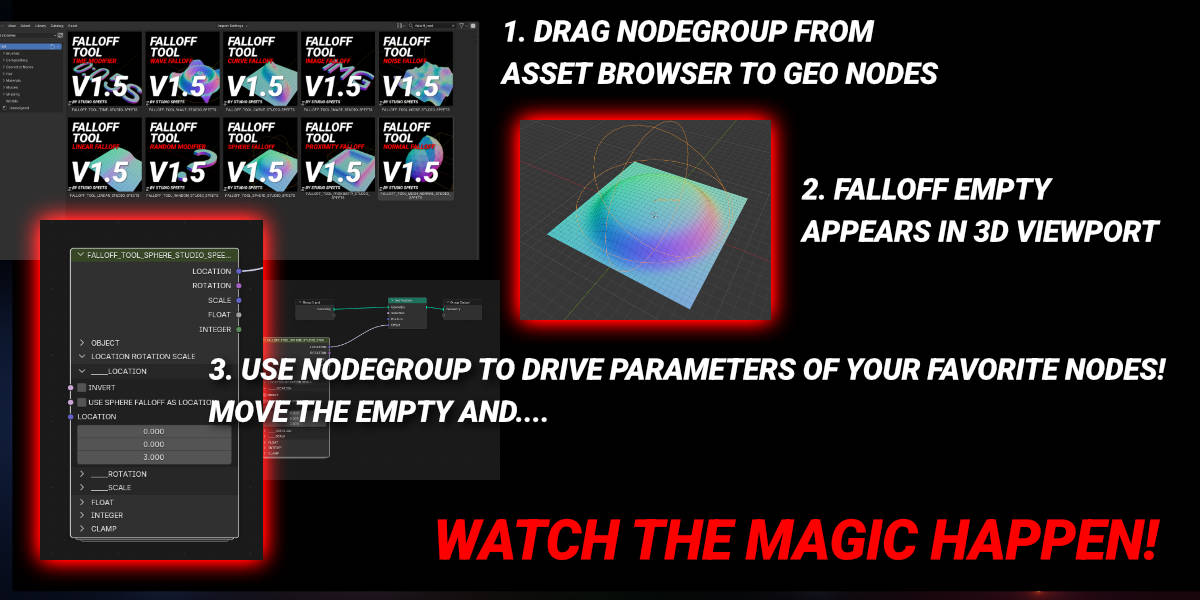
Whether you're creating product animations, procedural effects, abstract motion graphics, or reusable Geometry Nodes systems, Falloff Tool gives you a fast, flexible foundation for procedural animation.
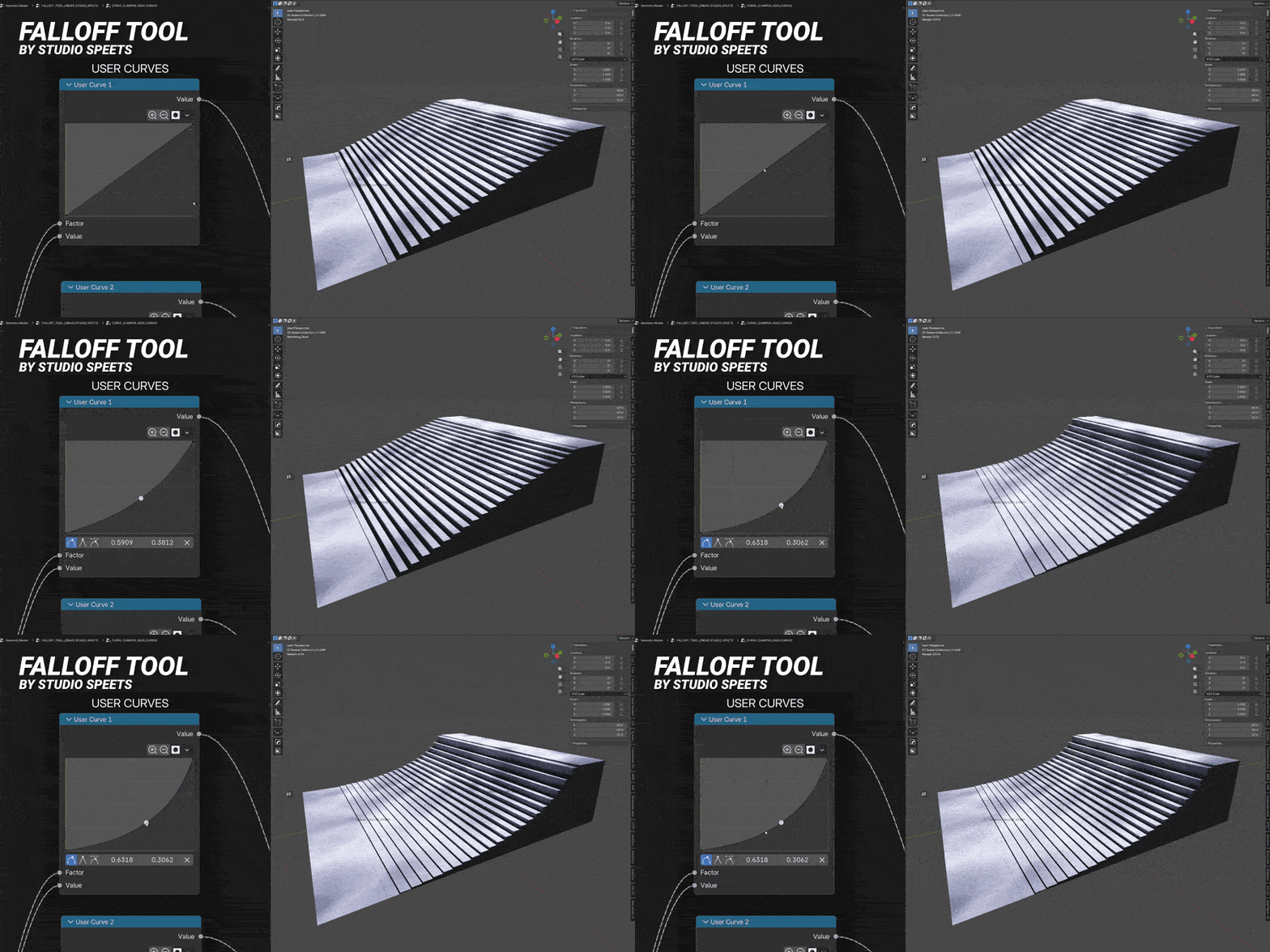
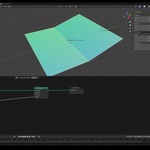
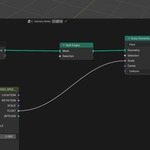
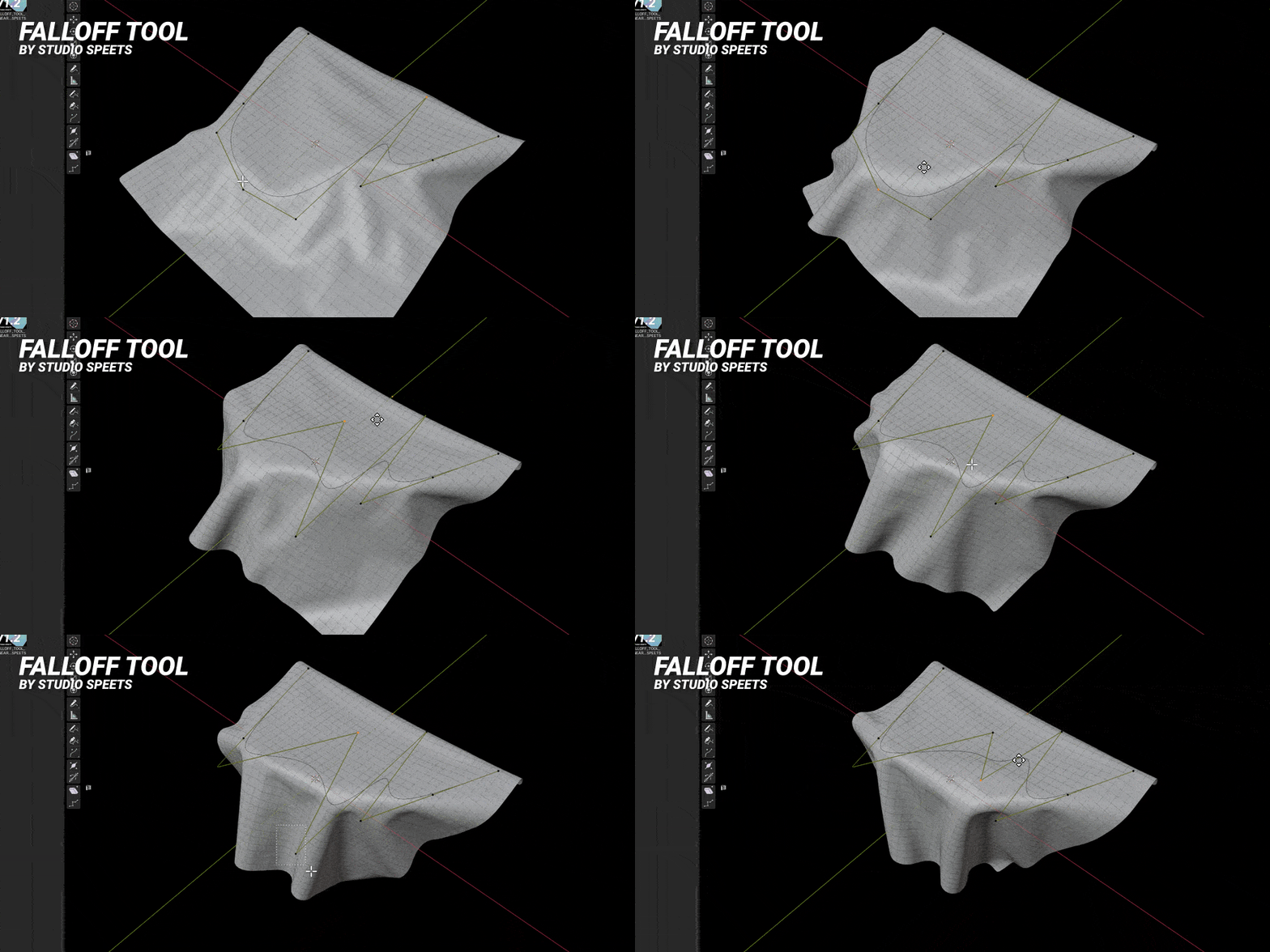
Shape your own effects with User Curves. Above, you see a subdivided plane + Extrude being manipulated by a Linear Falloff Tool with User Curve enabled.
Create Animations Like
Smooth reveal animations
Procedural scaling effects
Scanning and wave animations
Object growth and destruction
Motion graphic transitions
Product reveals
Procedural VFX
Architectural animations
Animated instancing systems
Custom Geometry Nodes tools
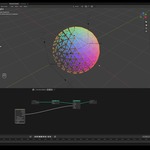
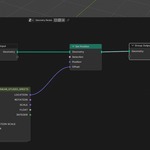
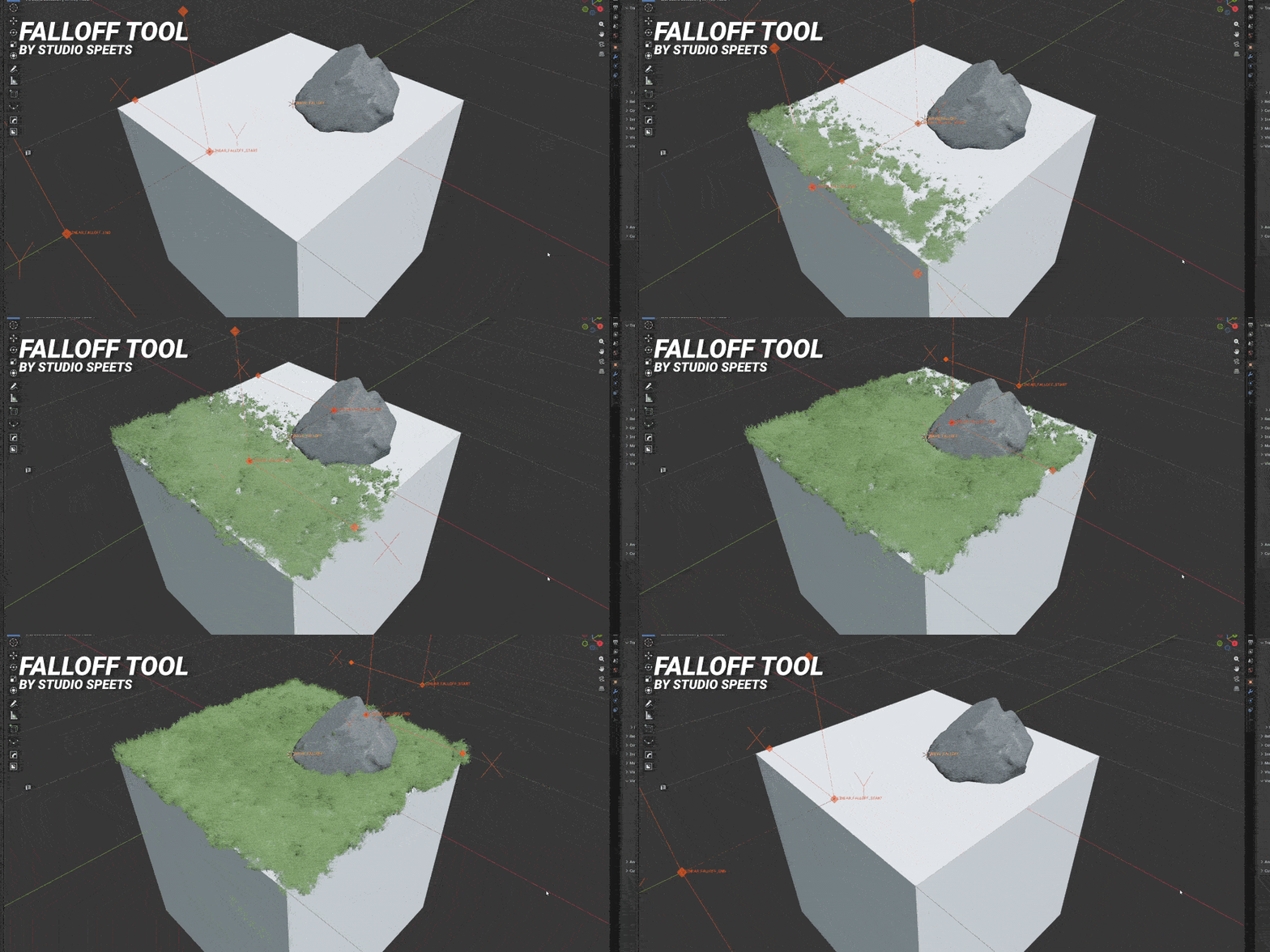
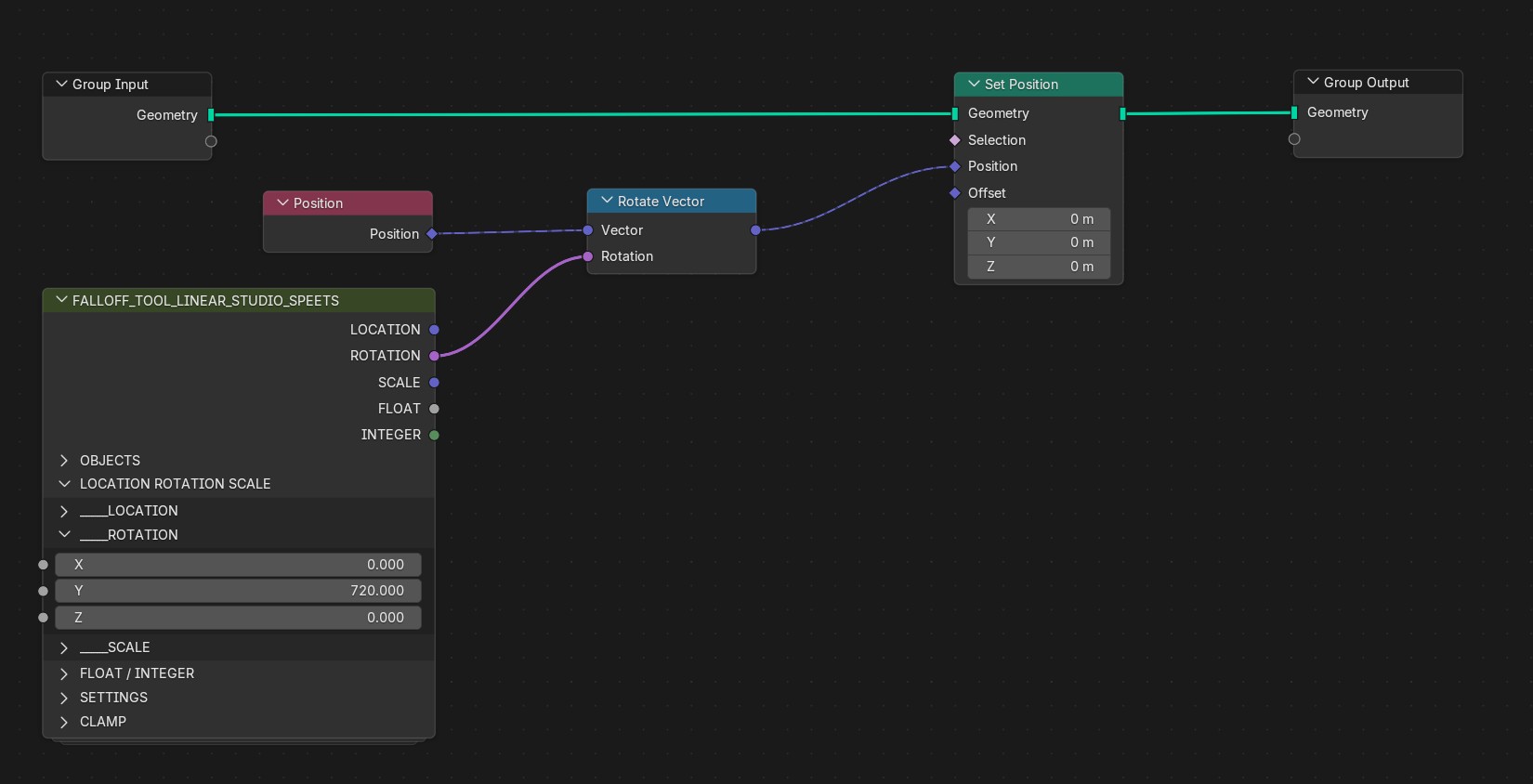
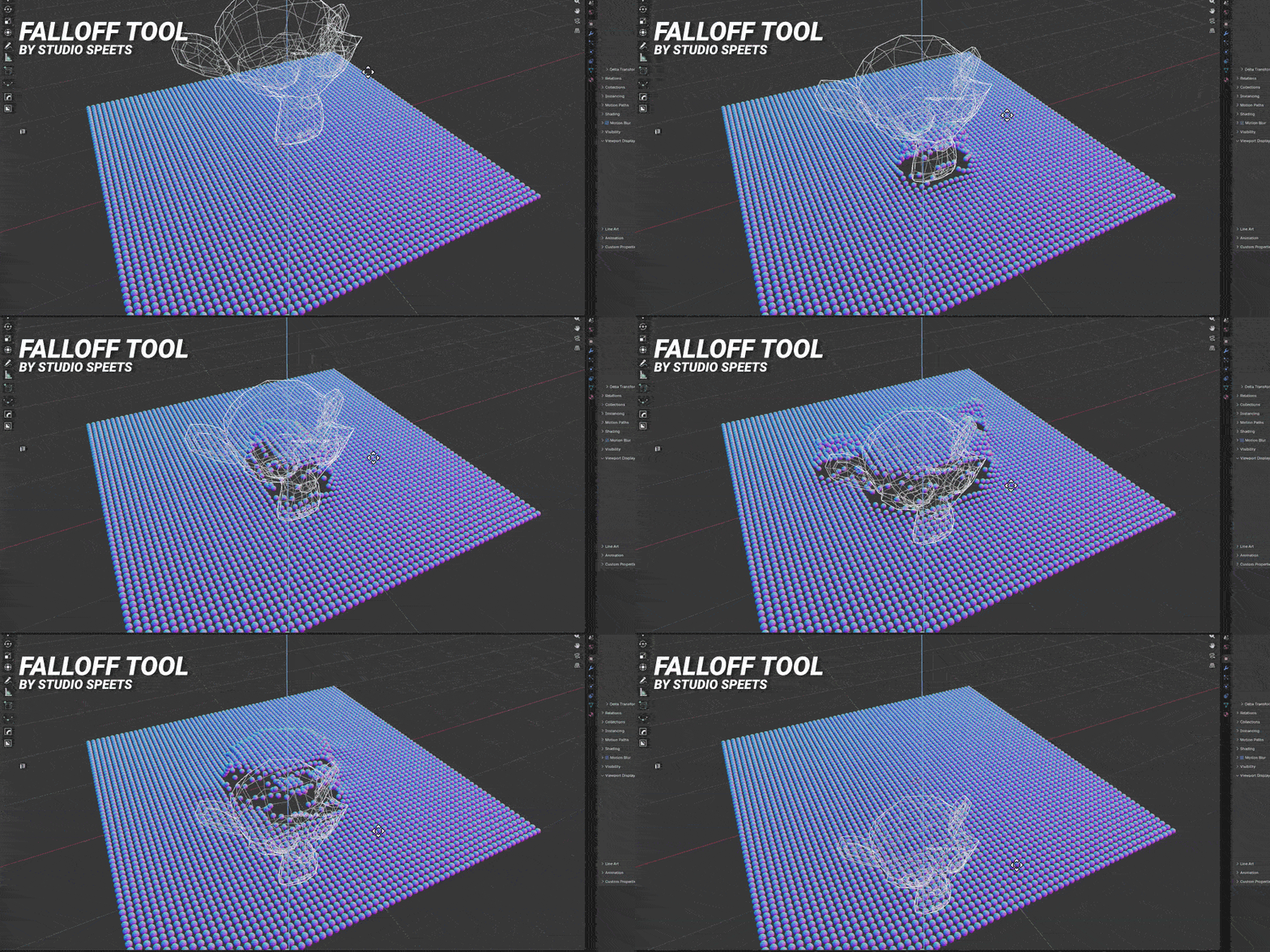
Instead of manually building every effect, simply move a falloff through your scene and let the Empty drive the animation.
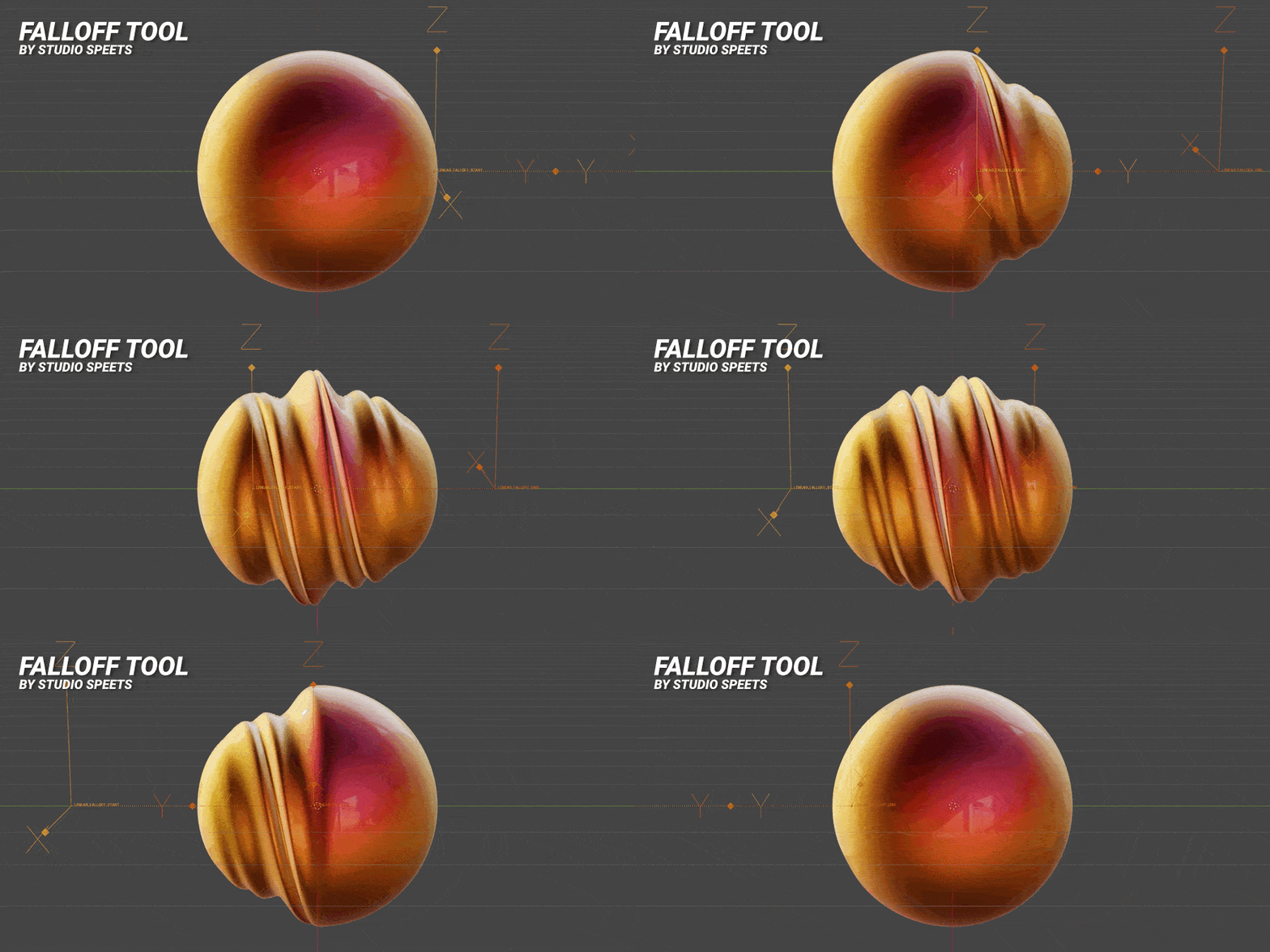
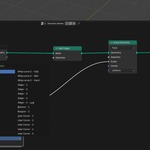
The GIF above uses this node setup. Falloff Tool is the node on the bottom left here.
Powerful Procedural Control
Falloff Tool generates procedural outputs that can drive almost any Geometry Nodes parameter.
Drive:
Location (Vector)
Rotation
Scale (Vector)
Float values
Integer values
Because every output shares the same falloff, multiple effects stay perfectly synchronized without additional work.
Animate position, scale, materials, extrusion, instance size, custom node groups—or all of them at the same time. Or connect multiple Falloff Tools and stagger the animations for even more impressive motion design!
Types of Falloffs
Falloff Tool has the following types of Falloffs;
Linear Falloff - Use a linear field between a Start point and an End point (two Empties)
Sphere Falloff - Use a Sphere Empty as a Falloff in 360 degrees in all directions
Curve Falloff - Use a Curve as a Falloff and shape it any way you like
Noise Falloff - Use a moving or static Noise Falloff to add randomness to a Falloff
Mesh Proximity Falloff - Use the proximity to the polygons of a mesh as a Falloff
Wave Falloff - Use a waving field as a Falloff
Image Falloff - Use an image of your choice as a Falloff
Mesh Normal Falloff - Use the normals of a mesh compared to a Vector or Vector Location as a Falloff
Types of Modifiers
Random Modifier - Generates random values
Time Modifier - Create loops and keyframe-less animations with the Time Modifier
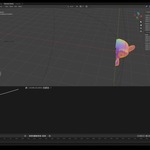
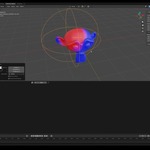
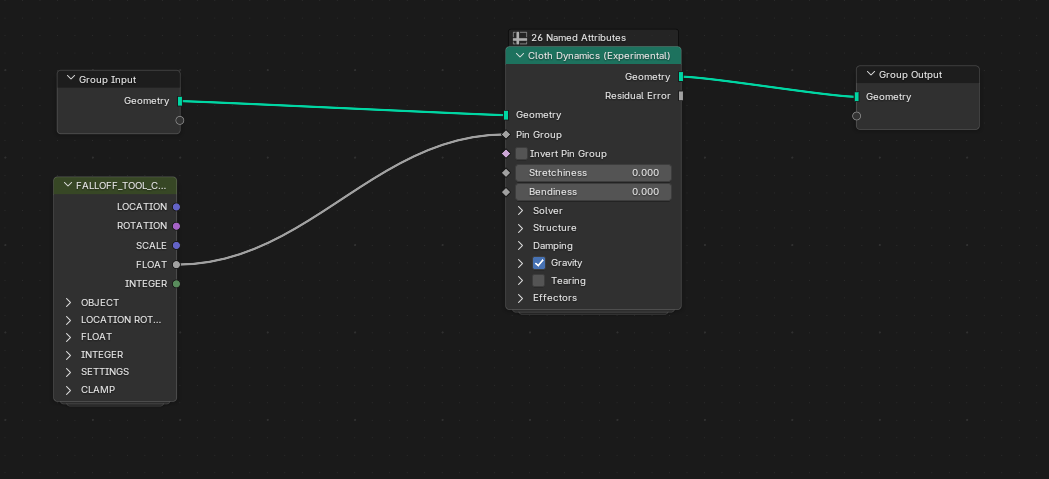
The GIF above uses a Curve Falloff as a Pin Group in the Cloth Simulation Node.
Shape Your Motion
Falloff Tool isn't limited to simple linear interpolation.
Choose from a library of built-in motion profiles to instantly change the personality of your animation.
Included are:
Smooth easing
Step transitions
Bounce
Whip motion
Mirror falloffs
Inverted falloffs
Need something unique? Create your own custom curves and reuse them throughout your project for a consistent animation style.
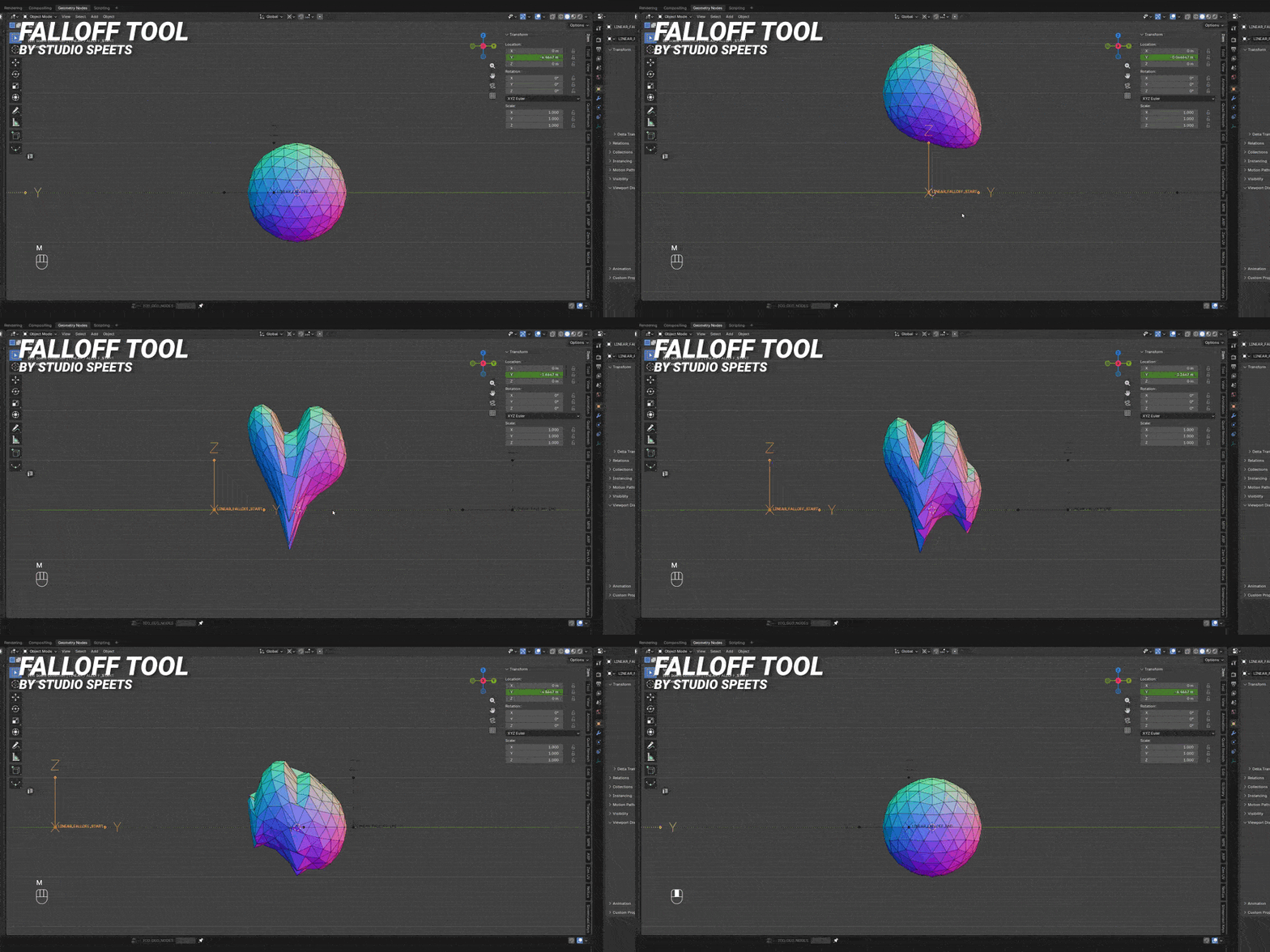
Faster Workflow. Better Results.
Instead of spending your time building node networks, spend it designing.
With Falloff Tool you can:
Prototype ideas in seconds
Keep Geometry Nodes clean and readable
Reuse the same procedural system across projects
Experiment without rebuilding node trees
Iterate faster with simple viewport controls
Complex motion becomes as simple as moving Empties.
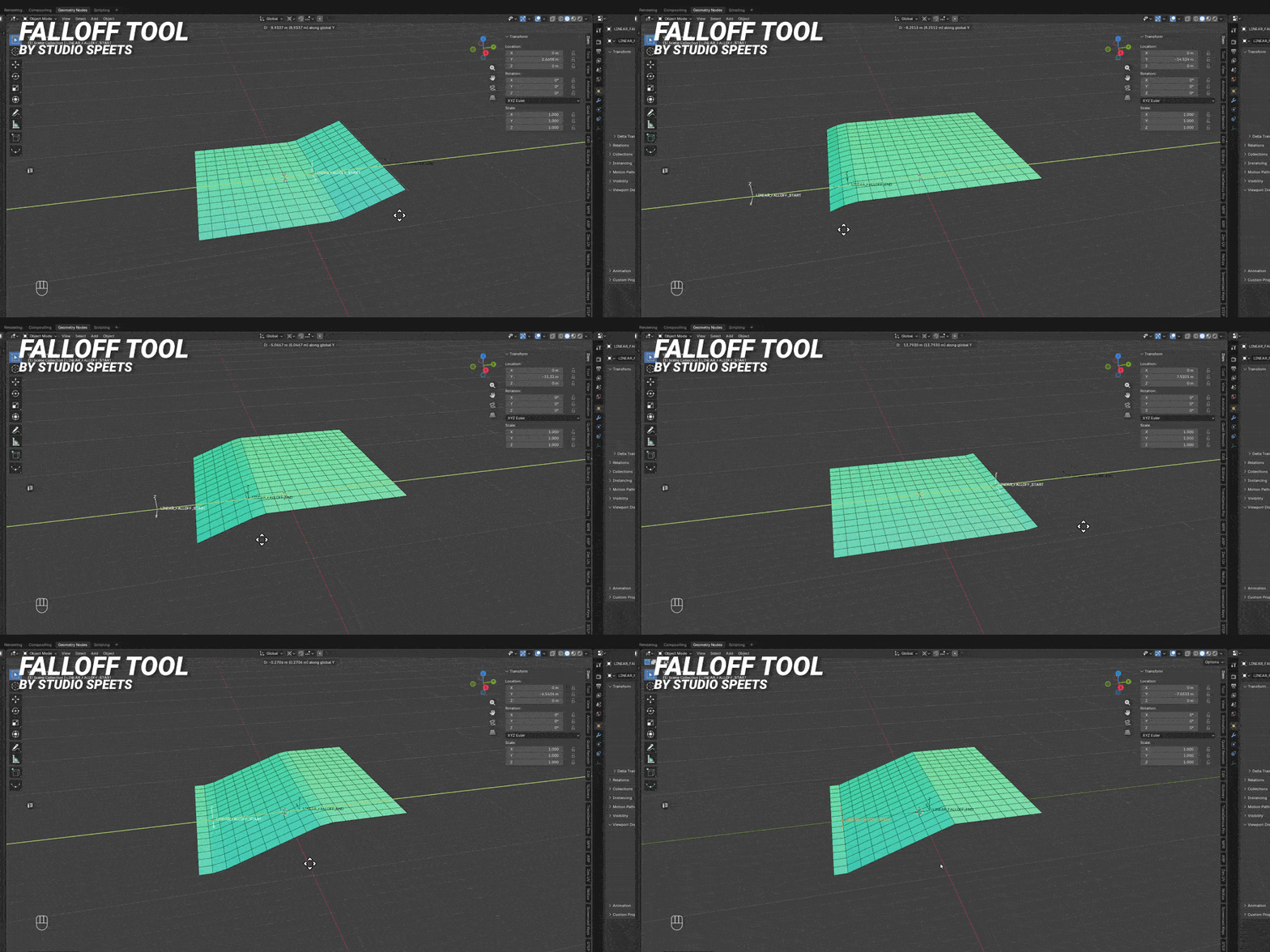
Why You'll Love It
✅ Save hours of node setup
✅ Create professional motion graphics faster
✅ Keep your Geometry Nodes organized
✅ Reuse one system for countless effects
✅ Fully procedural and non-destructive
✅ Easy enough for beginners, powerful enough for technical artists
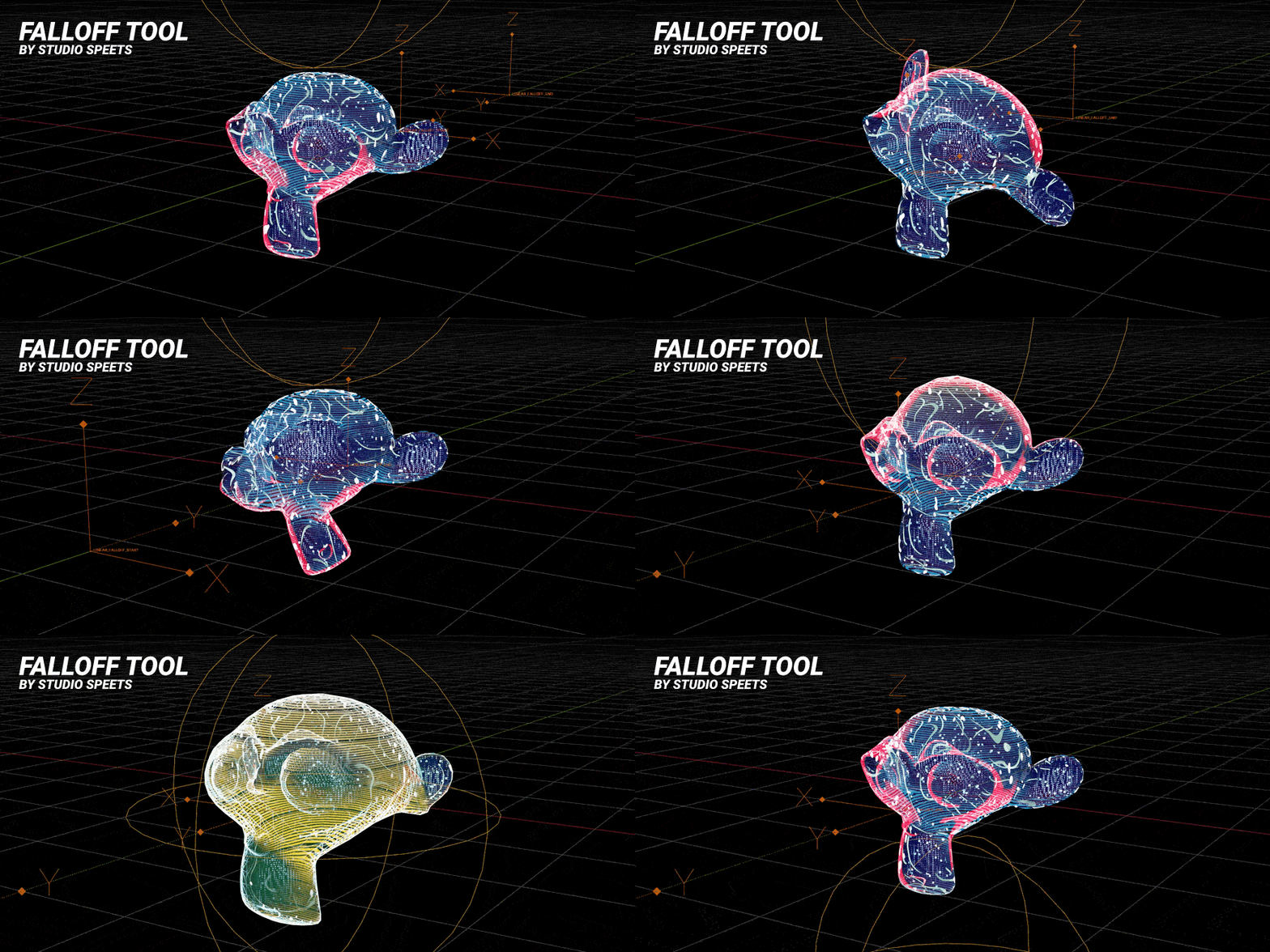
Perfect For
Motion Designers
Geometry Nodes Artists
Technical Artists
VFX Artists
Product Visualization
Procedural Modeling
Broadcast Graphics
Anyone who wants to create better procedural animations in Blender
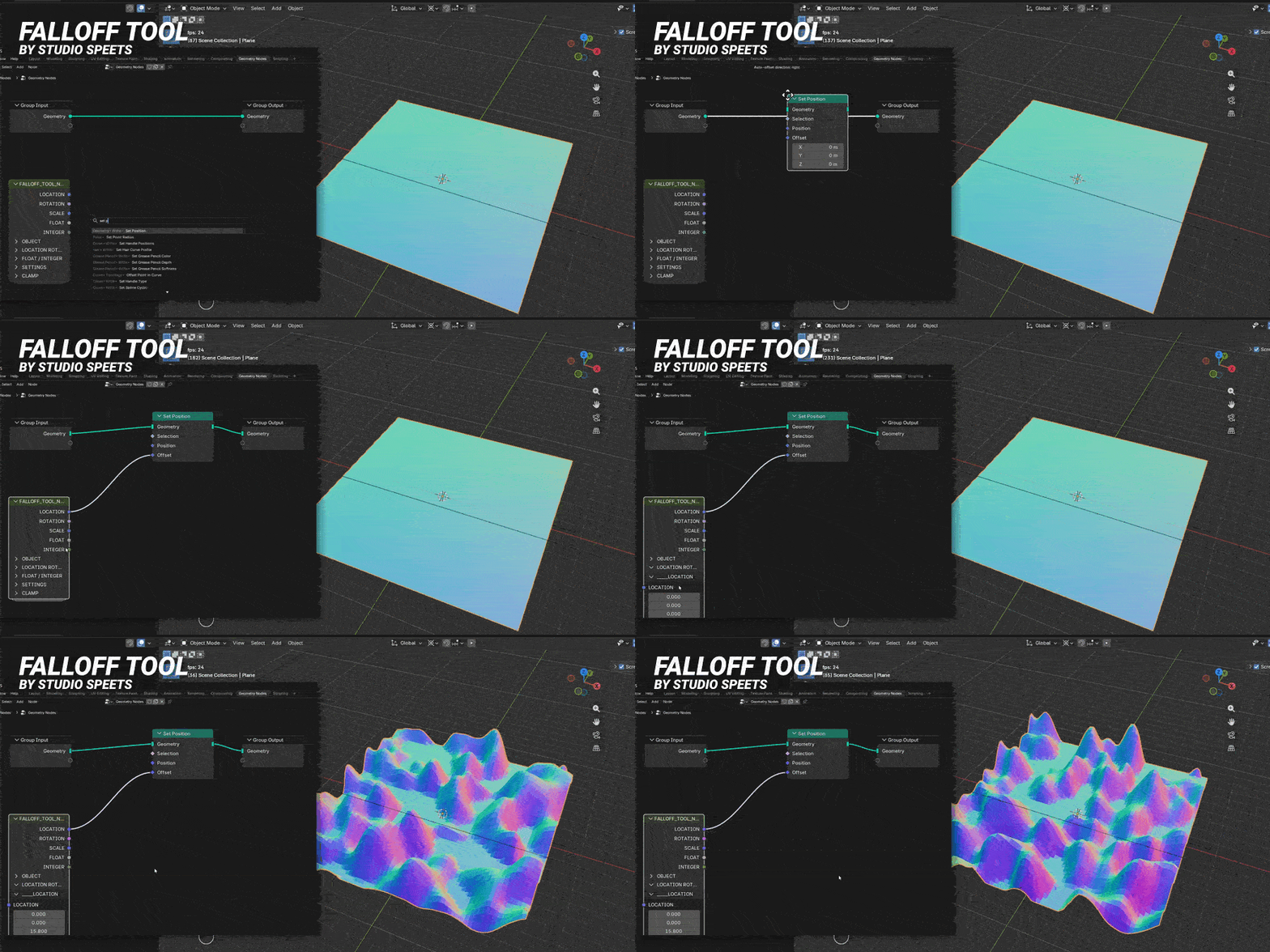
Stop Building Falloffs. Start Creating.
Falloff Tool removes the technical complexity of procedural animation so you can focus on creativity.
Whether you're revealing thousands of instances, animating product visuals, building procedural effects, or creating your own Geometry Nodes tools, Falloff Tool helps you produce polished, professional results with a fraction of the effort.
Please leave a positive review!
If you enjoy my products, please leave a positive review on them. This helps my products become more popular, which means I can invest more time and money updating and improving them for you!
Take a look at my other products!
Falloff Tool
X-Ray and Hologram Shader Pack

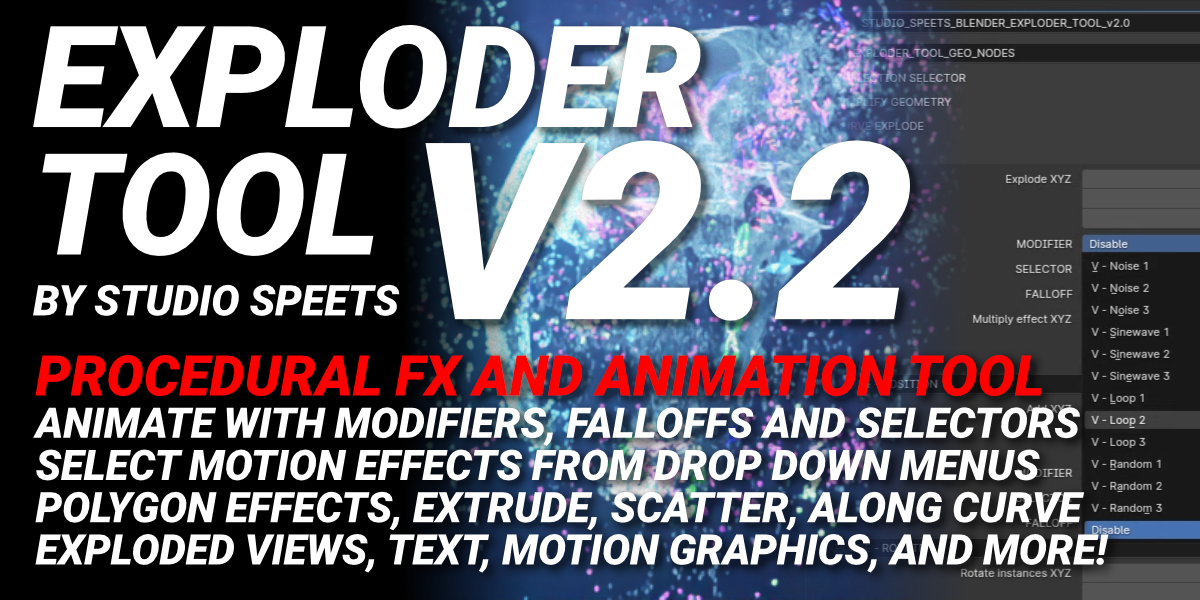
Exploder Tool FX Collection
Gobo Tool

4K Animated Grayscale Texture Loops
Animated Cloth Simulation Pack
Free VDB Volumetric Cloud Pack
Free Animated VDB Pack
Subscribe to my YouTube channel

