 ZEG
Installation
In Blender open Edit, Preferences, Get Extensions, then use Install from Disk and pick the zip.
Usage
- Build or open your scene and set up the camera you will render from.
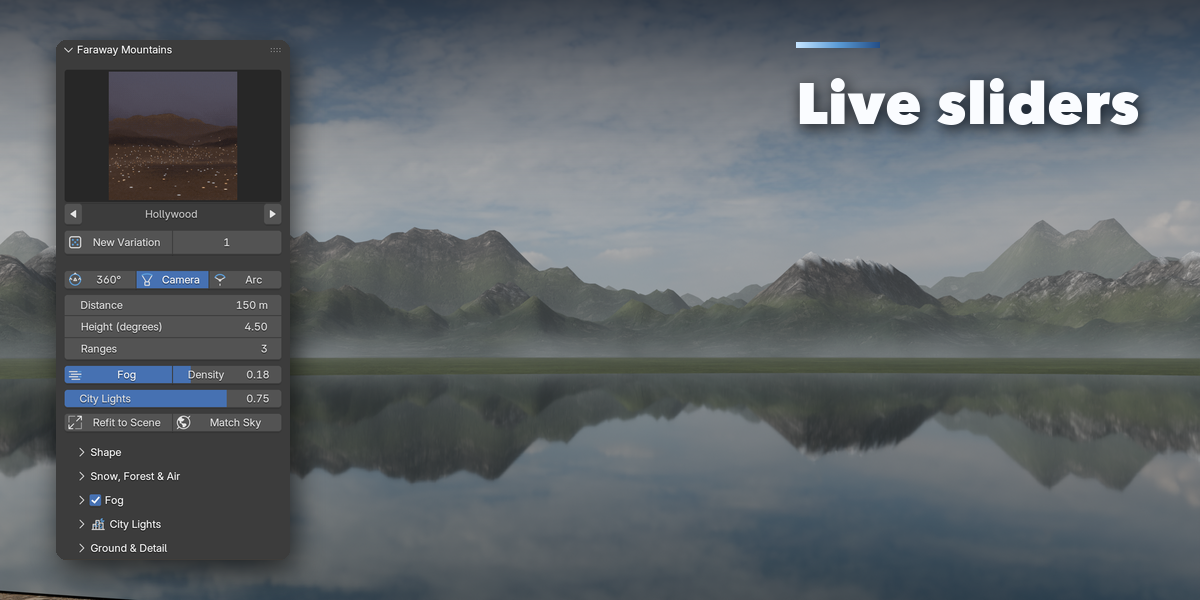
- Open the sidebar in the 3D Viewport (N) and go to the Mountains tab.
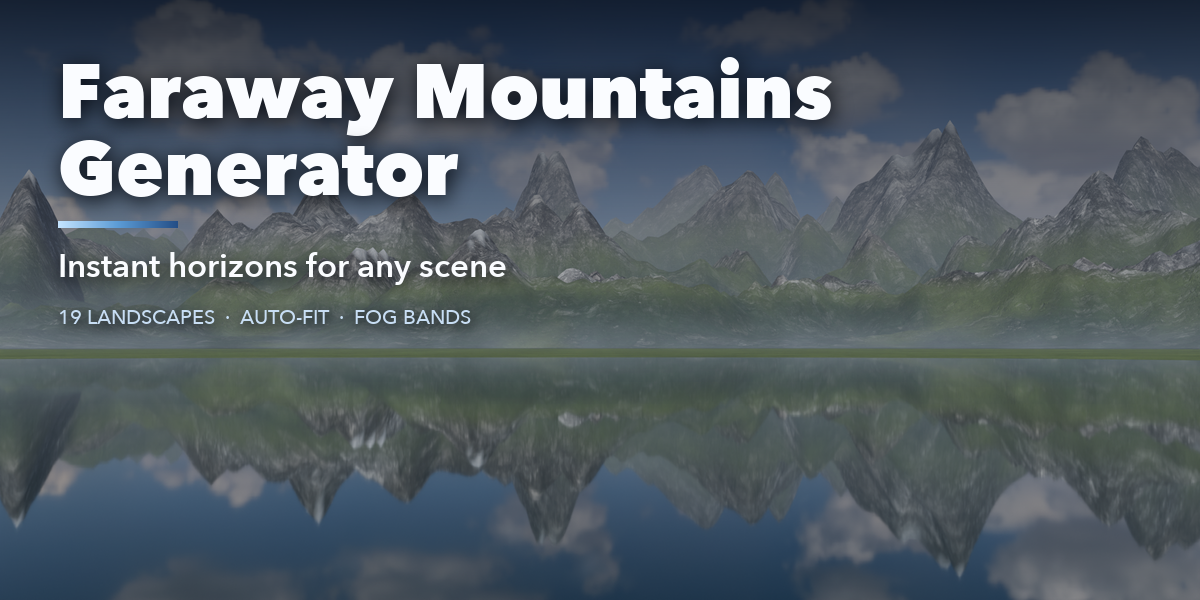
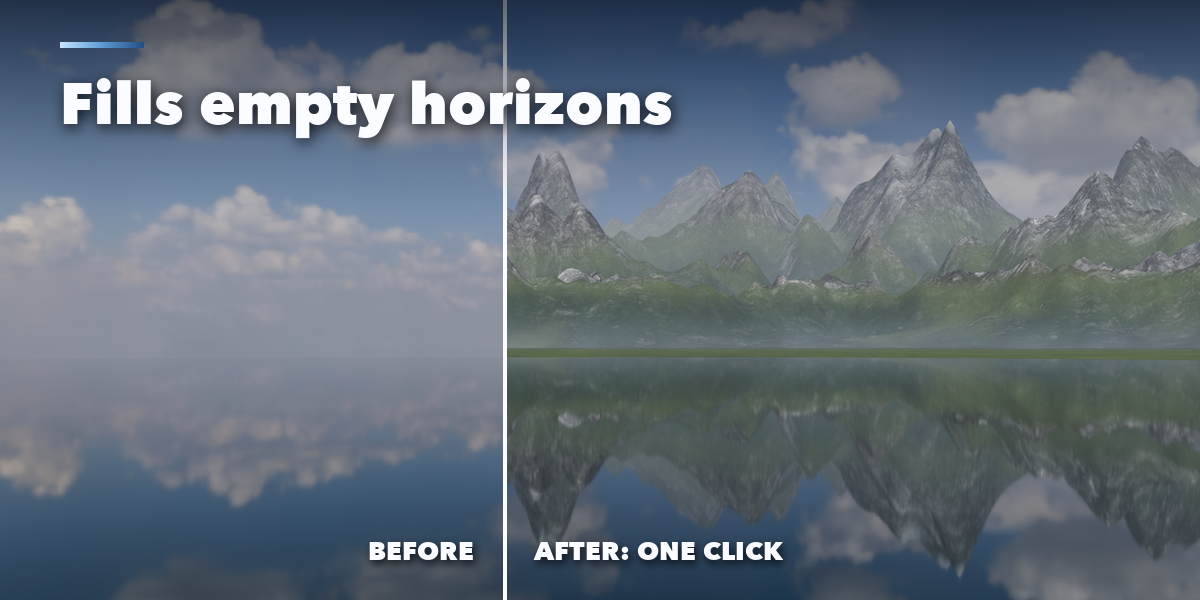
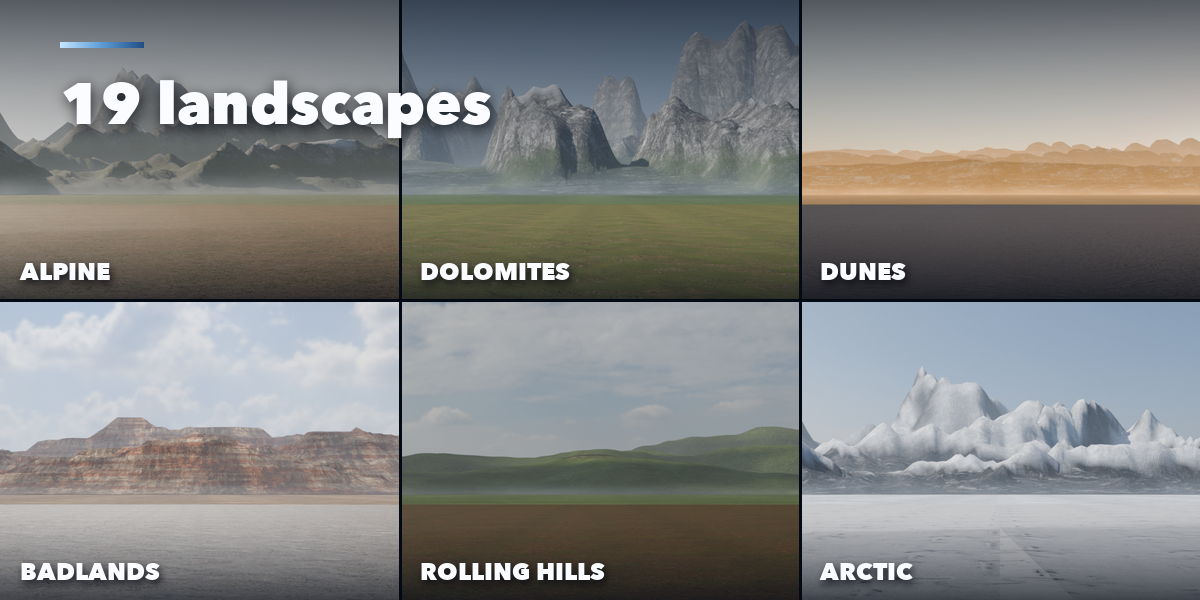
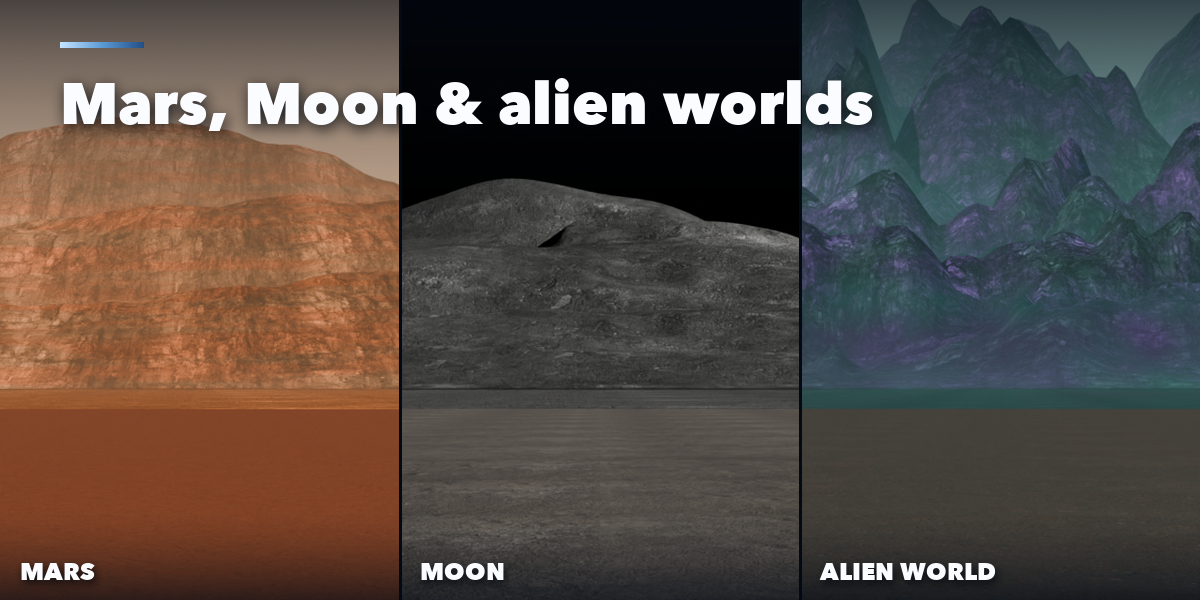
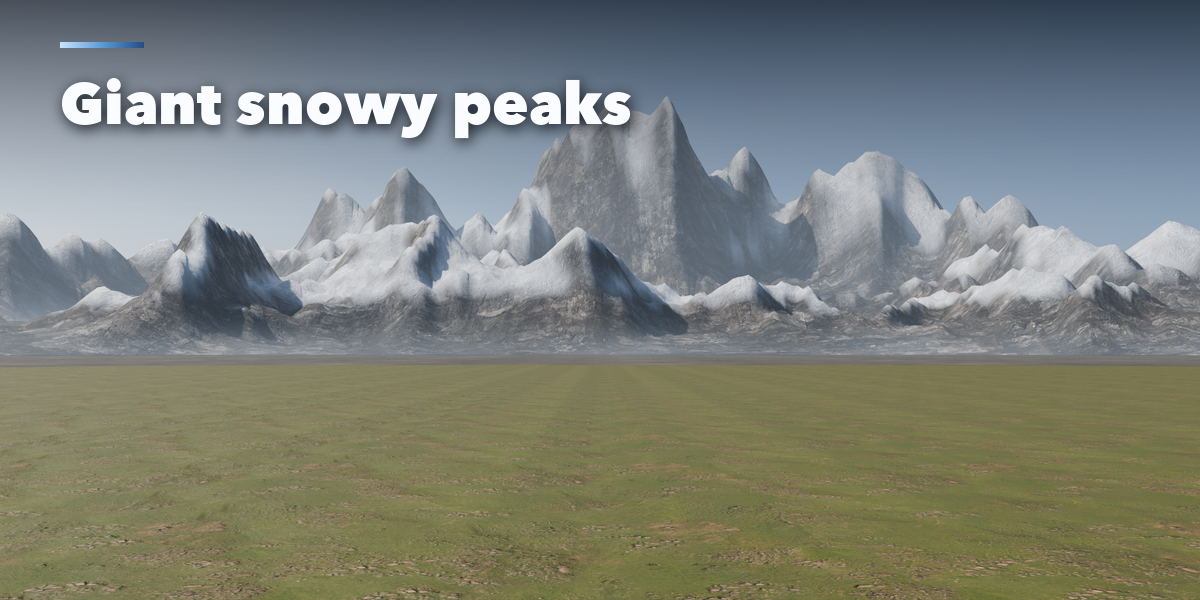
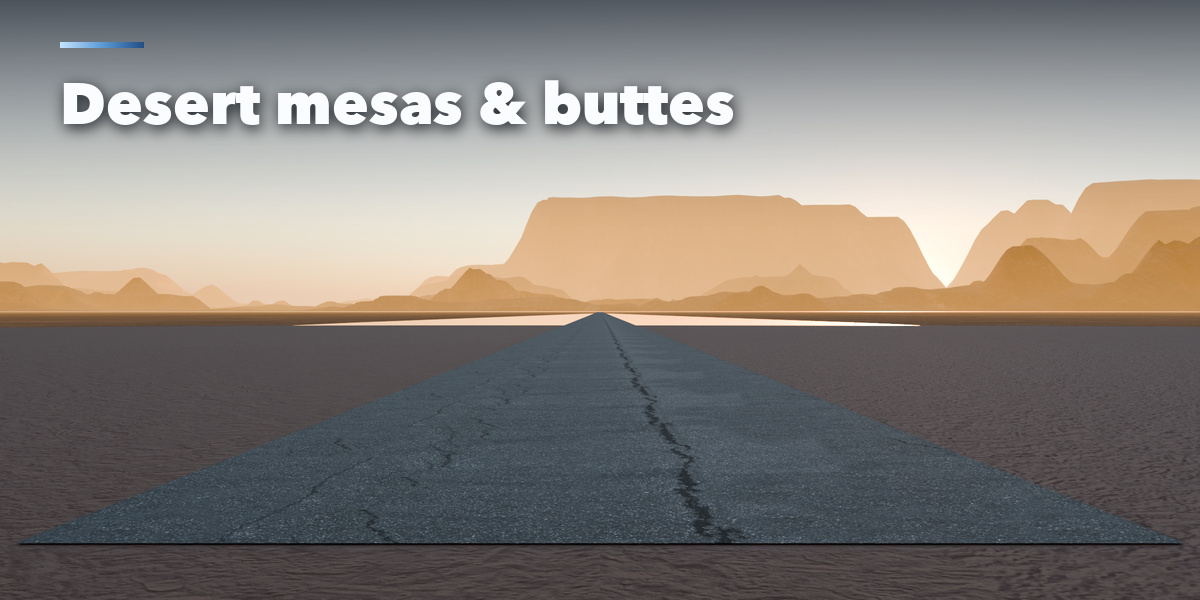
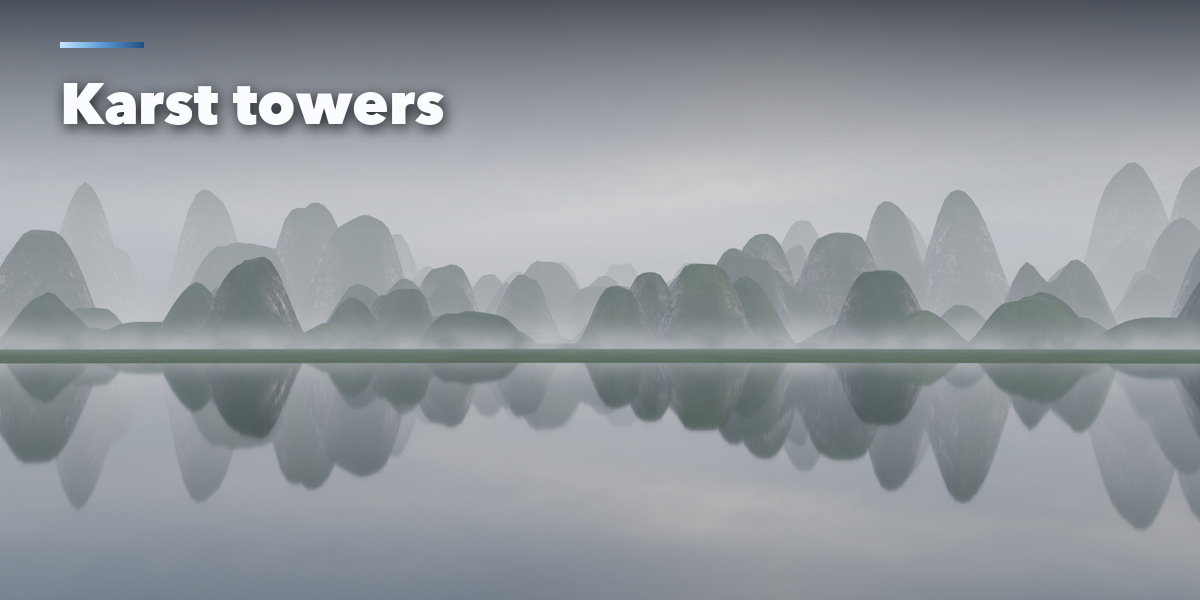
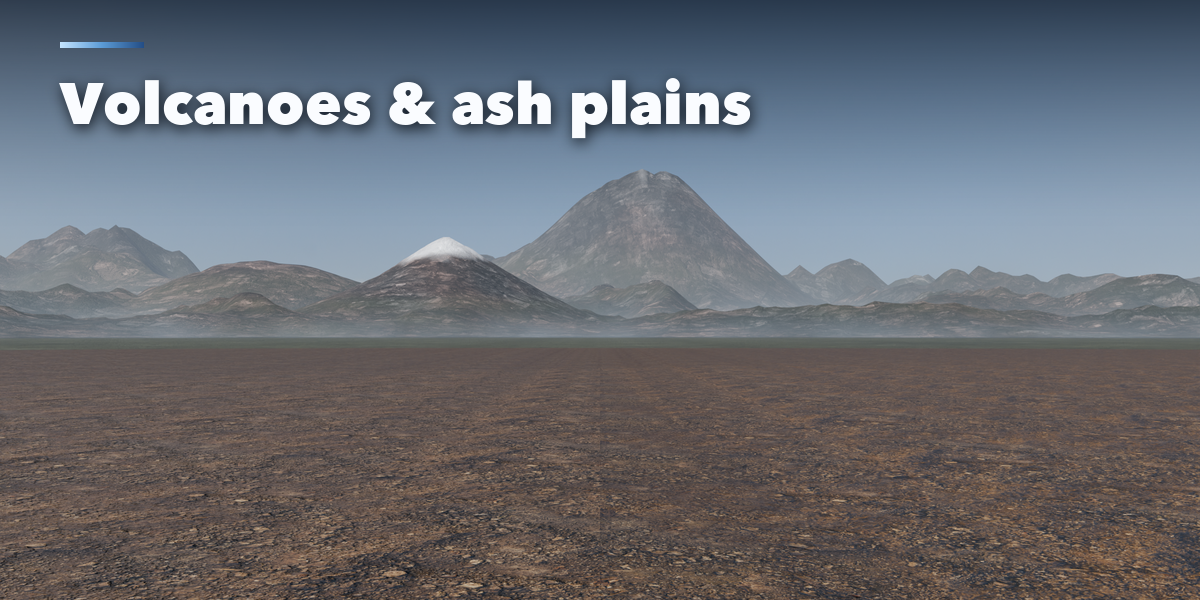
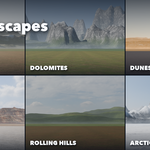
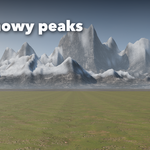
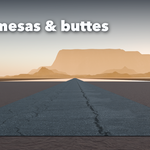
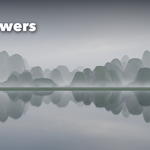
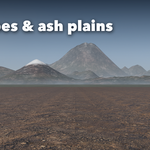
- With nothing selected, pick a landscape picture with the arrows or by clicking it, choose 360°, Camera or Arc coverage and whether you want fog, then press Add Mountains.
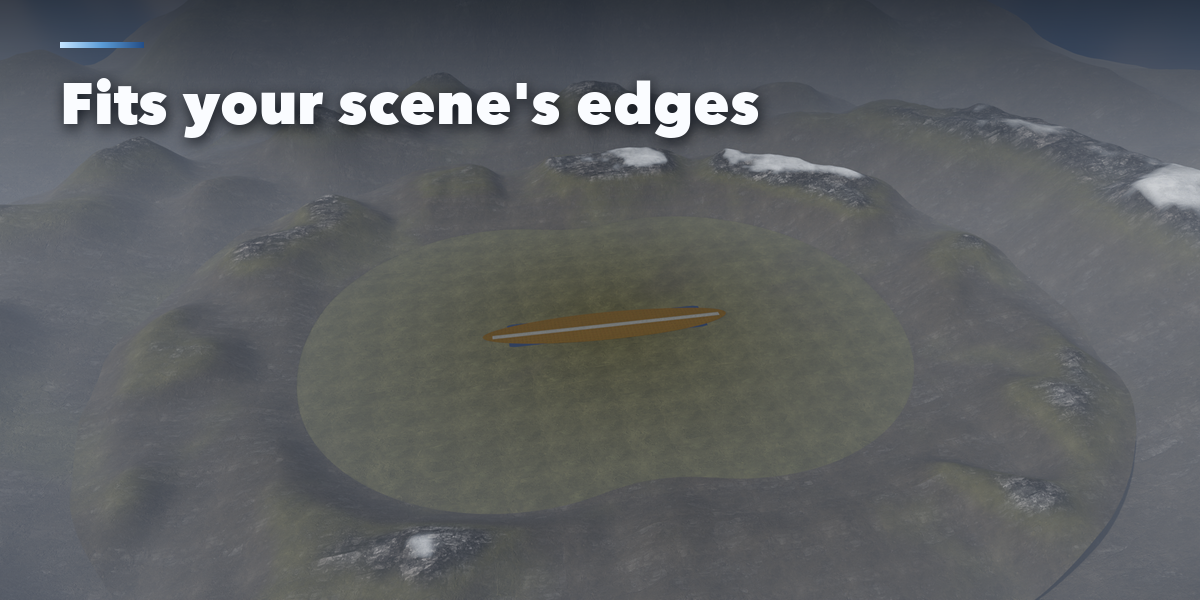
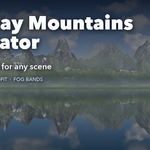
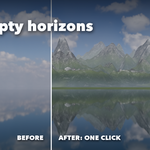
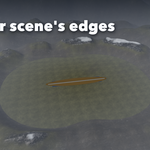
- The mountains fit around your scene. Select the Faraway Mountains object to edit it: New Variation, Distance, Height (in degrees of the view), Ranges, Fog Density and City Lights are on top.
- Shape, Snow, Forest & Air, Fog, City Lights and Ground & Detail hold the finer settings.
- Moved or added objects? Press Refit to Scene. Changed the world? Press Match Sky.
Tips
- Camera coverage builds only what the camera sees, for the lightest scene.
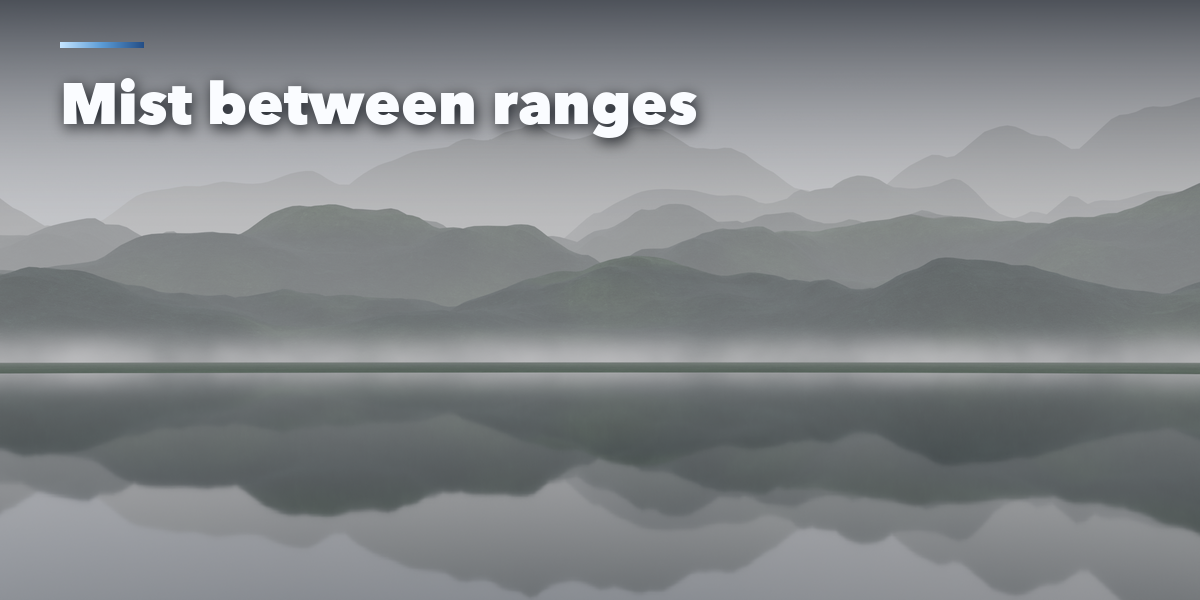
- Fog bands look best from about eye height.
- Raise Air Brightness for bright HDRIs and strong suns.
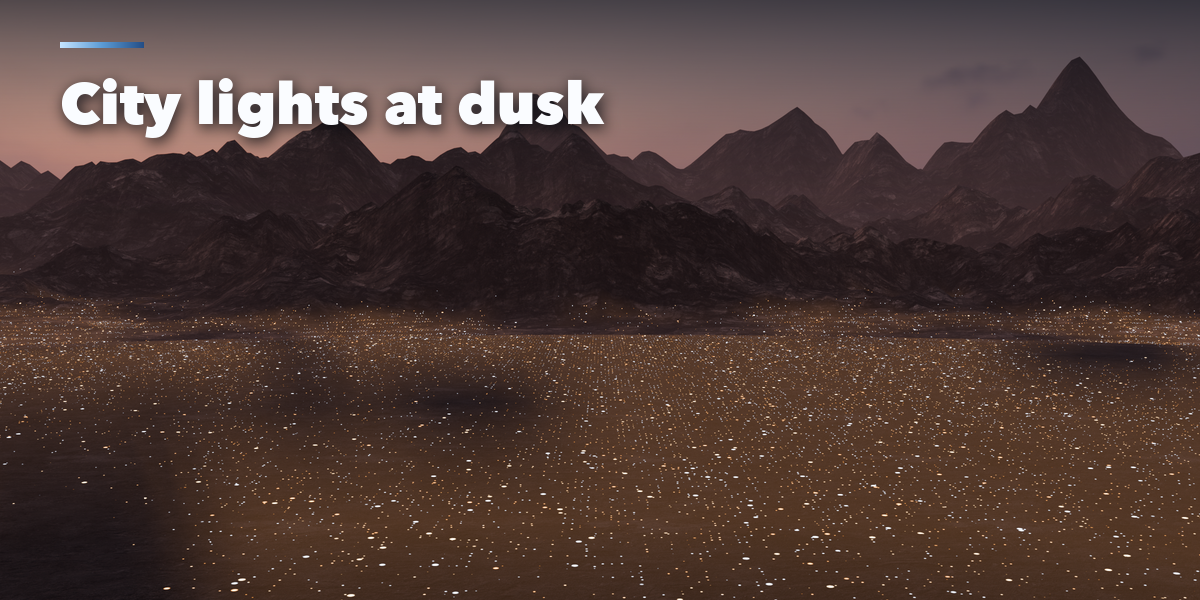
- City lights show best under a dusk or night sky; raise Light Brightness for brighter skies.
Have questions about this product?
Login to message
| Blender Extension Compatible | Yes |
| Published | 1 day ago |
| Blender Version | 4.2 - 5.2 |
| Extension Type | Add-on |
| Render Engine Used | Cycles, Eevee |
| License | GPL |

Discover more products like this
mountains horizon matte painting background sci fi procedural ArchViz fog environment terrain landscape Generator