 AUER
AUER


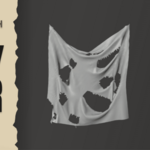
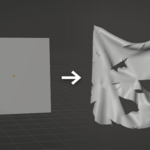
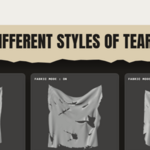
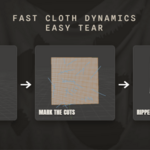
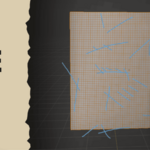
Tear cloth exactly where you want, in seconds.
Fast Cloth - Easy Tear turns Blender's new experimental Cloth Dynamics modifier into a fast, artist-friendly tool.
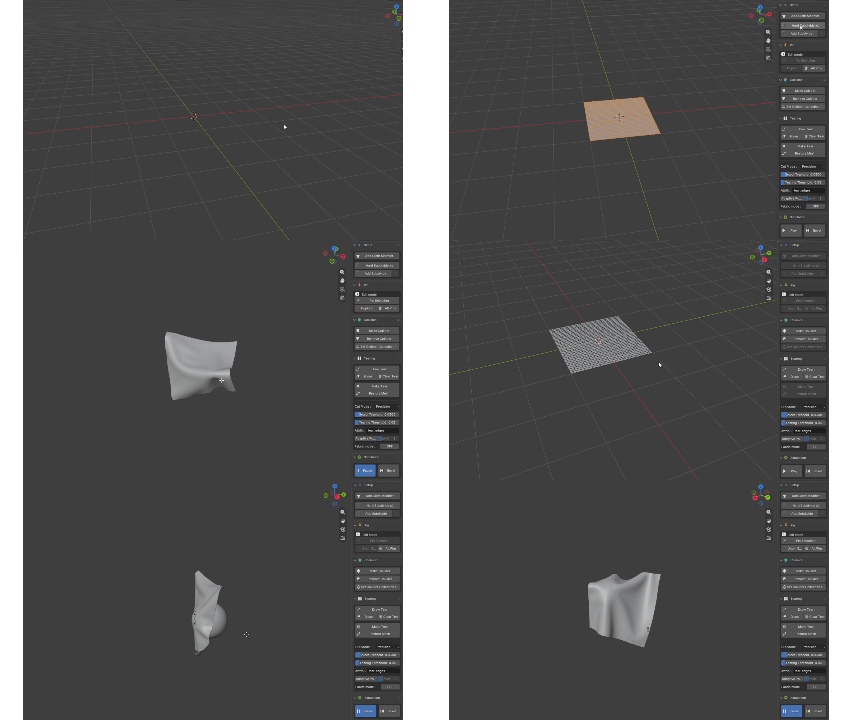
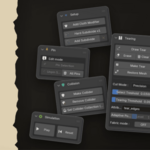
Mesh setup, pinning, colliders and simulation controls all live in one tidy panel, so you go from a flat plane to a torn, simulated result without digging through modifier settings.
Features :
- Draw-to-tear: sketch a line on your mesh and tear precisely along it (follows the curve, no staircase).
- Clean & Fabric presets: neat straight tears, or a frayed "threads" edge for ripped-fabric looks.
- One-click setup: add the Cloth Dynamics modifier and subdivide your mesh from the panel.
- Pinning: pin or unpin selected vertices, or clear them all, in one click.
- Colliders: turn any object into a collider and bind it to your cloth in two clicks.
- Simulation controls: Play / Pause and Reset-to-start, built into the panel.
- Everything in one place: Setup, Pin, Collision, Tearing and Simulation sections.
How it works :
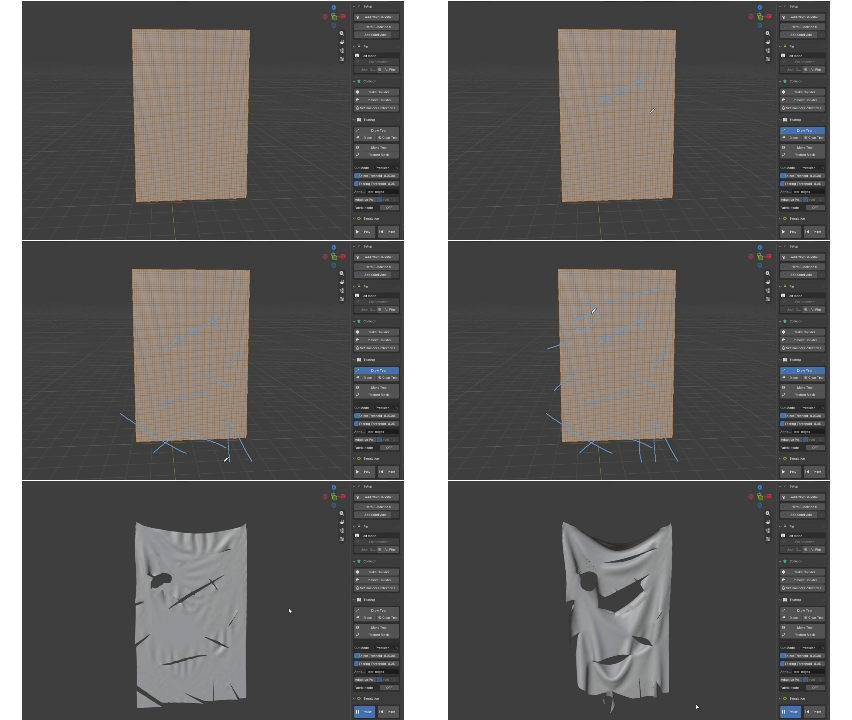
- Add the Cloth Dynamics modifier (one click).
- Draw your tear line, then hit Make Tear.
- Press Play, and the cloth tears along your line.
Requirements:
Blender 5.2+ with the experimental Cloth Dynamics (Geometry Nodes) modifier. This modifier is experimental, so a future Blender release may require an add-on update.