 AUER
AUER


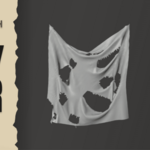
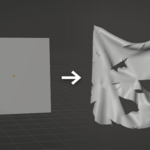
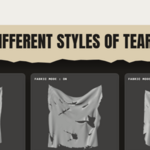
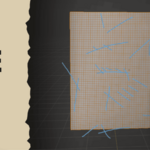
Tear cloth exactly where you want, in seconds.
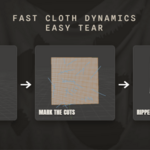
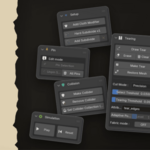
Draw a line on your mesh, click Make Tear, and the fabric rips along that line during the simulation.
The add-on drives Blender's new Cloth Dynamics (Experimental) modifier and handles the whole setup for you: adding the modifier, subdividing, pinning, colliders and playback, all from a single panel.
Requirements:
Blender 5.2 or newer. The Cloth Dynamics (Experimental) modifier does not exist before 5.2.
Works with any render engine, since the result is plain mesh geometry.
Installation:
Edit > Preferences > Get Extensions (or Add-ons) > Install from Disk.
Select fast_cloth_dynamics_easy_tear.zip and enable it.
Open the 3D View sidebar (press N) and go to the Fast Cloth tab.
Note:
This add-on relies on Blender's experimental Cloth Dynamics modifier, so its behavior may evolve with future Blender releases. It is actively maintained to follow those changes. If something breaks after a Blender update, reach out and I will patch it.
Have questions about this product?
Login to message
| Blender Extension Compatible | Yes |
| Dev Fund Contributor | |
| Published | 3 months ago |
| Blender Version | 5.2 |
| Extension Type | Add-on |
| Render Engine Used | Arnold, Cycles, Eevee, Octane, Vray |
| License | GPL |
Discover more products like this
cloth tearing physics fabric tear cloth dynamics cloth simulation simulation geometry nodes rip destruction tearing cloth