Fast Screenshot - Quick Auto Capture of Different Viewport Angles
 Salman Naseem


- Purpose
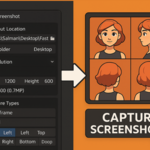
A quick character screenshot capture tool for Blender. It allows you to take high-quality screenshots in multiple modes and camera angles with just one click.
Key Features
-
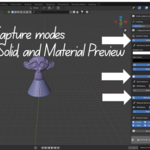
Multiple capture modes: Wireframe, Solid, Material Preview
-
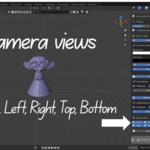
Six camera views: Front, Back, Left, Right, Top, Bottom
-
Resolution presets: HD, Full HD, 2K, 4K, and custom
-
Adjustable zoom factor
-
Hide extra objects (lights, cameras, etc.)
-
Batch processing for multiple screenshots
-
Smart file naming and output organization
-
Optional statistics overlay (polygon/vertex count)
Installation
-
Can be installed by placing the addon folder in Blender’s addons directory
-
Or by compressing to a ZIP and installing via Blender’s addon manager (recommended for Blender 4.2+)
Usage (Quick Start)
-
Select objects in viewport
-
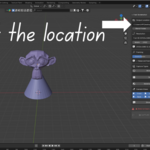
Choose output location (blend folder or desktop)
-
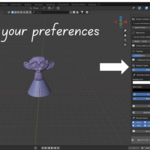
Pick resolution preset/custom
-
Adjust zoom factor
-
Select capture types & camera views
-
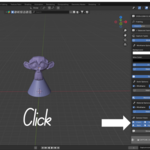
Click CAPTURE
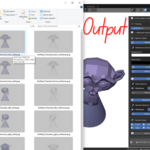
Output Format
Saved as:
[BlendFile]_Character_[view]_[mode].png
Example:
MyCharacter_Character_front_wireframe.png
Perfect For
-
Character turnarounds
-
Portfolios
-
Game development assets
-
Documentation
-
Social media content
