 DoitTsui



Headline: Fast Frame Scrub: Animate Without Interruptions
The Problem: Are you tired of constantly splitting your workspace, resizing panels, or opening the Timeline editor just to preview your animation? Do you wish you could check your timing directly from the 3D Viewport without breaking your focus?
The Solution: Meet Fast Frame Scrub – a lightweight, powerful Blender add-on designed to keep you in the creative zone. It allows you to scrub the timeline seamlessly from any window or editor. No more jumping between panels; just use your hotkey and drag to see your animation play out instantly.
✨ Key Features:
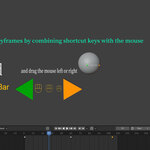
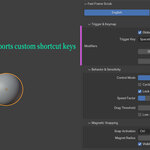
Global Hotkey Scrubbing: Work anywhere. Scrub the timeline directly in the 3D Viewport, Node Editor, or Graph Editor using a universal trigger (Default: Spacebar or Mouse Drag).
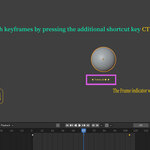
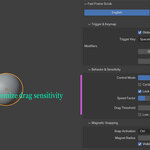
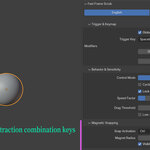
Magnetic Snapping: Precision meets speed. Hold your chosen modifier (Ctrl/Alt/Shift) while scrubbing to magnetically snap to nearby keyframes. Perfect for landing on exact poses.
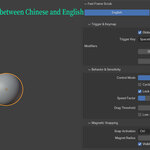
Smooth & Stepped Modes: Tailor the feel. Choose pixel-perfect 'Smooth' motion for checking overall rhythm, or strict 'Stepped' mode for frame-by-frame blocking.
Real-Time HUD (Heads-Up Display): Keep your eyes on the action. A customizable, sleek on-screen display shows your current frame and snap status right where you are looking.
Smart Cursor Lock: Your mouse cursor temporarily locks in place and hides while dragging, ensuring you never lose your screen position after scrubbing.
⚙️ How to Use (It's that simple!):
Trigger: Press and hold your designated hotkey.
Drag: Move your mouse to scrub forward or backward through time.
Snap: Hold down your modifier key (e.g., Ctrl) to easily snap to the nearest keyframe.
Release: Let go to instantly resume your normal workflow.
