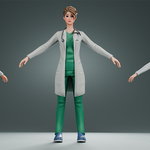
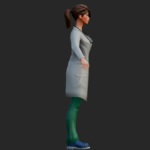
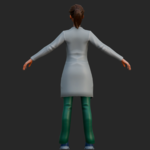
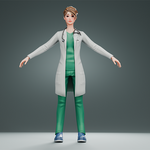
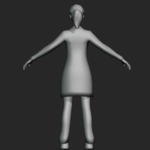
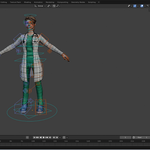
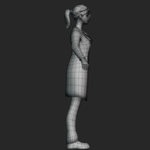
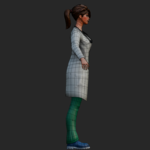
Female General Physician — Rigged Stylized Doctor Character
 Salman Animator


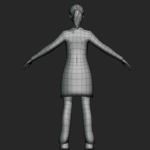
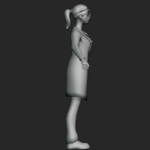
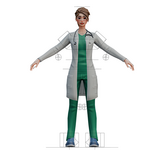
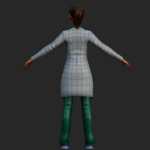
File Formats
Available in multiple industry-standard formats:
.blend.fbx.glb / .gltf(Binary).obj / .mtl.stl
Rigging
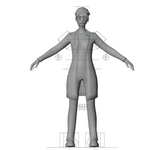
Includes a humanoid armature with a complete body rig and basic facial bones. The rig is native to the .blend and .fbx files and is not retargeted to Mixamo or Unreal Engine by default.
Textures
Textures are packed directly inside the .blend file and are also included separately in textures.zip.
Includes PBR texture maps:
Base Color
Normal
Roughness
Metallic
The GLB version includes embedded textures for easy use across compatible applications.
Scale & Orientation
Real-world scale in meters
Y-Up orientation on export
Mesh positioned at the origin
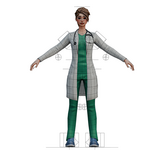
Character provided in a standard T-Pose
Materials
The model uses separate materials for:
Skin
Hair
Lab Coat
Scrub Top
Scrub Trousers
Shoes
Stethoscope
Eyes
Quick Start — Blender
Open the .blend file directly, or import the .fbx using File → Import.
If textures appear pink or are missing:
File → External Data → Find Missing Files
Then select the unzipped textures folder.
To animate the character, select the armature and switch to Pose Mode.
Unity
Import the .fbx file along with the texture folder.
Under Rig, set:
Animation Type → Humanoid
Assign the included materials to your preferred URP, HDRP, or Standard Shader using the Metallic PBR workflow.
Unreal Engine
Import the .fbx with Skeletal Mesh enabled.
Recreate the materials using the provided PBR texture maps. Set the normal texture to Normal Map compression for proper rendering.
3D Printing
Use the .stl file for 3D printing.
Scale the model according to your requirements and check the wall thickness before printing, especially for thin or delicate components such as:
Stethoscope tubing
Hair strands
Other small or narrow parts
Have questions about this product?
Login to message
| Published | about 2 months ago |
| Blender Version | 2.6x - 5.2 |
| Render Engine Used | Cycles, Eevee, Freestyle |
| Misc Data | Rigged, Textured |
| License | Royalty Free |

Discover more products like this
medical hospital medical staff 3d character doctor 3d model animation Woman nurse female doctor