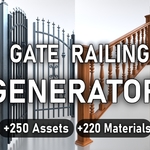
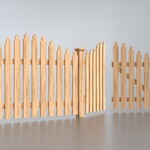
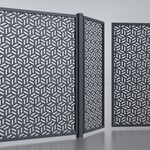
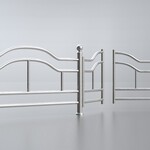
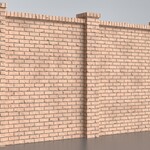
Fence, Gate, Railing & Wall Generator
 M3D
M3D


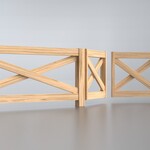
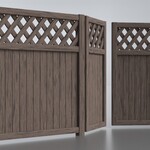
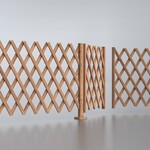
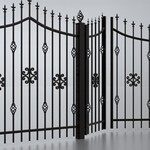
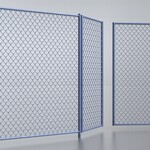
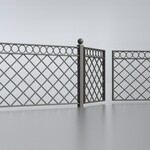
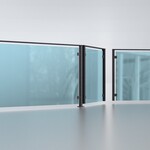
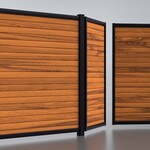
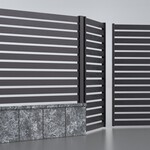
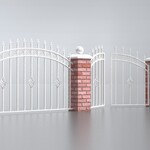
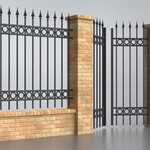
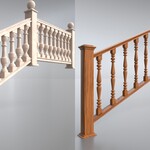
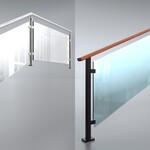
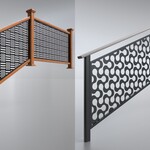
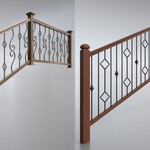
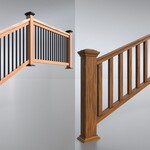
How to set up the asset library?
If you’re unsure how to set up an asset library, here’s a quick tutorial that might help:
- Go to Edit > Preferences > File Paths > Asset Libraries.
- Click the + button to add a new library.
- Select the folder containing the Fence, Gate, Railing & Wall Generator.blend file.
- Set the Import Mothod to Append mode.
- Save your preferences.
- After that, you should be able to find your assets in the Asset Browser and simply drag and drop them into your scene.
 Included
Includes 12 months of
- Support from M3D
- Product updates
Extend this product’s Support Period +12 months: 25% of product price
Have questions before purchasing?
Login to message
| Sales | 1000+ |
| Rating | 13 ratings |
| Dev Fund Contributor | |
| Published | about 1 year ago |
| Blender Version | 4.3 - 5.2 |
| Render Engine Used | Cycles, Eevee |
| License | Royalty Free |
Discover more products like this
geometry nodes planks brick wood railing fencing roadside handrail building lattice road stair Interior stone step exterior stairway builder plank wooden fence railings chainlink garden posts gate rail wall Marble procedural rails essential metal staircase House Generator brick wall steps Railing Generator easy walls bricks geometry node outdoor stairs street Fence Generator fences Glass post