 ZEG
ZEG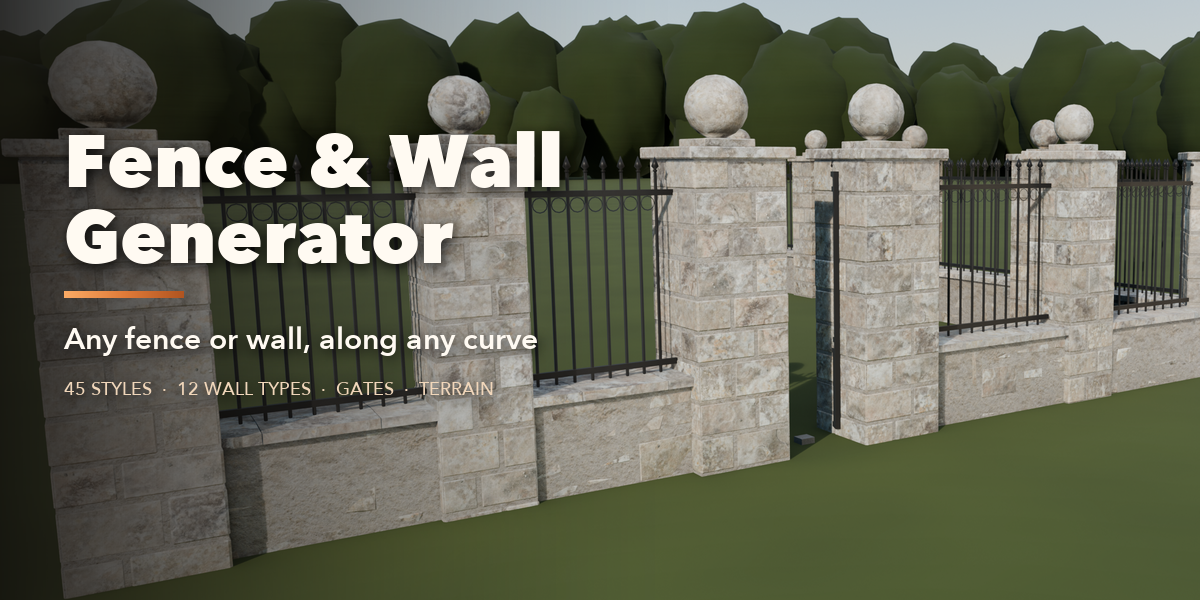
Installation
In Blender open Edit, Preferences, Get Extensions, then use Install from Disk and pick the zip.
Usage
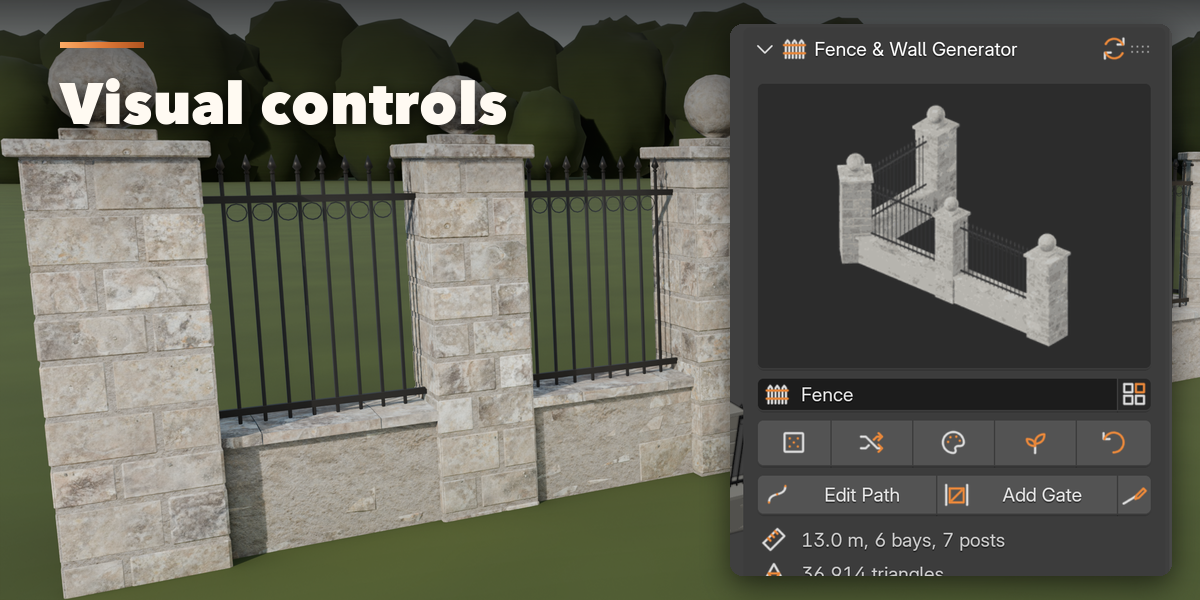
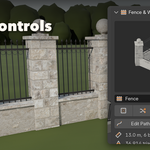
- Open the Fence tab in the 3D viewport sidebar (N).
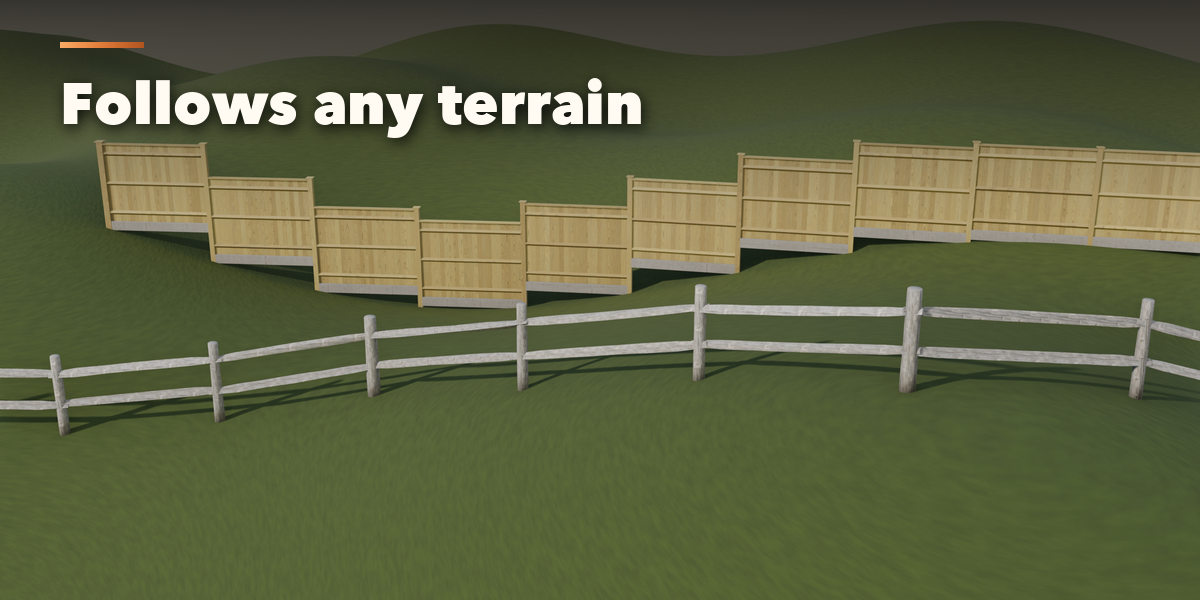
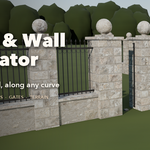
- Pick a style to add a fence along a new curve, use Draw Fence to click it onto your terrain, or select a curve and use Fence from Selected Curve.
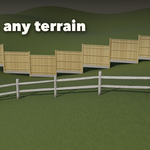
- Edit the curve (Edit Path) and the fence follows live.
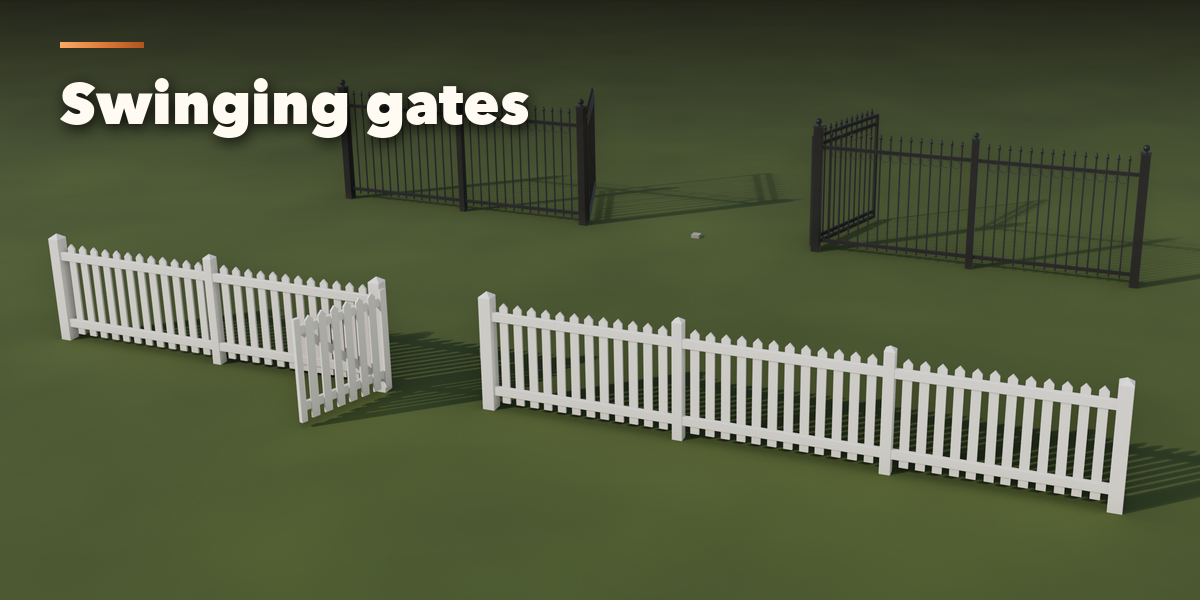
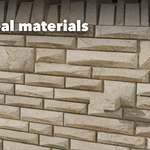
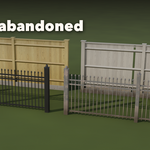
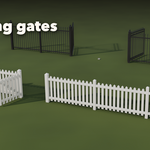
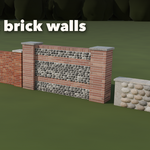
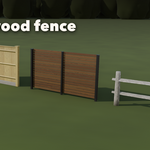
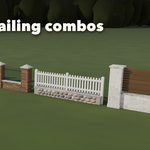
- Use the icon tabs to change the path, base wall, posts, infill, topper, gates, materials and weathering.
- Detail and Export: pick Low, Medium or High detail and Convert to Mesh for export.
Have questions about this product?
Login to message
| Blender Extension Compatible | Yes |
| Published | about 15 hours ago |
| Blender Version | 4.2 - 5.2 |
| Extension Type | Add-on |
| Render Engine Used | Cycles, Eevee |
| License | GPL |

Discover more products like this
fence architecture gate brick curve stone wall Generator wall procedural railing environment game ready