Fetter Pro - Chain & Rope Wrap for Blender
 GreyFox Studio


Fetter Pro - Chain & Rope Wrap for Blender
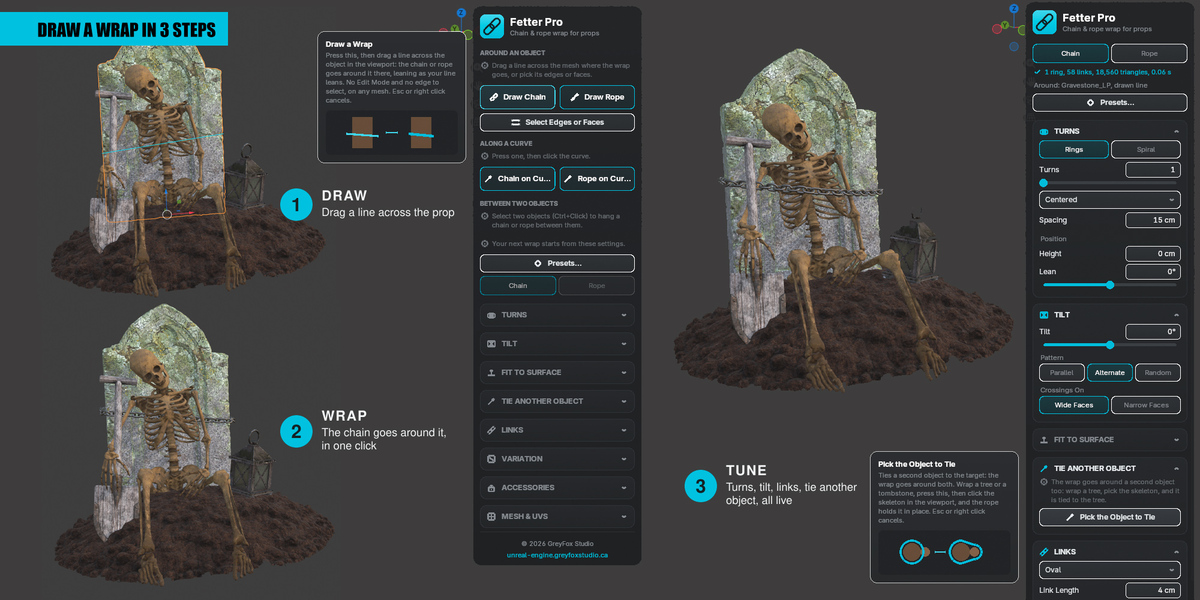
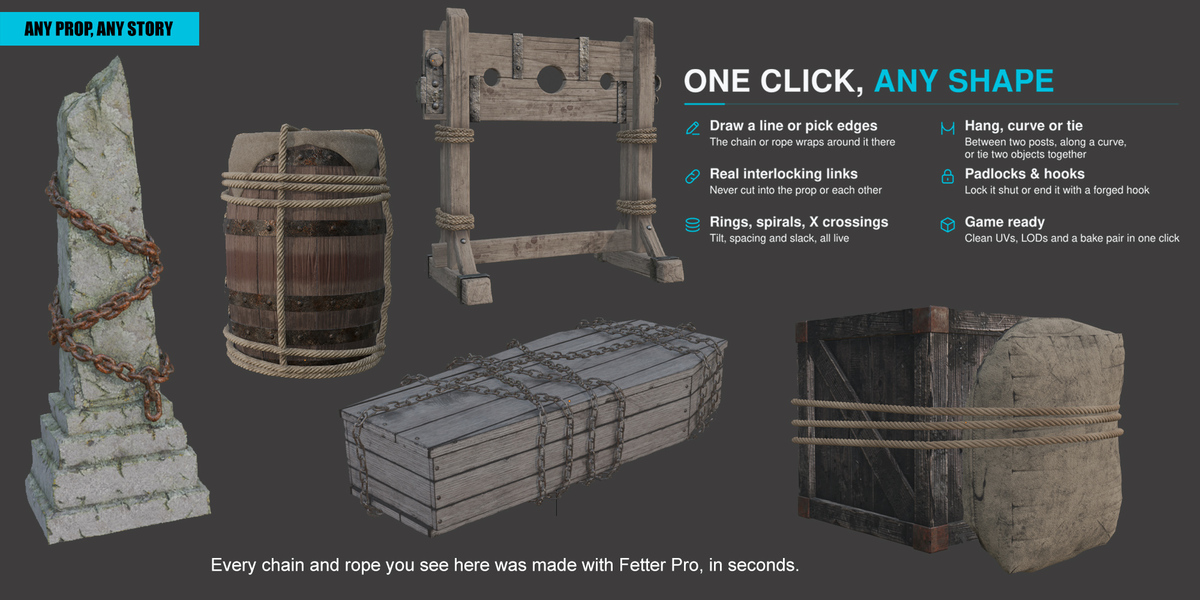
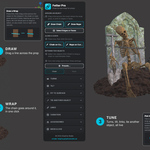
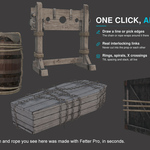
Wrap chains and ropes around any mesh in one click. Drag a line across your prop, or pick a few of its edges or faces, then dial in the turns, the spacing, the tilt and the link size live. Chained coffins, bound crates, roped barrels, sealed chests, a skeleton tied to a tree. Or hang a chain between two posts, or lay a chain or a rope along any curve.
Full documentation: unreal-engine.greyfoxstudio.ca/docs/fetter (the same guide is also in the download, as an HTML file).
Requirements
- Blender 4.2 (tested on 5.1.2).
- Windows, macOS or Linux. Pure Python, nothing else to install.
Installation
- Download and unzip the Fetter Pro package. Inside is the add-on zip (
Fetter_Pro-1.8.0.zip): do not unzip that one. - In Blender: Edit > Preferences > Get Extensions, click the small arrow at the top right, choose Install from Disk... and pick the add-on zip.
- In the 3D Viewport press N and open the Fetter tab.
To update, install the new zip the same way. Wraps made with an older version keep their shape.
Four ways to start
- Draw Chain / Draw Rope: drag a line across the object, the wrap goes around it there. No Edit Mode, works on any mesh, even a decimated one.
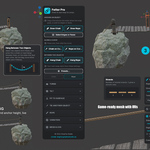
- Select Edges or Faces: pick the long corner edges of a crate, an edge loop, an edge path or the faces of the parts to wrap, then Wrap with Chain or Wrap with Rope.
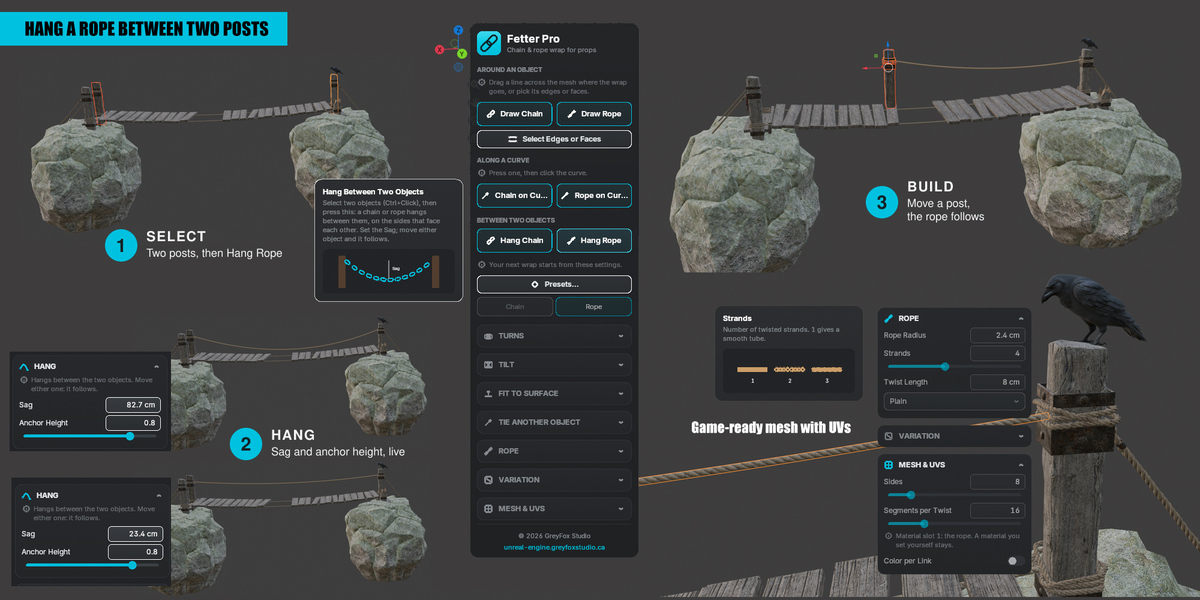
- Hang Chain / Hang Rope: select two objects, a chain or rope hangs between them with adjustable sag. Move a post and it follows.
- Chain on Curve / Rope on Curve: click a curve, the chain or rope lies along it. Edit the curve and it follows.
Quick start: chain a crate
- Select the crate and press Select Edges or Faces.
- Press 2 and Shift+Click the 4 long corner edges.
- Press Wrap with Chain.
- In Turns, set the number of turns. In Tilt, raise Tilt with the Alternate pattern to cross the rings in an X.
- Press Presets... and pick Prison Chain, or size the links yourself in Links.
- To lock it, open Accessories and turn on Padlock.
Features
- Real interlocking links that never cut into the prop or into each other, and closed rings that always close seamlessly.
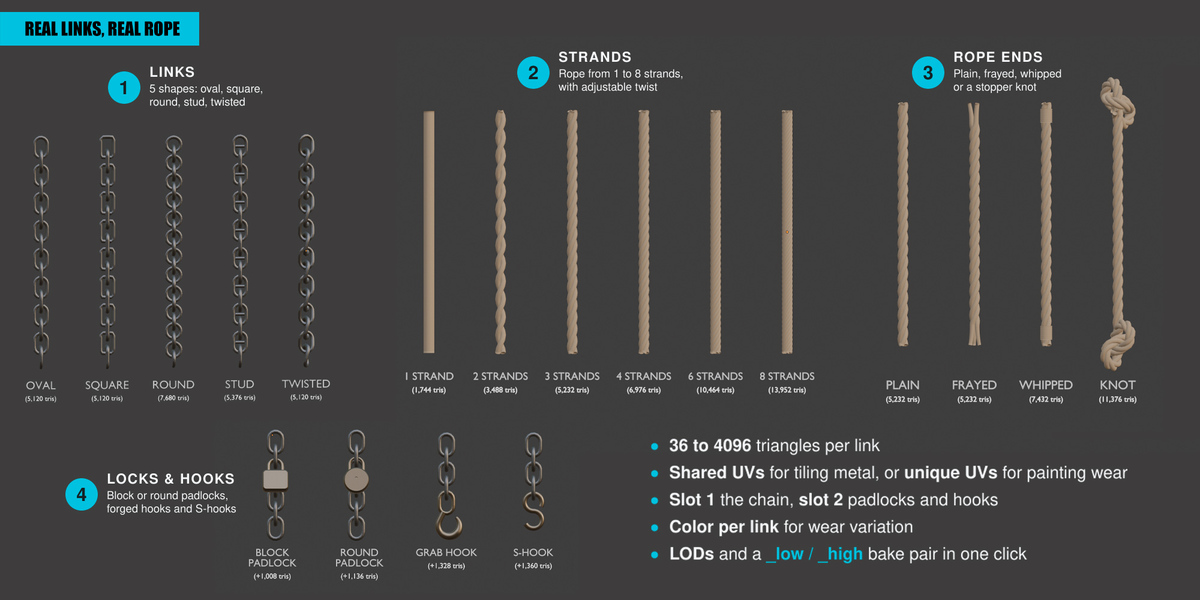
- Five link shapes: oval, square, round, stud and twisted.
- Twisted rope with 1 to 8 strands, ends cut plain, frayed, whipped or knotted.
- Rings or one continuous spiral, tilted and crossed in an X, tightened onto the surface or left slack.
- Follow Shape: the wrap hugs the part it goes around. Wraps built later go over the earlier ones.
- Padlocks (Block, Round) and forged hooks or S-hooks, each with clean UV islands.
- Presets: Prison Chain, Anchor Chain, Fine Chain, Ship Rope, Rope Coil, Game Low Poly.
- Live and non-destructive: every setting rebuilds the wrap at once. Finalize turns it into a plain mesh.
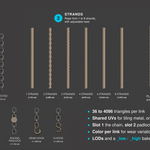
- Game ready: one mesh, your own materials kept, shared or unique UVs, a color per link for wear variation, LODs and a _low / _high bake pair in one click.
- Triangle budget per link from 36 to 4096. Any scene unit scale, meters or centimeters.
Limits
- A turn is pulled tight around the part under it: it bridges hollows instead of following the surface into them.
- Only the target and the tied object count as obstacles: join separate lids or parts first, or wrap each part.
- Slack and Sag are shaped, not simulated: no physics.
- Hooks need free ends: a spiral, an open path, a curve or a hanging chain.
Support
Questions or bug reports: unreal-engine.greyfoxstudio.ca/support
Have questions about this product?
Login to message
| Blender Extension Compatible | Yes |
| Published | 1 day ago |
| Blender Version | 4.2 - 5.1 |
| Extension Type | Add-on |
| Render Engine Used | Cycles, Eevee |
| License | GPL |
Discover more products like this
rope game assets medieval dark-fantasy props wrap souls-like procedural chain modeling Unreal Engine low poly