 Lapis Stilus
Field Nodes: mask modifiers for Blender 5.2
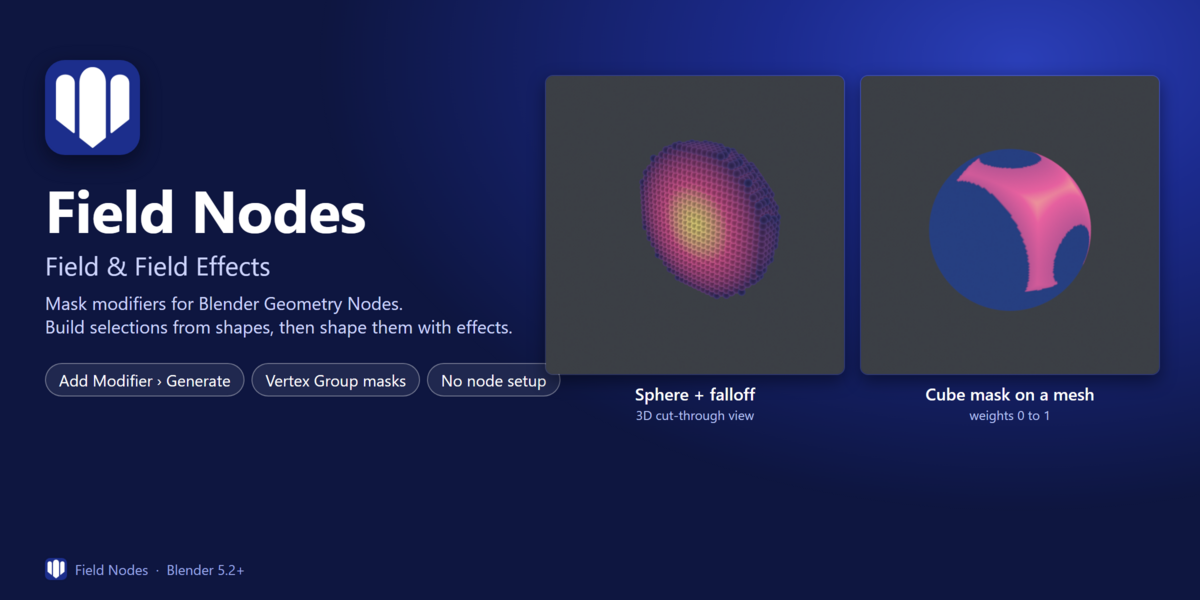
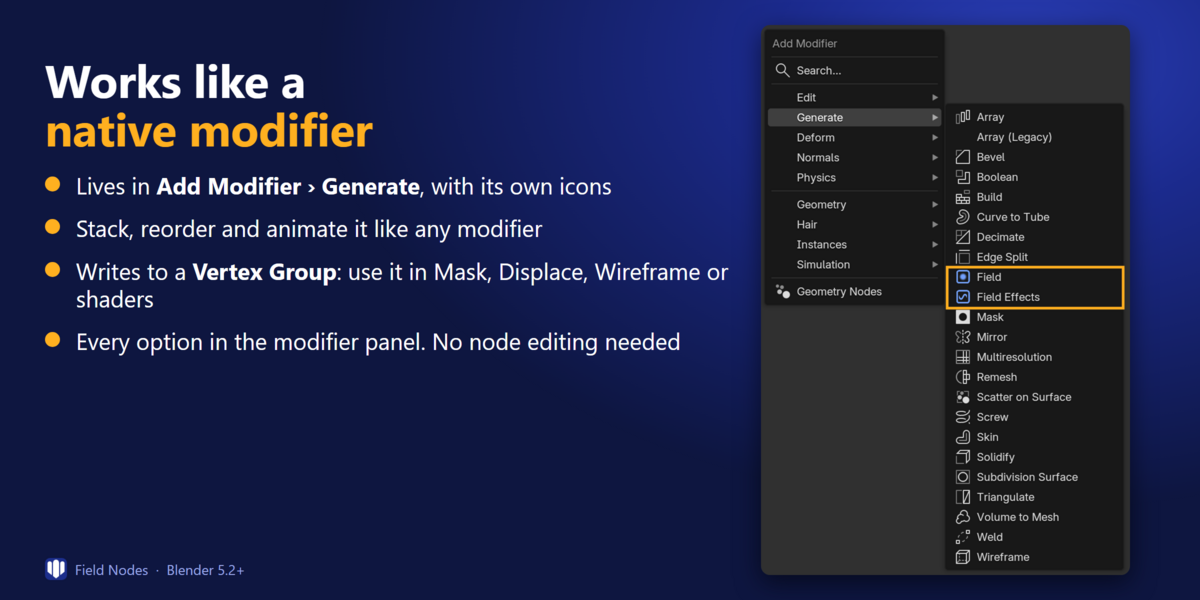
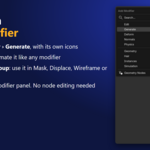
Field and Field Effects add two modifiers to Add Modifier > Generate, right next to the native ones. Build a selection from a shape, then reshape it with effects. The result is a Vertex Group with weights from 0 to 1, ready to use in Mask, Displace, Wireframe, other Geometry Nodes or shaders.
No node editing needed: every option lives in the modifier panel.
Field: create the mask
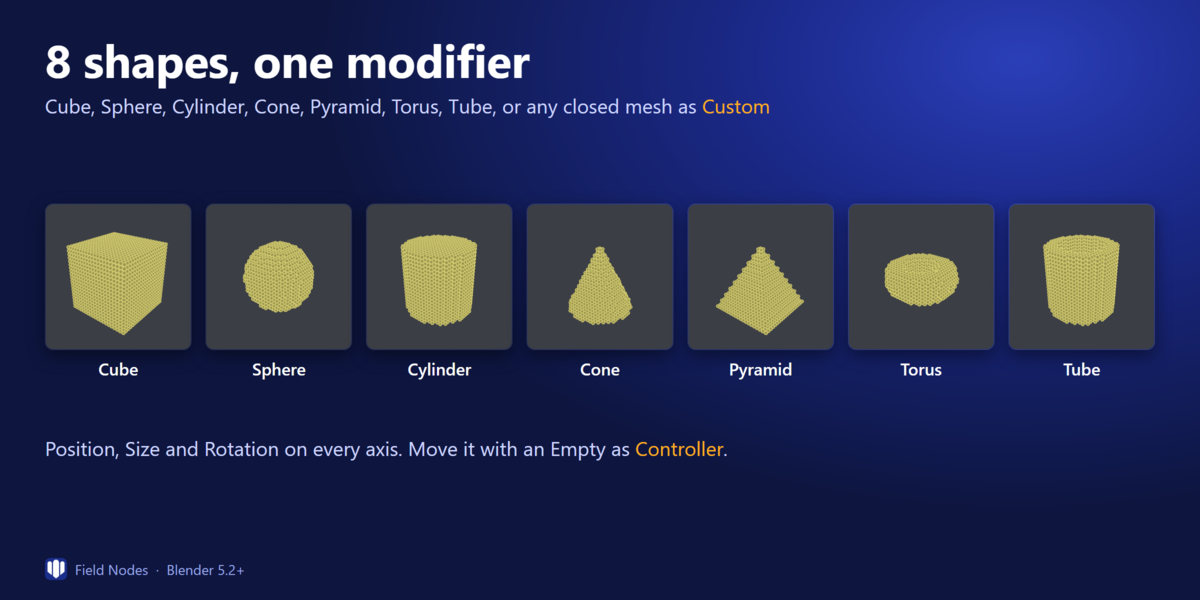
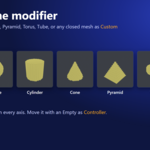
- 8 shapes: Cube, Sphere, Cylinder, Cone, Pyramid, Torus, Tube, or any closed mesh (or collection) as Custom
- Full control: Position, Size and Rotation on every axis, or drive the shape with an Empty as Controller (animate it to animate the mask)
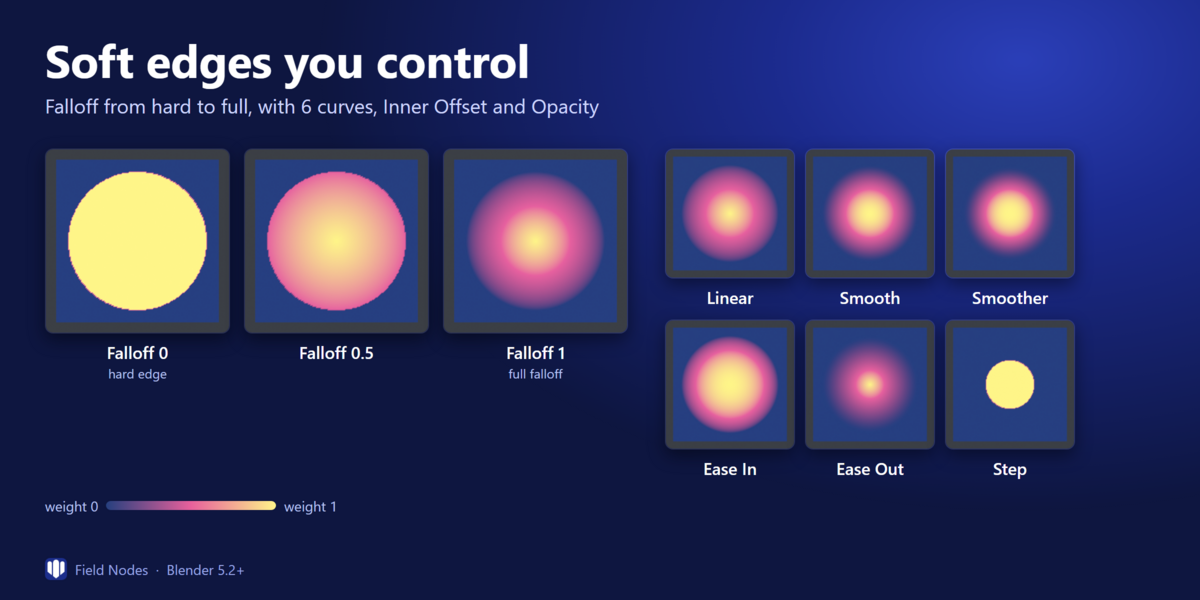
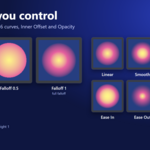
- Soft falloff: 6 curves (Linear, Smooth, Smoother, Ease In, Ease Out, Step), Inner Offset, Min/Max and Opacity
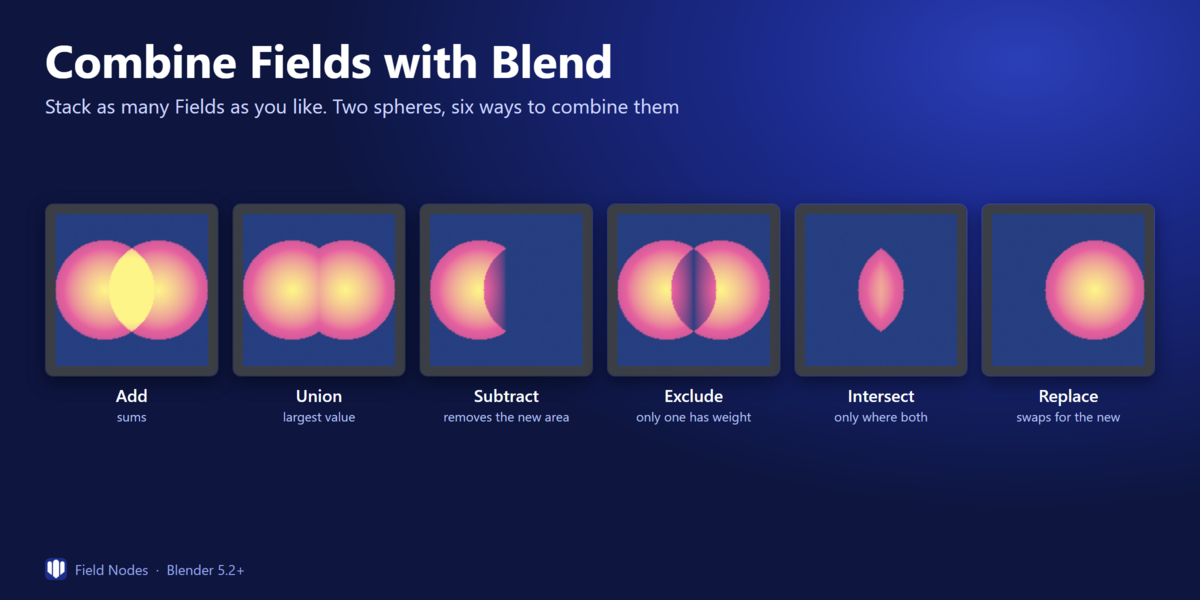
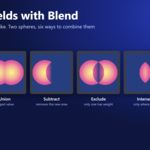
- 6 Blend modes to combine several Fields: Add, Union, Subtract, Exclude, Intersect, Replace
- Invert, and a custom Vertex Group name
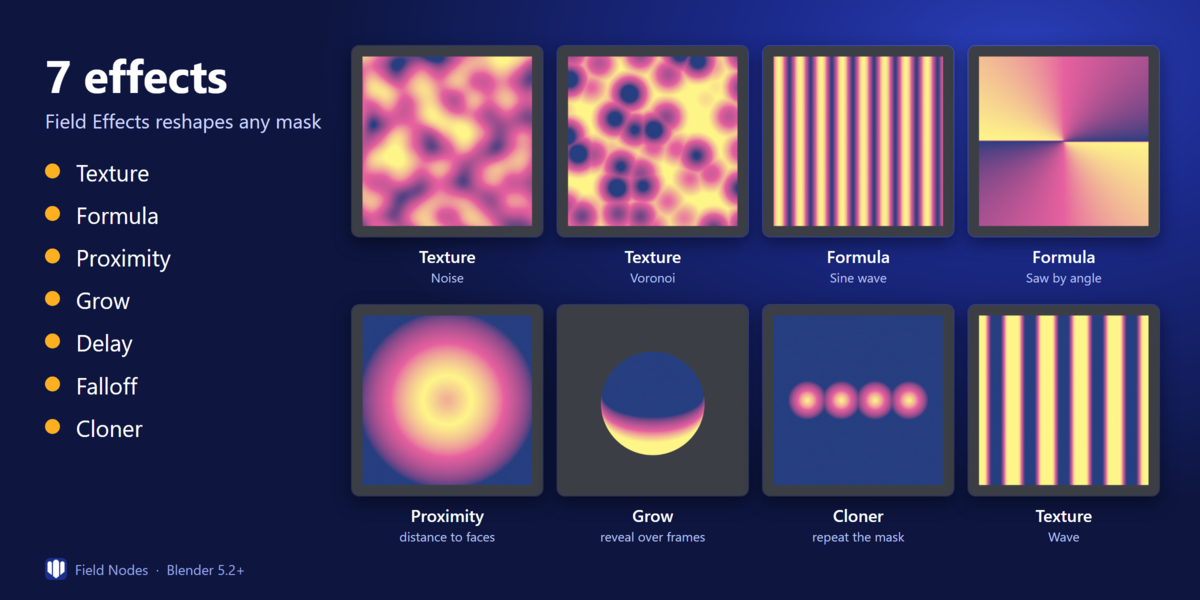
Field Effects: reshape any mask
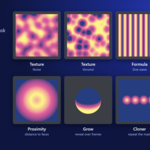
- Texture: Voronoi, Wave, Noise or Random, with animation that loops
- Formula: Sine or Saw waves by position or angle, with animation that loops
- Proximity: weight by distance to a mesh, curve or Empty, or by being inside a closed mesh
- Grow: reveal the mask over the frames (Gradient, Texture or Index)
- Delay: inertia with Blend, Spring and Trail modes
- Falloff: apply a falloff curve to weights that already exist
- Cloner: repeat the mask like an Array, with offset, rotation and scale per copy
Stack as many modifiers as you like: each one reads the result of the one before it.
How to install
Edit > Preferences > Get Extensions > the arrow menu (top right) > Install from Disk, then pick the downloaded zip.
What's included
- The add-on (zip), ready to install
- PDF guide with illustrated examples
Requirements
Blender 5.2 or newer. Works on mesh objects.
Good to know
- The Delay effect needs playback from the first frame to give consistent results.
- Custom shapes and Proximity > Volume need a closed mesh.