Field Nodes
 Lapis Stilus
Quick start
- Install: Edit > Preferences > Get Extensions > arrow menu (top right) > Install from Disk, then pick the downloaded zip.
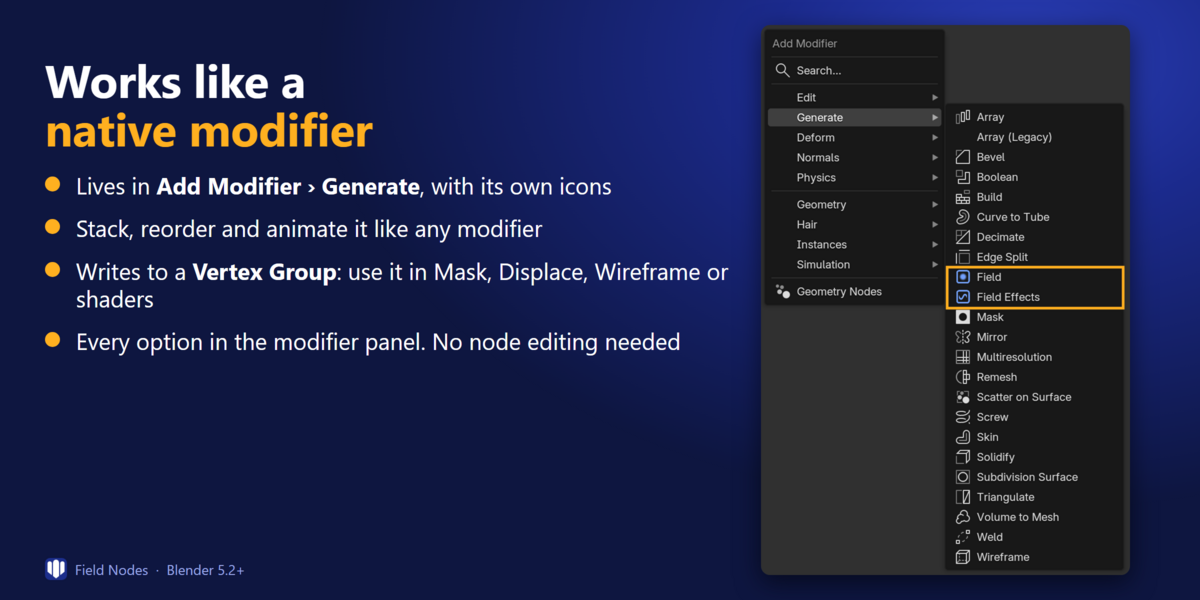
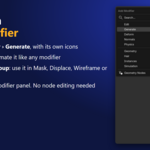
- Select a mesh object, open the Modifiers tab and choose Add Modifier > Generate > Field.
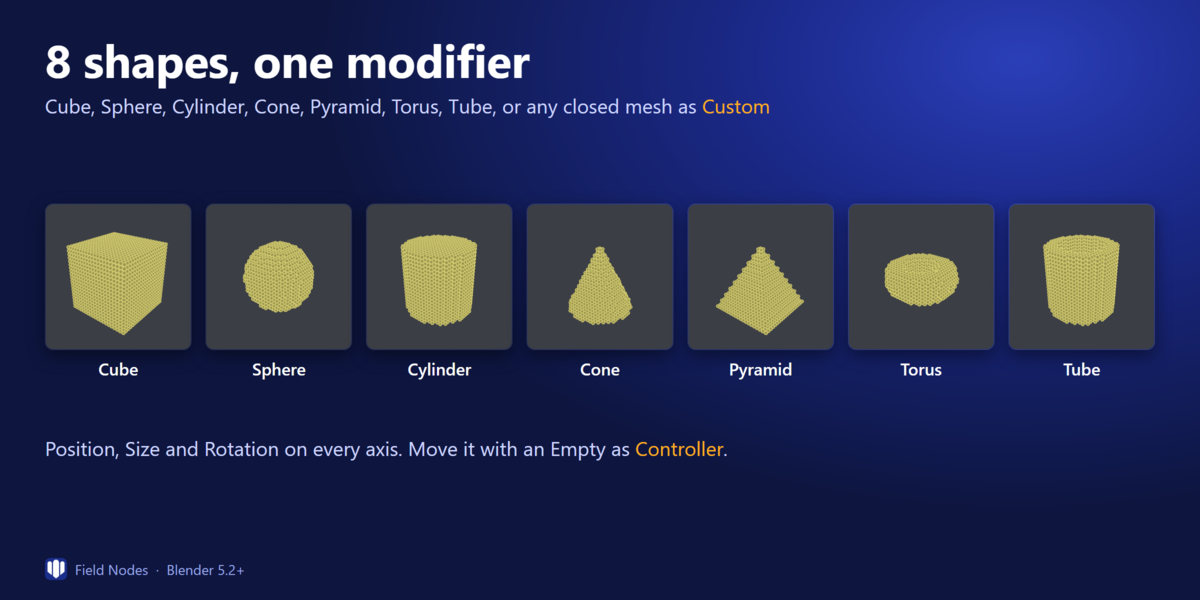
- Pick a Shape (Cube, Sphere, Cylinder, Cone, Pyramid, Torus, Tube or Custom) and set Position, Size and Rotation, or assign an Empty as Controller.
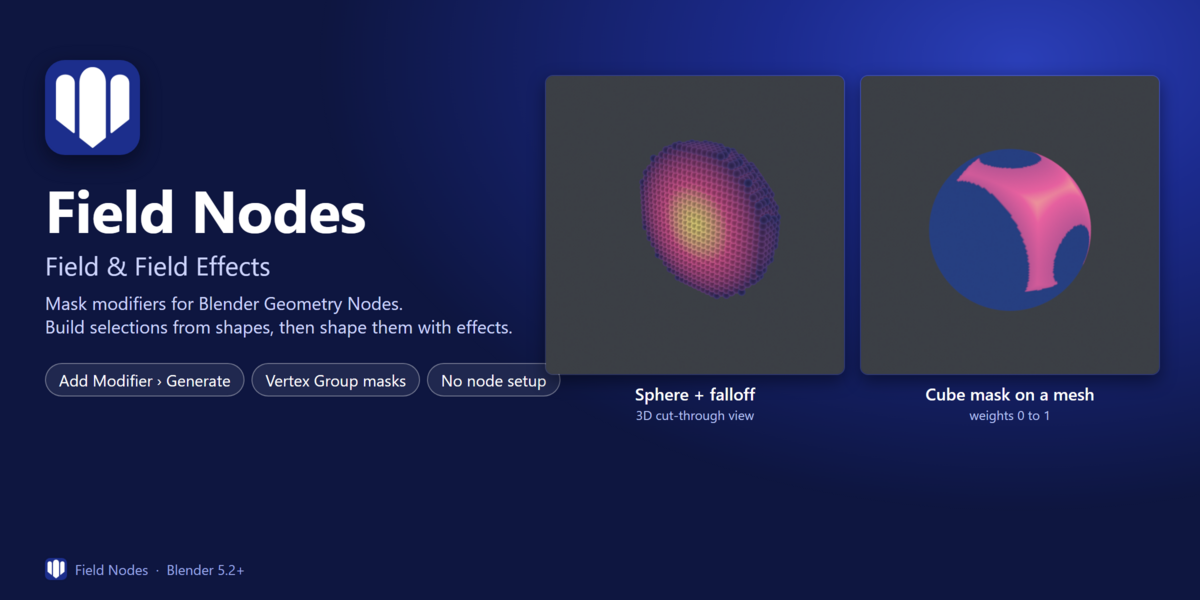
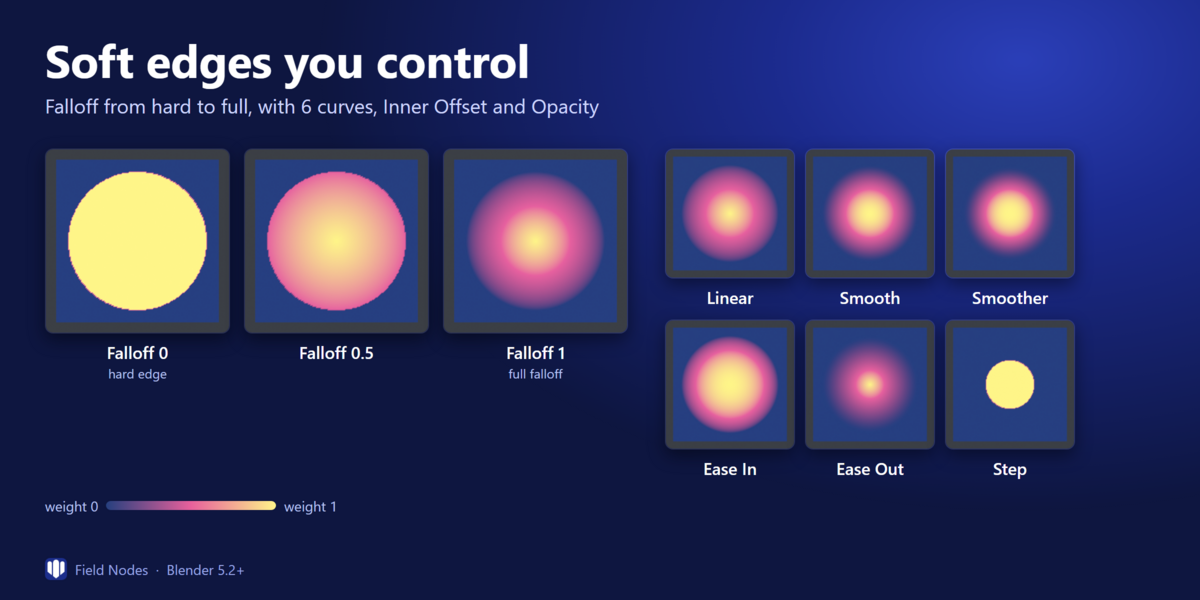
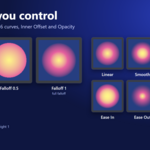
- Adjust Falloff (curve, Inner Offset, Min/Max, Opacity). The result is written to a Vertex Group.
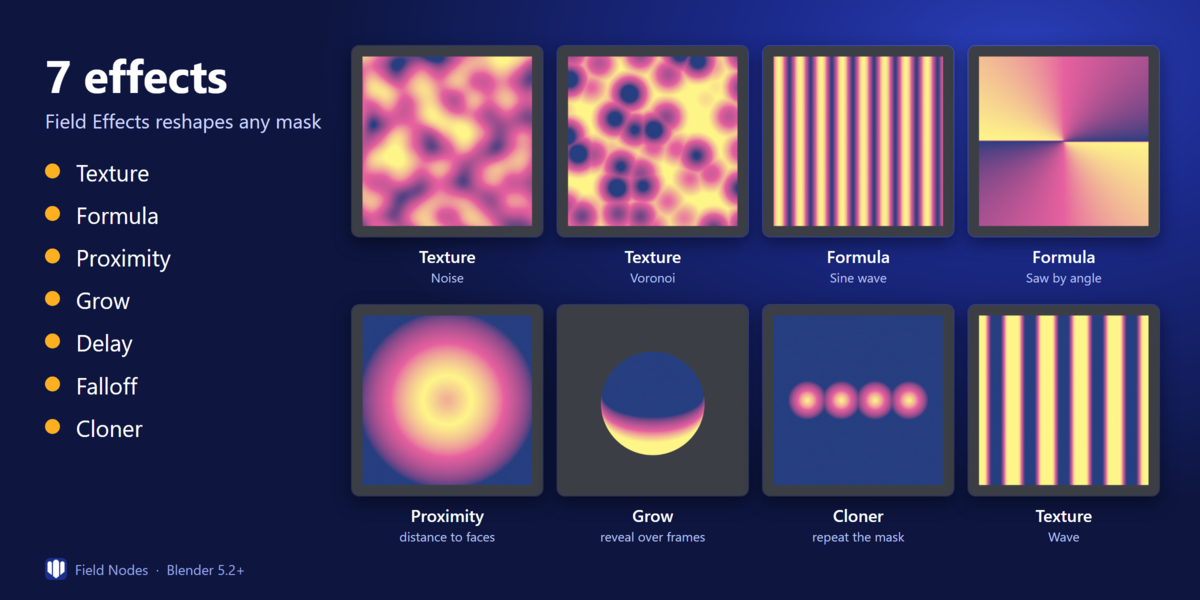
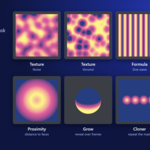
- Optional: add Add Modifier > Generate > Field Effects after it to reshape the mask (Texture, Formula, Proximity, Grow, Delay, Falloff, Cloner).
- Use the Vertex Group in Mask, Displace, Wireframe, other Geometry Nodes or shaders.
Combining Fields
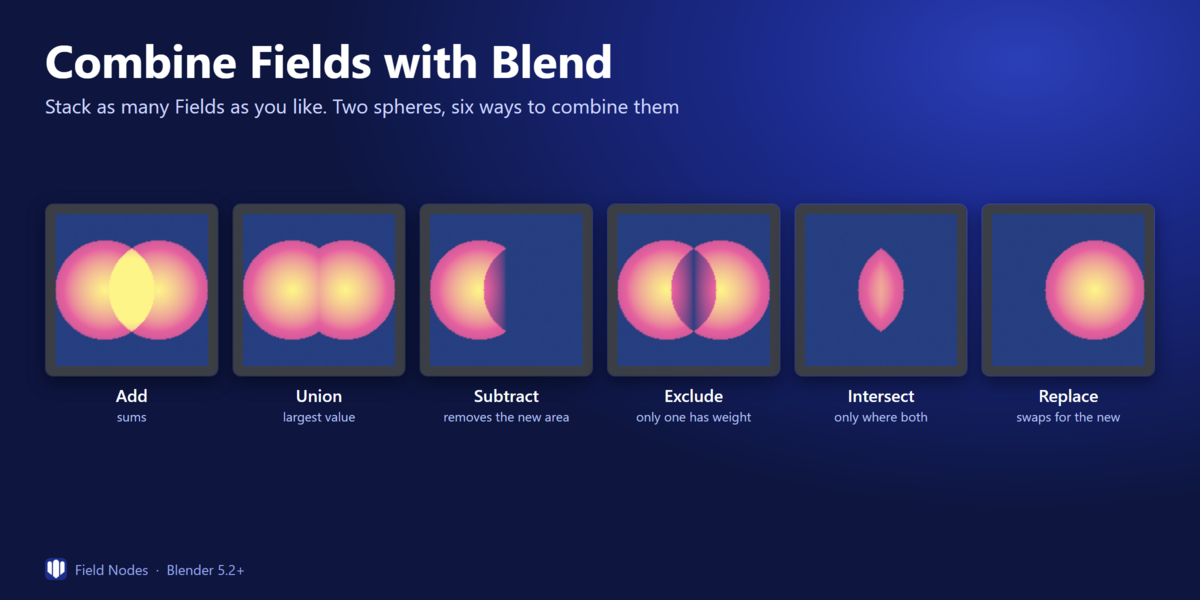
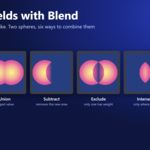
Stack several Field modifiers and choose how each one combines with the previous result using Blend: Add, Union, Subtract, Exclude, Intersect or Replace. Each modifier reads the result of the one before it.
Notes
- Custom shapes and Proximity > Volume need a closed mesh.
- The Delay effect needs playback from the first frame to give consistent results.
- Requires Blender 5.2 or newer. Works on mesh objects.
The PDF guide included with the download has illustrated examples of every shape, blend mode and effect.
Have questions about this product?
Login to message
| Blender Extension Compatible | Yes |
| Published | about 11 hours ago |
| Blender Version | 5.2 |
| Extension Type | Add-on |
| Render Engine Used | Cycles |
| License | GPL |
Discover more products like this
blender 5.2 falloff geometry nodes vertex group procedural blender mask weight paint addon modifier