 gigirenders
FinalTouch
RENDER & REFINE
ONE RENDER. MULTIPLE MOODS.
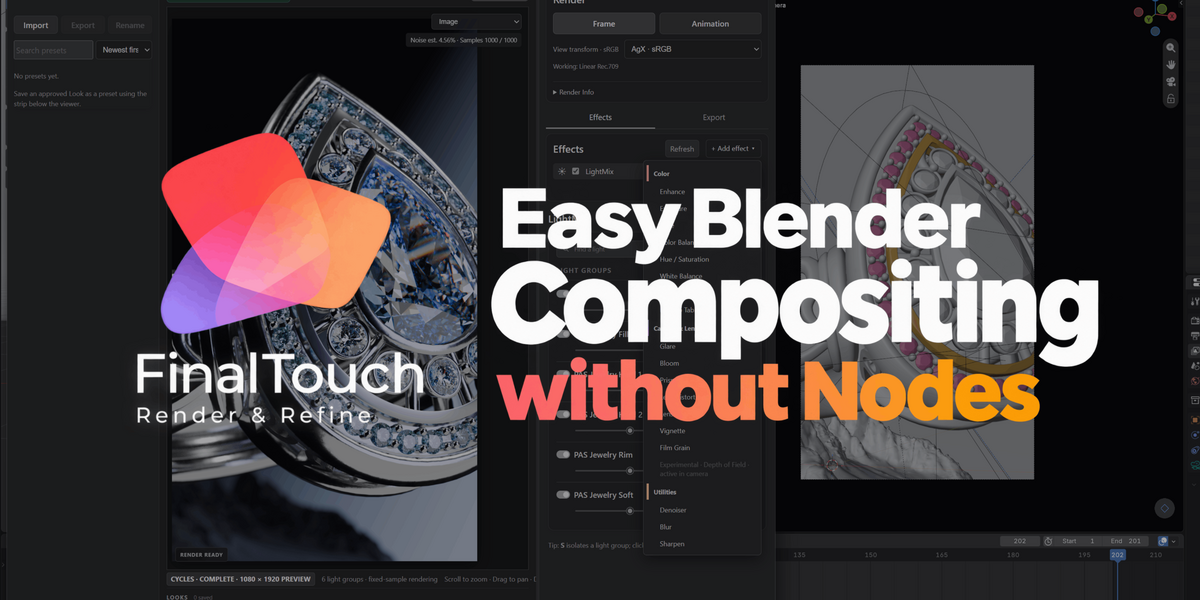
Easy Blender Compositing without Nodes
Turn one Cycles render into multiple finished looks.
Refine lighting, enhance selected objects and materials, and export your variations. Save your signature finishes as presets and bring them straight into your next project.
✦ Render once. Give yourself options.
Your client wants a warmer version. You want to explore a darker mood. The campaign needs several finishes from the same shot.
With Final Touch, you can build those variations from one captured Cycles render.
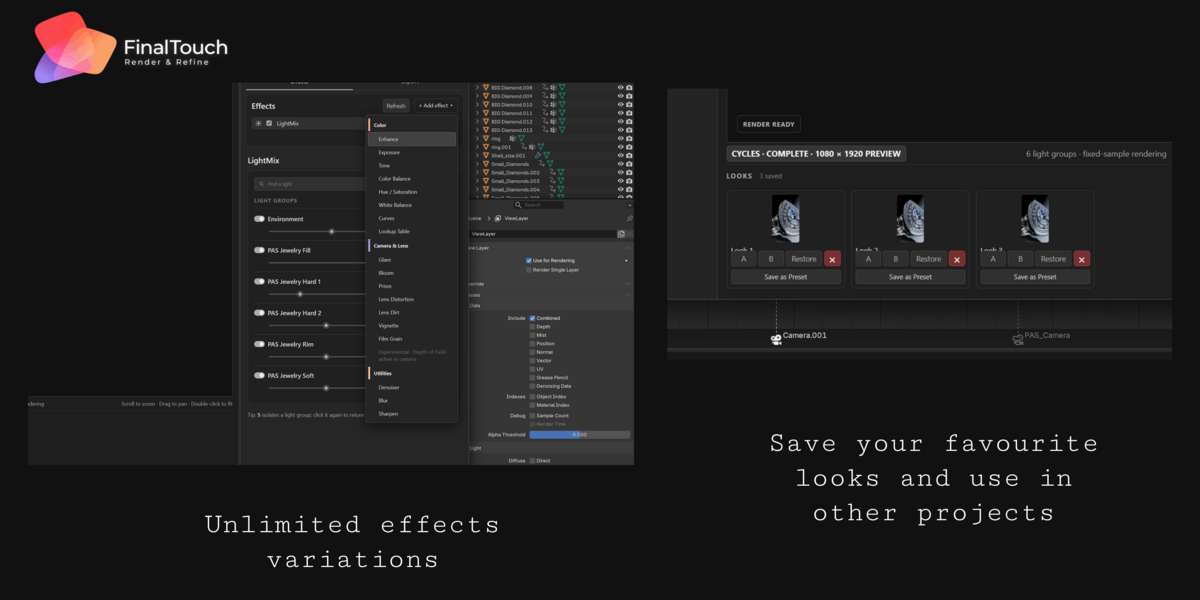
Adjust lighting, refine colour, enhance reflections and add lens effects. Save each direction as a Look, compare your options and export multiple finished versions—without repeating the scene render for every finishing change.
One render. Multiple moods. More to deliver.
✦ Deliver a collection of looks from one shot
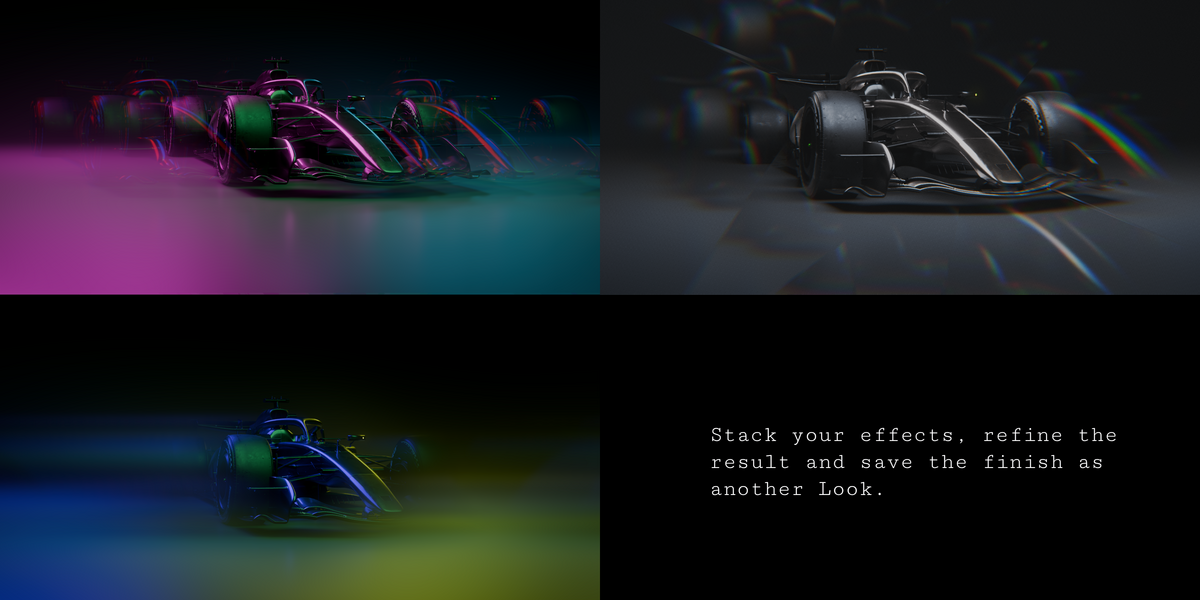
Explore a clean commercial finish, a warm cinematic grade or a bold, high-contrast treatment using the same rendered image.
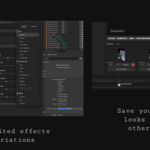
Capture each variation as a Look.
Compare your creative directions in the viewer.
Export selected versions into their own output folders.
For client presentations, campaign variations or your own creative exploration, show several polished directions from the same render.
✦ Build your style once. Reuse it.
When you create a finish you love, save it as a preset.
Apply it to another render, make any adjustments the new shot needs and keep working. Build a personal library of:
Signature product finishes
Cinematic moods and colour treatments
Client-specific styles
Favourite combinations of finishing effects
Your best work becomes a starting point for the next project.
✦ Enhance exactly where it matters
A reflection needs more presence. One material needs a stronger finish. A particular object needs more depth.
Use Enhance to adjust reflection and ambient occlusion contributions across the image—or target them with object and material masks.
Add multiple masks, set individual intensities and choose blend operations to control how each adjustment affects the result.
Bring attention to the details that sell your image.
✦ Explore the lighting after the render
Use LightMix to adjust the intensity and tint of captured light groups.
Isolate a contribution, soften a fill or change the balance between lights while you assess the finished image. Combine lighting variations with different grades to create distinct moods from the same scene.
✦ Finish the image in one workspace
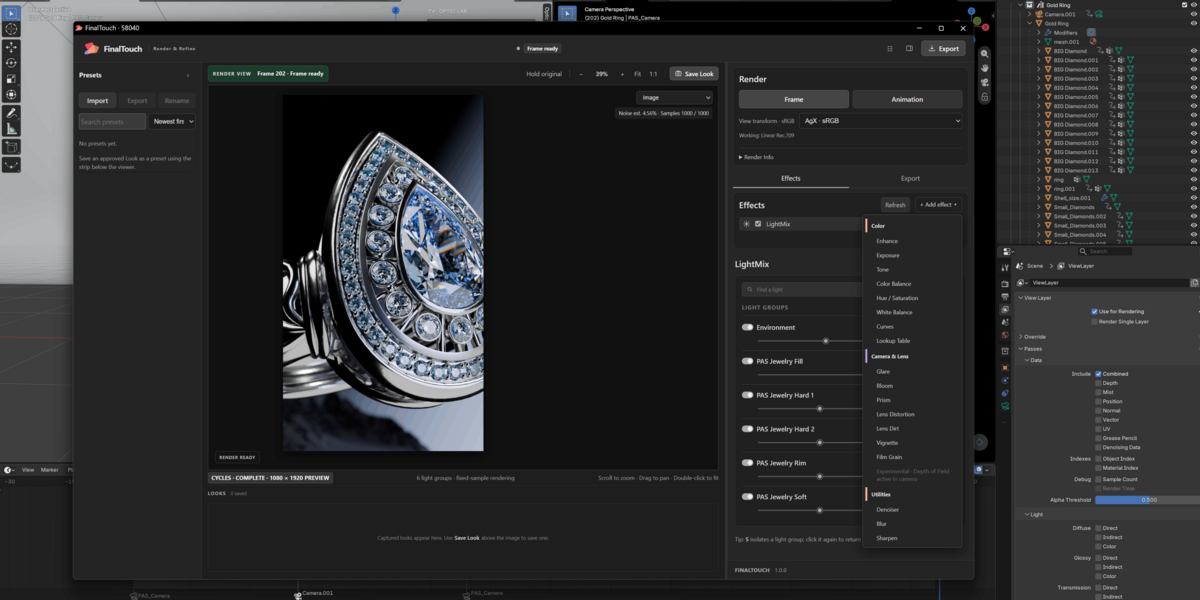
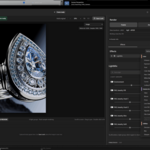
Bring your adjustments together in a dedicated viewer connected to Blender.
★ Colour Grading
Exposure, White Balance, Colour Balance, Hue/Saturation, Tone and Curves.
★ Creative LUTs
Five included looks, adjustable intensity and custom LUT import.
★ Denoising
Final-image processing with Albedo and Normal guides, plus selected-pass options.
★ Bloom & Glare
Soft highlight glow and adjustable streaks.
★ Lens Finishing
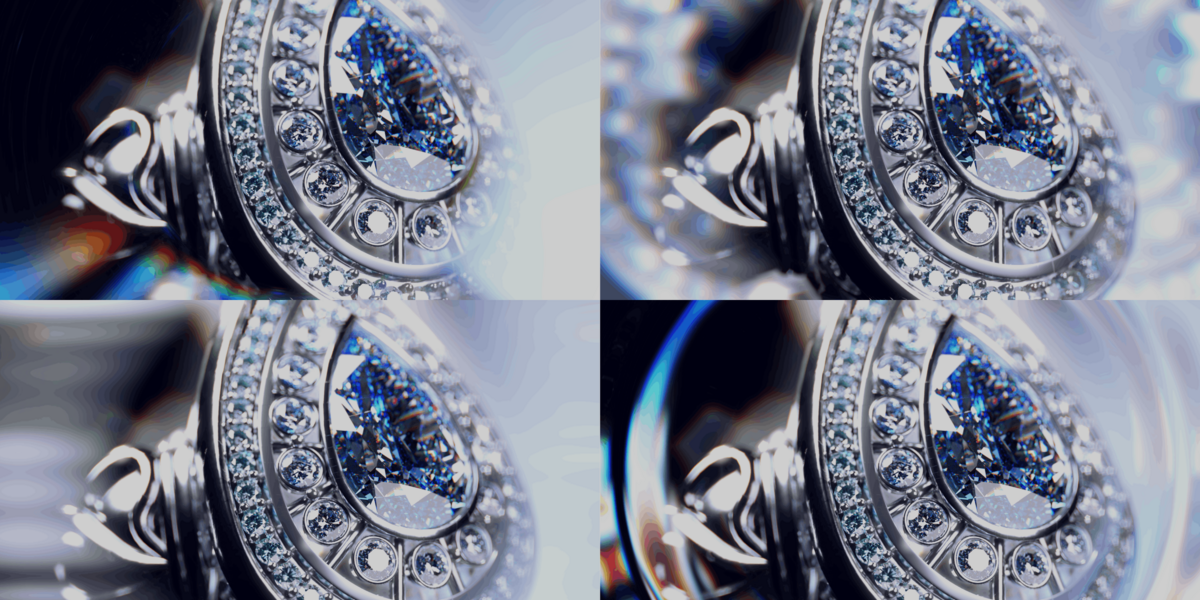
Distortion, dispersion, lens dirt, vignette and film grain. Import your own lens-dirt textures.
★ Prism Effects
Creative optical treatments with centre protection and optional image-based ray tracing.
★ Experimental Depth of Field
Focus controls, six built-in aperture shapes and custom aperture image import.
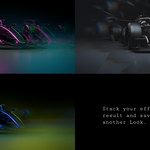
Stack your effects, refine the result and save the finish as another Look.
✦ From render to delivery
- Render your scene in Final Touch.
- Explore lighting, colour and targeted enhancements.
- Save Looks for each mood or creative direction.
- Compare & Export the versions you want to deliver.
- Save Presets to bring your favourite finishes into the next project.
✦ Made for artists who need more from every render
For Product Artists
Explore premium, clean and dramatic finishes from the same shot.
For Freelancers & Studios
Present clients with several visual directions before settling on the final mood.
For Architectural Artists
Refine captured lighting and colour to explore the atmosphere of an image.
For Look-Development Artists
Build a reusable preset library and keep successful treatments close at hand.
✦ Spend more time choosing the finish
The lighting balance. The reflection on the product. The warmth of the highlights. The mood of the final image.
Final Touch gives you room to explore those decisions after the render—and turn that exploration into multiple deliverables.
Render once. Refine your vision. Export your options.
Requirements & Scope
- Blender 5.0 or newer.
- Cycles rendering is required for LightMix.
- Multiple Looks are created from captured render data. Changes to geometry, materials, camera or uncaptured scene information still require a new render. Large lighting changes may also require a fresh render.
- Depth of Field is experimental, with limitations around transparency, overlapping objects and hidden detail. Camera-baked depth of field cannot be undone.
- Prism ray tracing is image-based. It does not trace the Blender scene or reveal hidden geometry.
- Save Looks as presets for reuse across projects and sessions.
