 virtualset
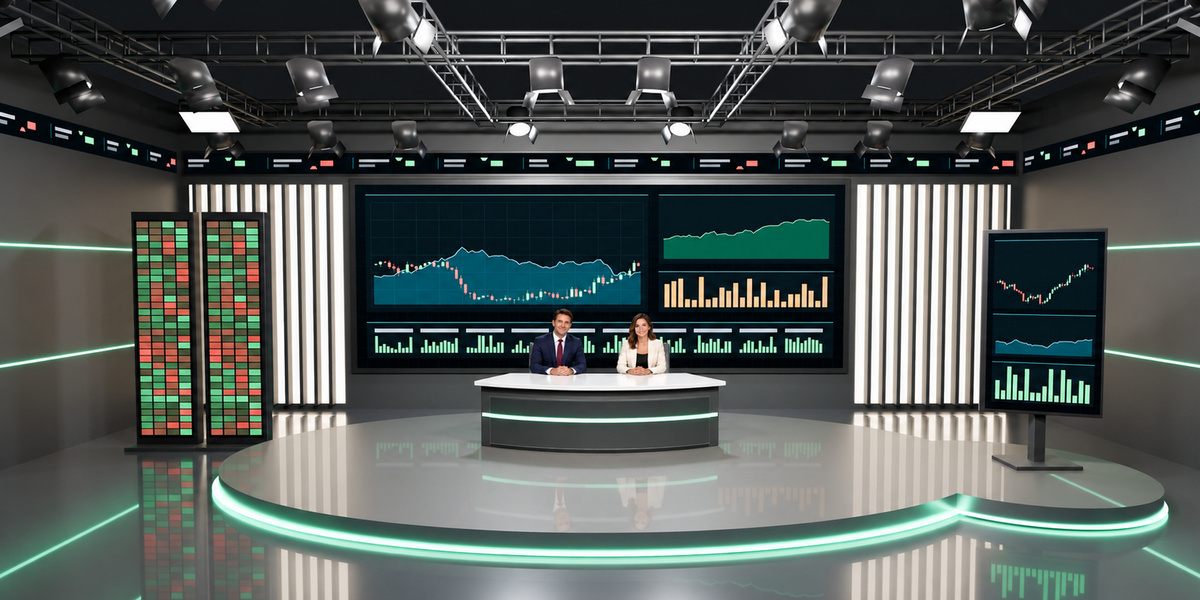
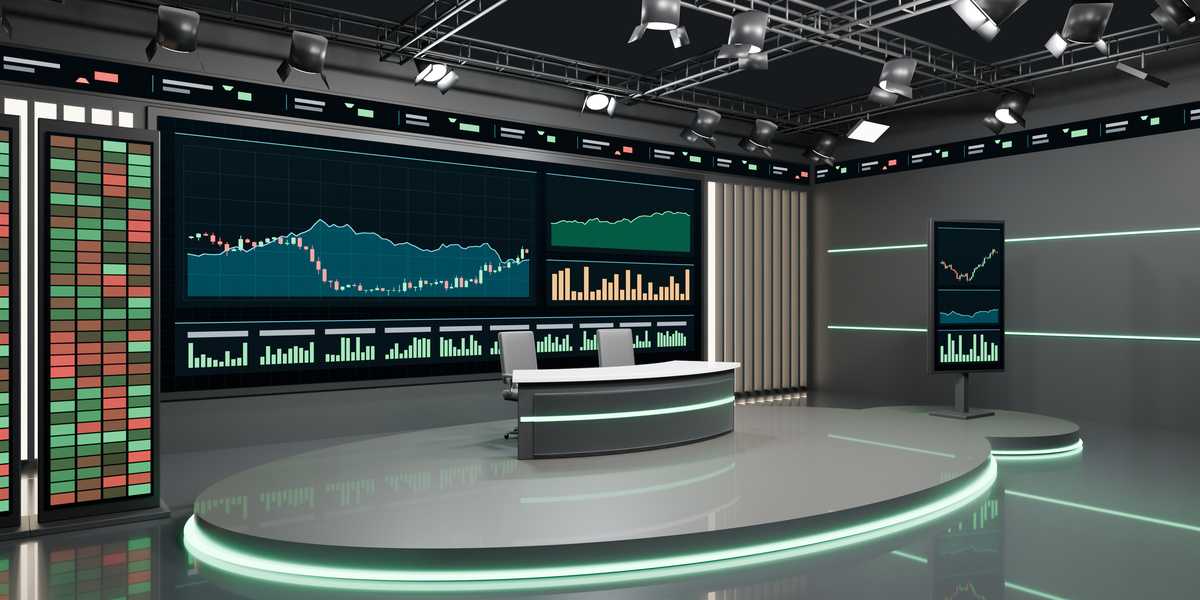
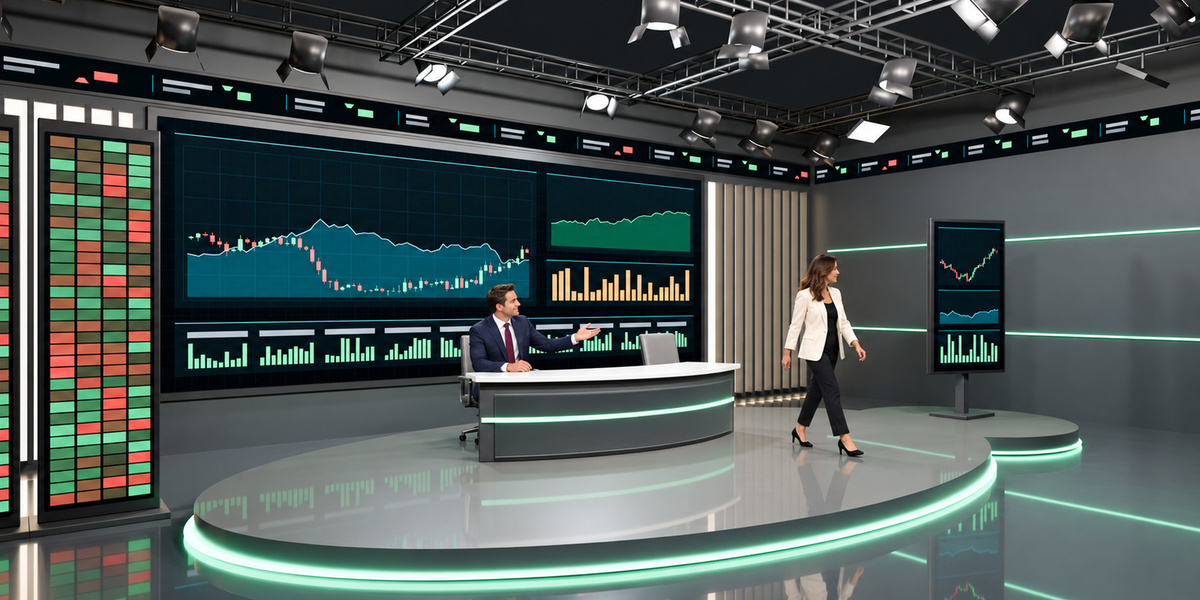
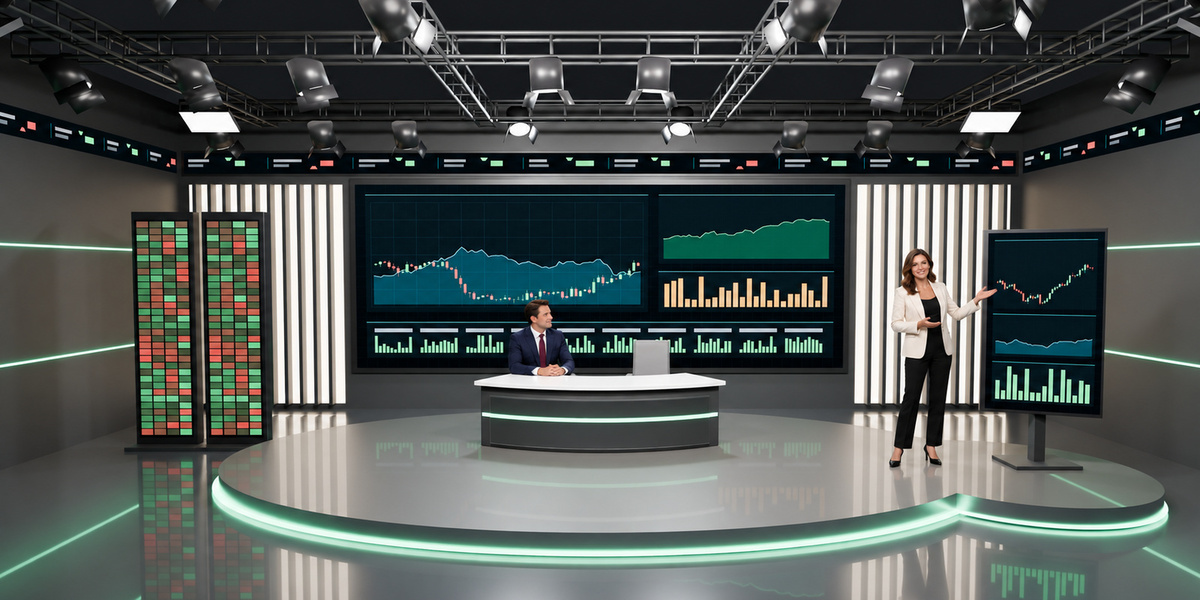
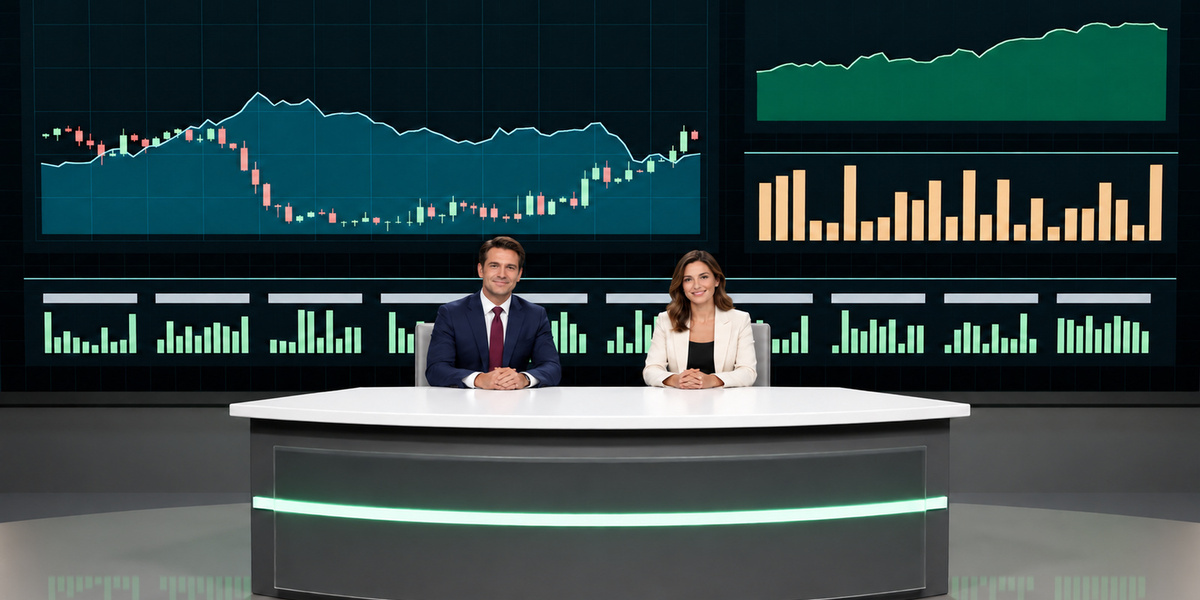
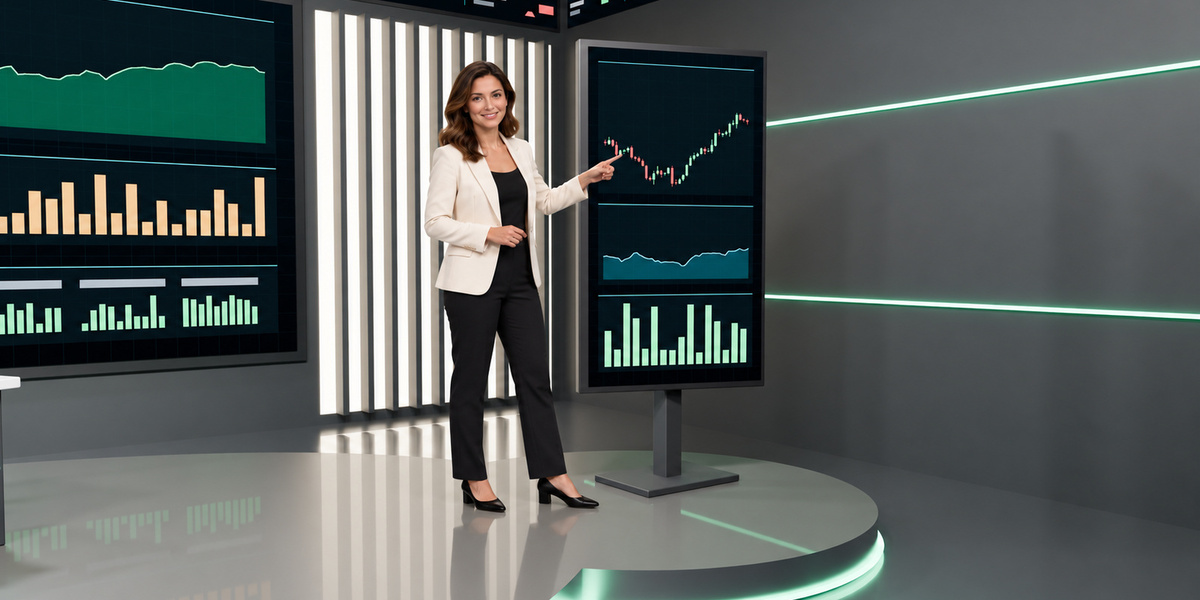
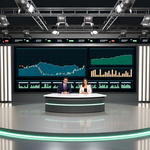
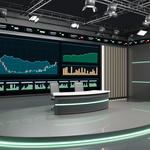
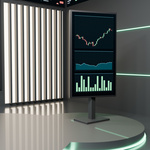
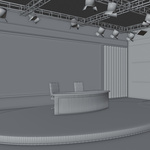
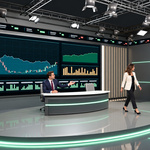
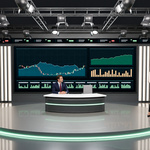
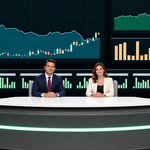
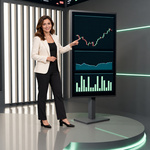
Finance Studio Lite – a ready-to-shoot virtual news set
A real-scale finance and business news studio built for broadcasters, YouTubers and streamers. Open the file, pick one of the four cameras and render – or skip Blender entirely and drop the included 4K background plates into vMix, OBS or Wirecast behind your keyed presenters.
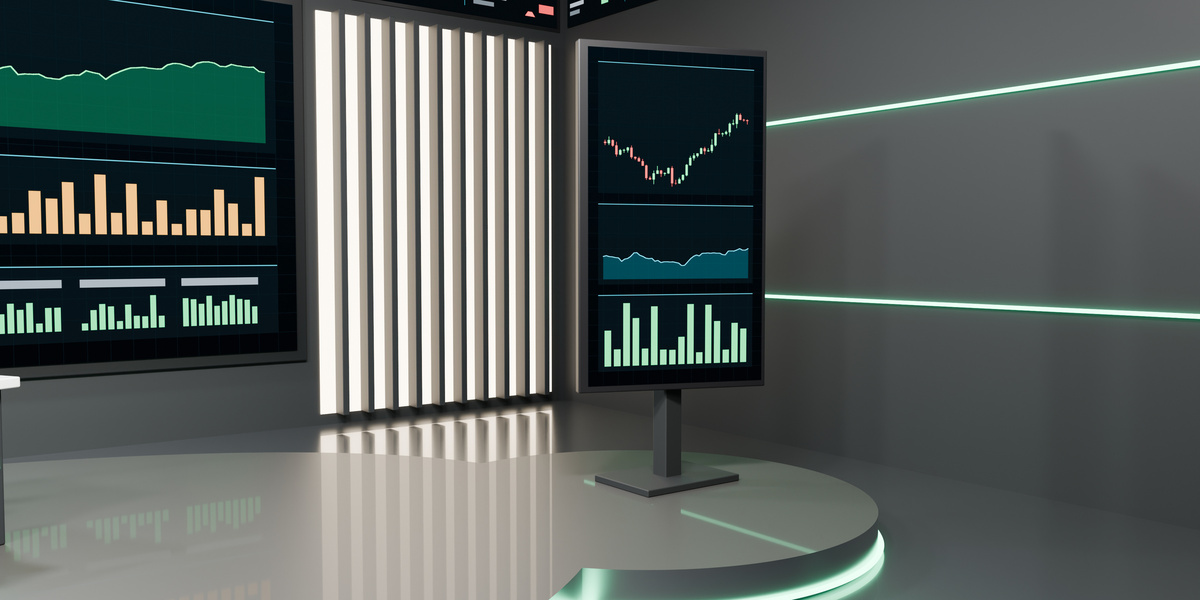
The layout follows a real show format: two anchors sit at the curved desk, and for the analysis segment one presenter walks over to the vertical touchscreen and stands on the round raised platform beside it.
What's included
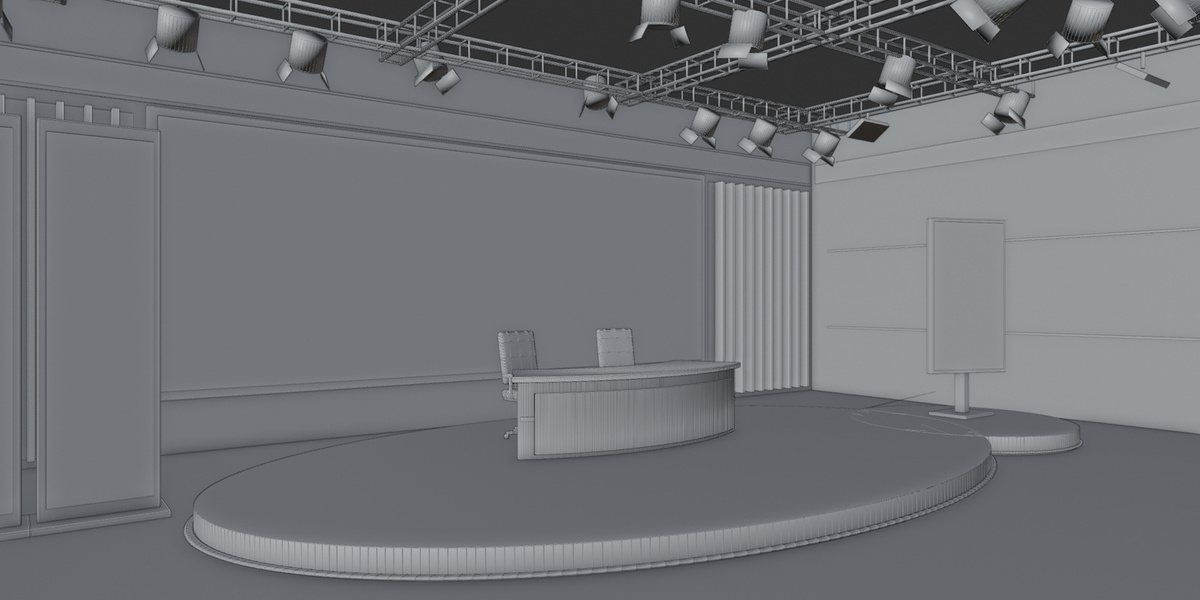
- FS_FinanceStudio_Lite.blend – the full studio (Cycles & EEVEE), textures packed
- FBX and OBJ exports for other 3D apps
- 4 source PNG textures for the LED screens (fictional charts and ticker)
- 4 ready-made 4K plates (3840×2160): Wide, Two-shot, Stand-up and Hero 3/4
- README with setup notes
Features
- Real-world metric scale, footprint 14 m × 10 m × 5 m
- Curved anchor desk for two presenters, main LED video wall, data pillars, side analysis touchscreen
- 4 cameras ready to render: FS_CAM_01_WIDE, FS_CAM_02_TWOSHOT, FS_CAM_03_STANDUP, FS_CAM_04_HERO_3Q
- Complete light rig plus decorative truss fixtures (fresnels and LED panels)
- Every screen uses an editable Emission material – swap in your own image, sequence or video
- One accent material re-brands the desk strip, riser ring and wall lines in a single click
- Clean naming (FS_ARCH_*, FS_DESK_*, FS_SCR_* …) and organised collections
- The whole studio collection is marked as an asset – drag it from your Asset Browser into any scene
Compatibility
Saved in Blender 5.3. Use Blender 5.3 or newer; for older versions or other software use the FBX/OBJ files.
How to use
- Open FS_FinanceStudio_Lite.blend and choose a camera (Numpad 0 to look through it).
- To show your own graphics, open an FS_MAT_Screen_* material and replace the Image Texture; the node labelled LED_Brightness controls intensity.
- To re-brand, change the Emission colour of FS_MAT_LED_Accent_Green.
- For live production, load a 4K plate as a background in vMix/OBS and place your keyed talent on top, matching your real camera to the plate name.
Please note
- The presenters in the preview images are AI-generated illustrations composited for demonstration only – no human characters are included in the product.
- All on-screen charts and data are fictional. No real brands, logos or market data are included.
