Find / Sort Objects Bundle
 alexdepario
in Interface
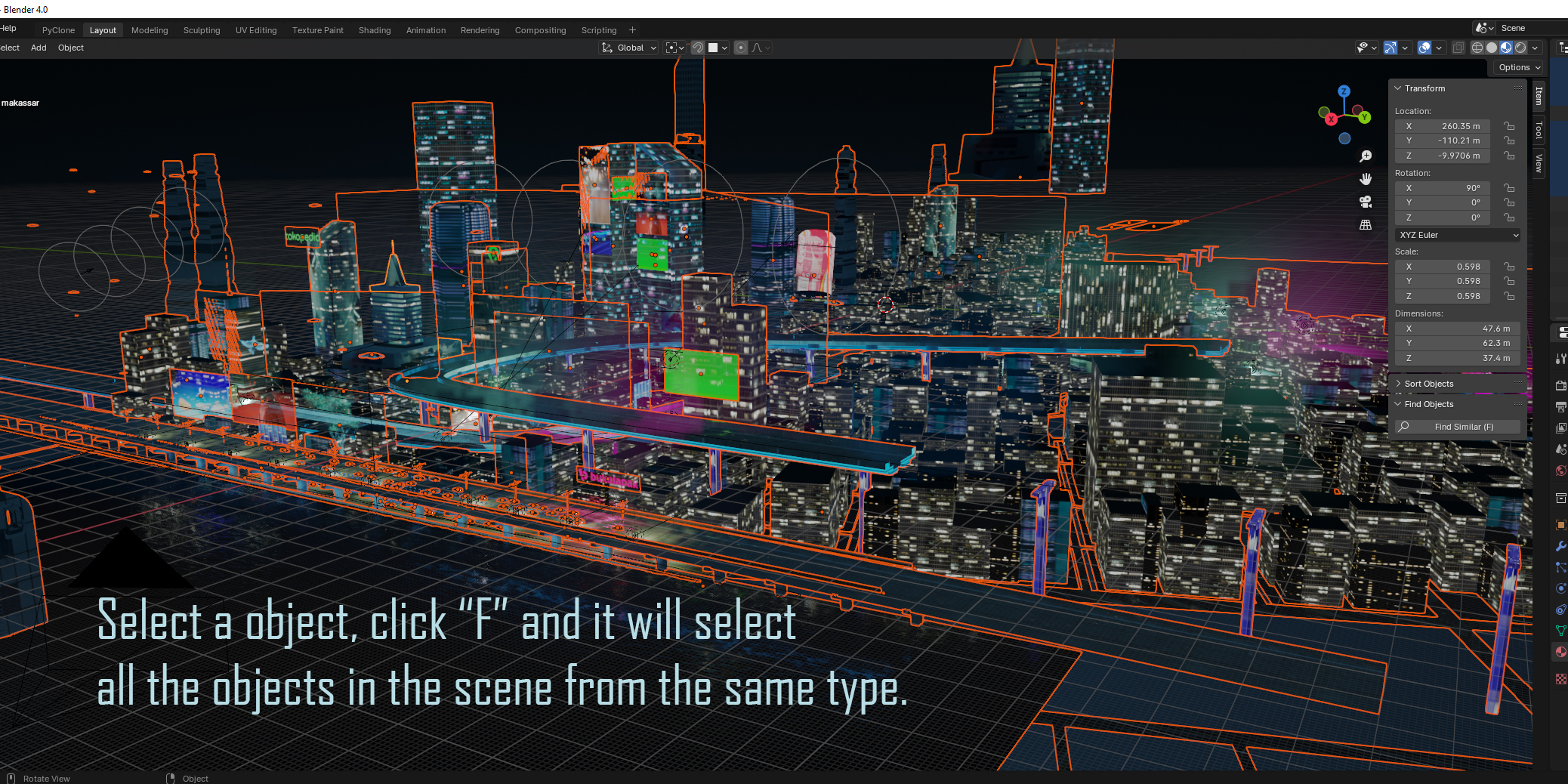
Overview
The Find / Sort Objects Bundle brings together two essential scene management utilities—Find Objects and Sort Objects—to keep complex Blender projects fast, clean, and organized. Designed for 3D generalists, environment artists, and technical artists working with hundreds or thousands of scene elements, this bundle eliminates endless Outliner scrolling by giving you instant search filtering alongside automated object sorting.
Installation
Download the bundle and locate the two individual
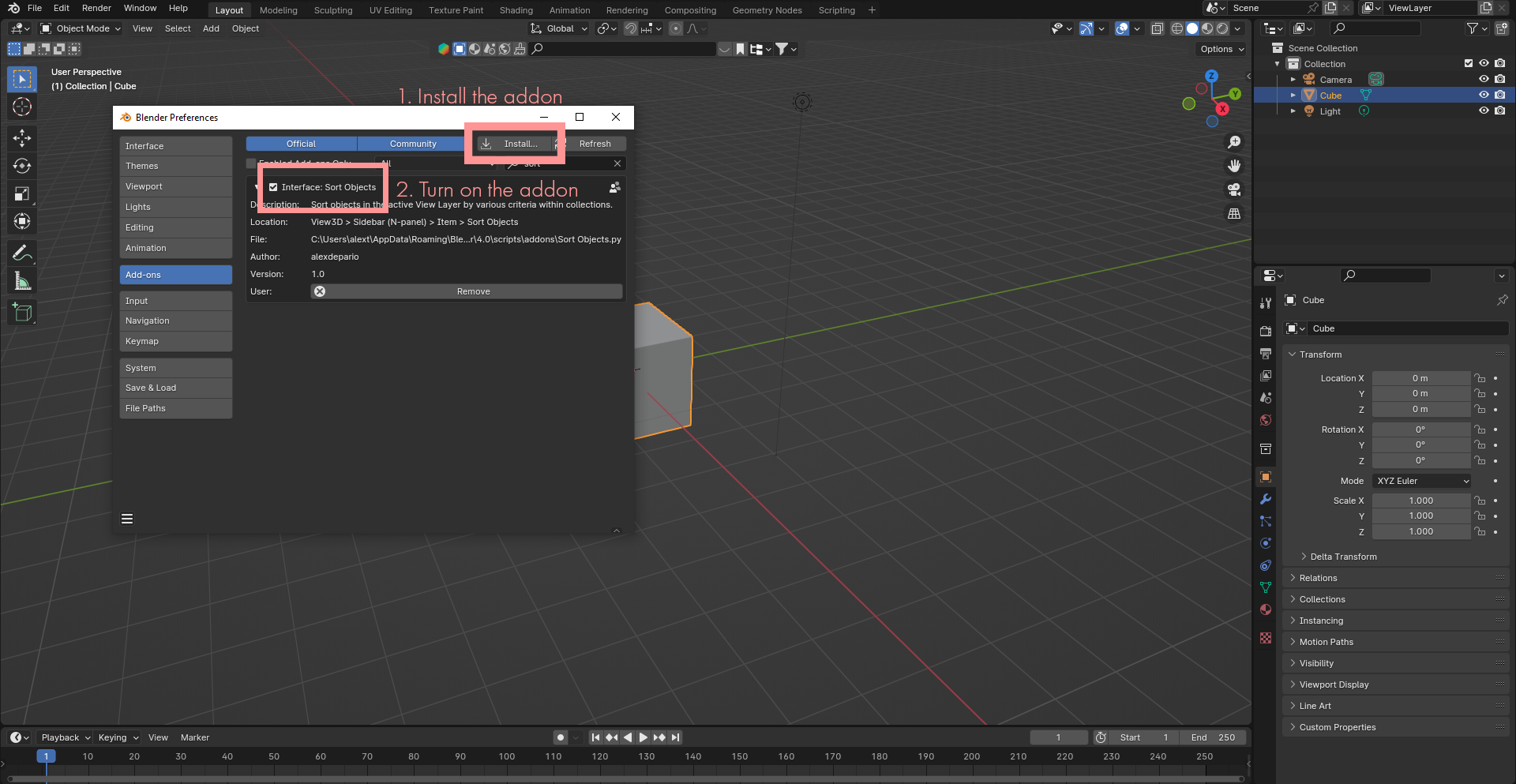
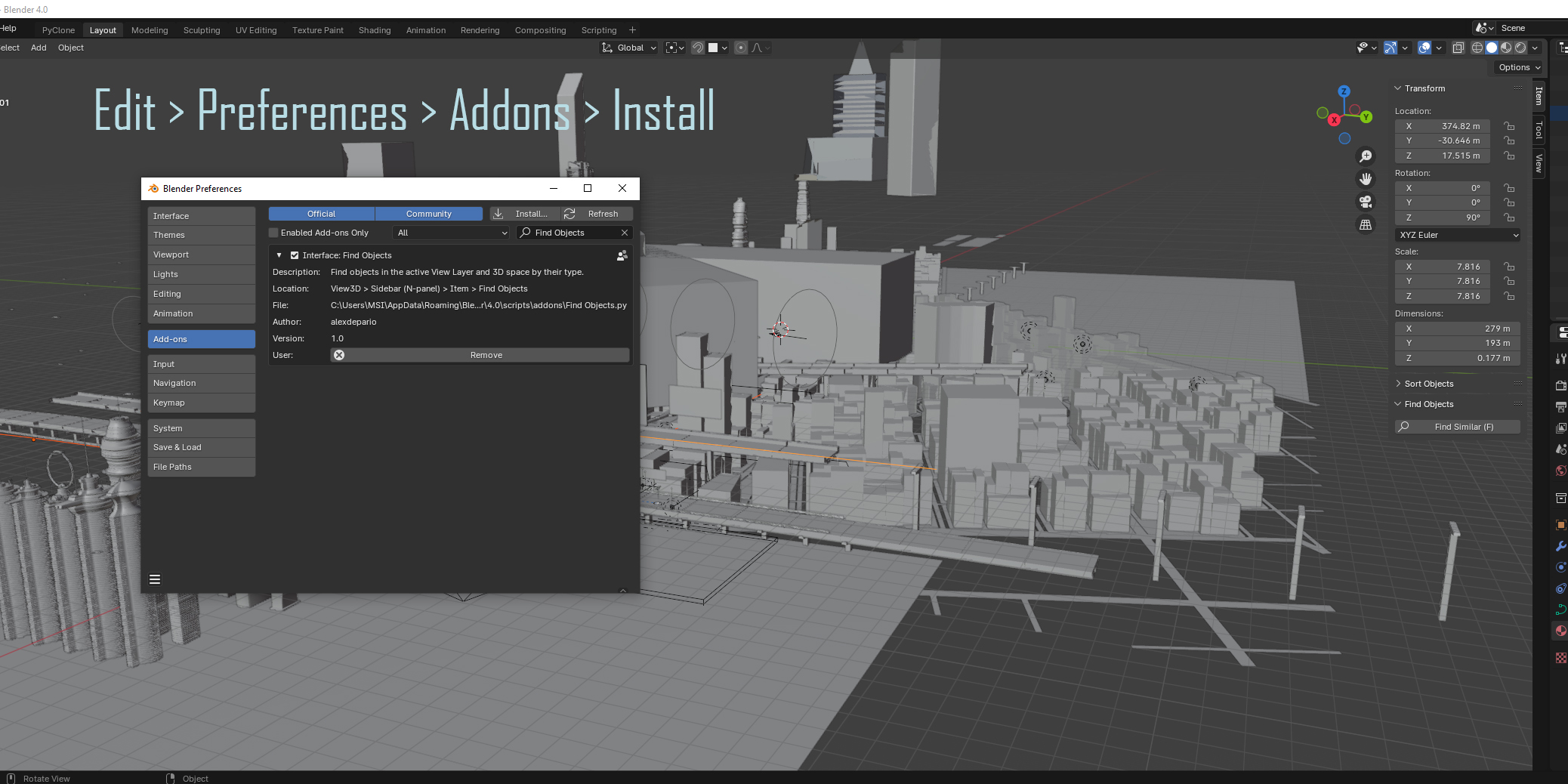
.zipfiles (Find_Objects.zipandsort_objects.zip)—do not extract them.Open Blender and navigate to Edit > Preferences > Add-ons (or Get Extensions in Blender 4.2+).
Click the drop-down arrow in the top-right corner and choose Install from Disk... (or drag and drop the
.zipfiles directly into the Blender window).Select
Find_Objects.zipto install Find Objects, then repeat the process forsort_objects.zipto install Sort Objects.Confirm that the checkboxes next to both add-ons are enabled.
Add-on 1: Find Objects
Purpose
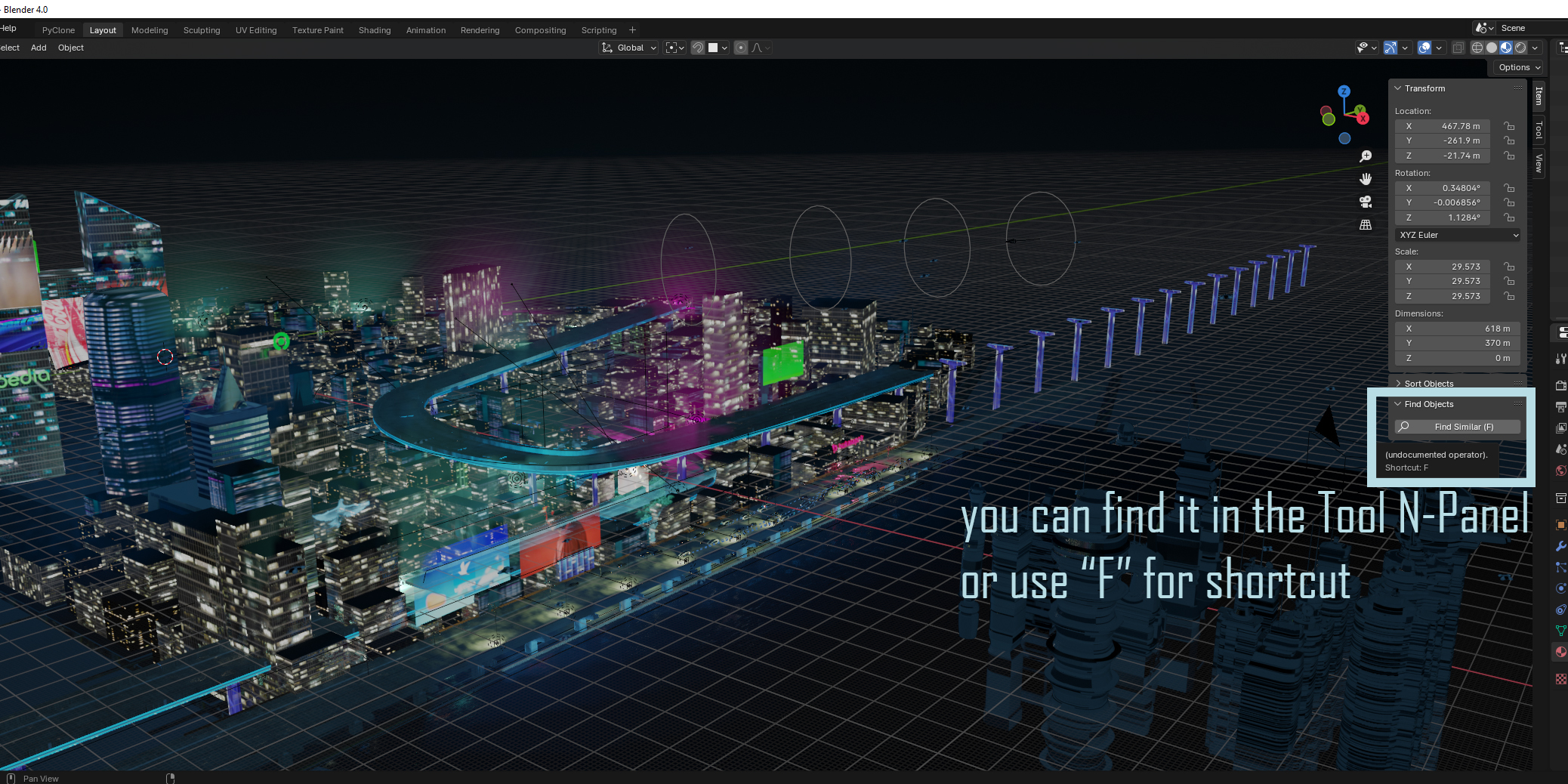
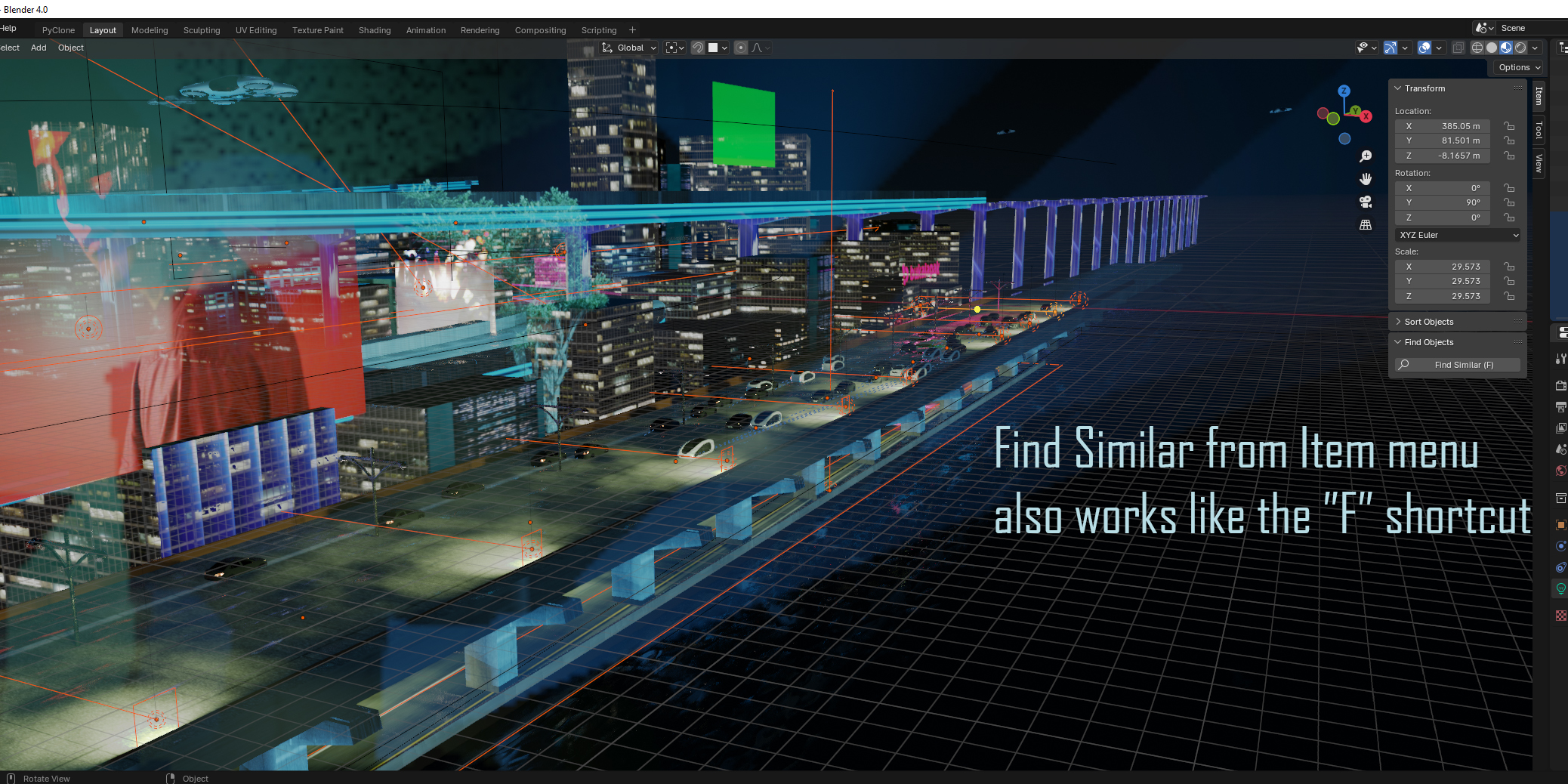
Find Objects accelerates asset lookup in heavy scenes by letting you locate and select target objects directly from the 3D Viewport without manually expanding nested collections in the Outliner.
How to Use
Hover over the 3D Viewport and press
Nto open the Sidebar.Open the Find Objects tab.
Enter your search criteria or filter options to pinpoint matching scene objects.
Select or isolate the matching objects directly from the panel to focus on your edits.
Package Contents
Find_Objects/__init__.py— Add-on registration and initialization entry point.Find_Objects/Find_Objects.py— Core search operator and UI panel logic.Find_Objects/blender_manifest.toml— Blender extension manifest and compatibility metadata.
Add-on 2: Sort Objects
Purpose
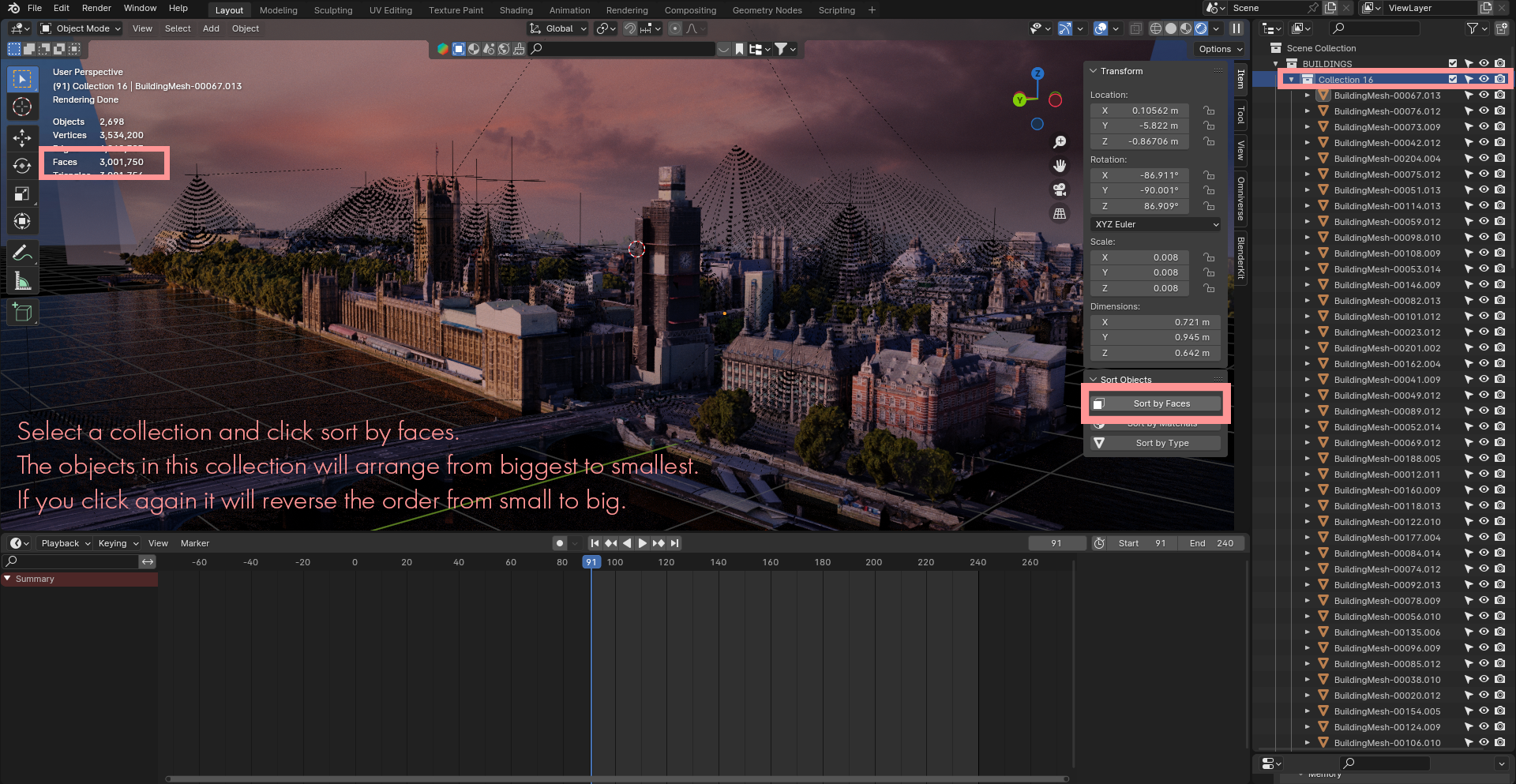
Sort Objects keeps your scene hierarchy tidy by organizing objects quickly, preventing chaotic Outliner lists when importing assets, duplicating parts, or assembling large environments.
How to Use
Hover over the 3D Viewport and press
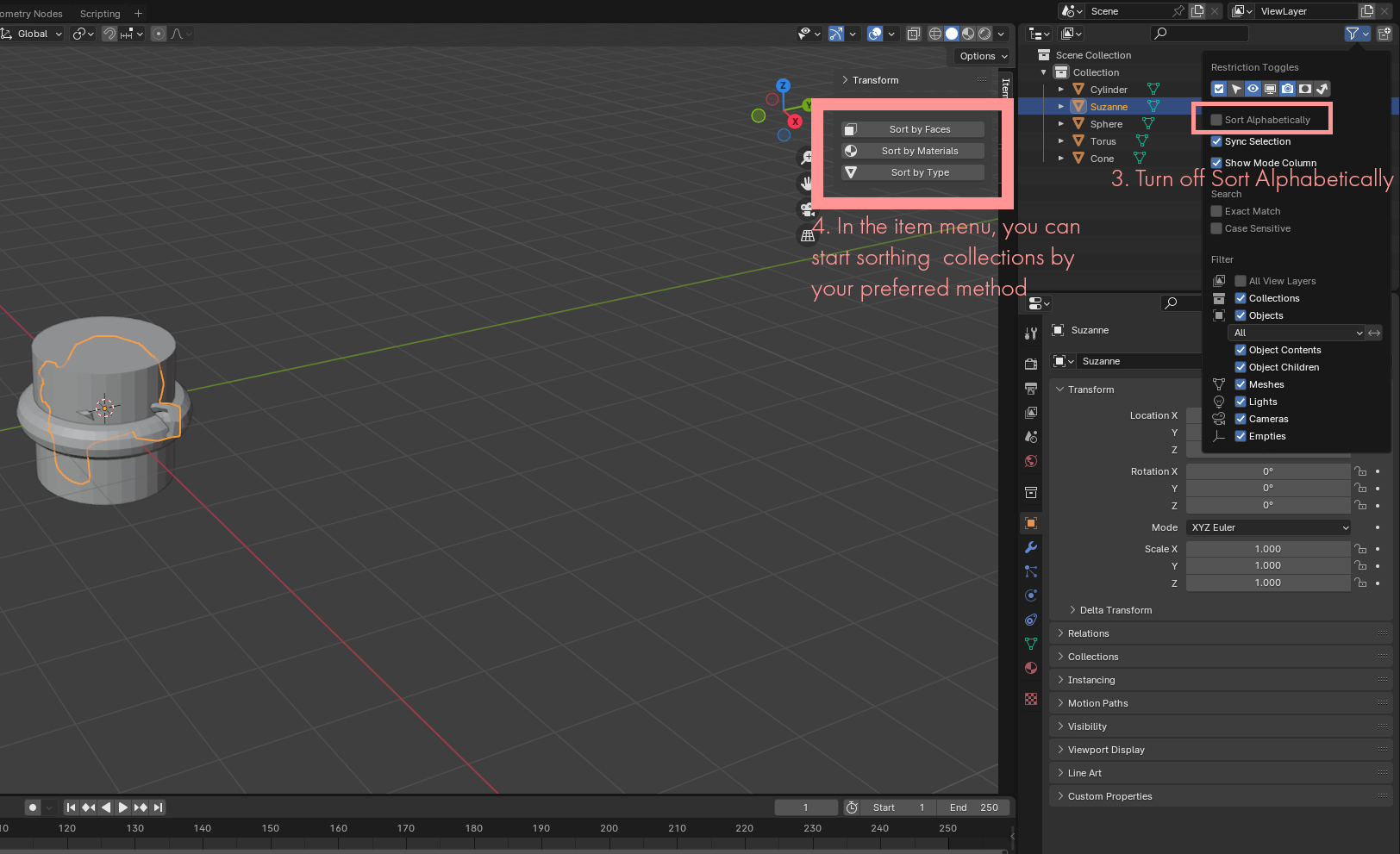
Nto open the Sidebar.Open the Sort Objects tab.
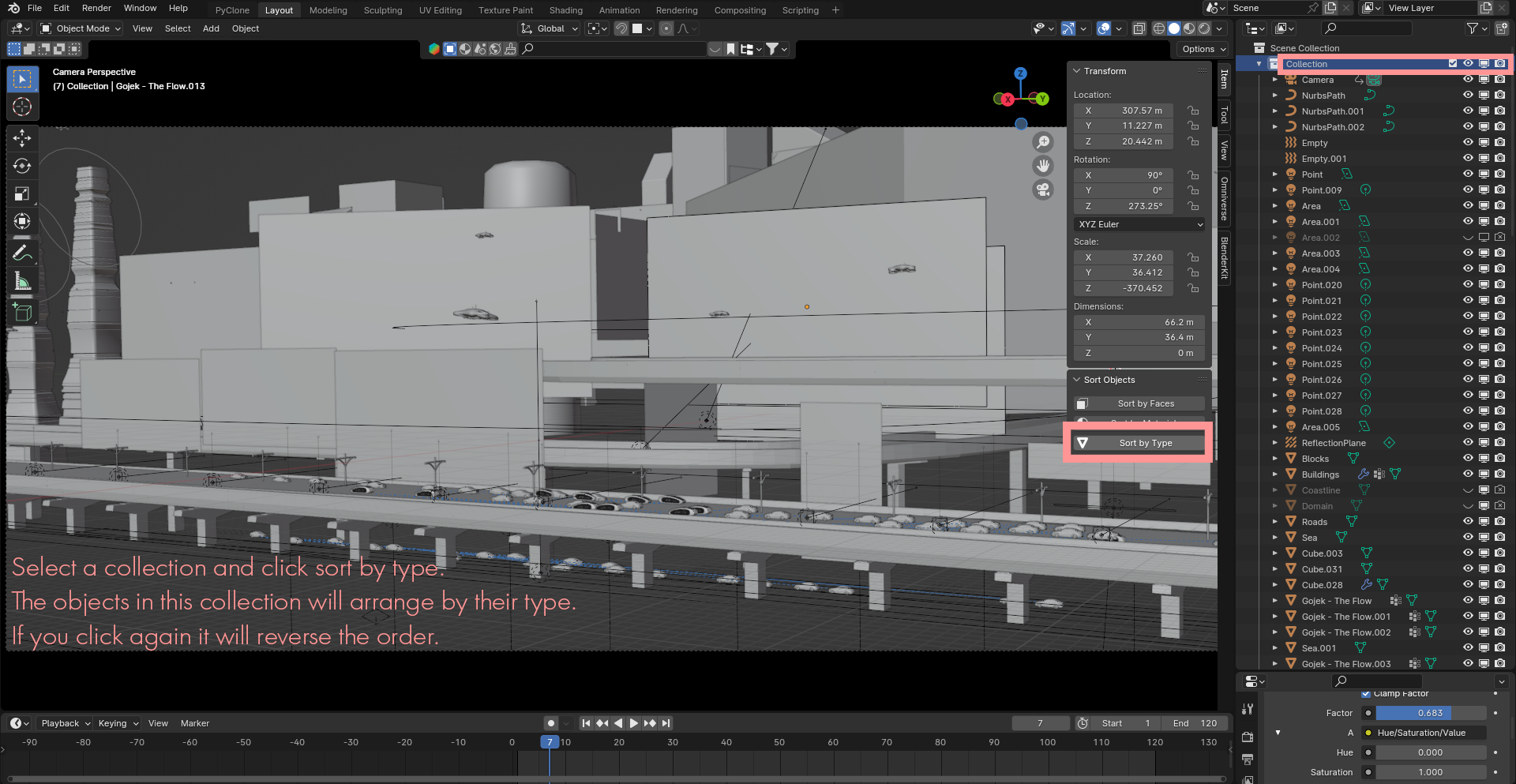
Select the target objects or collection you want to organize and choose your preferred sorting criteria.
Execute the sort operation to arrange your scene objects cleanly in seconds.
Have questions about this product?
Login to message
| Dev Fund Contributor | |
| Published | almost 3 years ago |
| Blender Version | 4.3, 4.2, 4.1, 4.0, 3.6, 3.5, 3.4, 3.3, 3.2, 3.1, 3.0, 2.93, 2.92, 2.91, 2.9, 2.83, 2.82, 2.81, 2.8 |
| License | GPL |

alexdepario
Discover more products like this
Object Selection collection object-mode blender addon interface objects addon Object Finder blender customization asset management mesh