Find / Sort Objects Bundle
 alexdepario
in Interface
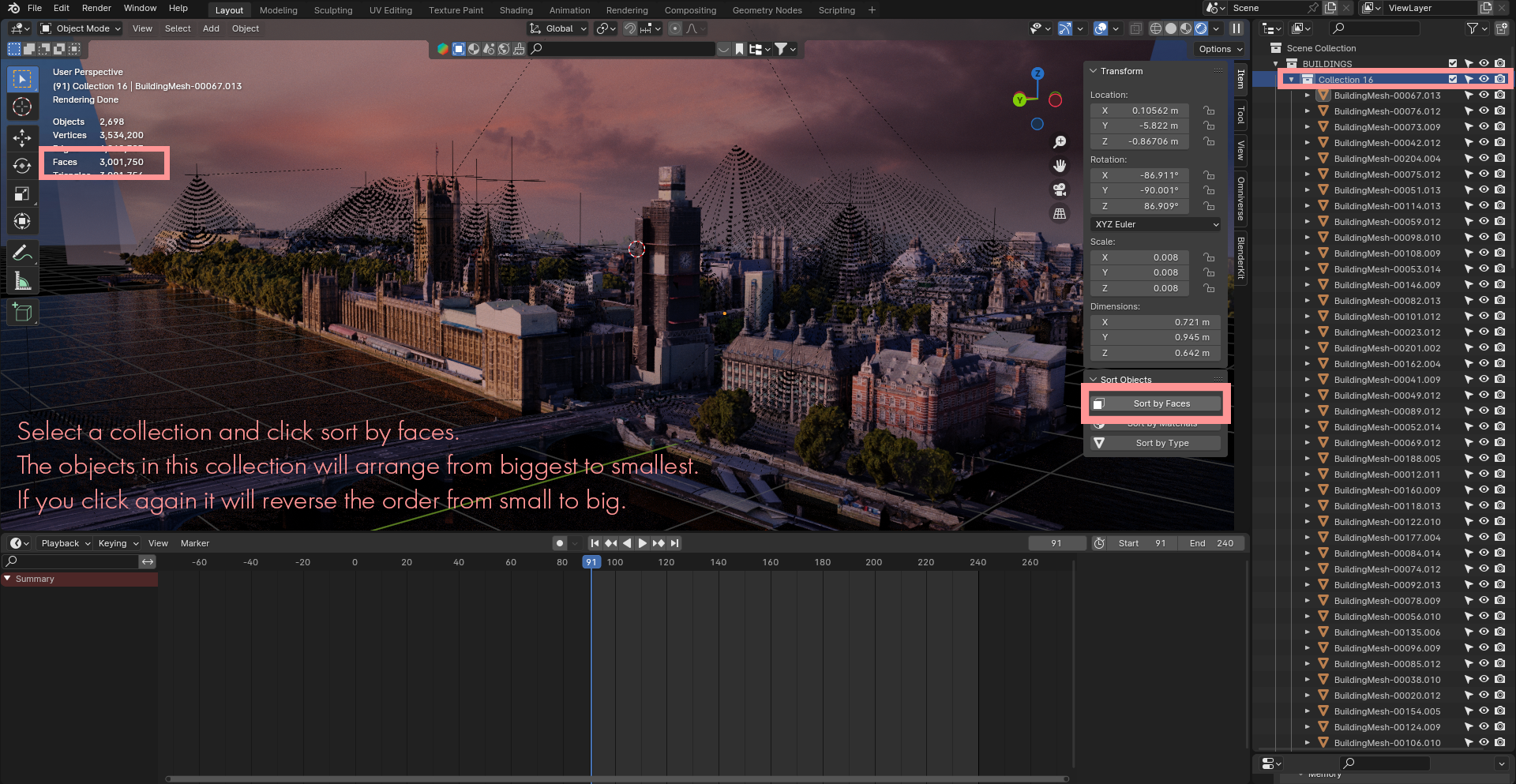
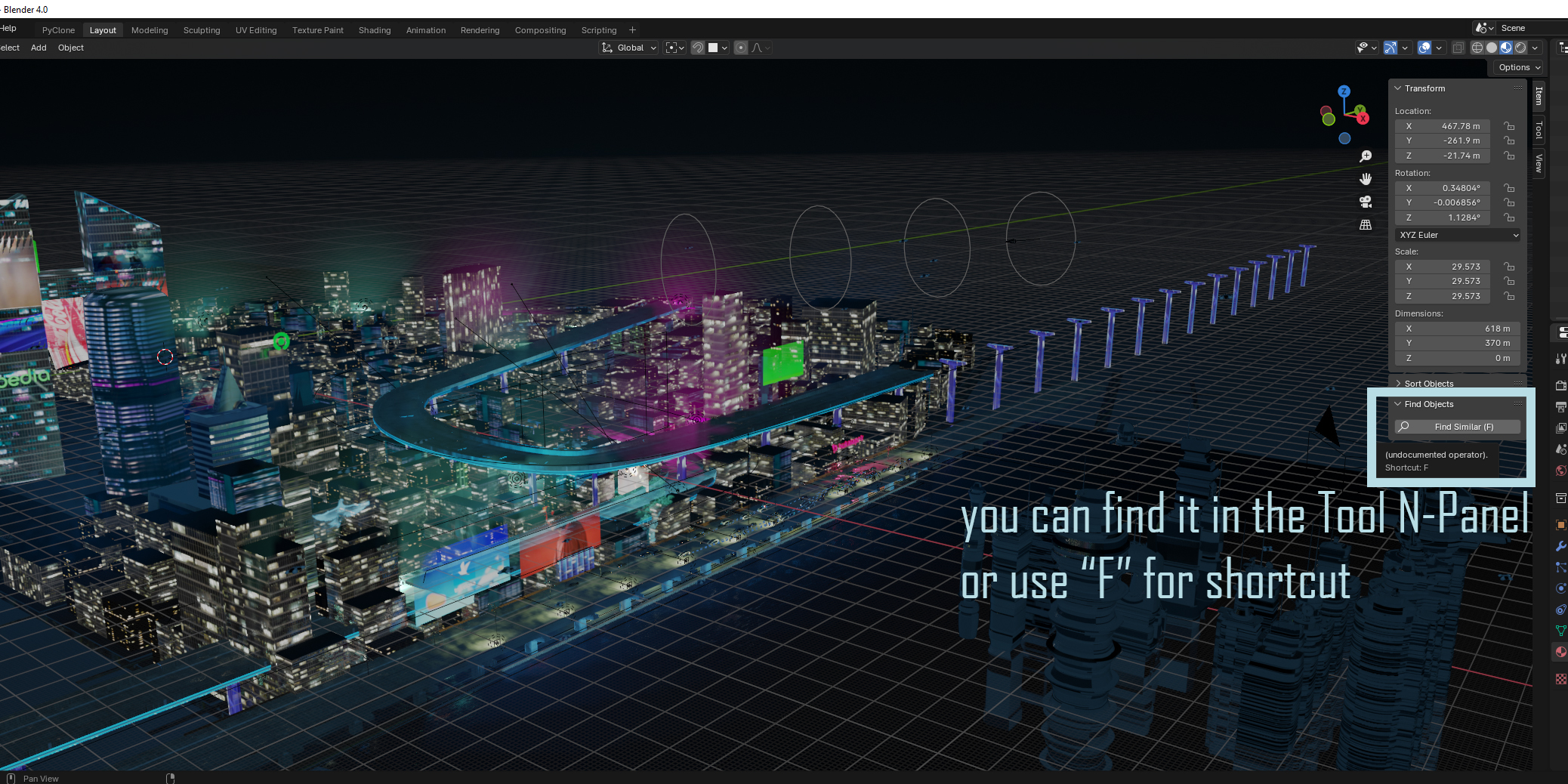
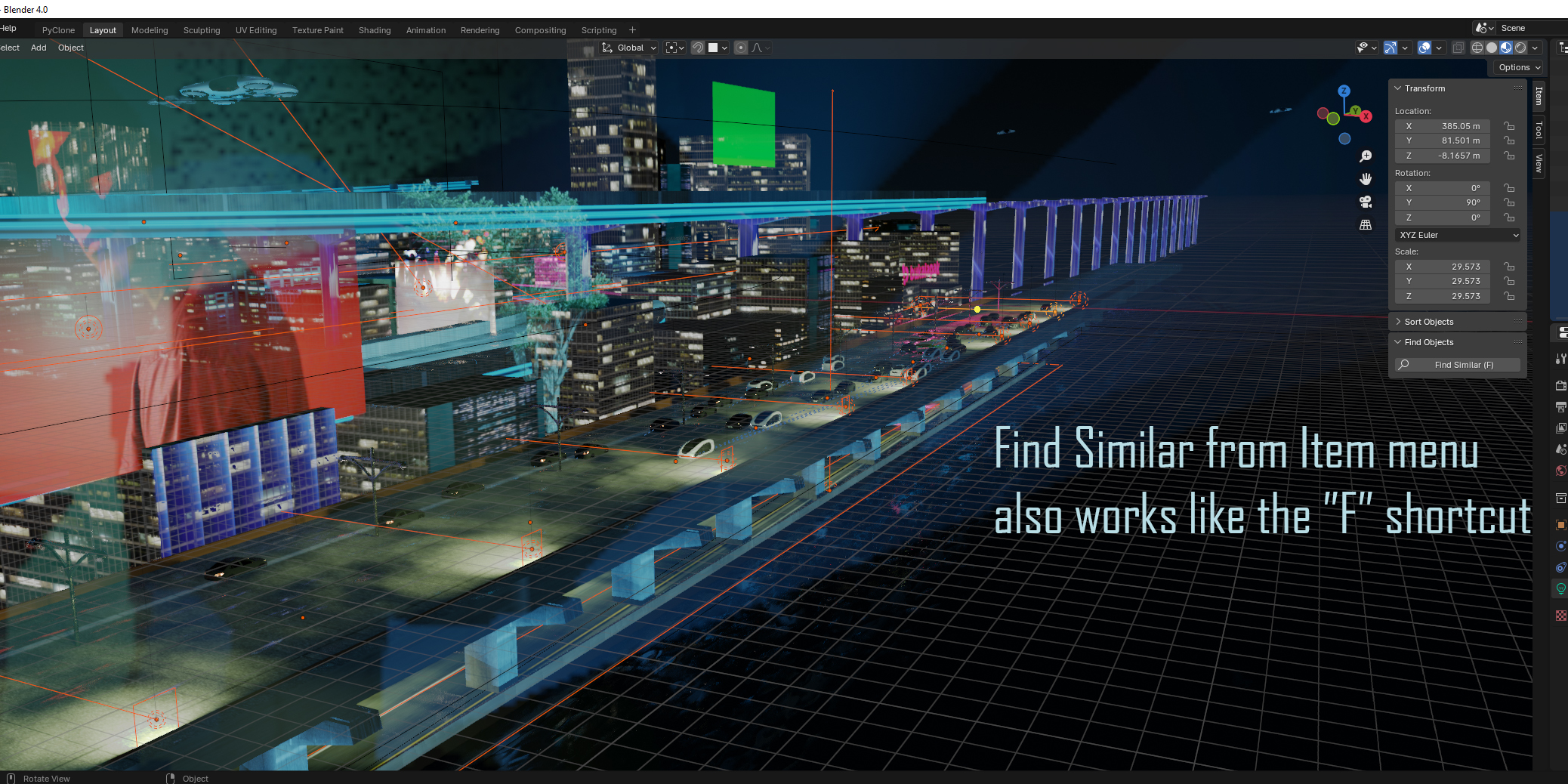
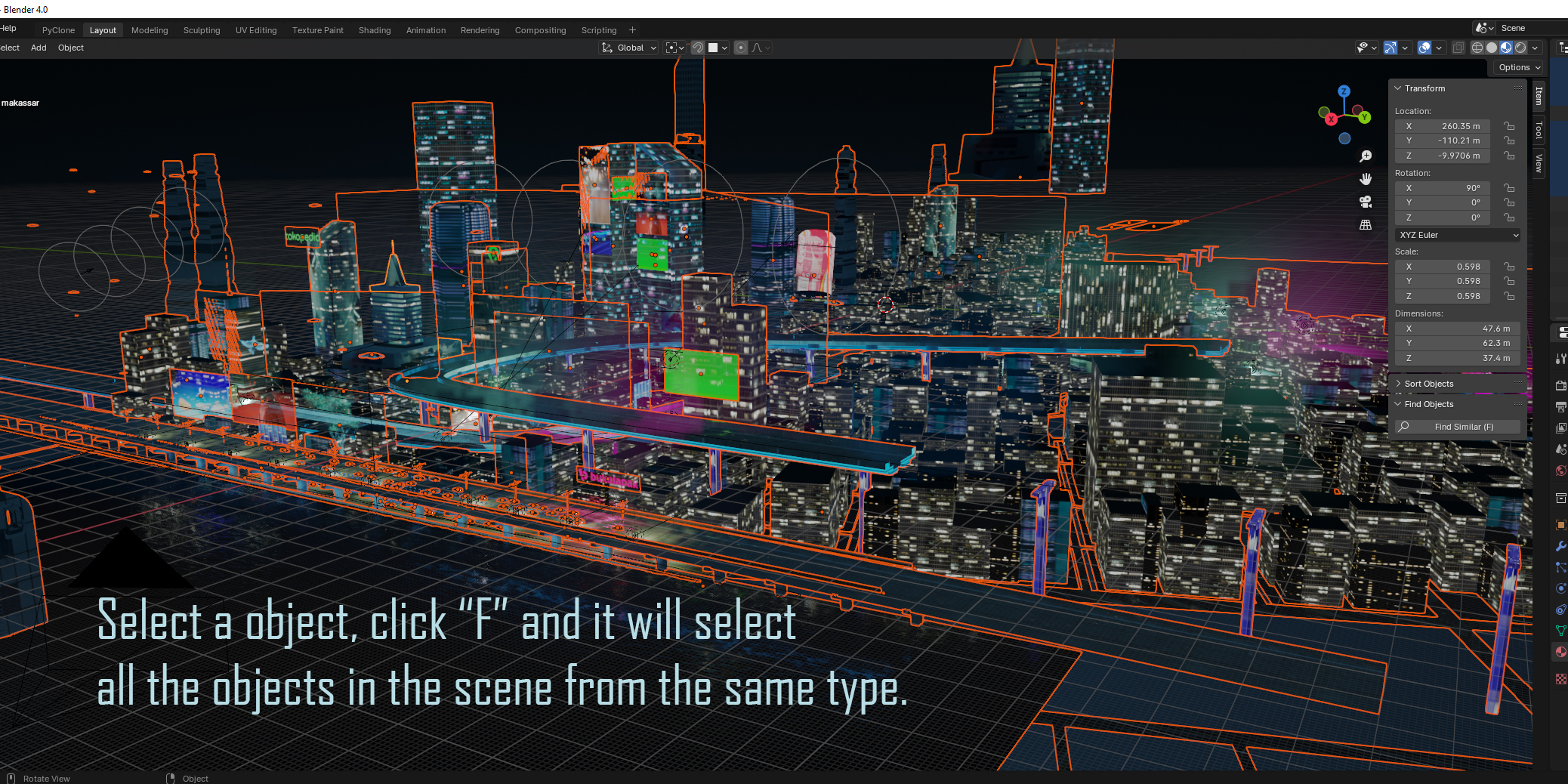
How do Find Objects and Sort Objects work together in large projects?
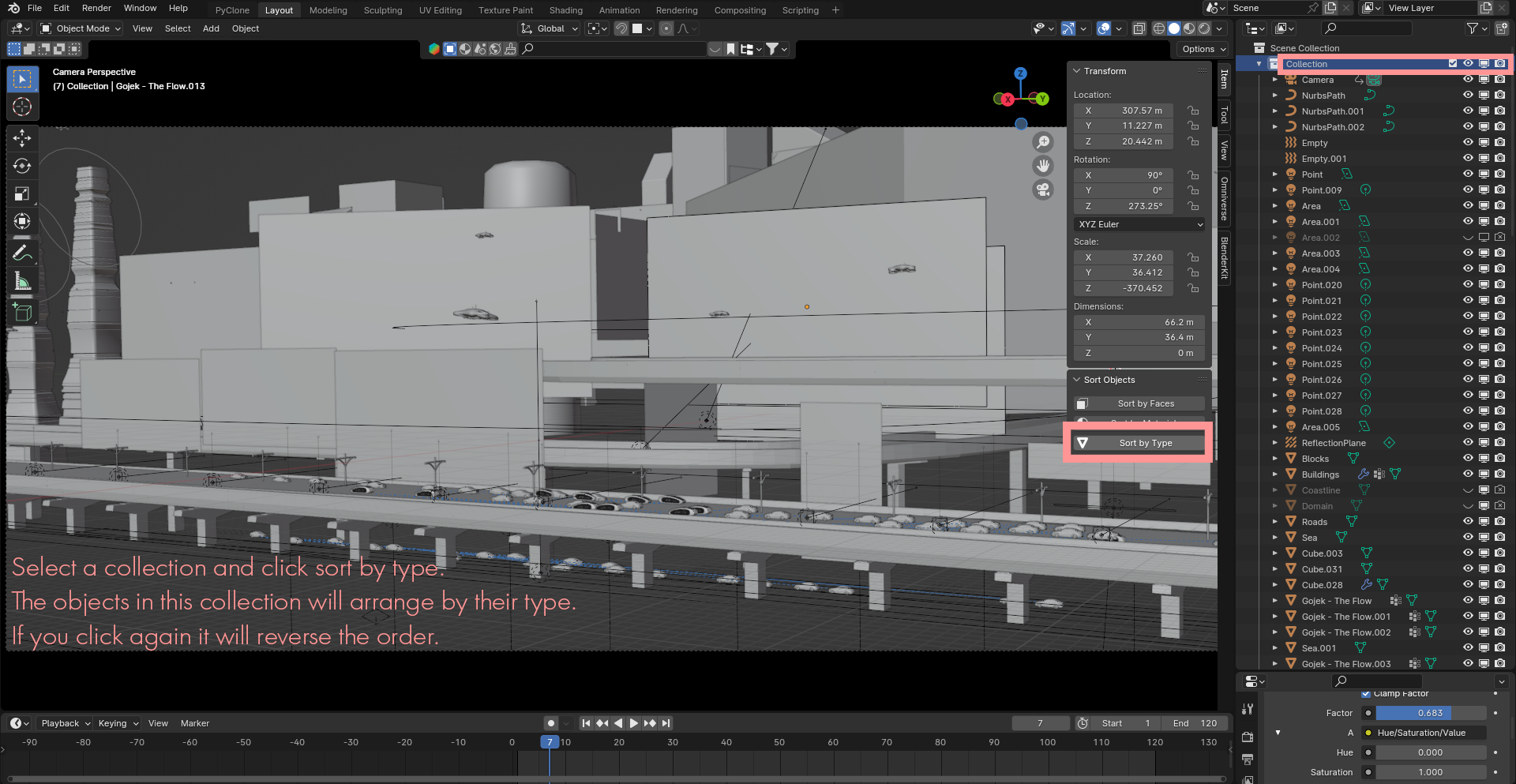
Find Objects lets you search, filter, and isolate specific objects immediately across dense scenes, while Sort Objects organizes your scene items cleanly in seconds so your Outliner remains structured and easy to navigate.
Where do I find the panels for Find Objects and Sort Objects inside Blender?
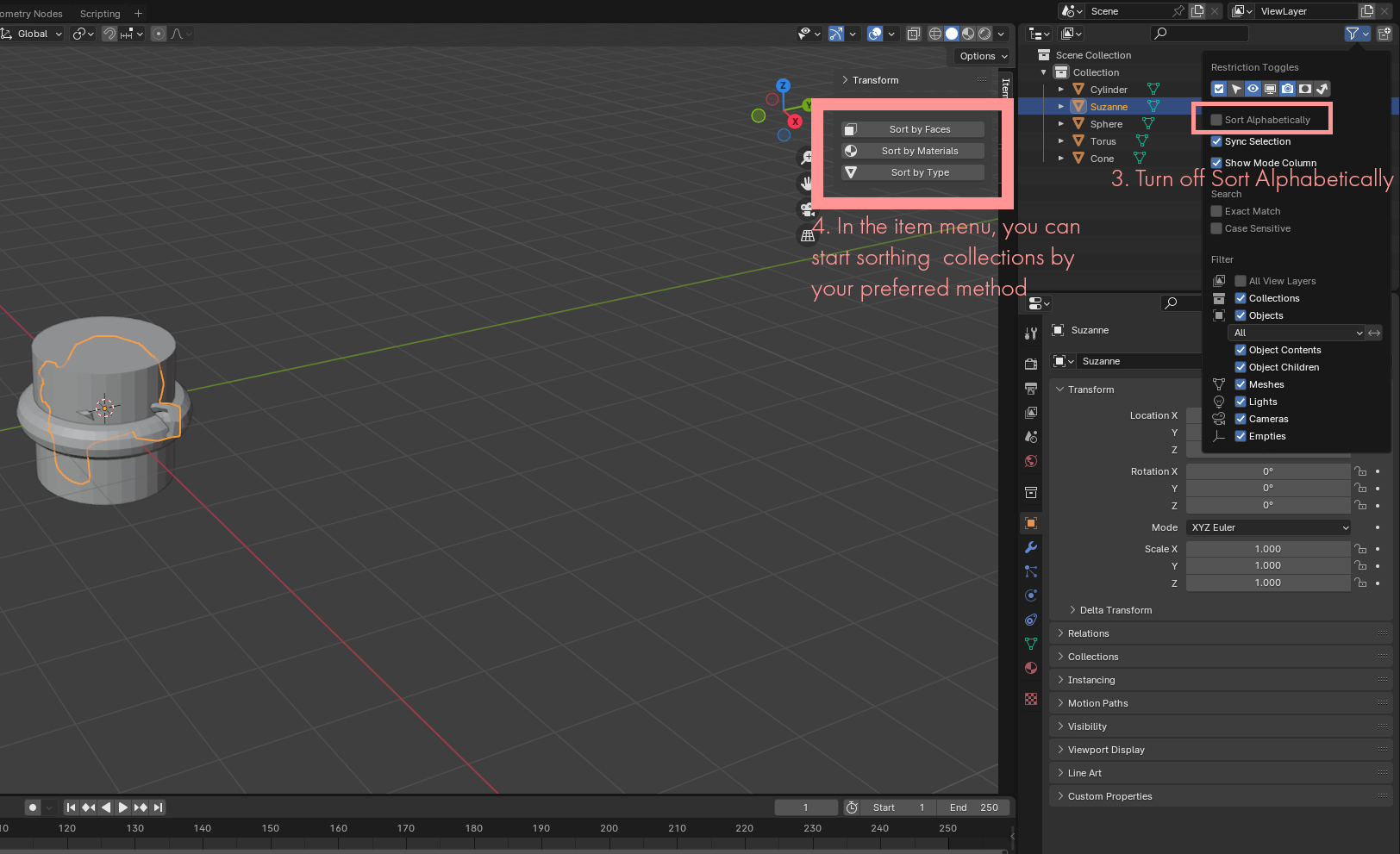
Open the 3D Viewport, press N on your keyboard to open the Sidebar (N-Panel), and select the respective add-on tabs.
Are both add-ons compatible with Blender 4.2 and newer versions?
Yes. Both packages include a blender_manifest.toml extension manifest, making them natively compatible with Blender 4.2+ extension workflows.
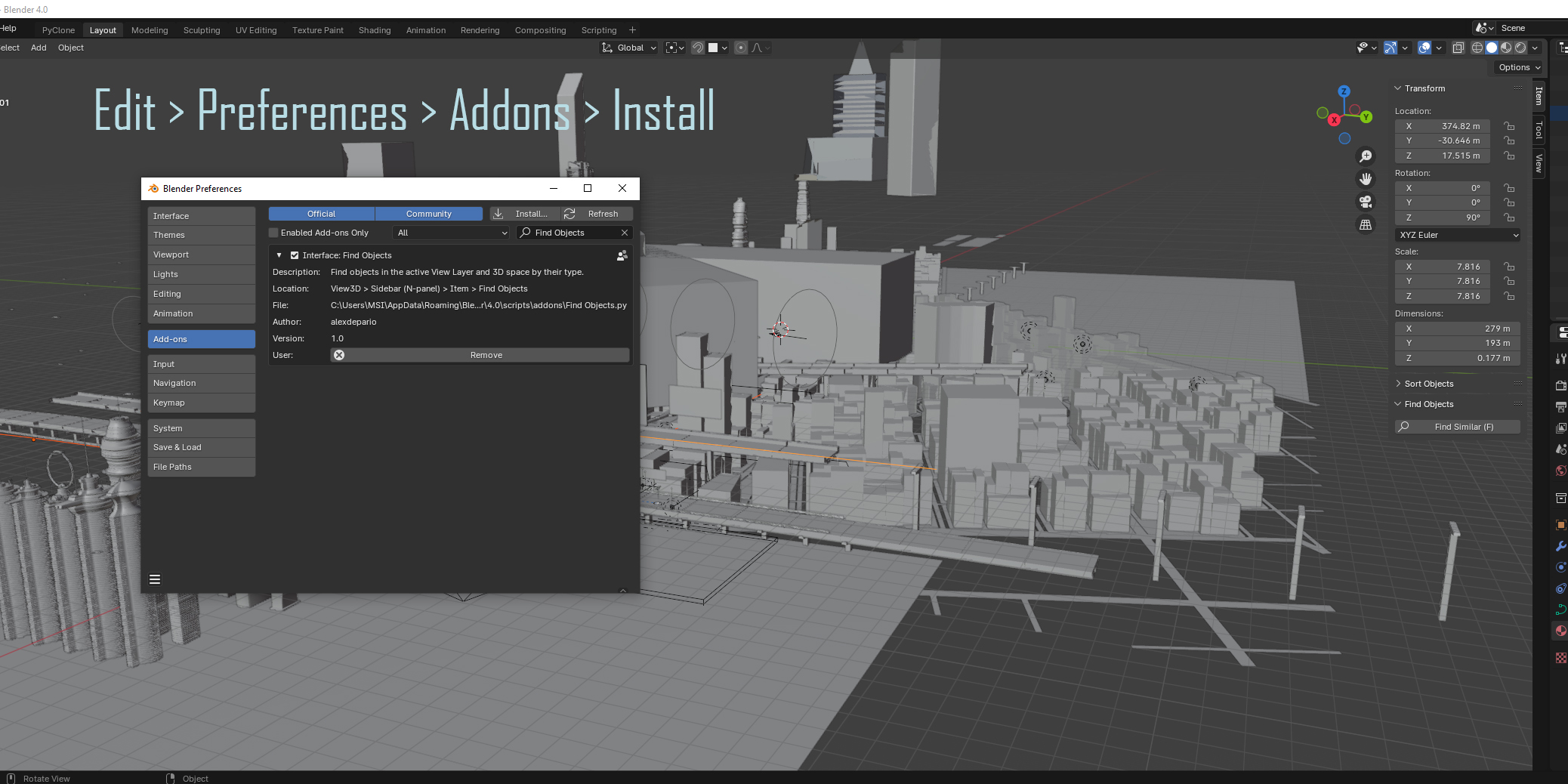
Do I need to extract the .zip files before installing them in Blender?
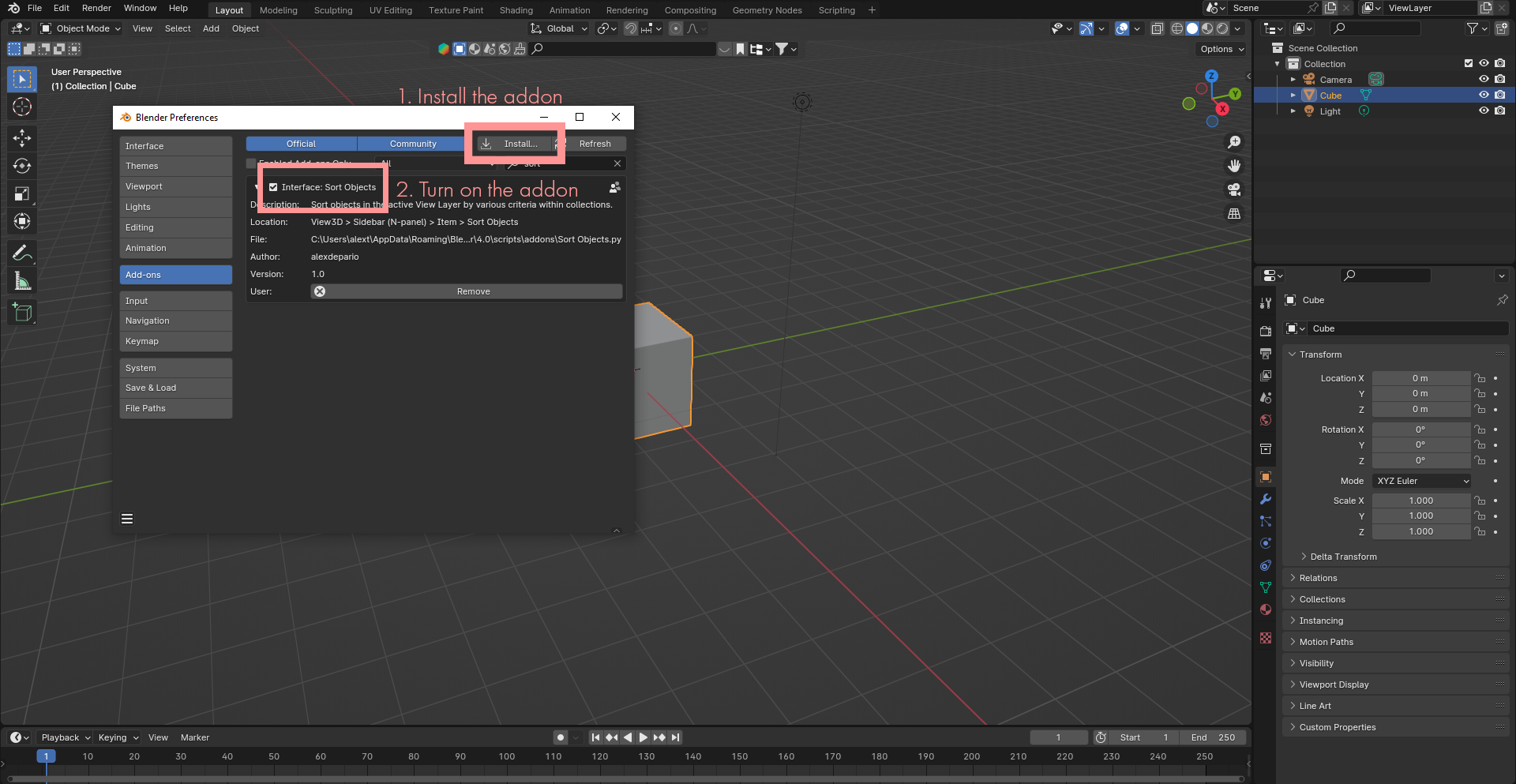
No. Keep both archives compressed and install them directly inside Blender via Edit > Preferences > Add-ons (or Get Extensions) using Install from Disk, or drag and drop each .zip file straight into the Blender window.
Can I install Find Objects and Sort Objects separately?
Yes. The bundle provides two separate .zip archives—one for Find Objects and one for Sort Objects—so you can install and enable either add-on individually or run both together.
Have questions about this product?
Login to message
| Dev Fund Contributor | |
| Published | almost 3 years ago |
| Blender Version | 4.3, 4.2, 4.1, 4.0, 3.6, 3.5, 3.4, 3.3, 3.2, 3.1, 3.0, 2.93, 2.92, 2.91, 2.9, 2.83, 2.82, 2.81, 2.8 |
| License | GPL |

alexdepario
Discover more products like this
interface collection mesh blender blender addon objects Object Selection addon asset management Object Finder customization object-mode