 Dennis Hafemann








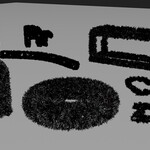
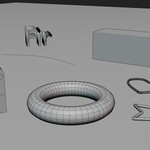
Fir / Wreath Modifier (Geometry Nodes Modifier)
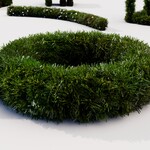
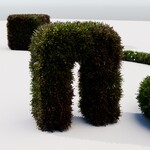
This Fir / Wreath Modifier, a geometry nodes modifier, rich on properties and features, let's you turn your mesh, parts of it or your curve into festive, cozy, good looking Christmas accessories, like a Christmas wreath or a hanging fir garland. Be creative, every festive scene needs fir elements or at least a shiny fairy lights garland.
The Fir / Wreath Modifier in an artistic environment

(Artistic environment is only for demonstration and not included in this product. This Christmas scene "Christmas Scene: Magic Storytelling" is also available.)
|
Use "Fir / Wreath Modifier" to turn your mesh, parts of it or your curve, as a garland, into fir. Control distribution, size, length, etc. ... | |
|
... and distribute fairy lights objects at the same time, controlling distribution density, size, custom objects / collection, etc. |
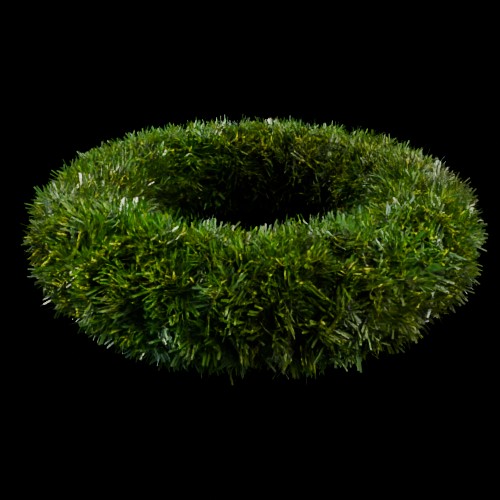
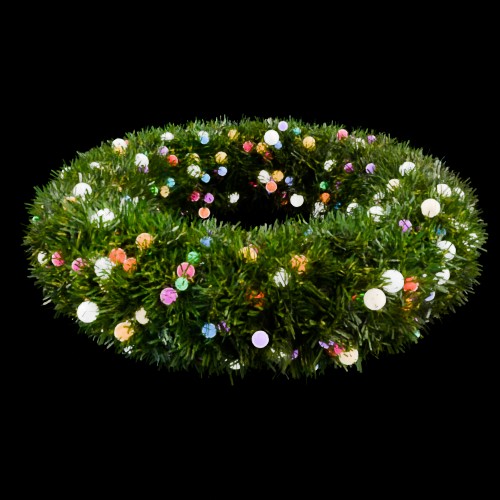
Take a look at the documentation pages for more information about the modifier and the supported Blender versions.
Including
- Basic scene with objects, ground, camera, lighting, ready to render
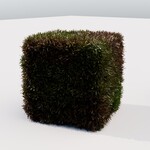
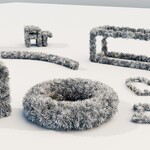
- 8 Example-Objects (Cube, Curve / Garland, Door, Heart, Start, Text, Torus, Wireframe)
- 4 Materials (Fir (fresh), Fir (old), Fairy Lights Colored, Fairy Lights White), procedural
- Modifier, materials and objects are marked as assets.
Usage
- Download and extract .zip file.
- Open .blend file in Blender, ready to render.
- Import / Append (F4) "Fir / Wreath Modifier", or any material or object to your scene, as you like.
- Modifier, materials and objects are marked as assets and can be imported from Blenders asset browser, if extracted .blend file is located in your asset library path. Using "Fir Wreath..." are prefix.