 ZEG
ZEG
Installation
In Blender open Edit, Preferences, Get Extensions, then use Install from Disk and pick the fireworks_generator zip.
Usage
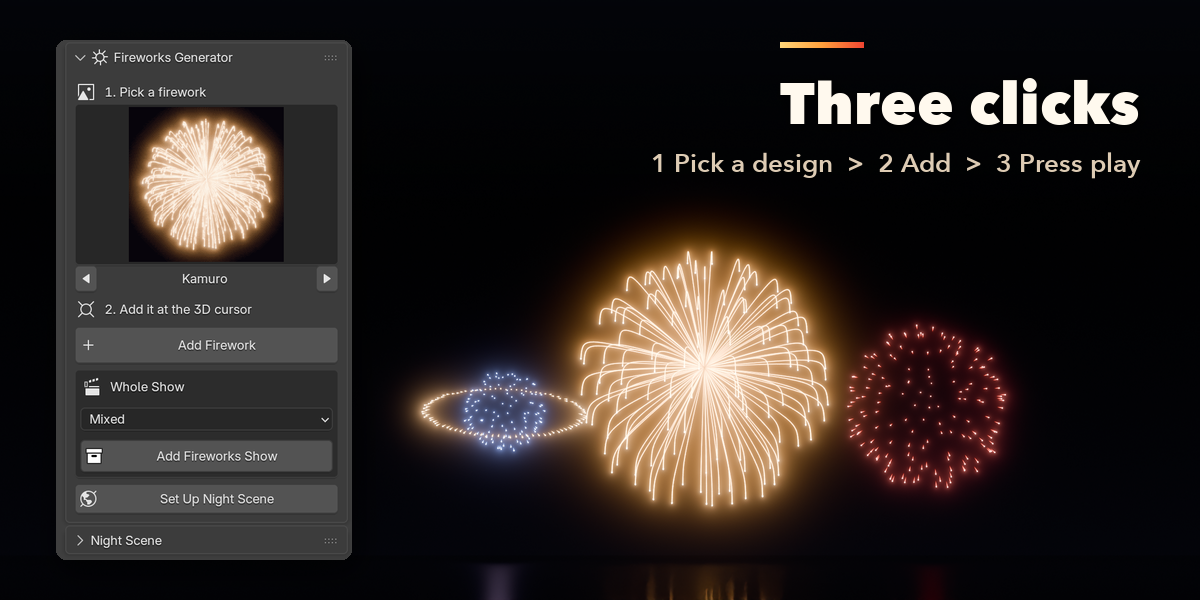
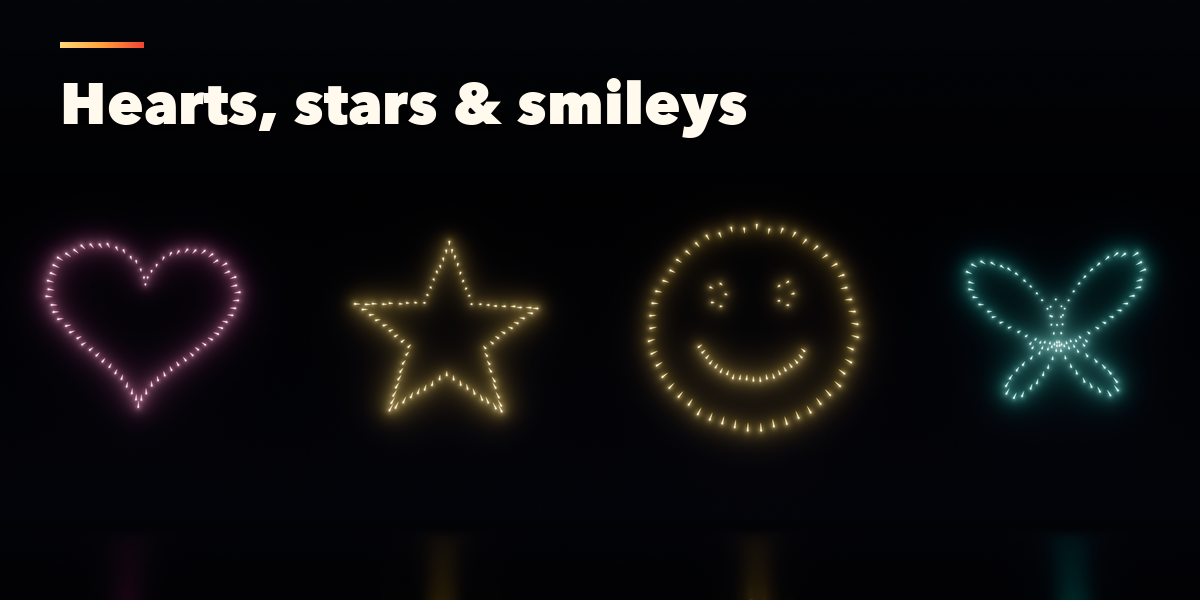
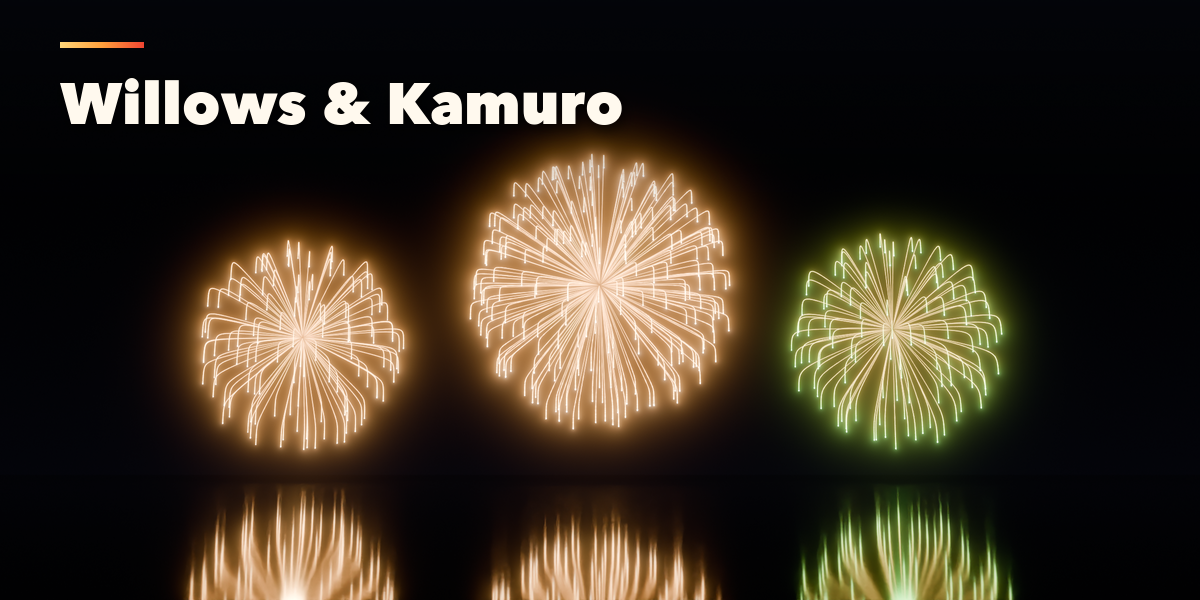
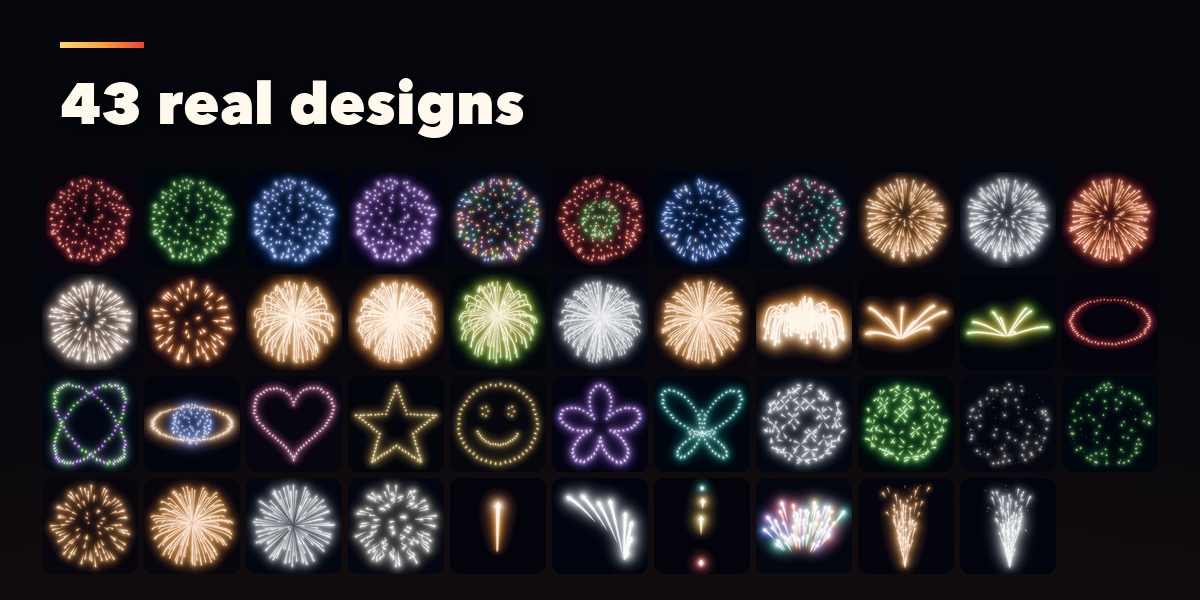
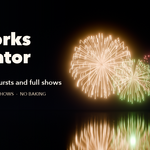
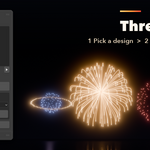
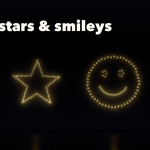
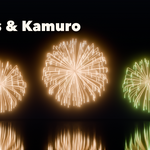
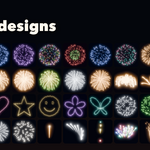
- Open the Fireworks tab in the 3D viewport sidebar (N). Click the picture to choose one of the 43 designs and press Add Firework: it is placed at the 3D cursor and launched at the current frame. You can also use Shift+A, Firework.
- Press Set Up Night Scene once: it adds a night sky, the lens glow in the compositor, AgX color, motion blur and a camera that frames your fireworks, and makes the timeline long enough.
- Press play. Go to Burst jumps to the moment the selected firework looks its fullest.
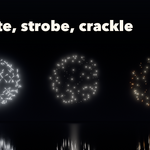
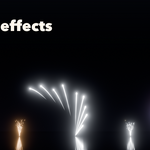
- With a firework selected, change its launch frame, shell size, star count and colors at the top, and everything else in the Burst Shape, Trails & Sparkle, Launch and Glow & Light sub-panels. New Variation reshuffles its stars.
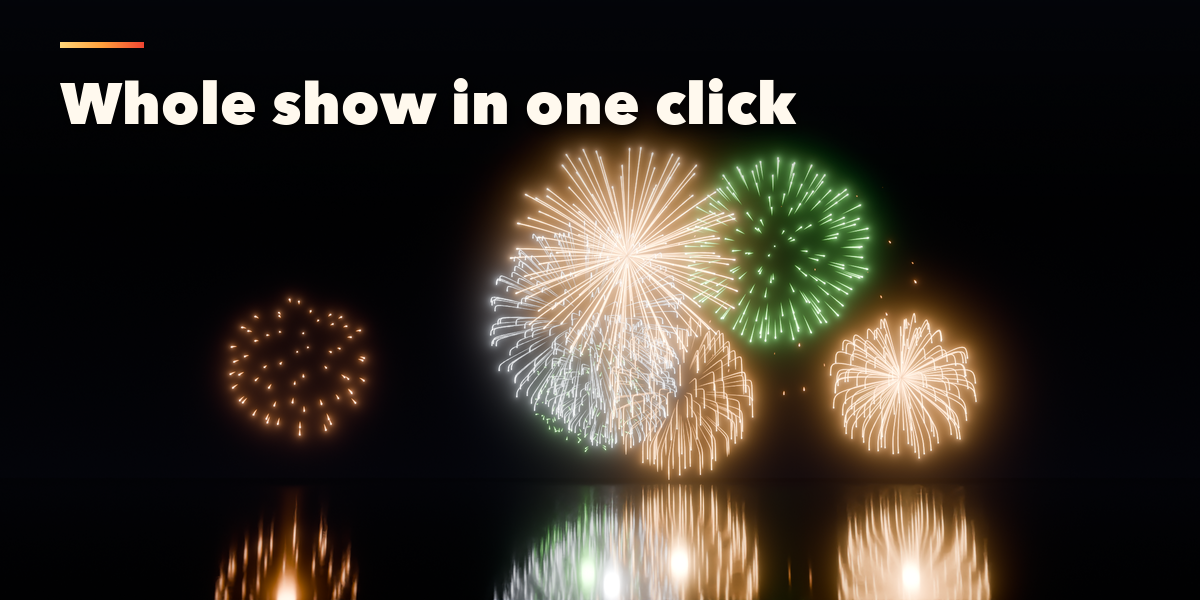
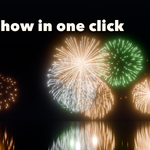
- Add Fireworks Show adds a whole timed show in one of five styles; change the number of shells, length, width, finale and seed in the operator panel at the bottom left.
Wind for all fireworks is in the Night Scene panel. Fireworks are recomputed for every frame by the addon, so keep it enabled when rendering.
Have questions about this product?
Login to message
| Blender Extension Compatible | Yes |
| Published | 3 days ago |
| Blender Version | 4.2 - 5.2 |
| Extension Type | Add-on |
| Render Engine Used | Cycles, Eevee |
| License | GPL |
