 rileyb3d


VERSION 2.0 Just Launched
Read up about the new version in our documentation page.
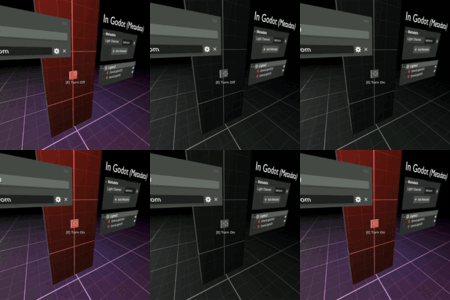
First Person Kit is a Blender addon designed to help you in first person game development, while keeping you primarily within Blender. It lives in three different Blender editor panels:
1- The "N" Panel: This is where global FPK settings live. Create new game projects, create new levels, and set global settings (settings that affect entire game or level functionality). First Person Kit keeps Blender synced up with your game project files automatically. As you add levels, add files, or change functionality, it will automatically sync files withing your game folder structure, ensuring everything runs properly when you're ready to publish your game.
This is also where you can play test and publish your game. All within Blender (note, you'll have to set a Godot .exe path to play test and compile your game)!
In the upcoming version of FPK (unreleased) you will also be able to jump into a game lighting preview from this tab! Preview Godot lighting in real-time while you make lighting changes from within your Blender scene!
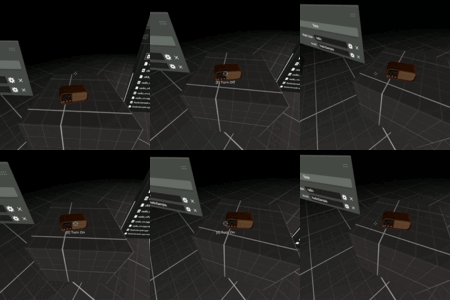
2- Object Properties Tab: Some game functionality is object-specific, not global. When you select a specific object and open your "Object Properties" tab in it's properties, you'll see a new tab for FPK properties. This is where you assign game-specific functionality per object (i.e. doors, audio logs, inspection objects, anything you interact with in your game! It's automatically set and managed within this tab.
3- Object Data Properties: In the case of some objects (like lights) FPK requires some custom object data properties. This is found within the object data properties tab within a custom FPK panel! This is primarily a feature in the upcoming (unreleased) version of FPK. Keep an eye out for this!
If you have any questions at all, or feature requests, please feel free to contact me directly.
First Person Kit is a Blender addon and Godot 4.6+ project template for building first-person games faster.
Instead of starting from an empty Godot project, First Person Kit gives you a working first-person foundation with interaction, inventory, save/load, menus, level transitions, audio systems, and gameplay objects already wired up.
The workflow is simple: install the Blender addon, create a new FPK project from the sidebar, open it in Godot, and press play. From there, you can tag objects in Blender and turn them into interactive gameplay elements in Godot.
Learn more on the FPK Documentation Page
Mechanics that come with the kit so far
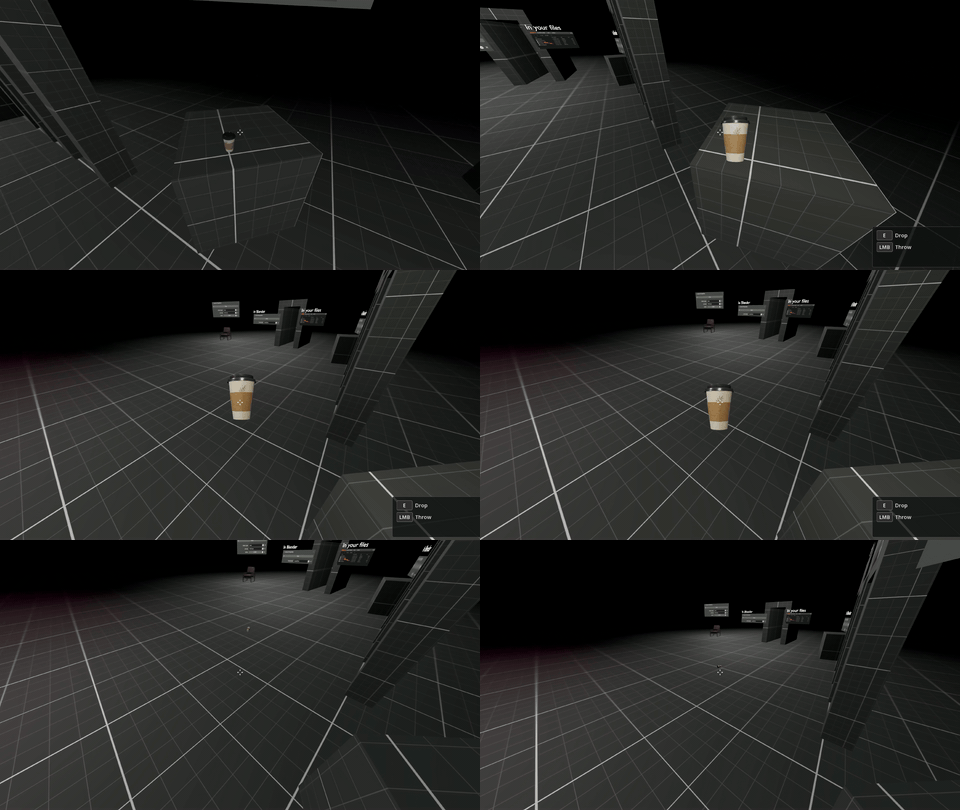
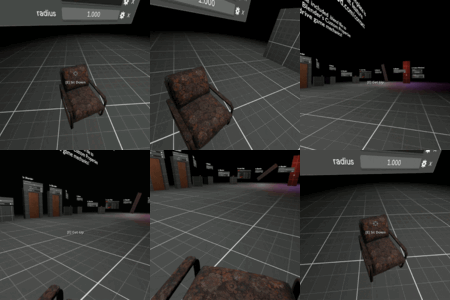
Physics objects
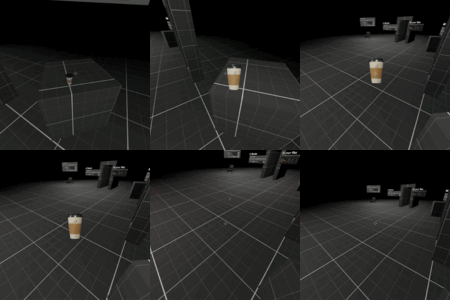
Tag a mesh as a physics object in Blender and Godot turns it into a RigidBody at runtime. Interact to carry and throw.
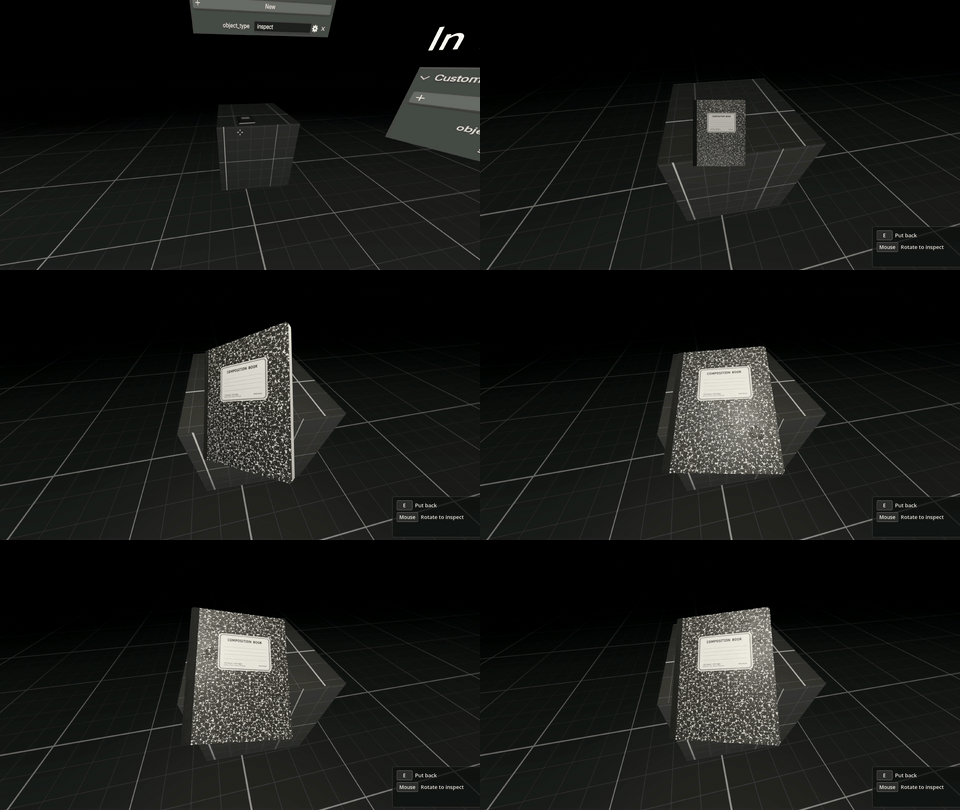
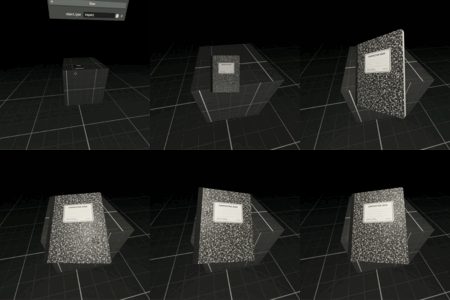
Inspect mode for key props
For things you want the player to study. Tag as inspect object in Blender.

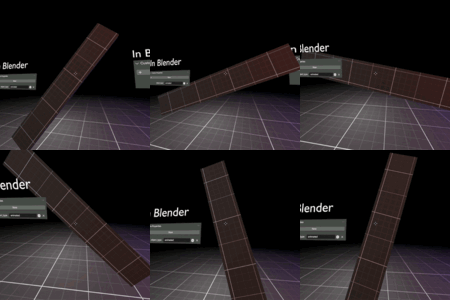
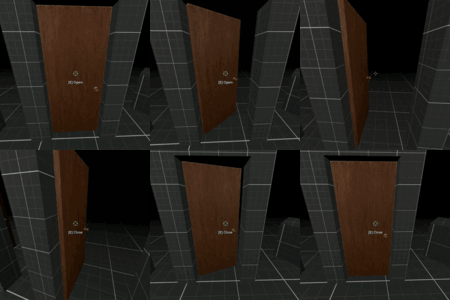
Dynamic hinged doors
Doors swing away from the player with preset open and close animations.
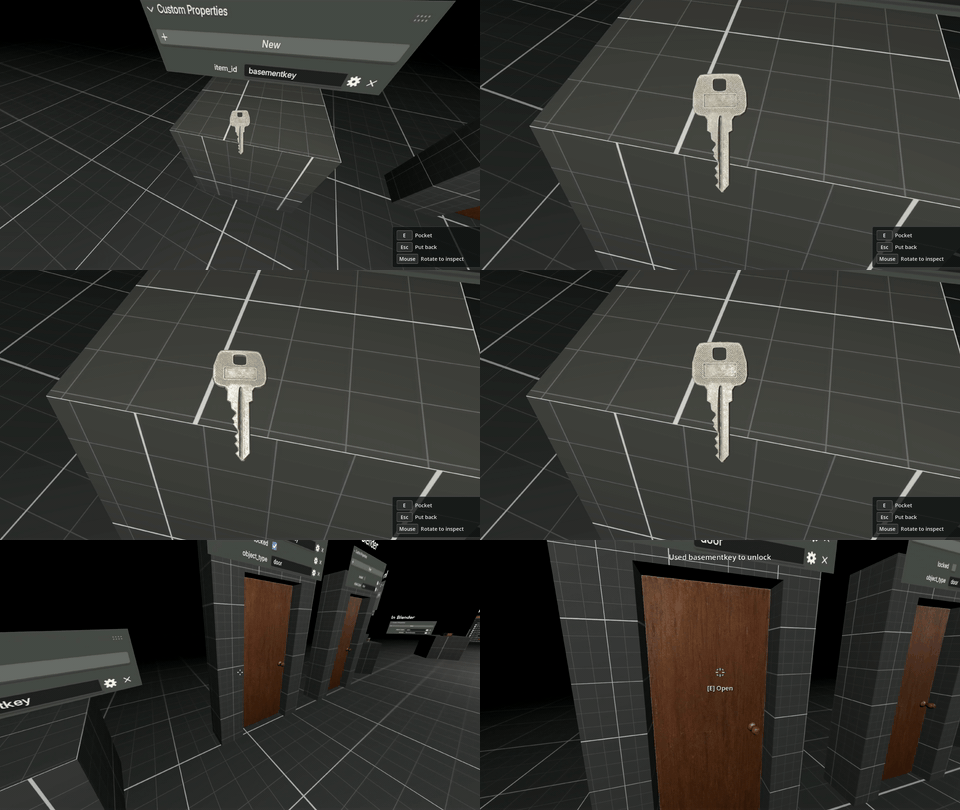
Locked doors and inventory items
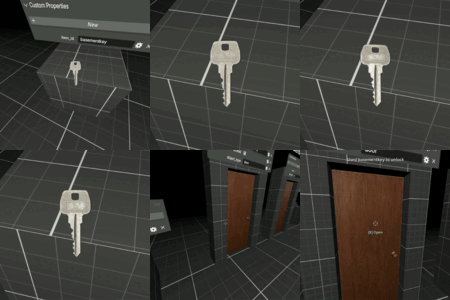
Mark a door as locked and pair it with an item id. Items can be stored in inventory and used to interact with the world.

Toggleable radios with positional audio
Diegetic looping sound that the player can turn on and off. Great for world building and expository objects.

Light switches
Tag any light or group of lights as switchable.
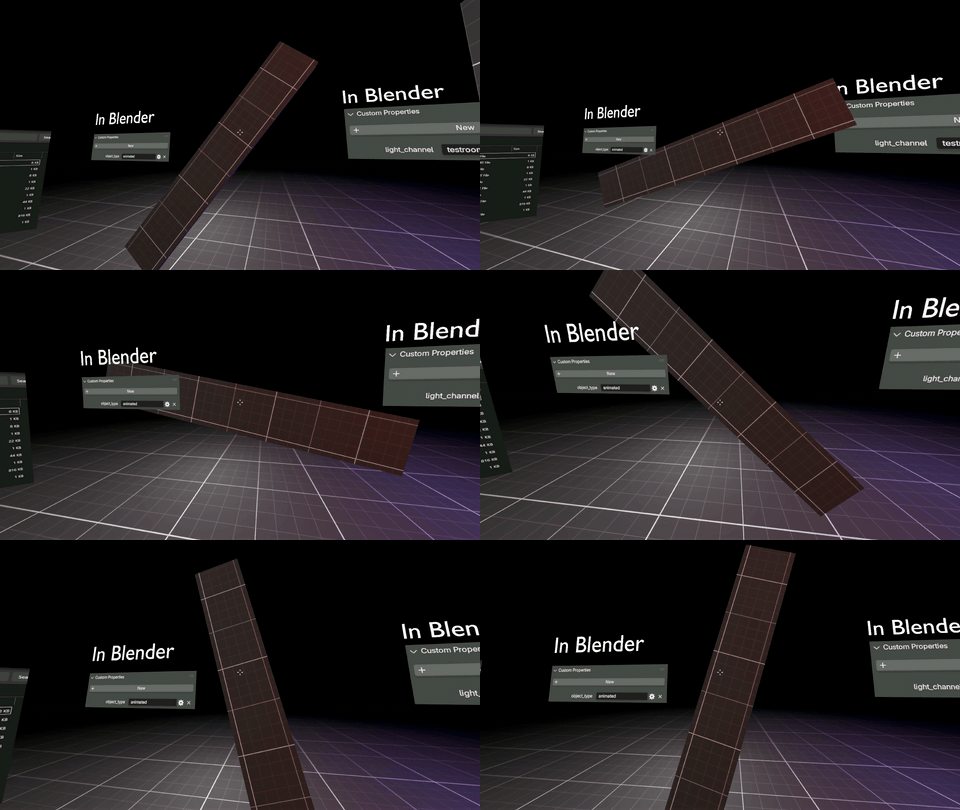
Blender animations play in-game
Animate in Blender. Tagged animation objects will continue to animate in Godot without the need to export or import anything.

Level transitions
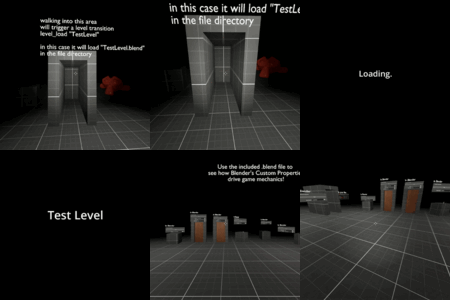
Loading screen, title cards, level transition volumes, all built in.

Interactive look cameras
Position "look" cameras in Blender, and tag them. The player can interact to blend into it. Great for setting up curated environmental experiences. Sit down at a desk, lay on a bed, peer through a window.
• Blender addon for creating new FPK projects
• Built-in Godot 4.6+ project template
• First-person player controller
• Main menu, pause menu, save, and load system
• Inventory system
• Collectible items
• Physics objects the player can pick up, carry, and throw
• Inspectable props
• Dynamic hinged doors
• Locked doors tied to inventory item IDs
• Toggleable radios with positional audio
• Light switches
• Blender animations that play in-game
• Level transitions with loading screens and title cards
• Interactive look cameras for curated scenes
• Audio logs with voice clips, synced subtitles, inventory replay, volume control, and save/load support
First Person Kit is designed for artists, Blender users, and solo creators who want to build first-person experiences without rebuilding the same basic systems from scratch every time.
The Blender addon handles object tagging and custom properties, while the Godot project handles the gameplay logic. You can mark a mesh as a door, item, radio, audio log, physics object, inspect object, light switch, animation, level transition, or look camera, then let the kit convert those tags into in-game behavior.
This is especially useful for horror games, walking sims, environmental storytelling, exploration games, escape rooms, prototype levels, and cinematic first-person projects.
New in version 1.3: Audio Logs
Turn any object into a collectible audio log. The player can pick it up, hear your voice clip with subtitles, and replay it later from the inventory. Subtitles can be timed manually or generated with the included offline auto-transcribe workflow.
Important note:
First Person Kit is not a finished game by itself. It is a starter kit and production toolset for building your own first-person game using Blender and Godot. You will still create your own levels, art, story, sounds, and final gameplay design.
Requirements:
• Blender
• Godot 4.6 or newer
• Basic familiarity with Blender and Godot recommended
First Person Kit is made to help you skip the repetitive setup stage and get to the part that matters: building the world, interactions, and experience you actually want to make.