 ZEG
ZEG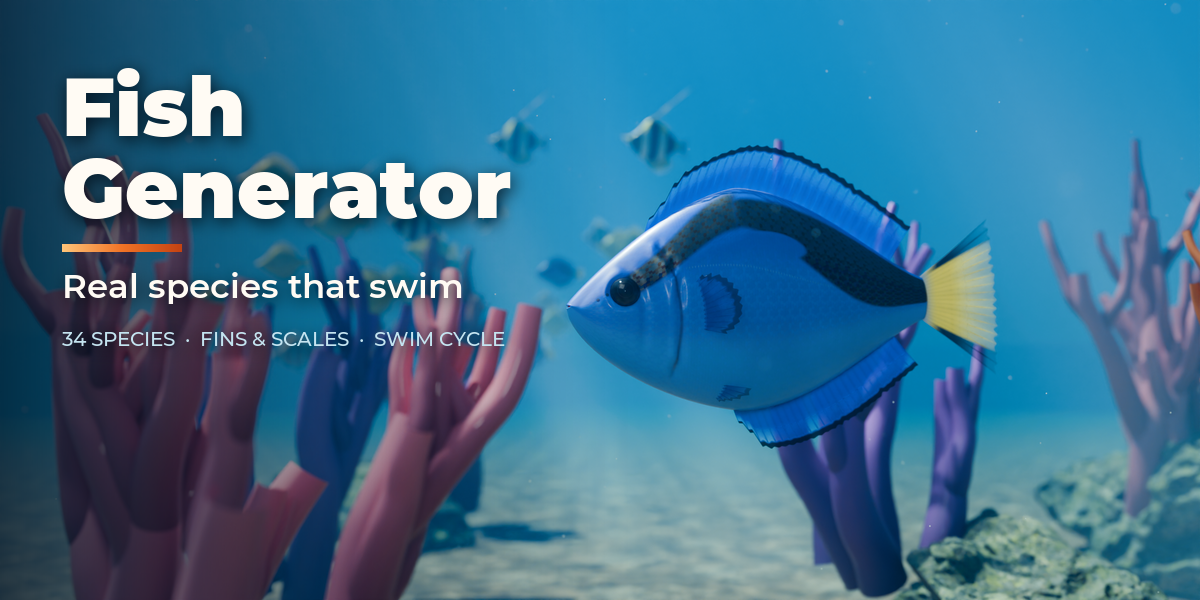
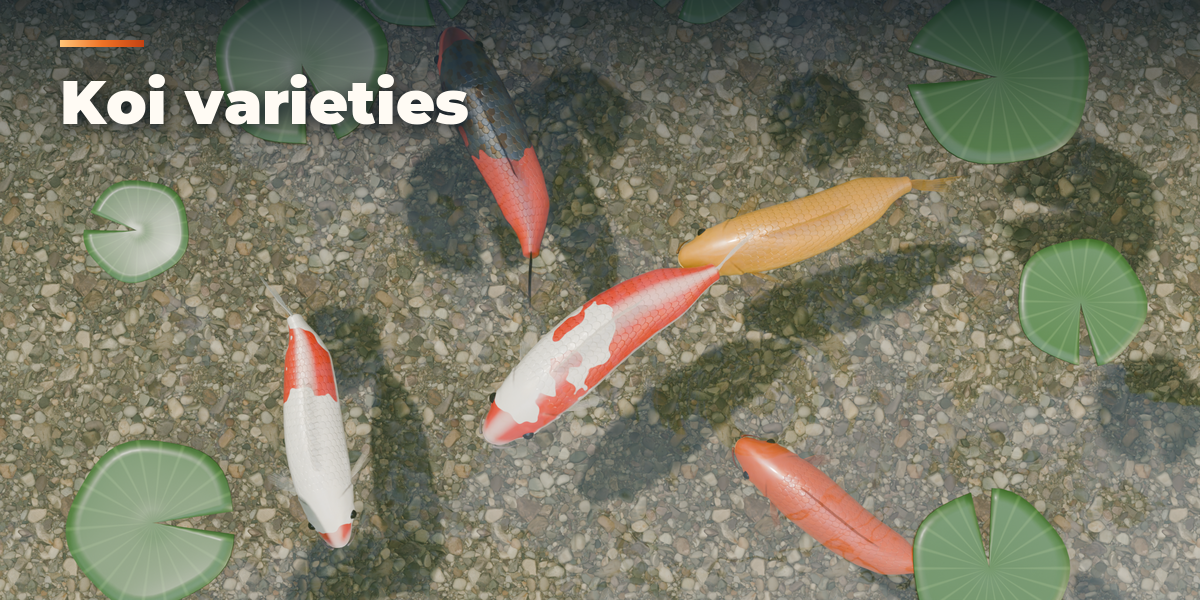
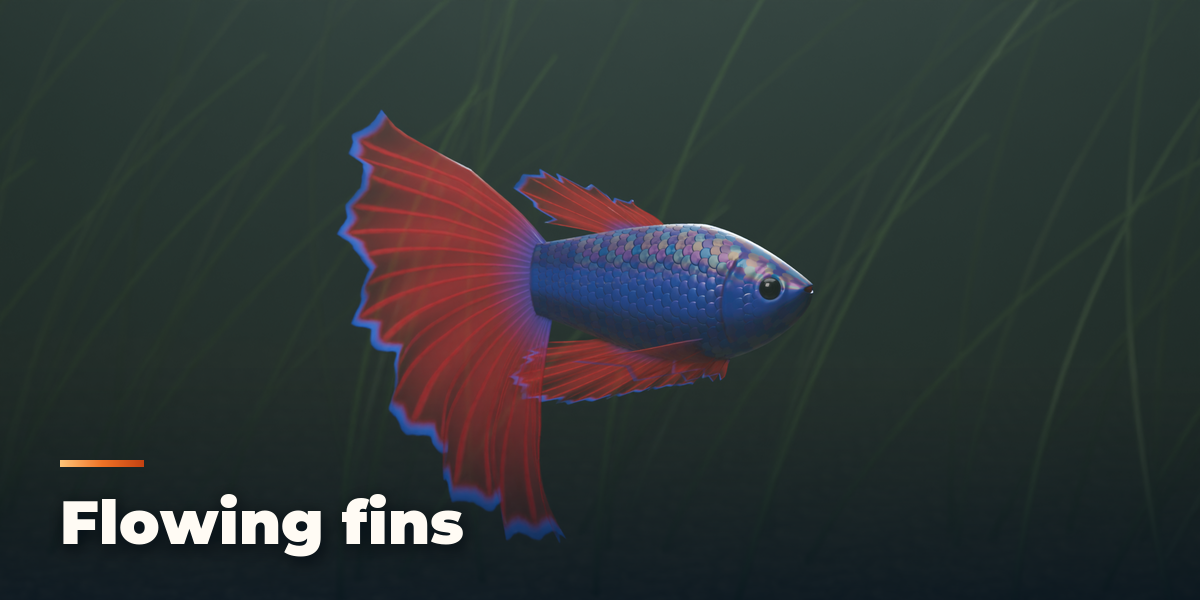
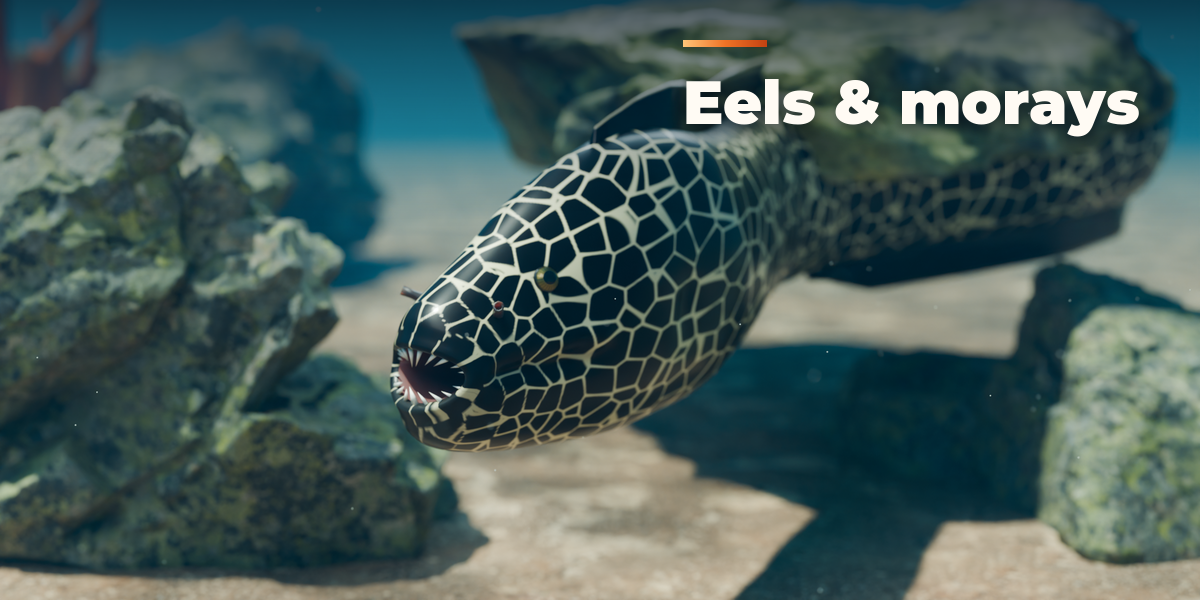
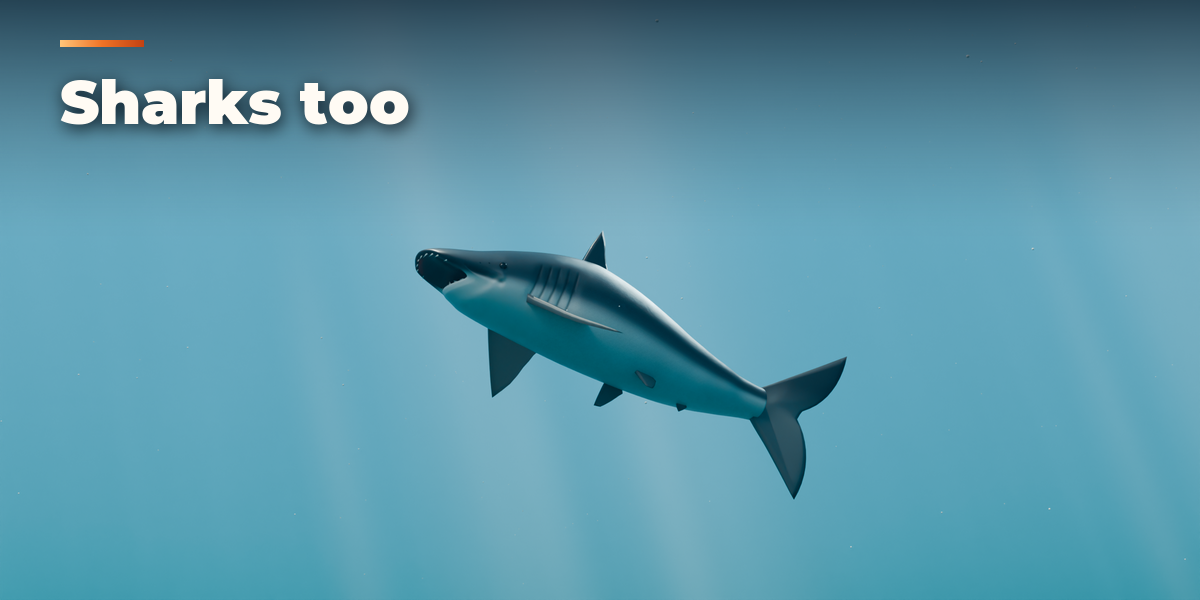
Installation
In Blender open Edit, Preferences, Get Extensions, then use Install from Disk and pick the zip.
Adding a fish
- Open the sidebar in the 3D viewport (N) and go to the Fish tab, or use Shift+A, Fish.
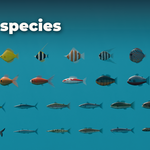
- Pick a species from the preview grid and press Add Fish.
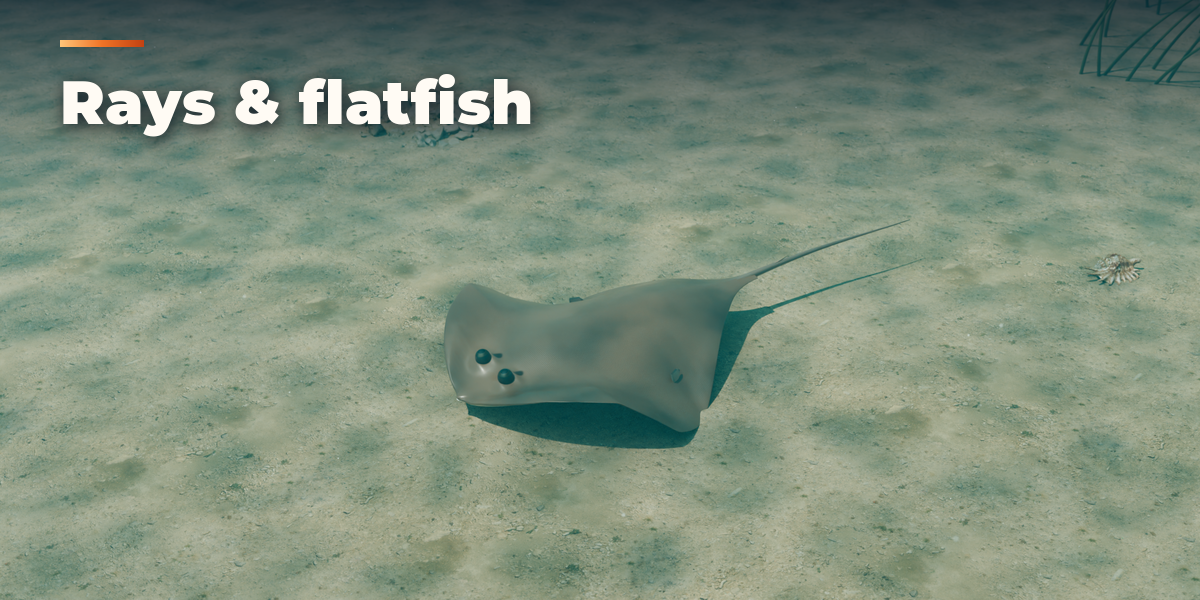
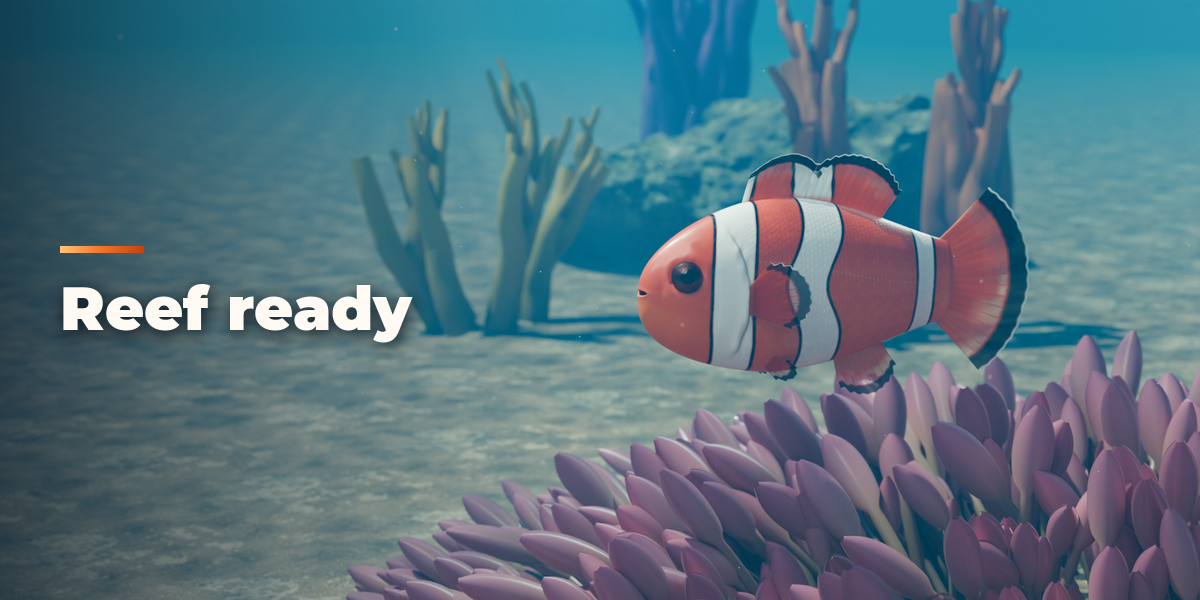
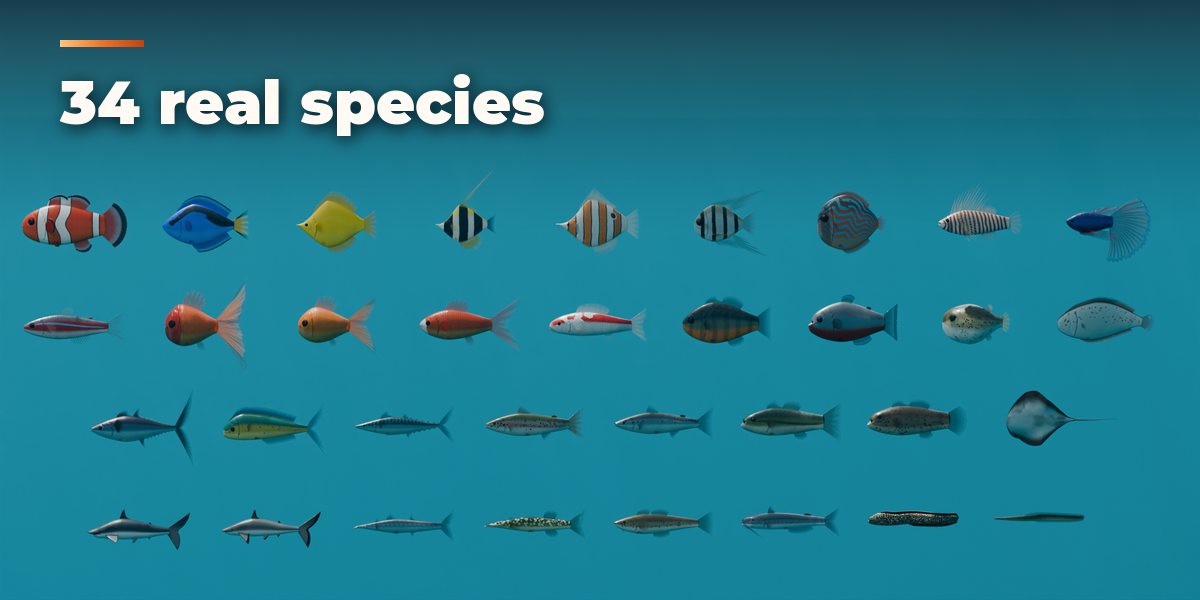
- With the fish selected, change the species, press Surprise for a random fish, Variation to vary the shape or Colours for a new colouring.
Shaping
The sub-panels Body Shape, Head, Eyes & Mouth, Fins, Scales & Skin and Colour & Pattern hold every setting. Changes rebuild the fish live; textures are painted at half size while you drag and refined a moment later.
Animation
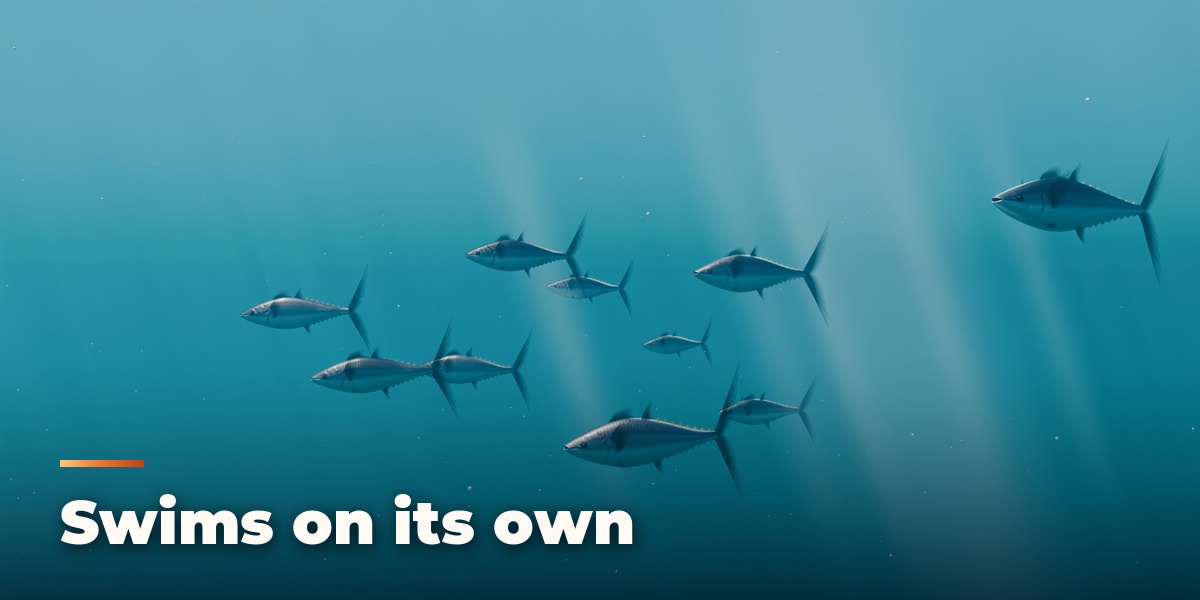
Every fish has an armature with a looping swim action. Press Play in the panel, or change speed, amplitude and wavelength in the Swim Animation panel. Turn Animate off for a still pose.
Export
The fish is an armature with mesh children (body, fins, eyes, details), each with one UV map and packed PBR textures. Export with FBX or glTF as a skinned mesh with its animation.
Scripting
from fish_generator import generator
root = generator.create_fish(bpy.context, "KOI", location=(0, 0, 0))
Have questions about this product?
Login to message
| Blender Extension Compatible | Yes |
| Published | about 2 hours ago |
| Blender Version | 4.2 - 5.2 |
| Extension Type | Add-on |
| Render Engine Used | Cycles, Eevee |
| License | GPL |

Discover more products like this
swim animation procedural Generator aquarium shark game ready koi goldfish creature ocean animal fish