Salman Animator
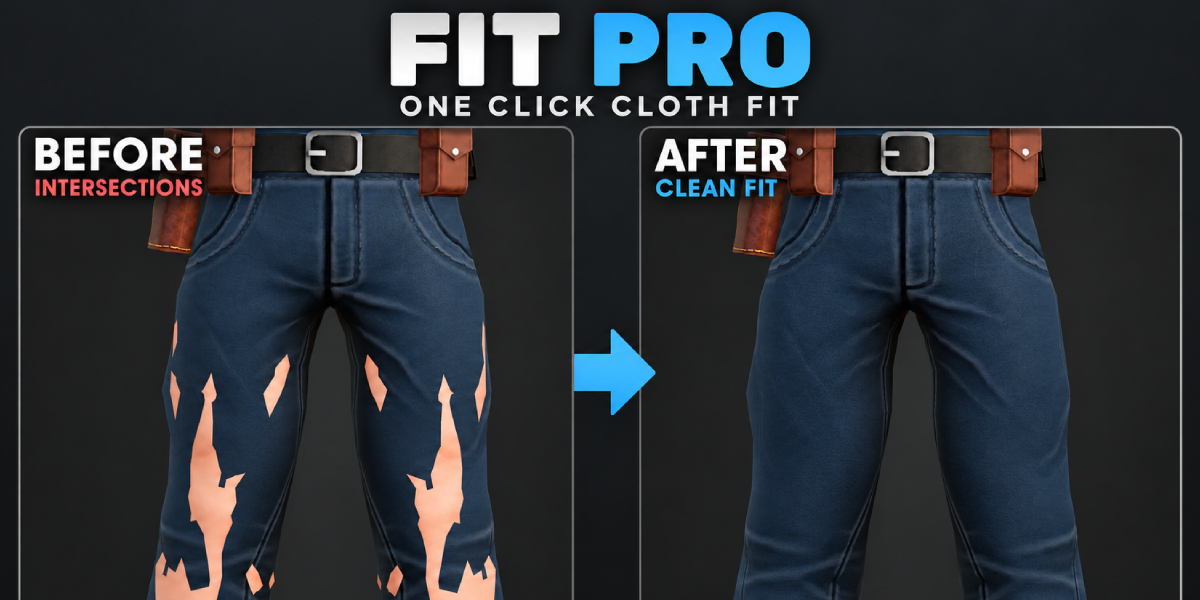
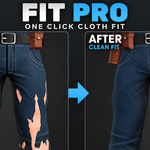
The problem: skin poking through clothes
You place a shirt, jacket or pair of trousers on a character and the body pokes through in a dozen places. Fixing it by hand with proportional editing takes ages. Shrinkwrap flattens the folds. A cloth simulation changes the whole garment and is slow to set up.
The solution: one button
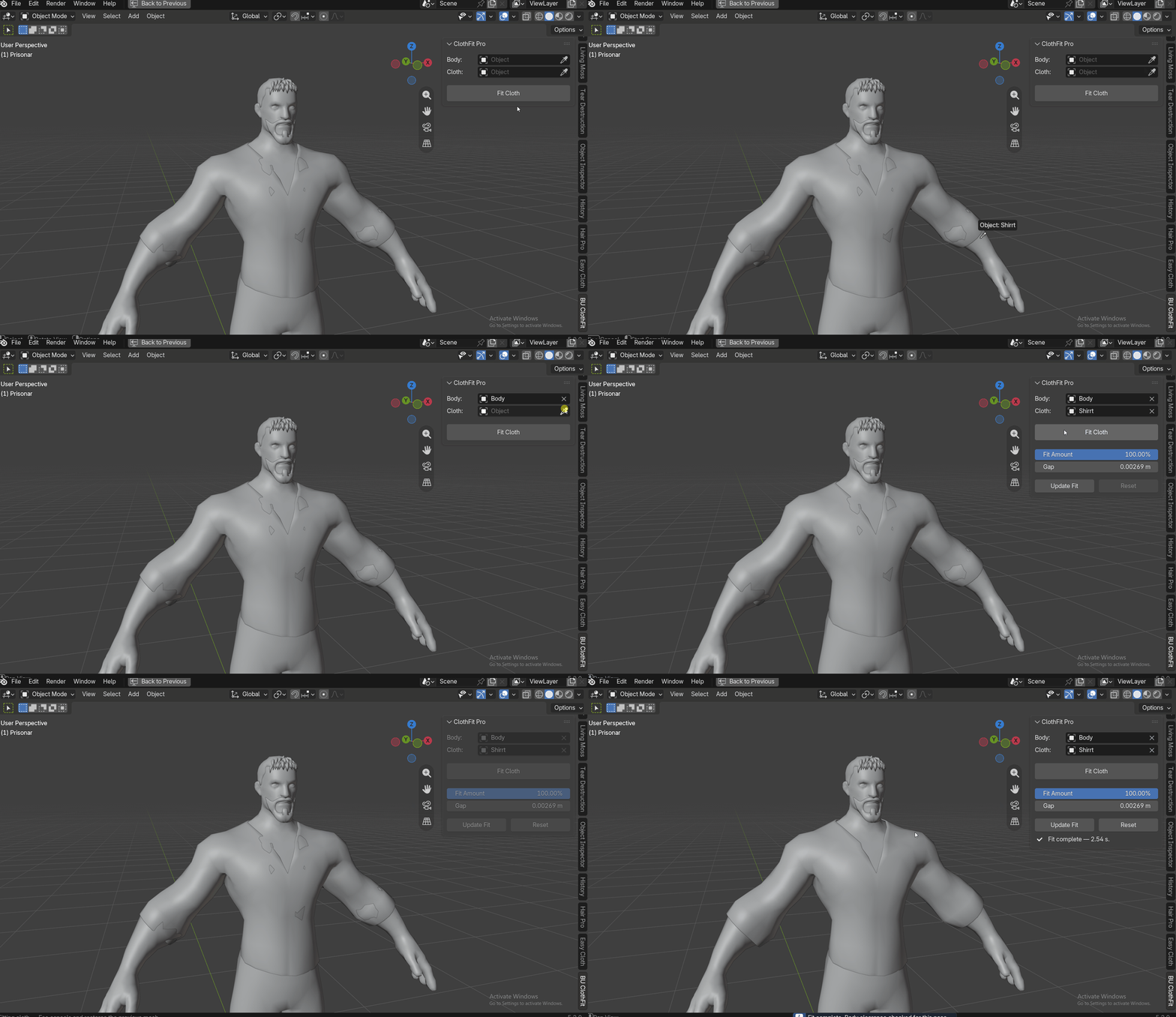
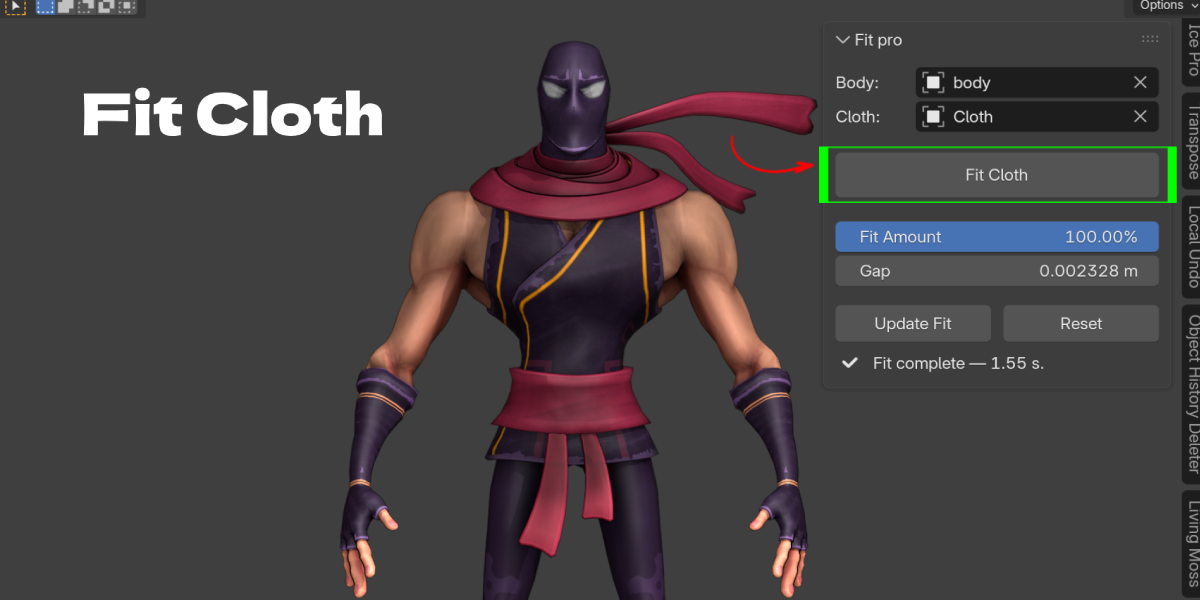
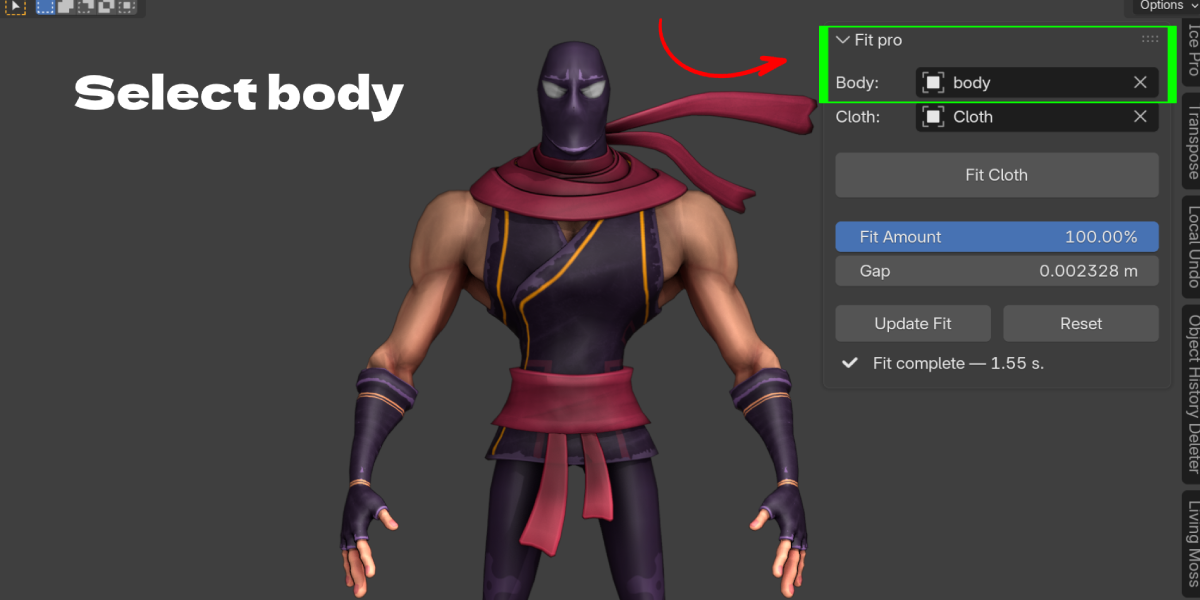
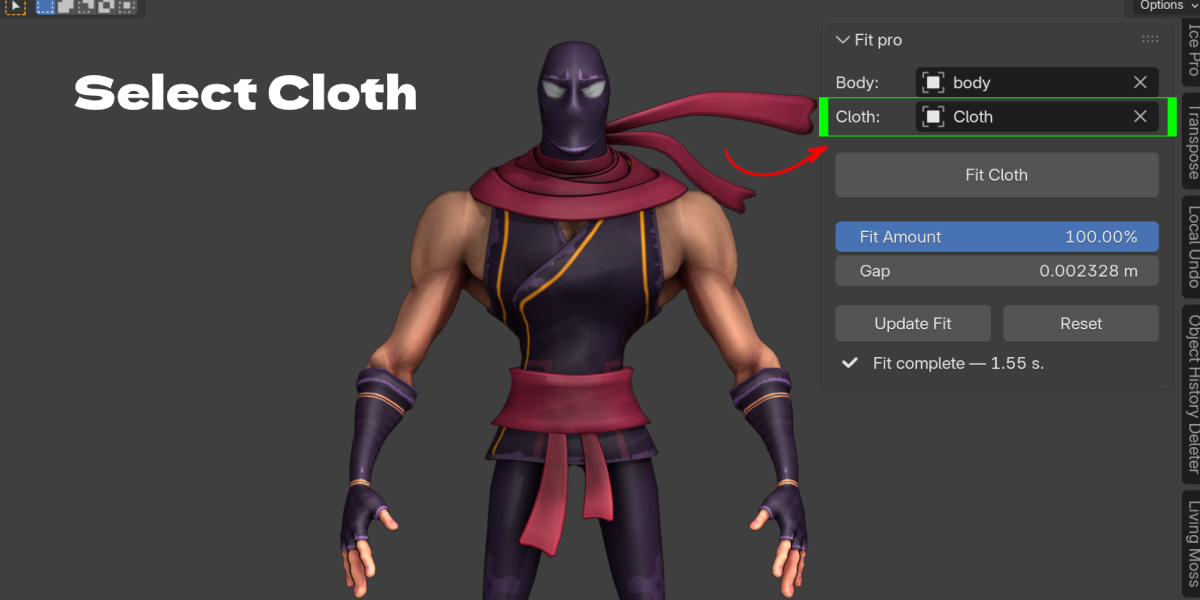
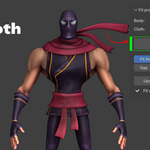
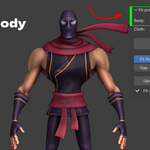
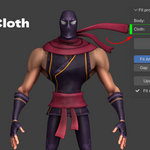
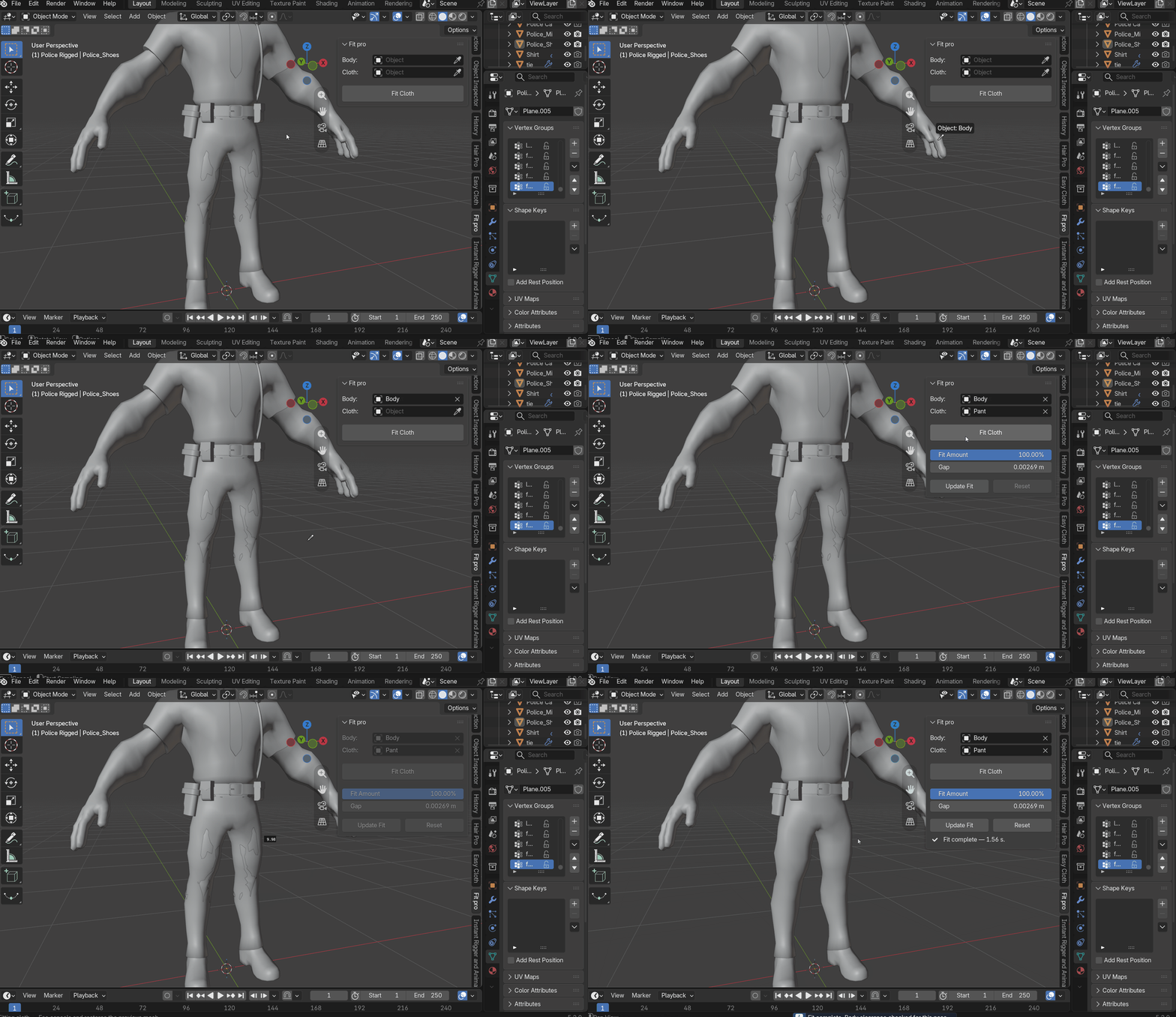
Fit pro moves only the parts of the cloth that intersect the body. Choose the Body and the Cloth in the panel and click Fit Cloth. Contact areas move outward with smooth neighboring displacement, so the result stays clean and the rest of the garment keeps its folds.
Control the result
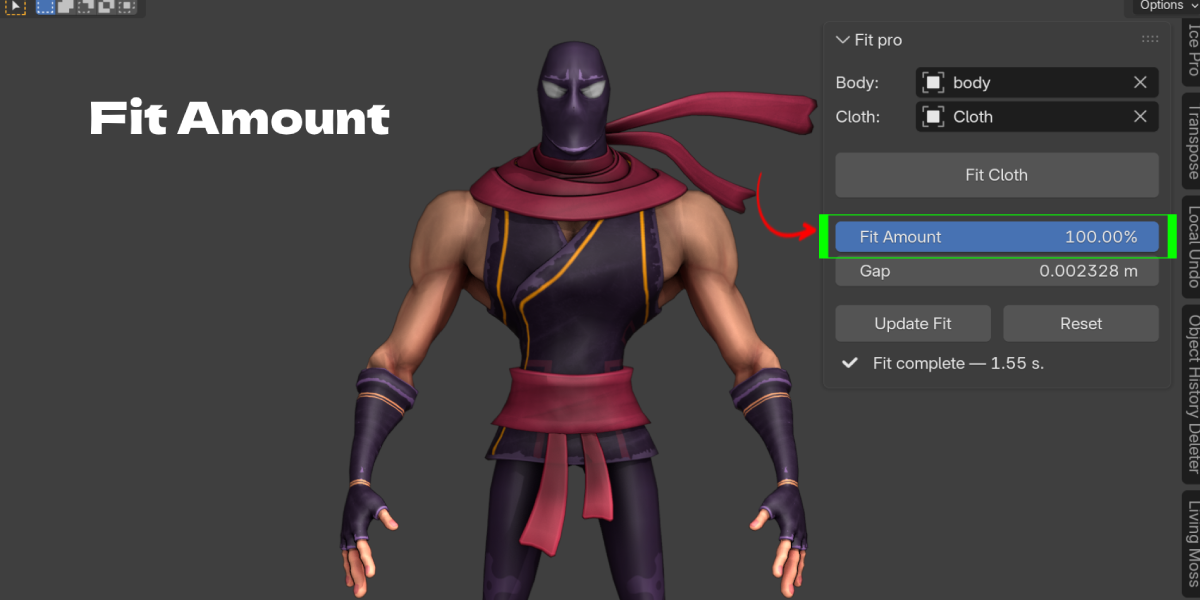
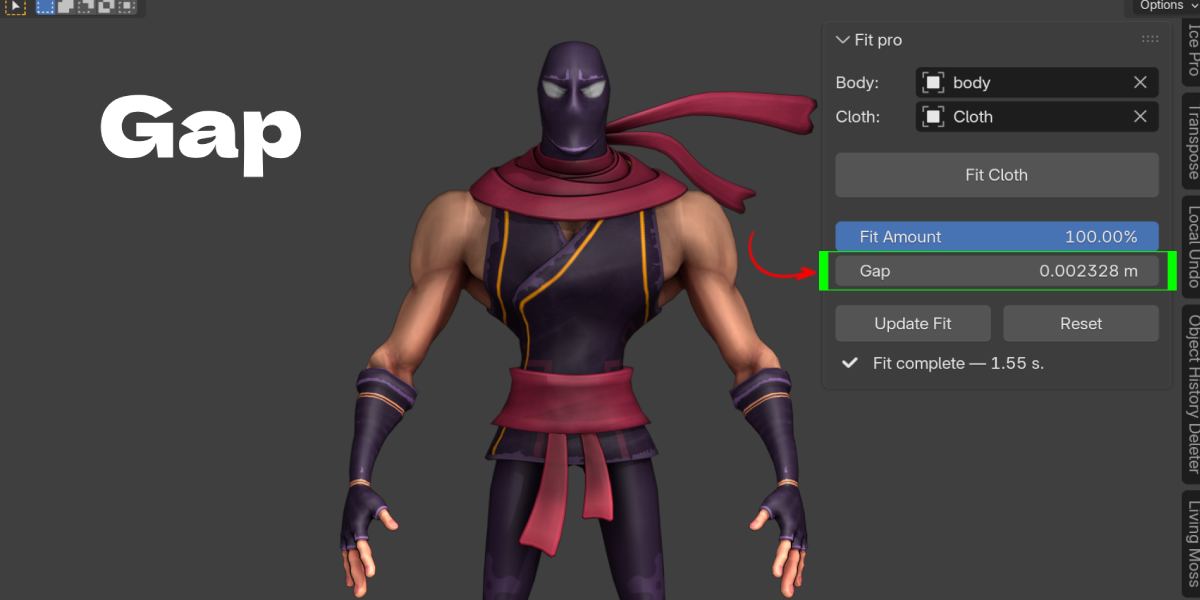
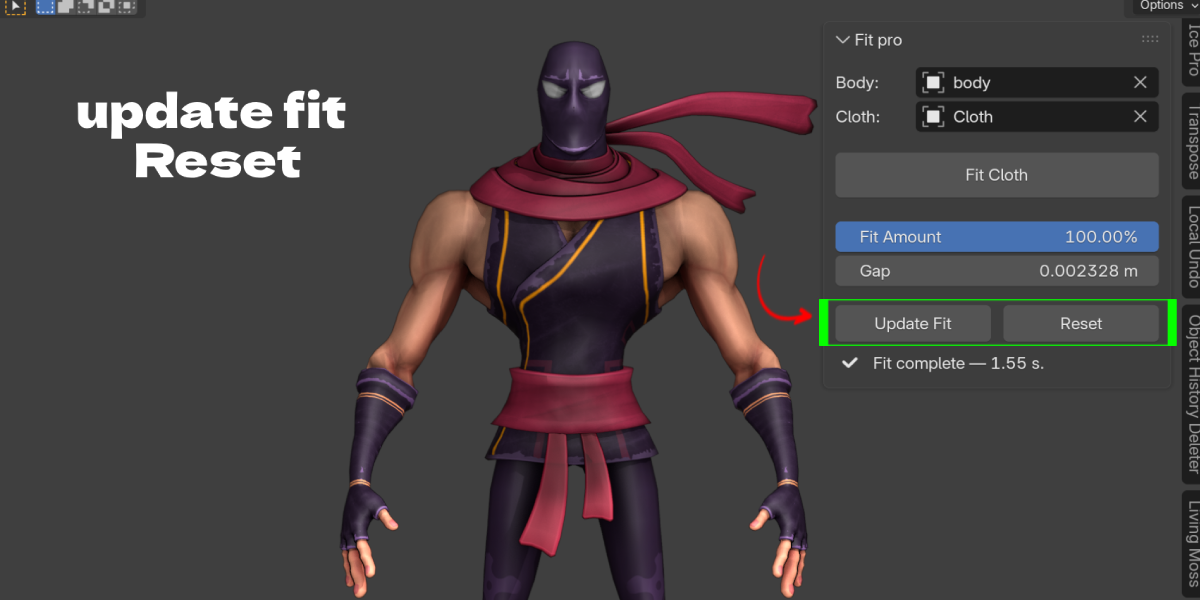
Gap sets the clearance between cloth and skin. Fit Amount blends between the original and fitted shape. Update Fit recalculates from the saved original, and Reset puts every vertex back.
Safe for production meshes
The body is never changed. The cloth keeps its connectivity, UVs, materials and vertex weights. Fit pro does not add shape keys, remesh, scale the garment or run a simulation.
Key Features
- One click Fit Cloth: pushes clipping cloth areas out of the body. Benefit: minutes of cleanup become one click.
- Local, smooth correction: only contact regions move, with smooth falloff around them. Benefit: folds and wrinkles elsewhere stay as they are.
- Gap control: set the clearance distance between cloth and body. Benefit: thin layers or thick fabrics both look right.
- Fit Amount slider: blend between original and fitted positions. Benefit: dial in a subtle or full fit.
- Update Fit and Reset: recalculate from the saved original, or restore it. Benefit: experiment without losing your garment.
- Keeps your data: UVs, materials, vertex weights and topology stay intact. Benefit: rigged and textured clothing keeps working.
- No simulation or shrinkwrap: direct, predictable vertex correction. Benefit: fast results without simulation setup.
- Armature support: works with clothing that has an Armature modifier in a fixed pose. Benefit: fit rigged outfits in their current pose.
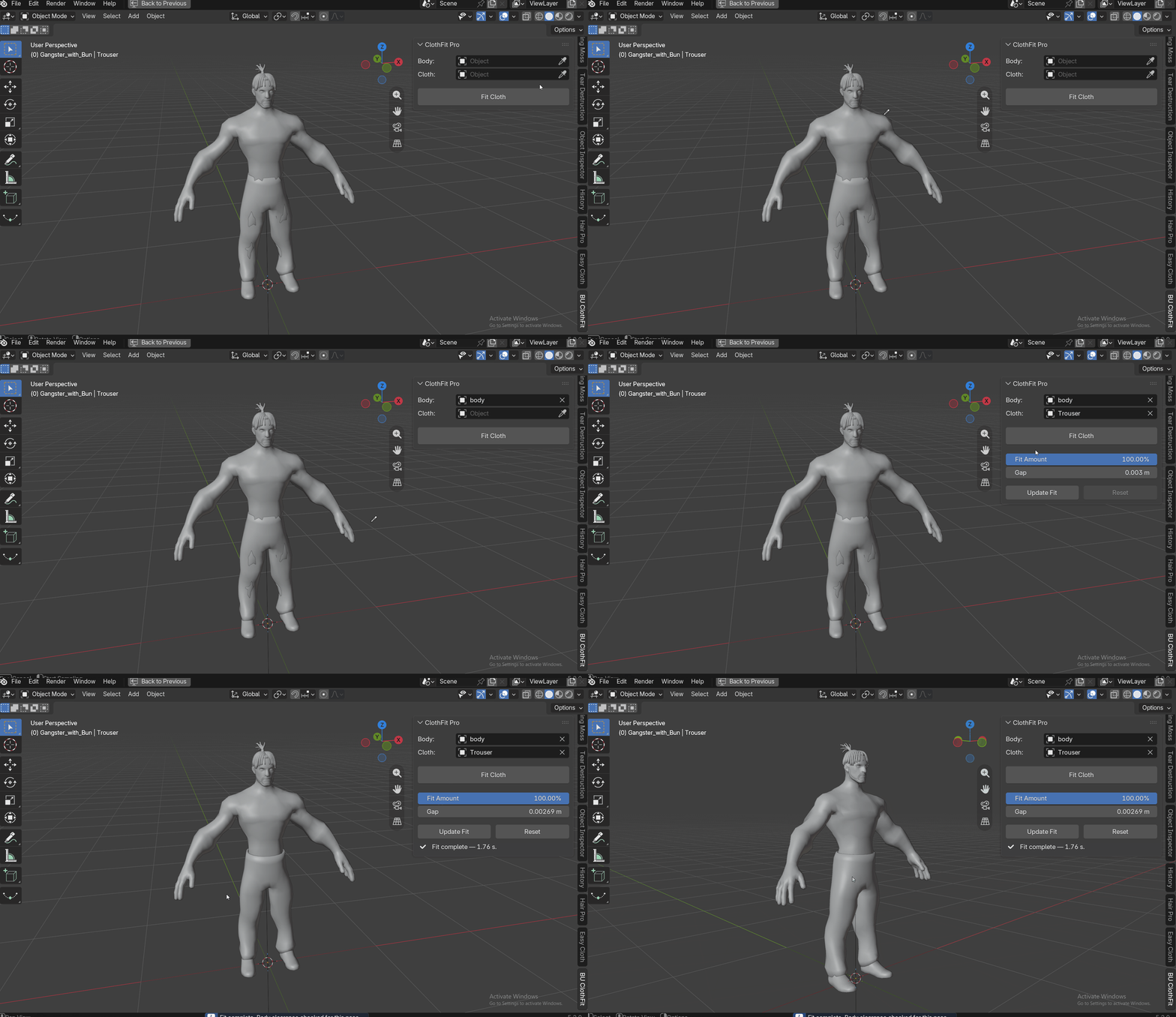
Workflow Benefits
- Old way: hunt for each spot where the body pokes through and fix it with proportional editing. New way: click Fit Cloth.
- Old way: add Shrinkwrap and watch the folds flatten. New way: only the clipping areas move.
- Old way: set up a cloth simulation to settle a garment. New way: no simulation at all.
- Old way: start over after a bad fix. New way: Reset or Update Fit from the saved original.
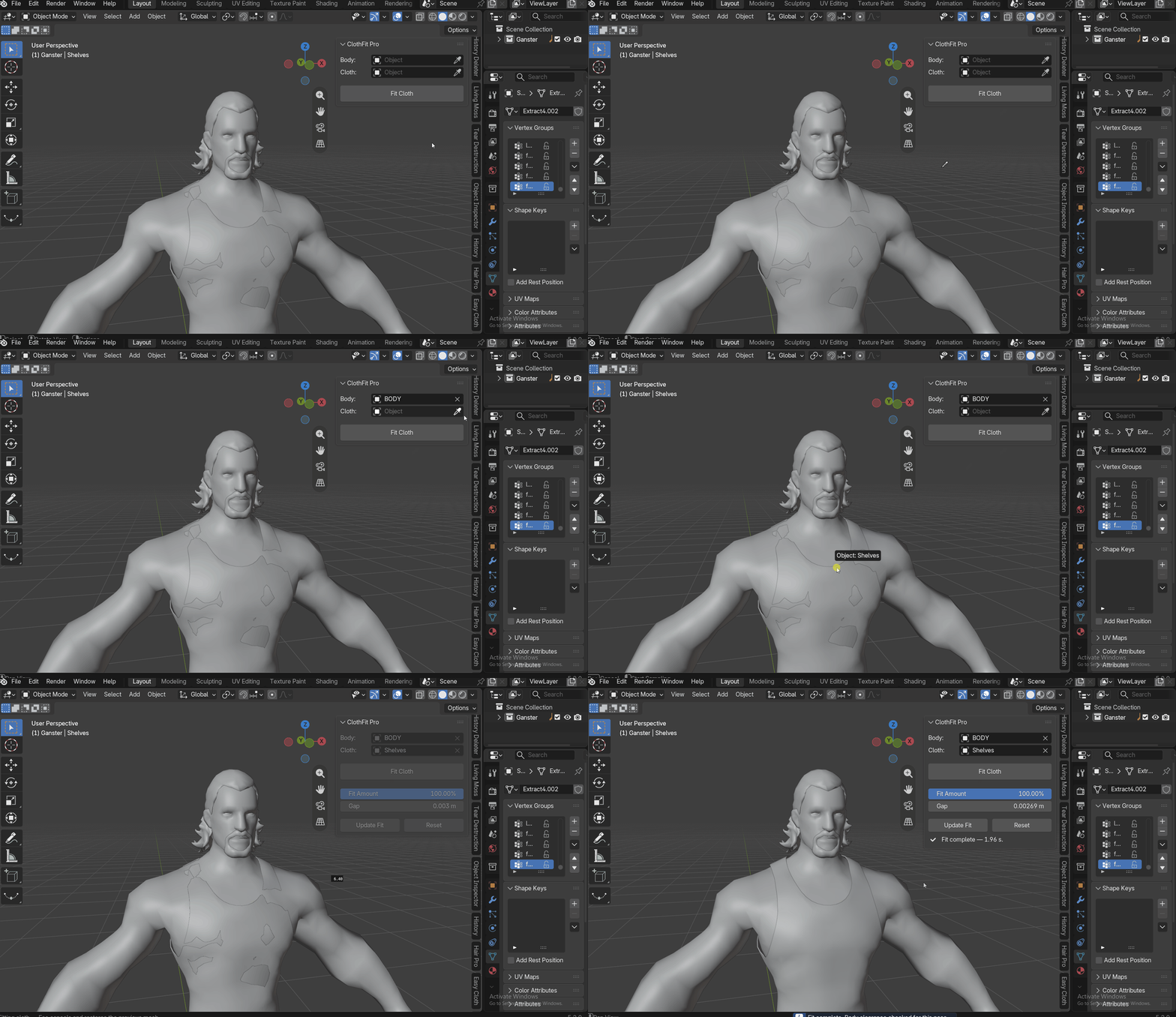
Who it is for
- Character artists: dressing characters with shirts, jackets, trousers and armor
- Game artists: fixing clipping on outfit variations before export
- Kitbash and asset users: fitting store bought clothing onto a different body
- Animators: cleaning up clothing in a hero pose
- Hobbyists: dressing characters without learning cloth simulation