Fits
 Noderift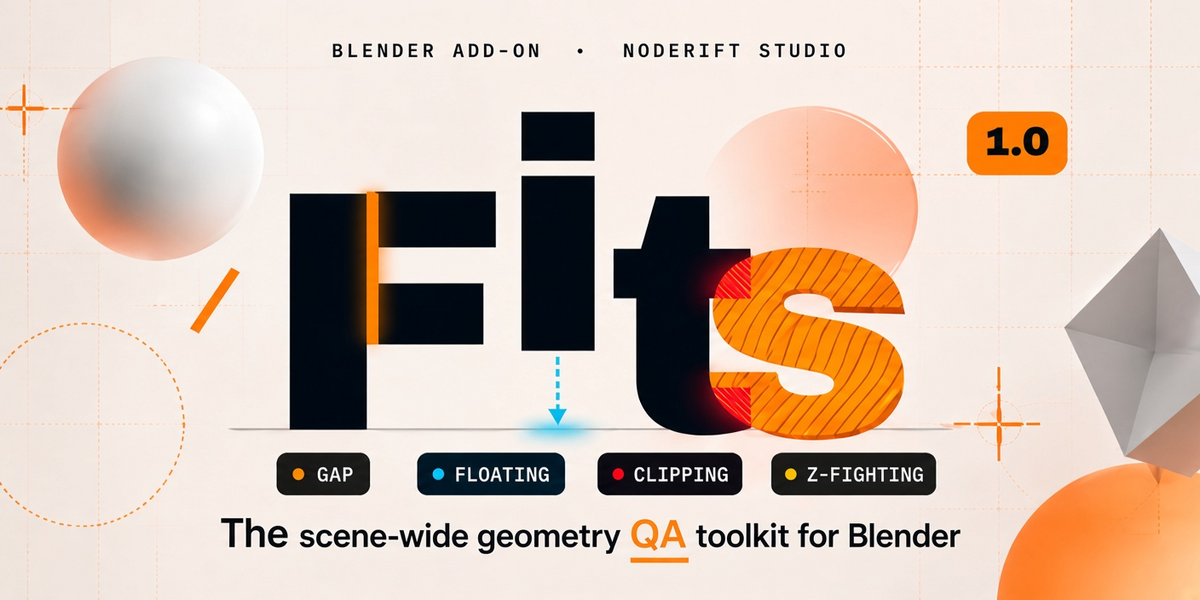
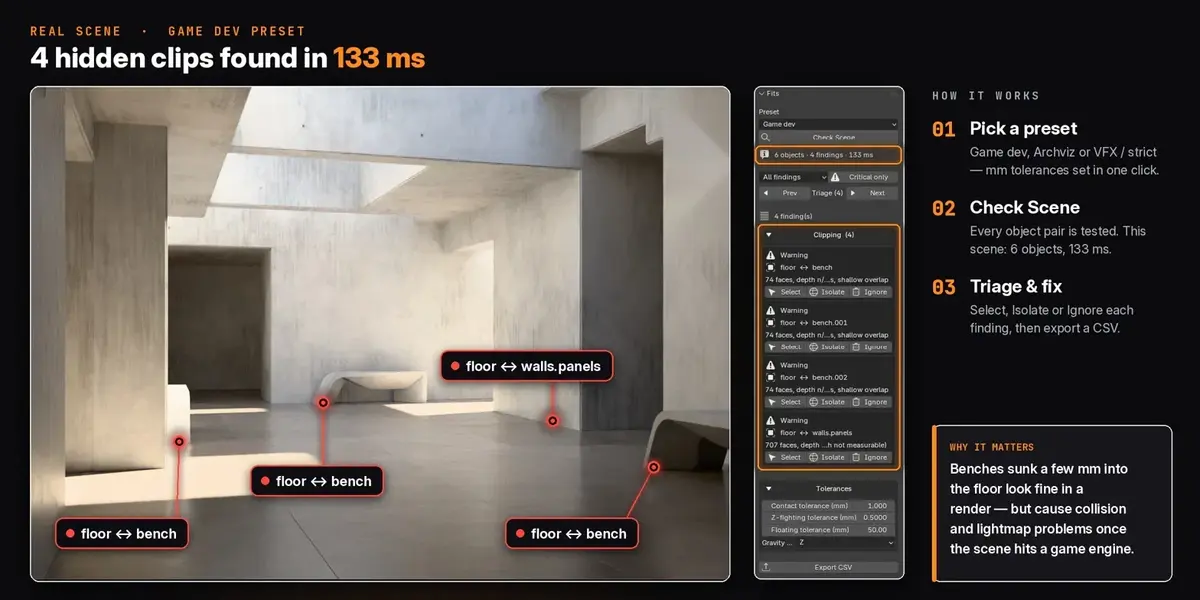
FITS
User Guide
Get the most out of Fits. Skip what you already know.
Quick Start
1. Install

fits.zip via Edit → Preferences → Add-ons → Install from Disk. Requires Blender 4.2+. 2. Open the 3D Viewport sidebar (press N) and select the Fits tab.
3. Click Check Scene, then expand a category to see individual findings.
Install both files together: Fits ships as two files (
__init__.py + qa.py) that must stay in sync — always reinstall the full .zip, never swap in a single file. Settings That Matter
The controls you'll actually use. The rest are self-explanatory.
Preset
Quick tolerance bundles — Game Dev, Archviz, VFX/Strict, or Custom.
Contact Tolerance

Distance below which two surfaces count as touching. Also sets Clipping severity.
Z-fighting Tolerance
How close same-facing surfaces can sit before being flagged as coincident.
Floating Tolerance
How far a part can rest above its support before it's Floating instead of just a Gap.
Gravity Axis
X / Y / Z (default Z). Sets which direction "down" is for Gaps and Floating.
Filter
Narrows the findings list to one category, or toggles Critical Only.
Prev / Next
Steps through findings matching the active filter, framing each one in the viewport.
All three tolerances are raw millimetres. Fits converts them automatically using your scene's own unit scale — no manual conversion needed. Hand-editing any value switches the preset to Custom.
Tips
Re-check before you export
Fits flags stale results automatically, but a fresh Check Scene before exporting keeps your report airtight.
Use Isolate while triaging
Everything else switches to wireframe and the camera frames the pair — you're never hunting for what's flagged.
Ignore intentional overlaps
A socketed bolt or an interior wall meant to clip shouldn't clutter every future scan. Ignore is stored with the .blend and reversible any time.
Match the preset to your pipeline
Game Dev for real-time props, Archviz for architectural detail, Strict for hero VFX shots.
Undo works everywhere it should
Select, Isolate, and Ignore all support Blender's standard Ctrl+Z.
Common Problems
Panel says "Broken installation"
The two files are out of sync. Reinstall the full .zip rather than replacing one file on its own.
Button says "Re-check (scene changed)"
Expected after any geometry or transform edit. Re-run Check Scene before trusting the list or exporting.
An ignored pair reappears
Ignored pairs are keyed by object name — renaming either object un-ignores it.
Scan feels slow on a big scene
Scanning isn't multithreaded yet — expect more time on scenes with many thousands of objects or a few extremely high-poly meshes.
A floating report looks wrong
Objects at floor level or at the world origin are treated as grounded automatically. Anything else with nothing beneath it along the gravity axis reports as floating.
Changelog
v1.0.1 — fixes & improvements
Fixed floor, terrain, and origin-seated objects sometimes being reported as floating.
Fixed objects resting inside their support being double-flagged as both clipping and floating.
Fixed mirrored / negatively-scaled objects producing incorrect clipping and gap results.
Fixed tolerance fields being mislabeled in meters instead of millimeters.
Fixed exported CSV reports sometimes showing tolerances that didn't match the scan.
Fixed a scene-change detection issue that could silently stop flagging stale reports.
Fixed "Ignore This Finding" jumping outside the active filter.
Fixed inconsistent active-object selection.
Added undo support (Ctrl+Z) for Select, Isolate, and Ignore.
v1.0.0 — initial release
Scene-wide clipping, z-fighting, floating, and gap detection.
Game Dev / Archviz / Strict / Custom tolerance presets.
Category filtering and Critical-only triage.
Persistent, .blend-stored ignore list.
CSV export.
FAQ
Which Blender versions?
4.2 and newer, on Windows, macOS and Linux. Nothing extra to install.
Does Fits modify my mesh geometry?
No. Every check is read-only. Isolate temporarily switches other objects to wireframe display, restored automatically when you exit isolation or reopen the file.
Will it flag my floor or terrain as floating?
No. Objects at floor level or at the world origin along the gravity axis are treated as grounded.
Does it handle mirrored objects correctly?
Yes. Mirrored and negatively-scaled geometry is read with corrected winding.
Does it check particle- or instance-duplicated geometry individually?
No — Fits scans each object's own evaluated mesh, not exploded instance copies.
Can I use it commercially?
Yes. Commercial license included — films, games, archviz, client work, all fine.
Do I get updates?
Yes. Updates and bug fixes for Fits 1.x are included with your purchase.
What if I run into a problem?
Email me — see below. Real human reply, not a bot.
-
$9
For one artist. Includes all updates and support.
-
$39
One purchase for your whole team — use FITS on up to 5 seats in the same studio or company. Includes all updates and support.
Have questions about this product?
Login to message
| Published | 3 days ago |
| Blender Version | 4.3 - 5.0 |
| Extension Type | N/A |
| Render Engine Used | Cycles |
| License | GPL |

Discover more products like this
ArchViz asset Geometry Validation Geometry Checker Geometry QA 3d archviz Blender Add-on scene checker QA product-visualization