Fixed Brush Size for Texture Paint
 GeceStudio


Fixed Brush Size for Texture Paint — Documentation
Installation
Open Blender and navigate to Edit > Preferences from the top menu.
Click on the Add-ons tab on the left side of the window.
Click the Install... button in the top right corner, select the downloaded
Fixed_Brush_Size_for_Texture_Paint.pyfile, and click Install Add-on.Find the add-on in the list and check the box next to it to enable it.
How to Use
The add-on is designed with a "set and forget" philosophy to keep your workflow completely seamless. There is no need to look for any extra panels or buttons:
Automatic Activation: Every time you launch Blender or open a new scene, the add-on starts running silently in the background.
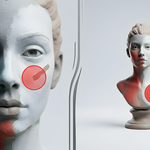
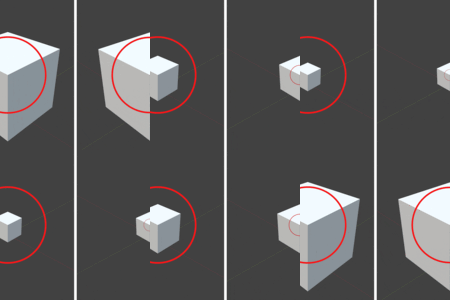
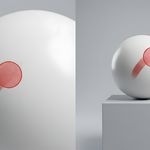
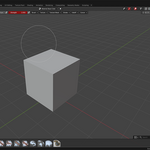
Usage: The moment you switch to Texture Paint mode in the 3D Viewport, your brush size automatically locks to the 3D space.
No matter how close you zoom in or how far you zoom out, the real-world scale (size) of the brush stroke left on the model surface remains exactly the same.
If you want to change the brush size, you can continue using the standard F shortcut as usual; the add-on will instantly adapt and lock to your new brush size.
Compatibility & Notes
Version Support: Thanks to its backward-compatible API check structure, it is fully compatible with Blender 4.5, 5.0, and 5.1+.
Performance: The background modal timer system is highly optimized to run at millisecond intervals, ensuring zero impact on Blender's native performance.
Have questions about this product?
Login to message
| Published | 3 months ago |
| Blender Version | 4.5 - 5.1 |
| Extension Type | N/A |
| Render Engine Used | Cycles, Eevee |
| License | GPL |
Discover more products like this
texture-artist Texture Paint brush size paint workflow hand painted fixed brush sculpting tool